
Description
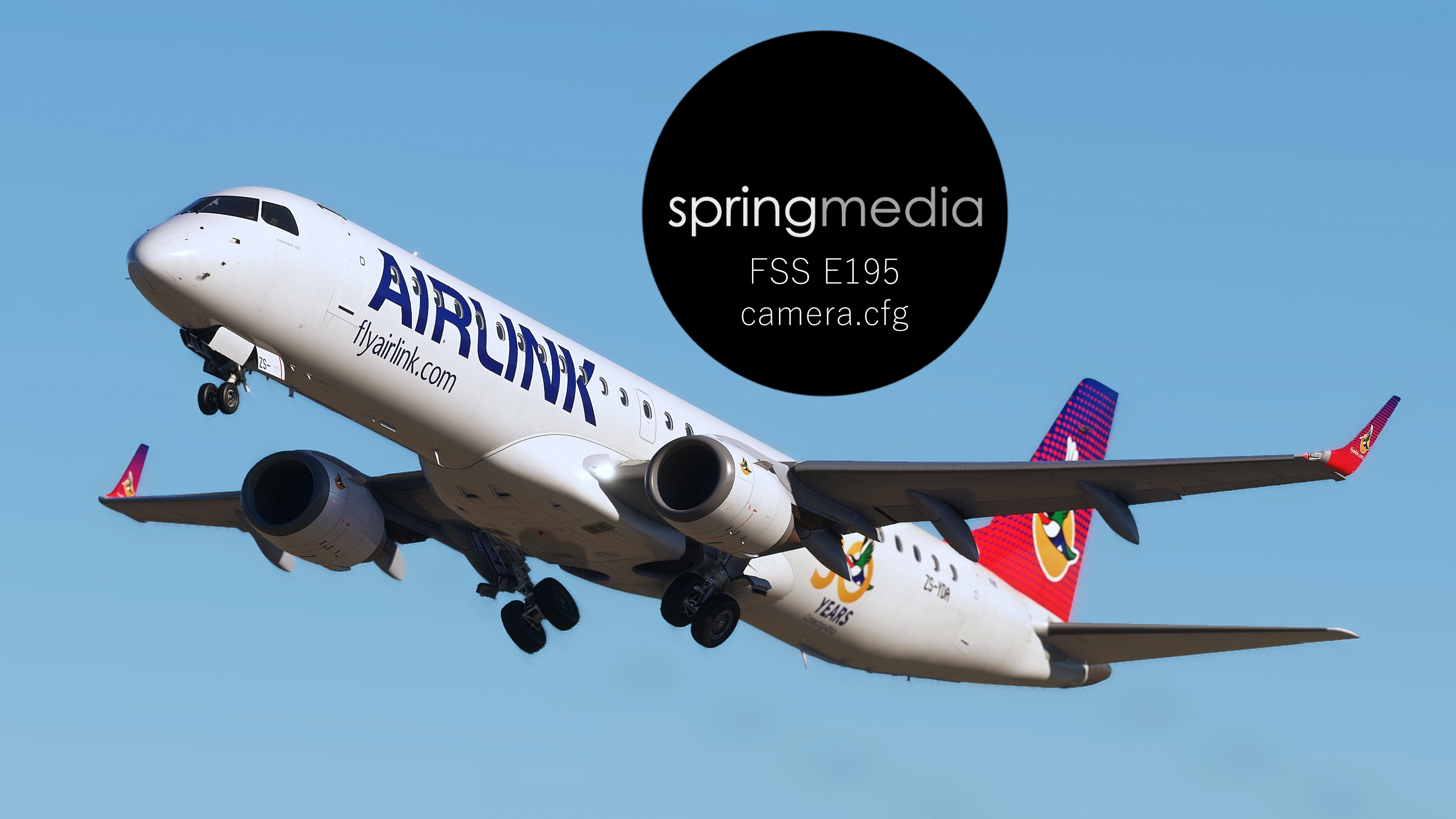
My custom FlightSim Studio E195 camera views:
Custom View 1: Captain's view (also matches the HUD)
Custom View 2: Overhead panel
Custom View 3: FMC and ND
Custom View 4: Lower Pedestal
Custom View 5: EFB
Custom View 6: Wingview, left forward wing
Custom View 7: Wingview, right forward wing
Custom View 8: Wingview, left after wing
Custom View 9: Wingview, right after wing
Place the camera.cfg in:
C:\Users\xxxx\AppData\Local\Packages\Microsoft.FlightSimulator_8wekyb3d8bbwe\LocalCache\SimObjects\Airplanes\E195
springmedia - FSS E195 custom views
Enhance your E195 flying experience with custom camera views including cockpit, overhead panel, FMC, wing views, and more. Finely-tuned perspectives for various aspects of your aircraft for Microsoft Flight Simulator.


User Reviews
2 reviews
Version History
No version history available.
Related
springmedia - iFly B737 MAX 8 Custom Views
This add-on provides a set of custom camera views specifically designed for the iFly B737 MAX 8 in Microsoft Flight Simulator. The configurations include key perspectives such as the captains view, overhead panel, FMC and ND, along with multiple wingviews from various angles. Each view has been optimized for clarity without glitches, ensuring an immersive flight experience regardless of monitor size. Installation instructions for different user setups are included for convenience.
by springmedia
springmedia - The Ultimate B777 custom views
Explore the ultimate custom views for the PMDG B777-300/ER by springmedia. This add-on offers meticulously crafted camera angles, including cockpit perspectives, wingviews, and more to enhance your flight experience. Install these views to access unique vantage points such as the overhead panel, FMC, EFB, and various wingview angles. Perfect for Microsoft Flight Simulator users looking to immerse themselves in the virtual cockpit.
by springmedia
Springmedia - The Ultimate FSLabs A321 Custom Views
This add-on features custom view placements for the FSLabs A321Neo, addressing common issues such as poor window positioning and invisible walls. It offers ten unique camera perspectives, including cockpit views and multiple wingviews that enhance visibility during flights. Users can easily install the custom camera configurations by following the provided instructions for both Microsoft Store and Steam versions of the simulator.
by springmedia
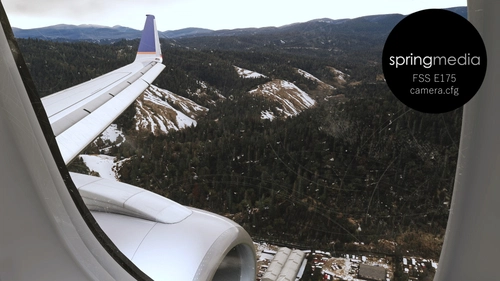
springmedia - FSS E175 camera.cfg
Custom camera views for the FlightSim Studio E175, offering perspectives from the cockpit to wingviews. Ideal for a more immersive flying experience.
by springmedia
Log in to join the discussion
Log InComments(4)
over 2 years ago
over 2 years ago
over 2 years ago
almost 3 years ago