
Description
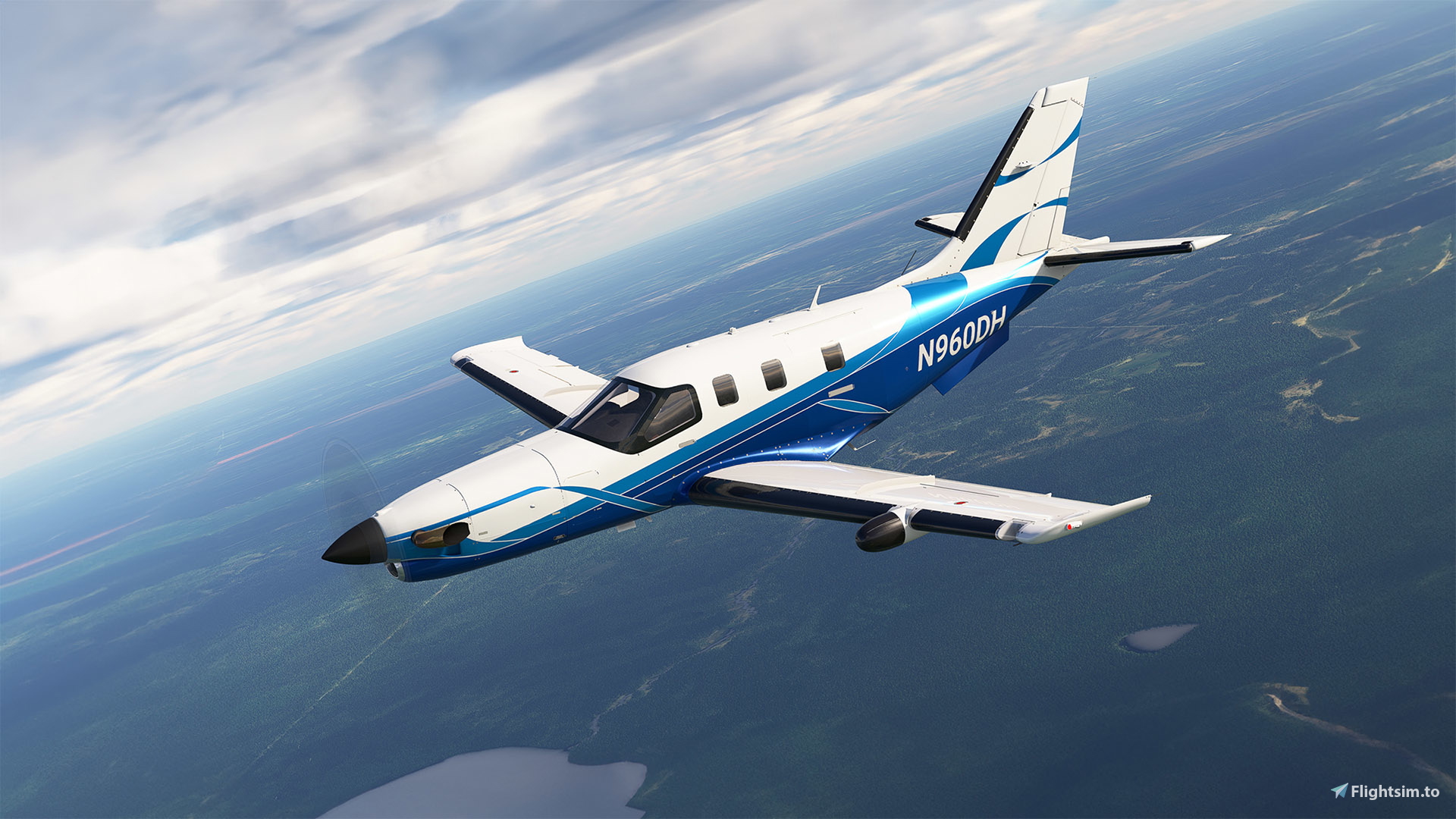
This is a repaint for the excellent TBM 850 by Black Square. This livery makes use of Black Square’s dynamic tail number system, so you can change the tail number as you like. This is a slightly fictitious livery, as the real N960DH is a TBM 960.
Installation
Simply drag and drop the 'livery-bksq_tbm850_n960dh' folder into your MSFS Community folder.
Credits
Many thanks to ryanbatc for providing the incredible screenshots!
Livery created by Tim-HH using Adobe Substance 3D Painter and Adobe Photoshop.
Black Square TBM 850 N960DH (Dynamic Registration)
Black Square TBM 850 N960DH repaint with dynamic registration, allowing for customization of the tail number. Installation is simple: just drag and drop the folder into your MSFS Community folder. Created by Tim-HH using Adobe Substance 3D Painter and Adobe Photoshop.

Supporters

User Reviews
5 reviews
Version History
MSFS 2024 Version _______________ Fixed Dynamic Registration
Related
Black Square TBM 850 N247LB (Dynamic Registration)
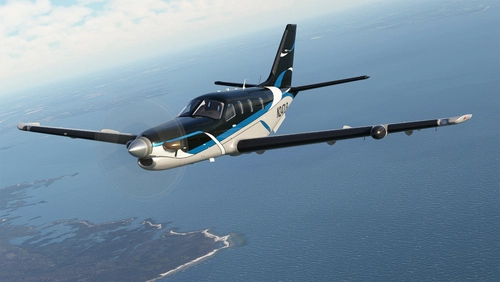
A dynamic registration repaint for the Black Square TBM 850, allowing you to customize the tail number. Easy installation by dragging the folder into your MSFS Community folder. Created by Tim-HH using Adobe Substance 3D Painter and Adobe Photoshop.
by TimHH
Black Square TBM 850 N755ZR with Custom Interior (Dynamic Registration)
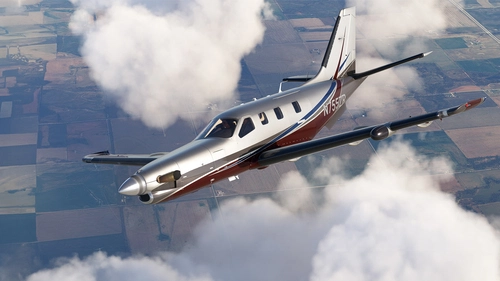
Enhance your TBM 850 with a custom Black Square N755ZR livery featuring a dynamic registration system and a stylish beige interior. Personalize your aircraft by easily changing the tail number to your preference. Created by Tim-HH with attention to detail using Adobe Substance 3D Painter and Adobe Photoshop.
by TimHH
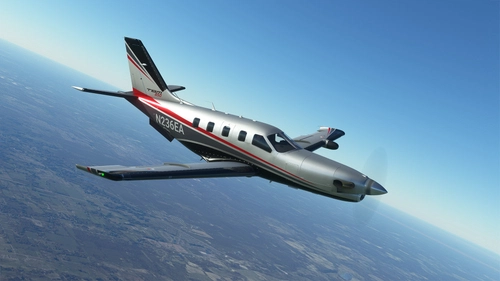
Black Square TBM 850 N236EA (Dynamic Registration)
Repaint for the Black Square TBM 850 with dynamic tail number system. Customizable tail numbers for a personalized experience. Designed by Tim-HH using Adobe Substance 3D Painter and Adobe Photoshop. Simply drag and drop to install in MSFS Community folder.
by TimHH
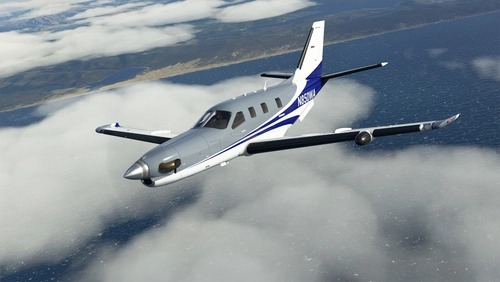
Black Square TBM 850 N850WA (Dynamic Registration)
Customize your TBM 850 experience with this Black Square repaint featuring a dynamic tail number system. Easily change the tail number to your preference and enhance your virtual flights.
by TimHH
Log in to join the discussion
Log InComments(20)
6 months ago
8 months ago
8 months ago
8 months ago
You livery looks amazing and i cant wait to get it to work.
8 months ago
8 months ago
i jsut try adjust aircraft.cfg and folder names
8 months ago
C:\msfs2024\Community\livery-bksq_tbm850_n960dh-2024\SimObjects\Airplanes\justflight-aircraft-tbm850-N960DH_DR
and aircraft.cfg:
base_container = "..\justflight-aircraft-tbm8500"
but that wasnt all i guess since it doesnt work
8 months ago
8 months ago
so sad the only livery i wanted :)
8 months ago
8 months ago
about 1 year ago
about 1 year ago
about 1 year ago
over 2 years ago
almost 3 years ago
almost 3 years ago
almost 3 years ago
thank you so much for your work. It's fantanstic..
I appreciate it so much and I sent you a donation ;-)
almost 3 years ago
almost 3 years ago