
Description
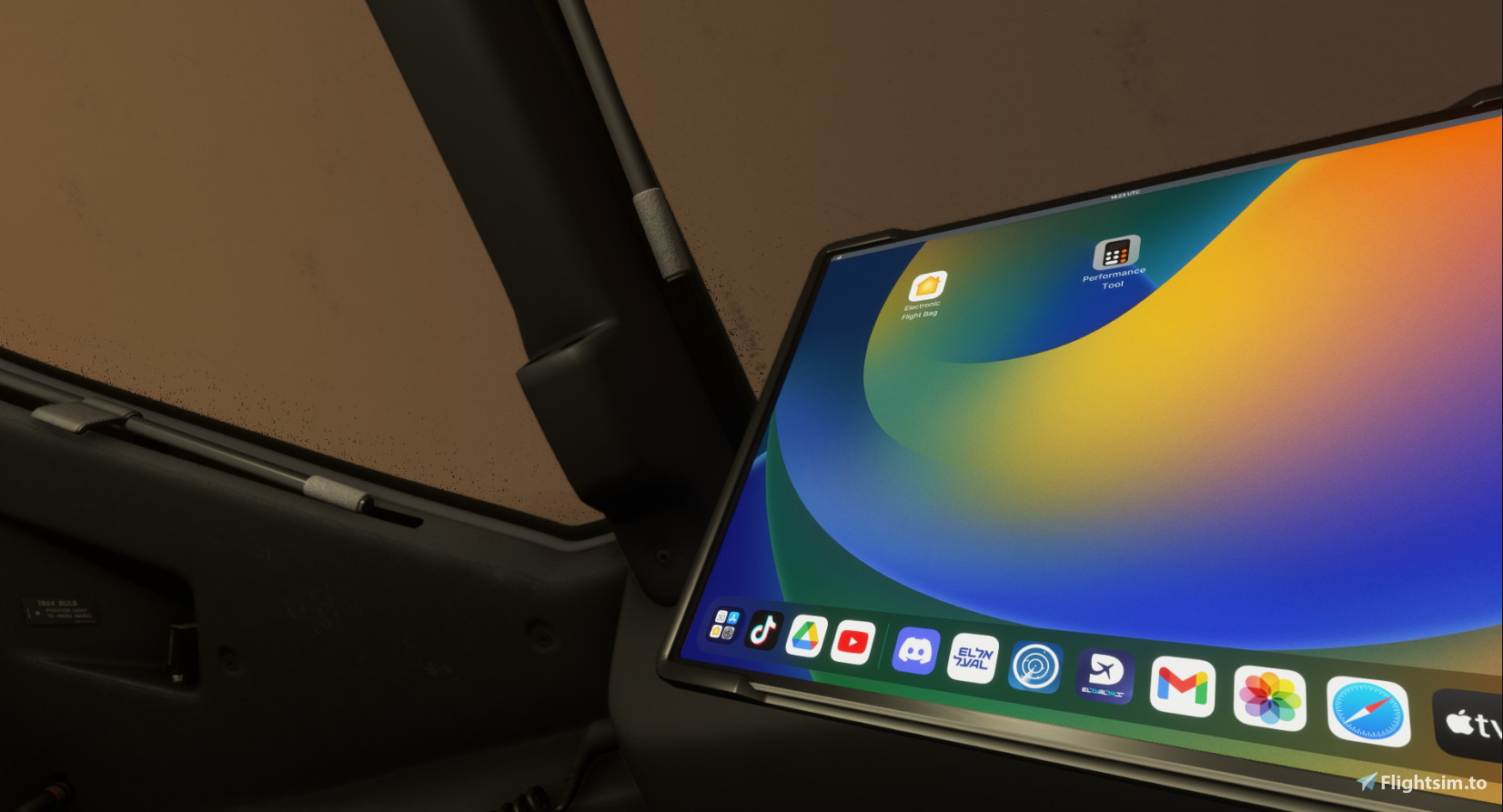
An Simple EFB Mod for the Newer PMDG EFB
HOW TO INSTALL?
DRAG The Downloaded folder to your community and thats it !
MSFS 2020MSFS 2024
Custom EFB For the PMDG 737
Enhance your PMDG 737 experience with this simple EFB mod. Easily install by dragging the downloaded folder to your community folder.
Downloads1K
Version1.0
File Size2.68 MB
Published2 years ago
Updated2 years ago
Version History
No version history available.
Related
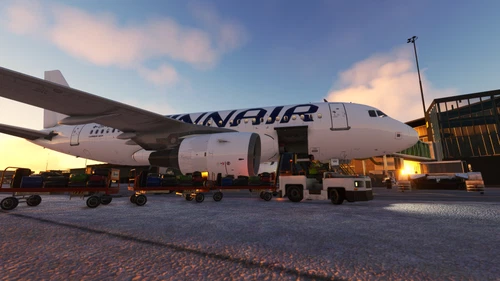
Finnair A319 For LatinVFR
A detailed Finnair A319 livery for LatinVFR, easily installable by dragging it into the LVFR A319 aircraft SimObjects folder for immediate use.
by Avivx12
5.0
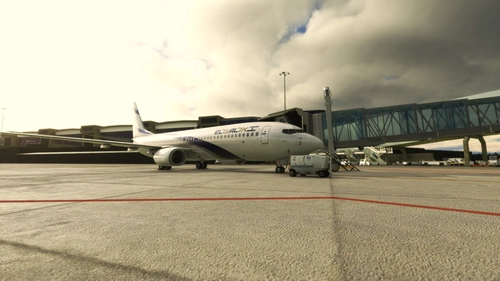
PMDG 4X-EKH EL AL
Add a touch of authenticity to your Microsoft Flight Simulator experience with the PMDG 4X-EKH EL AL livery for the 737. Easily install this livery through the PMDG Operations Center and immerse yourself in the world of aviation.
by AviatoringMax
0.0
Log in to join the discussion
Log InComments(11)
6 months ago
The add-on package is missing one folder in its path.
It's:
...\Community\z_EFB_dark_PMDG\html_ui\Pages\VCockpit\Instruments\PMDGTablet\Assets
It should be:
...\Community\z_EFB_dark_PMDG\html_ui\Pages\VCockpit\Instruments\PMDGTablet\pmdg-737-800\Assets
So, before the "Assets" folder, there should be a "pmdg-737-800" folder, and it's best to add folders for the other aircraft variants as well if you fly them.
Take a look at what it looks like in the original PMDG folder:
...\Community\pmdg-aircraft-738\html_ui\Pages\VCockpit\Instruments\PMDGTablet
That's what I did, and it works for me.
almost 3 years ago
pmdg-aircraft-738 / pmdg-aircraft-739 > html_ui > pages > vcockpit > instruments > PMDGtablet > assets
then paste the picture given on the file and overwrite , if that dosent work then it might be a problem with your aircraft. it works perfectly fine till now ive noticed zero problems
almost 3 years ago
almost 3 years ago
almost 3 years ago
almost 3 years ago
almost 3 years ago
pmdg-aircraft-738 / pmdg-aircraft-739 > html_ui > pages > vcockpit > instruments > PMDGtablet > assets
then paste the picture given on the file and overwrite , if that dosent work then it might be a problem with your aircraft. it works perfectly fine till now ive noticed zero problems
almost 3 years ago
I am clearly doing something wrong. I downloaded and unzip the files and dropped in the community folder. I replaced the tablet bg file with a png file i created in paint with the same dimensions as your file and overrode your file. I load up the 38 and 39 and its still showing pmdg's background. What do you think I'm doing wrong?
almost 3 years ago
almost 3 years ago
almost 3 years ago
pmdg-aircraft-738 / pmdg-aircraft-739 > html_ui > pages > vcockpit > instruments > PMDGtablet > assets
then paste the picture given on the file and overwrite , if that dosent work then it might be a problem with your aircraft. it works perfectly fine till now ive noticed zero problems