
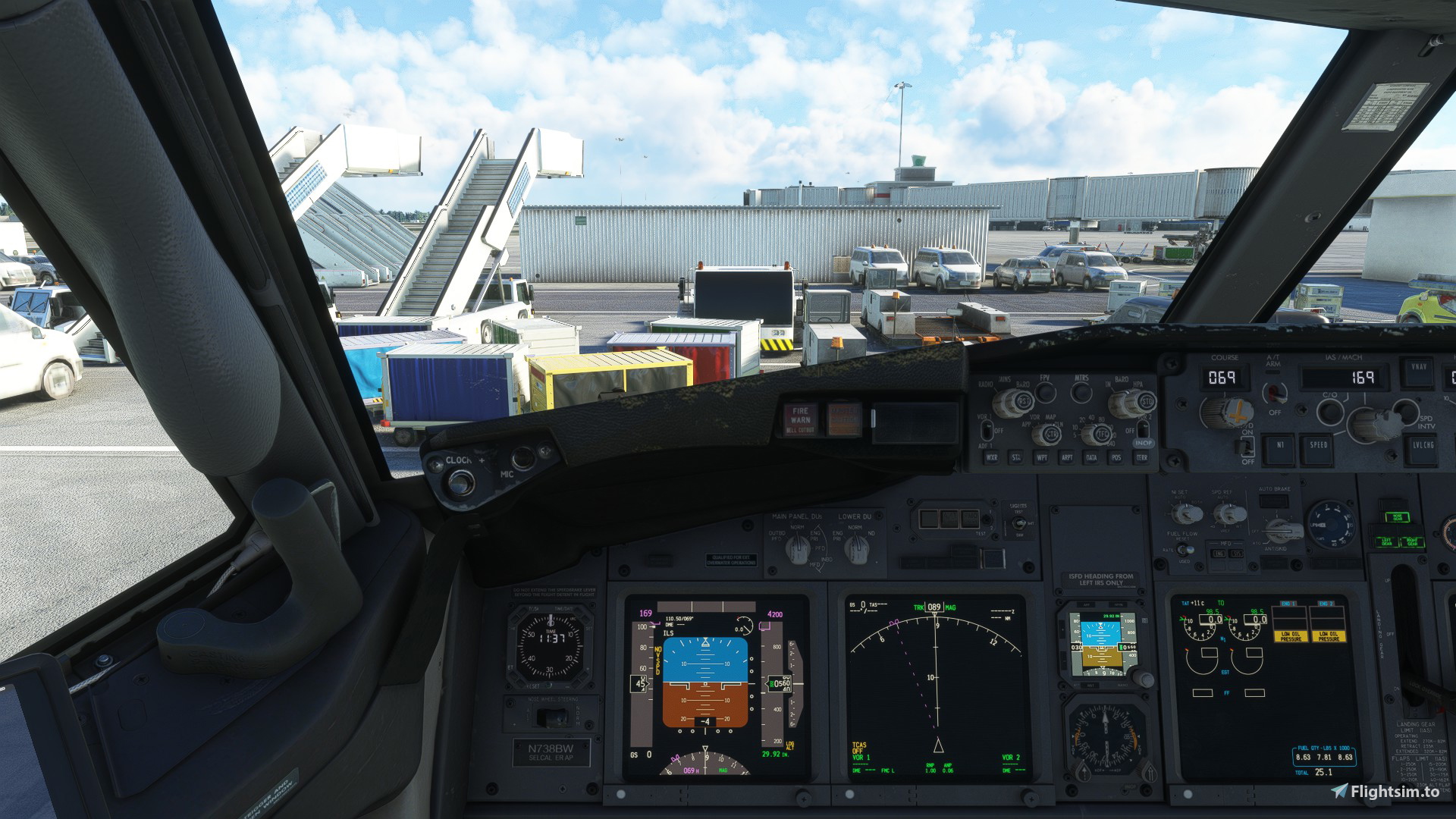
Description
Custom Camera Views PMDG 737-800
How to Install:Download and extract the.zip
Copy cameras.CFG
Replace the cameras file in C:\Users\YOURUSERNAME\AppData\Roaming\Microsoft Flight Simulator\SimObjects\Airplanes\PMDG 737-800 with the cameras.CFG on your clipboard.
You should be good to go!
YOU MUST HAVE THE PMDG 737-800 INSTALLED FOR THIS TO WORK
Credit to:
- PMDG
- Me
Please don't copy mine and reupload them.
PMDG Boeing 737-800 Custom Camera Views
Customize your view with the PMDG Boeing 737-800 Custom Camera Views add-on. Download, replace the cameras file, and enhance your flight simulation experience with personalized camera angles. (Note: Requires PMDG 737-800 base installation)
Version History
No version history available.
Related
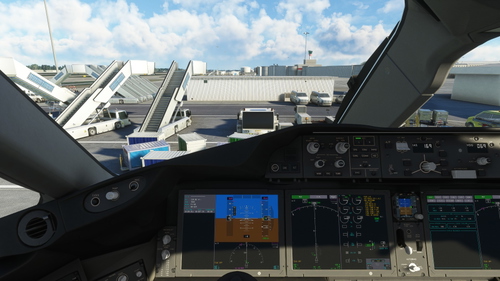
Horizon Sim 787-9 Custom Camera Views
A collection of custom camera views for the Horizon Sim 787-9 aircraft. Enhance your flight experience with unique perspectives tailored to this specific plane model. Install instructions included. Please ensure you have the Horizon Sim B787-9 installed for compatibility.
by Bountyplanes
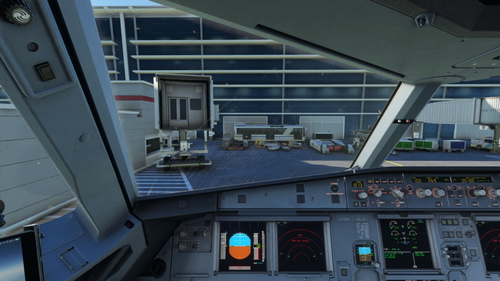
Fenix a320 Custom Camera Views
Enhance your cockpit experience with custom camera views for the Fenix Simulations A320 aircraft. Easily install by replacing the cameras file in your Microsoft Flight Simulator directory. Must-have addition for fans of the Fenix A320!
by Bountyplanes
Log in to join the discussion
Log InComments(6)
over 2 years ago
over 2 years ago
almost 3 years ago
almost 3 years ago
almost 3 years ago
almost 3 years ago