
![Fenix A320 [V2] Custom Camera Views - Image 1](https://cdn.flightsim.to/images/26/fenix-a320-custom-camera-views-116729-1712370273-dFfUn.jpg)
Description
Custom Views for the Fenix A320 !
How to Install:
Microsoft Store Users:
For CFM
C:\Users\[username]\AppData\Local\Packages\Microsoft.FlightSimulator_8wekyb3d8bbwe\LocalCache\SimObjects\Airplanes\FNX_320_CFM
For CFM-SL
C:\Users\[username]\AppData\Local\Packages\Microsoft.FlightSimulator_8wekyb3d8bbwe\LocalCache\SimObjects\Airplanes\FNX_320_CFM_SL
For IAE
C:\Users\[username]\AppData\Local\Packages\Microsoft.FlightSimulator_8wekyb3d8bbwe\LocalCache\SimObjects\Airplanes\FNX_320_IAE
For IAE-SL
C:\Users\[username]\AppData\Local\Packages\Microsoft.FlightSimulator_8wekyb3d8bbwe\LocalCache\SimObjects\Airplanes\FNX_320_IAE_SL
For Steam Users:
For CFM
C:\Users\[username]\AppData\Roaming\Microsoft Flight Simulator\SimObjects\Airplanes\FNX_320_CFM
For CFM-SL
C:\Users\[username]\AppData\Roaming\Microsoft Flight Simulator\SimObjects\Airplanes\FNX_320_CFM_SL
For IAE
C:\Users\[username]\AppData\Roaming\Microsoft Flight Simulator\SimObjects\Airplanes\FNX_320_IAE
For IAE-SL
C:\Users\[username]\AppData\Roaming\Microsoft Flight Simulator\SimObjects\Airplanes\FNX_320_IAE_SL
Use ALT(1-0) to switch Views
Make Sure you have a copy of the original cameras.cfg file !
Fenix A320 [V2] Custom Camera Views
Custom Camera Views for the Fenix A320 [V2], offering enhanced visual perspectives for Microsoft Flight Simulator users. Simply install and switch between CFM and IAE engine types with ease. Utilize ALT+(1-0) keys to navigate through the custom views seamlessly. Make sure to backup your original cameras.cfg file before installing.


User Reviews
1 reviews
Version History
-More Realistic Views -Corrected Pilot Position
Related
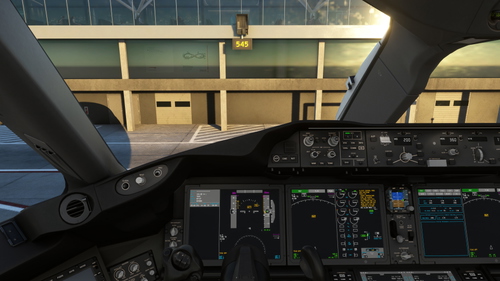
Kuro 787-8 V3 Custom Camera Views
Customize your flight experience with Kuro 787-8 V3 Custom Camera Views. Easily install these custom views for a more immersive flying adventure. Switch between views using ALT keys (1-0) and remember to backup the "Airplanes" folder before installation. Perfect for Microsoft Store and Steam users looking to enhance their simulator experience.
by Kieran_44
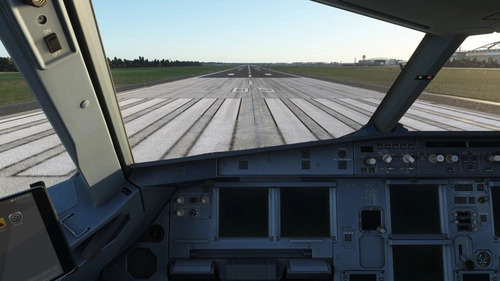
Fenix A321 Custom Camera Views
This add-on provides custom camera views specifically designed for the Fenix A321 in Microsoft Flight Simulator. It offers tailored perspectives for different aircraft configurations, including CFM and IAE variants. Installation instructions are provided for both Microsoft Store and Steam users, detailing the necessary file paths. Users can switch between views using the ALT key and should retain a backup of the original cameras.cfg file.
by Kieran_44
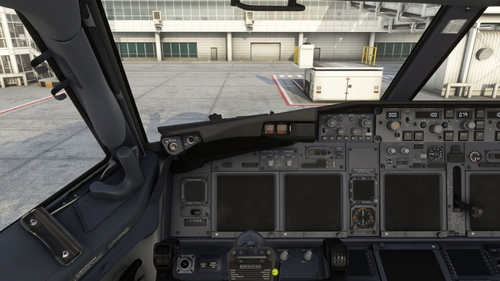
PMDG 737-800 Custom Views
Customize your PMDG 737-800 experience with this add-on offering a variety of custom views. Easily switch between views using ALT+(1-0) keys. Installation instructions included for Microsoft Store and Steam users. Dont forget to keep a copy of the original cameras.cfg file handy!
by Kieran_44
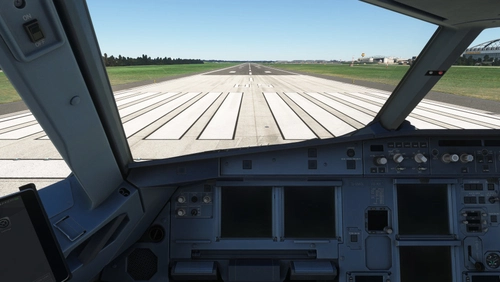
Fenix A319 Custom Camera Views
This add-on offers custom camera views specifically designed for the Fenix A319 aircraft in Microsoft Flight Simulator. It provides detailed installation paths for both Microsoft Store and Steam users, allowing for easy setup. Users can switch between custom views using the ALT key alongside numeric keys (1-0). A backup of the original cameras.cfg file is recommended prior to installation.
by Kieran_44
Log in to join the discussion
Log InComments(4)
over 1 year ago
over 1 year ago
about 3 years ago
about 3 years ago