
Description
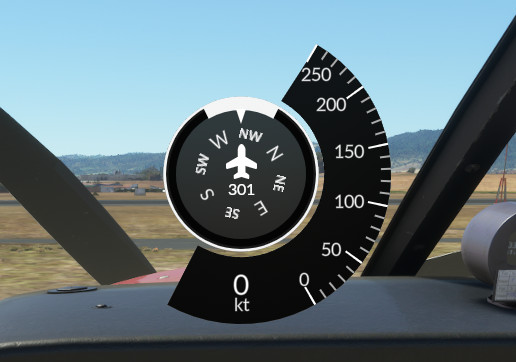
Dashboard widget inspired by our favourite TBM pilot, showing speed (IAS) and heading (based on gyro).
Above 237kts the speed tape range changes to 0-500kts. The speed where it switches can be changed in the settings.
Can be dragged and dropped to wherever you want it on the screen. You can resize it by changing the "Widget size" in the settings.
Requires Flow Pro by //42
Comments(33)
Log in to join the discussion
Log In5 days ago
7 months ago
Any chance you could add an optional Wind direction indicator on the compass?
7 months ago
10 months ago
10 months ago
10 months ago
7 months ago
7 months ago
12 months ago
Thank you
almost 2 years ago
almost 2 years ago
about 2 years ago
over 2 years ago
over 2 years ago
over 2 years ago
over 2 years ago
over 2 years ago
over 2 years ago
over 2 years ago
Flow Pro Widget: Dashboard
Enhance your cockpit experience with the Flow Pro Widget Dashboard add-on. This dashboard widget showcases speed (IAS) and heading information, inspired by TBM pilots. Easily customizable settings allow for seamless integration into your flight simulator setup. Compatible with Flow Pro by //42.

User Reviews
10 reviews
More Information
Version History
Added new data fields "Show time" and "Show weather preset". If you select more than 3 data fields to show, it will periodically switch between them controlled by the "Data field rotation interval".
Related
MK Studios Dublin v2 Enhancement
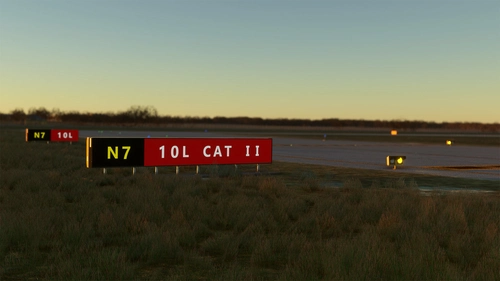
Enhancement for MK Studios Dublin v2, featuring added holding points, taxi signs, and runway guard lights. Requires Dublin V2 version 2.2.2 installed. Includes new holding points, runway guard lights, and TORA signs for enhanced realism. Note some limitations with default MSFS ATC and misplaced taxi signs.
by ranbogmord
Flow Pro Widget: Transition Level Calculator
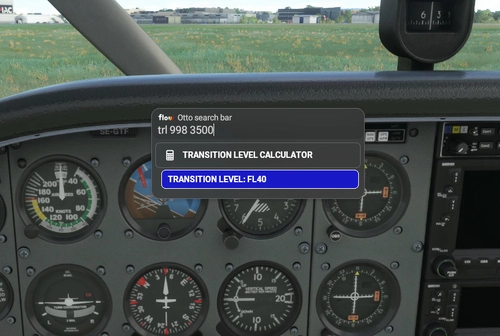
Calculate Transition Levels easily with this Flow Pro Widget. Input local QNH and Transition Altitude to get accurate results, including an optional Transition Layer. Compatible with Flow Pro by //42.
by ranbogmord
Flow Pro Widget: Lean Assist
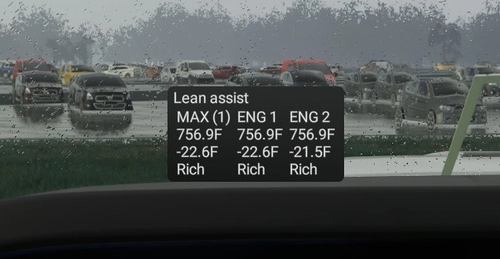
Enhance your leaning experience with the Flow Pro Widget: Lean Assist. This G1000-esque widget simplifies the process of leaning to Rich/Lean of peak EGT in both single and multi-engine aircraft. It displays the difference to peak, offers Imperial/Metric display options, and indicates whether youre rich or lean of peak EGT. Compatible with Flow Pro by //42.
by ranbogmord
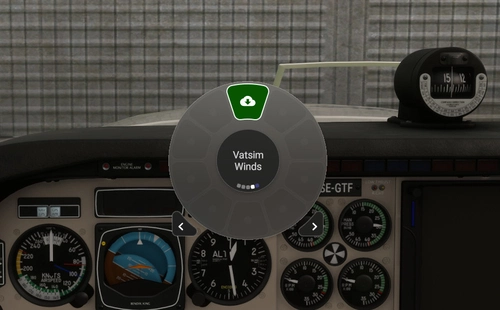
Flow Pro Widget: Vatsim Winds
Fetch real-time VATSIM METAR data every 15 minutes with the Flow Pro Widget: Vatsim Winds. Update your in-sim weather settings including wind direction, velocity, temperature, and pressure to match VATSIM conditions. Ideal for VATSIM flights requiring specific weather presets and winds aloft information from Open Meteo. Only for use with custom weather, not Live Weather, and requires Flow Pro by //42.
by ranbogmord
about 11 hours ago