
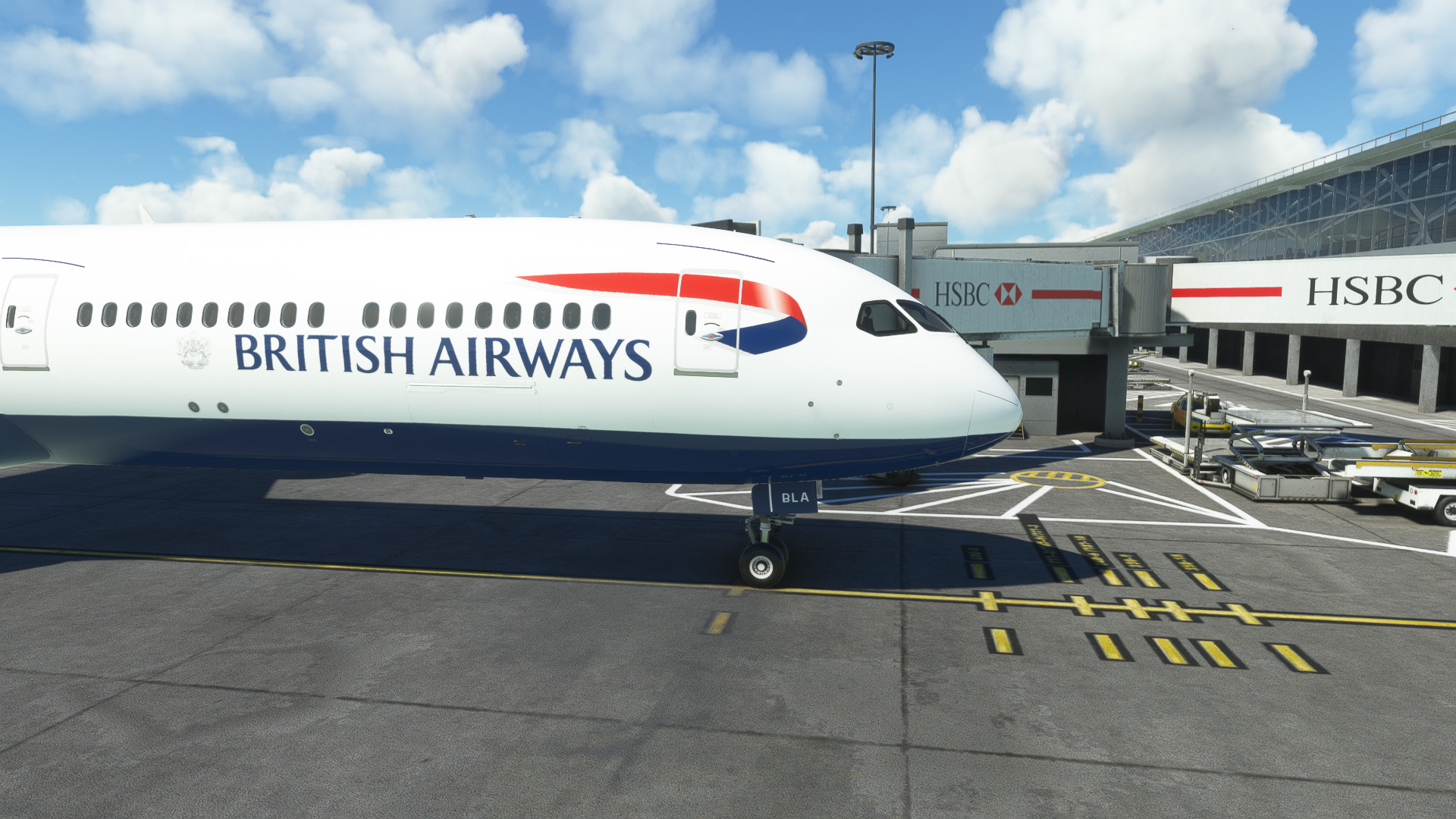
Description
Camera Conig for the Asobo_B787_10 install to the following location
username/appdata/local/packages/Microsoft.FlightSimulator_8wekyb3d8bbwe/localcache/simobjects/airplanes/Asobo_B787_10
Use ALT+ numbers 1-0 to view (see pics)
Enjoy
Just a note, for Steam installs, the path is:
C:\Users\[USER]\AppData\Roaming\Microsoft Flight Simulator\SimObjects\Airplanes\Asobo_B787_10
Comments(9)
Log in to join the discussion
Log Inover 2 years ago
almost 3 years ago
Why is this in liveries and not camera views?
almost 3 years ago
Hi what livery are you using to showcase them? I see it has the RR logos on the engines and i have been looking around for this!
almost 3 years ago
hi sorry for the late reply ive been on holiday
sorry i cant share a link here but search for user R1NS3 it was made by him
almost 3 years ago
Heyo! I don't know if its just me but I've followed the install instructions and the camera views still don't work would you happen to have any idea why?
almost 3 years ago
hmmmmm if you’ve followed the instructions correctly then it should work try deleting and re-downloading and re installing just incase the file you download got corrupt
also just to confirm your using the numbers are the top of your keyboard and not the numpad to the right
about 3 years ago
does the new beta means the new aau2 public beta?
about 3 years ago
Yes
Asobo 78X Custom Camera Views (New Update)
Customize your camera views with this new update for the Asobo B787-10 in Microsoft Flight Simulator. Easily install the Camera Config to enhance your flight experience. Use ALT + numbers 1-0 to access different views. Compatible with both Microsoft Store and Steam versions.
User Reviews
2 reviews
More Information
Version History
No version history available.
Related
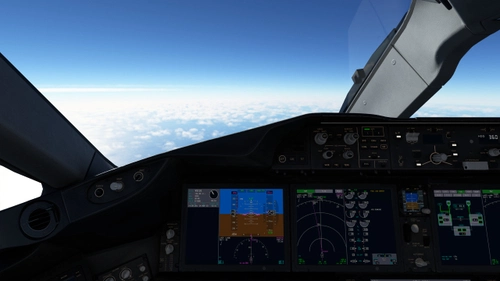
Horizon B789 Custom Camera Views
Customize your camera views with the Horizon B789 add-on for Microsoft Flight Simulator. Easily install to enhance your experience with new viewpoints for HorizonSim_B787_9_GENX & _TRENT models. Simply use ALT + numbers 1-0 to access different angles. Perfect for those looking to fine-tune their in-flight perspectives.
by Mandalor_ian
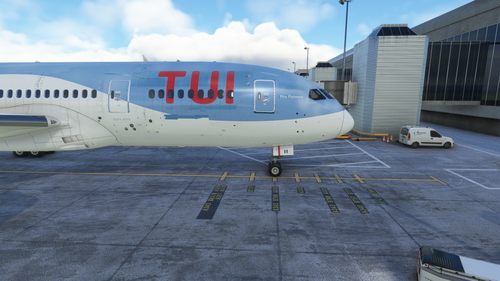
Kuro B788 v2 Custom Camera Views
Customize your views with the Kuro B788 v2 mod for Microsoft Flight Simulator. Easily install custom camera configurations and enjoy new perspectives with ALT+number commands. Find your perfect angle and enhance your flight experience.
by Mandalor_ian
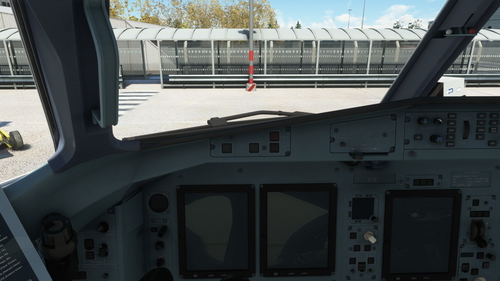
ATR-72-600 cameras
Enhance your ATR 72-600 experience with custom camera views! Install this camera configuration mod to easily switch between different angles using the ALT key plus numbers 1-0. Upgrade your flight simulation visuals and enjoy a new perspective on the iconic ATR aircraft.
by Mandalor_ian
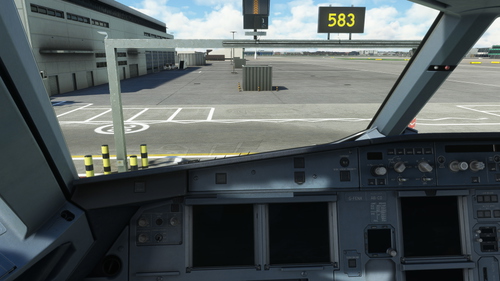
Fenix A320 Custom Views
Enhance your Microsoft Flight Simulator experience with Fenix A320 Custom Views. This add-on provides custom camera configuration for the FNX320 aircraft, allowing you to easily switch between different views using ALT+ numbers 1-0. Simply install the files to the specified location and start enjoying the new perspective during your flights. Perfect for users looking to customize their in-game camera settings for a more immersive simulation experience.
by Mandalor_ian
over 2 years ago