
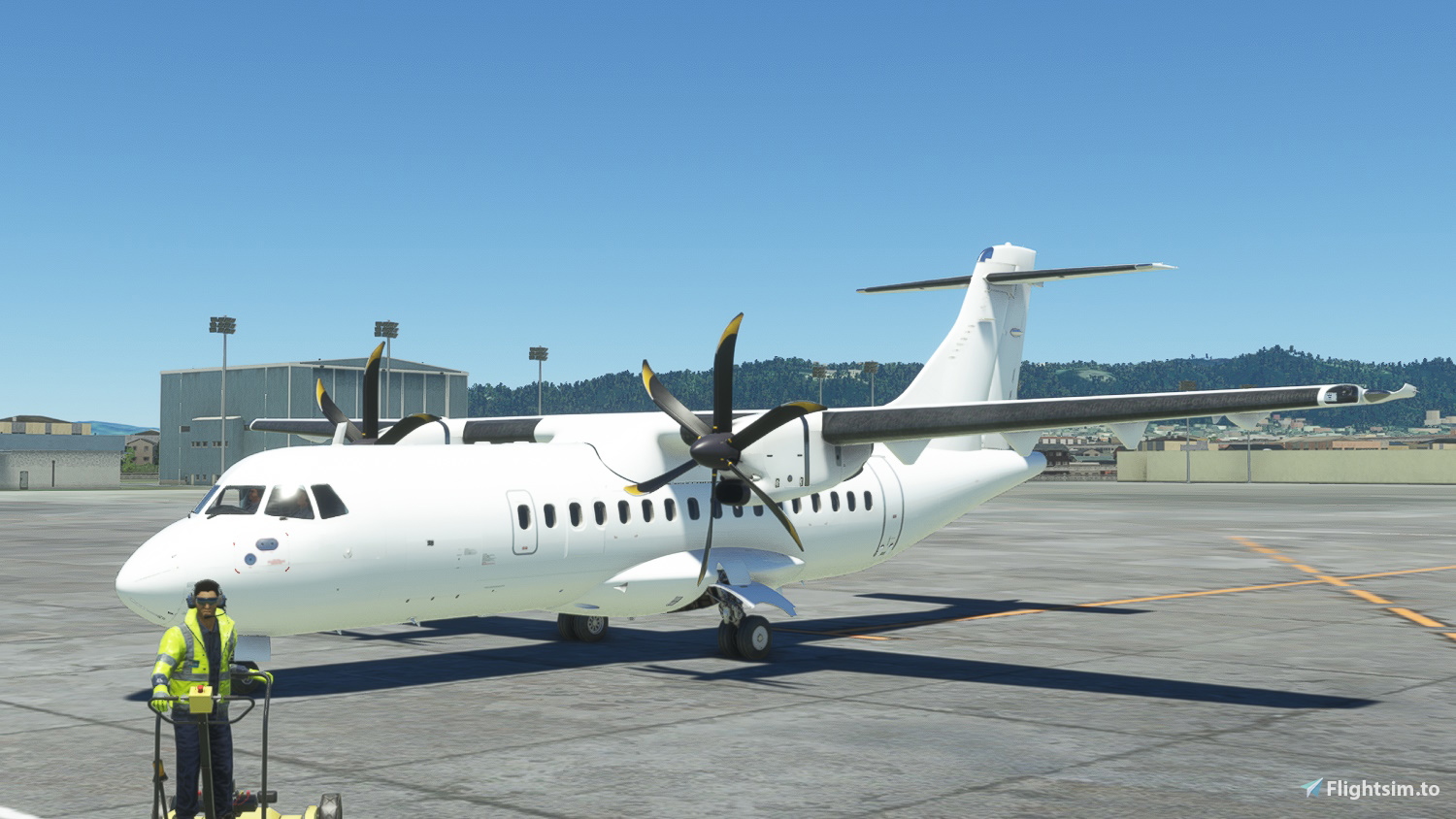
Description
The beginning of a bigger project... Utilizing submodel merging (which I finally was able to figure out today), I was able to get around the UV mapping problems by adding proper full door outlines instead of the half-baked painted ones I made for version 2.0.0.
Drag and drop to your community folder.
NOTES
- While I have tested it in sim and found it to have no issues so far, I still included the previous version 2.0.0 in the download in case people are having problems with this new blank texture version. Just don't use it at the same time as the new V3.0.0 version of the textures!
CREDITS
Special thanks to Kychungdotcom for his FedEx freighter paint. They motivated me to figure out how to successfully get around the ATR modelling issues. Also special thanks to Uray from FlightSim Studio (FSS) for introducing me to this and his guidance on this.
FOR PAINTERS
Feel free to use this as a basis for your paints. Make sure you include the following files from the template:
model: ATR_42_600.xml, DOOROUTLINE.bin, DOOROUTLINE.gltf, model.CFG
texture: MODELFIX_ALBD.PNG.DDS, MODELFIX.COMP.PNG.DDS, MODELFIX.NORM.PNDG.DDS and its json files.
I included a Door Outline paintkit if you prefer a different door outline color for your liveries. It's very simple to use. Paint in the green folder (if you're using paint.NET, just paint in "Your Outline Color")
Any questions or concerns, feel free to drop a comment below or send me a Private Message.
Microsoft ATR 42-600 Blank Textures (w/ WIP model fixes)
Enhance your ATR 42-600 with this add-on featuring blank textures and model fixes. This project aims to improve UV mapping and door outlines for a more realistic flying experience. Special thanks to contributors for their support and guidance. Painters can use this as a base for creating custom liveries with provided template files. Download and drop it into your community folder to enjoy the updates.
User Reviews
3 reviews
Version History
- Engine color now matches fuselage. - Engine texture upscaled to 4K.
Related
![[8K] Japan Air Commuter JA04JC (2018) - Microsoft ATR 42-600](https://cdn.flightsim.to/images/25/8k-japan-air-commuter-ja04jc-2018-microsoft-atr-42-600-353719-1682980110-eOAgp.jpg?width=500)
[8K] Japan Air Commuter JA04JC (2018) - Microsoft ATR 42-600
Experience the authentic livery of Japan Air Commuters JA04JC ATR 42-600, meticulously recreated in stunning 8K resolution. Simply drag and drop this add-on to your community folder for a seamless installation process.
by citadelskies
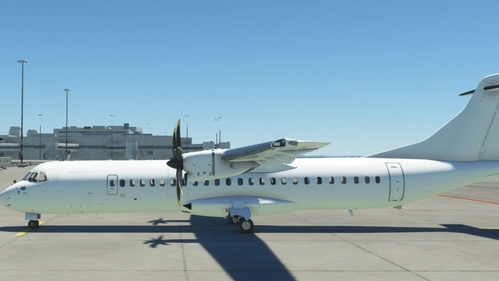
Microsoft ATR 72-600 Blank Textures
Customize your ATR 72-600 with these blank textures, perfect for creating your own liveries or flying in a sleek all-white design. Simply drag and drop into your community folder for easy installation.
by citadelskies
![[8K] Pan Am Express N4210G - Microsoft ATR 42-600](https://cdn.flightsim.to/images/25/8k-pan-am-express-n4210g-microsoft-atr-42-600-353719-1682982609-4Fi9m.jpg?width=500)
[8K] Pan Am Express N4210G - Microsoft ATR 42-600
Experience the semi-fictional Pan Am Express N4210G livery for the Microsoft ATR 42-600 in stunning 8K resolution. Simply drag and drop this livery into your community folder to add a unique touch to your flights.
by citadelskies
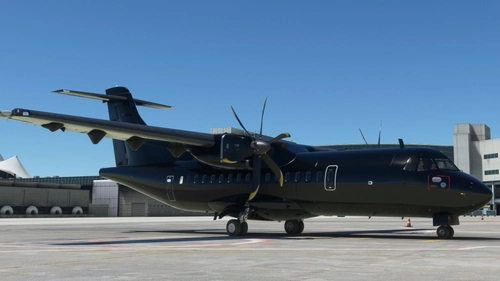
Vantablack - Microsoft ATR 42-600
A sleek and dark Vantablack livery for the Microsoft ATR 42-600, following up on the original all-white design. Easily installable by dragging and dropping into your community folder. Customizable tail number feature will be updated based on popular demand from the community feedback.
by citadelskies
Log in to join the discussion
Log InComments(9)
over 2 years ago
over 2 years ago
about 3 years ago
Want to mention one issue with this kit: the UV maps of doors take a very tiny portion of texture. Not a problem when outlines are all the same color, but on some liveries (like one I am making) they have two colors, and in this case it becomes necessary to upscale the texture to at least 8K in order for two-color outline to look passable.
Also, some info for future improvements of your kit: one other problematic area I found while working on my livery is the back part of fuselage, where it narrows down. Livery has stripes, so they looked good when I stenciled them in Blender and previewed in PlaneConverterX, but they get distorted when actualy loaded in the sim.
about 3 years ago
over 3 years ago
Lovely, thanks!
Any idea how to fix the UV misalignment for rear left door and rear bottom fuselage?
over 3 years ago
Glad you find it helpful! The rear left door is a real PITA and I struggled with it all day trying to add a door outline lol. There isn’t an easy fix except trial and error on painting over the defective UV parts.
As for the rear bottom fuselage, I had the same problem when I painted the ATR for my VA. You’ll just have to extend the paint/lines/curve beyond the UV map of the right rear fuselage. If need be I am happy to clarify further in PMs.
over 3 years ago
love to see EasyFly and Satena as well
over 3 years ago
I have uploaded one! I hope you appreciate it :)
over 3 years ago
BAHAMASAIR PLEASE 42 Version