
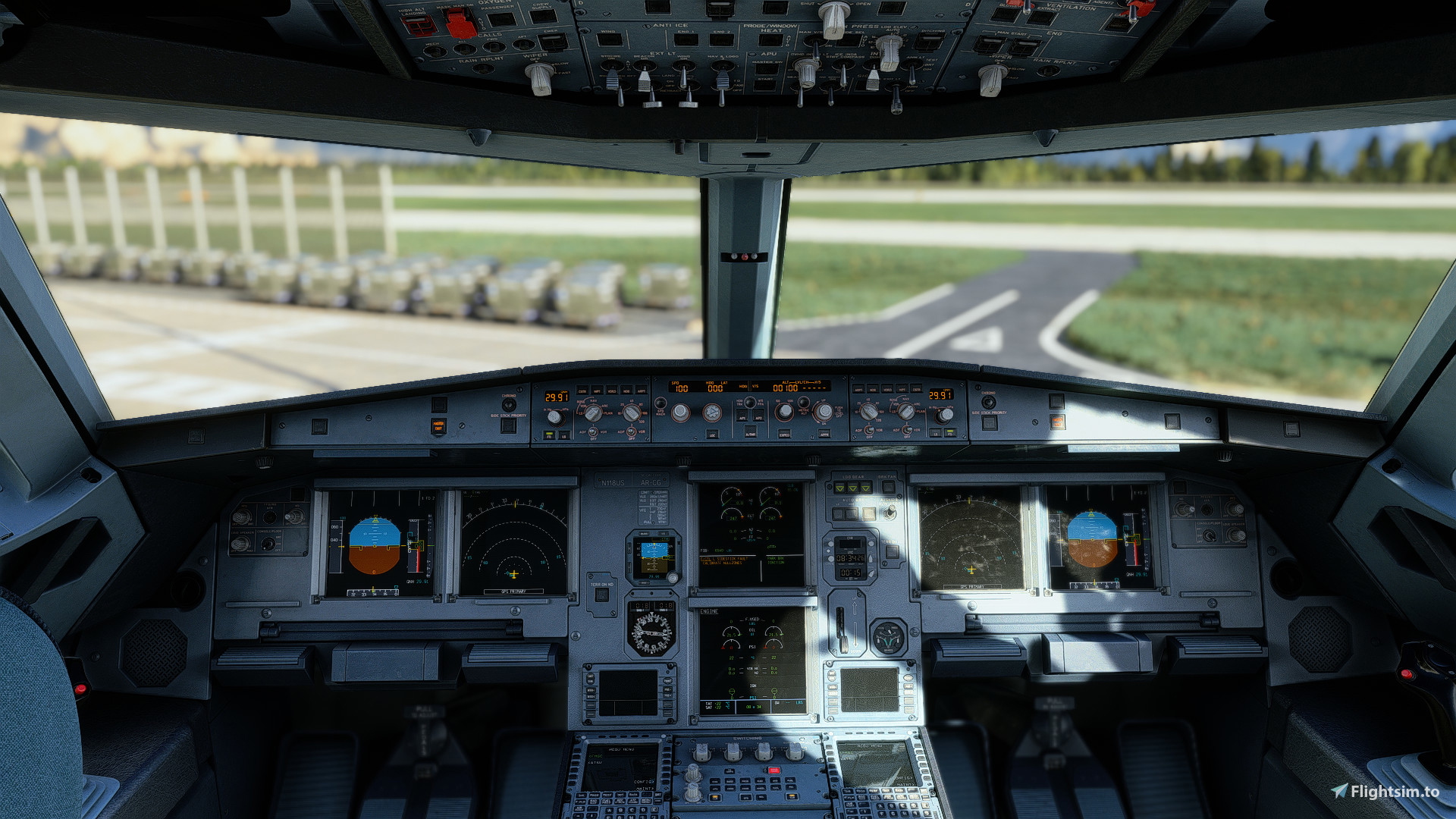
Description
This is one of my best reshade presets to date, using various Effects and RTGI to create an insanely Realistic Look. The FPS Impact is Moderate to Very heavy depending on system. This mod attempts to Correct the Brown colors that MSFS introduces By using the Reshade Post-Processing tools. If you like this mod, Please rate it 5 stars.
This Mod Favors the use of The Paid RTGI Shader But It is not Required. Dont have RTGI? I Reccomend This instead
However, if you encounter Poor Performance, DISABLE RTGI, I have attempted to balance Fidelity and Performance with this shader but this is the only real solution
Solution 2: Try using The MXAO Version which has some Intensity Adjustments and does not rely on RTGI
Changelogs:
(V1.1) Fixed Rapid Color Changes in Certain weather conditions
(V1.1.1) I accidentally Put the FinalLight LUT v1.3 mod in there by accident, This can result in a black Screen if you dont have the mod.
NOTES:
Flying at Night? Turn off BloomingHDR.fx this will make the displays readable
Is CinematicDOF not working? Check that Reshade has access to the depth Buffer, which is needed for RTGI as well
Is DOF Annoying? TURN IT OFF!!
For Transparency, Here are the mods used to re-create the shots you see: Fenix A320, Dublin v2 and Weather Preset Pro
Some effects are turned off for some reason, If you need help contact me on discord at Zgamer328#3103
Zgamer328 Ultra Realistic Reshade
Enhance your visual experience with Zgamer328 Ultra Realistic Reshade, a top-notch preset utilizing Effects and RTGI for a stunning Realistic Look. Moderate to heavy FPS Impact, color correction, and compatibility suggestions provided. Customizable options and changelogs for improved performance and visuals.


User Reviews
4 reviews
Version History
Fixed Issues at Night with Unreadable Displays Stick to v1.0 and v1.1.1 for Day.
Related
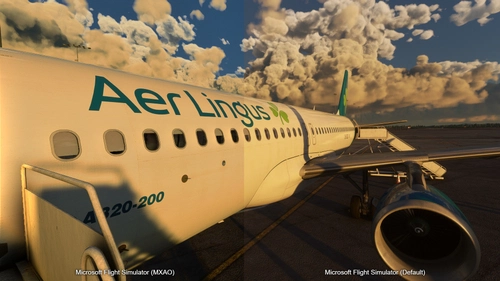
Zgamer328 Realistic Reshade MXAO Version (NO RTGI)
Enhance your Microsoft Flight Simulator visuals with Zgamer328s Realistic Reshade MXAO Version. This mod aims to create a realistic look without RTGI, reducing the heavy FPS impact. Adjust MXAO shader settings to fine-tune the intensity and enjoy improved night flying visuals. For support or inquiries, reach out to the creator on Discord at Zgamer328#3103.
by Zgamer328
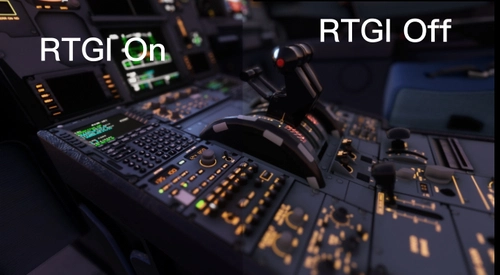
Zgamer328's RTGI Realistic Preset
Achieve a new level of realism with Zgamer328s RTGI Realistic Preset, designed to enhance your Microsoft Flight Simulator experience. This shader mod offers heightened realism, with the option to utilize the PAYWARE RTGI Shader for optimal performance. Feedback-driven improvements ensure a visually stunning experience, both day and night. Leave a review to show your support and contribute to future updates.
by Zgamer328

Zgamer328's Realistic Reshade V2 NO RTGI NEEDED
Enhance your flight sim visuals with Zgamer328s Realistic Reshade V2, a new preset aimed at delivering a realistic look and feel to your simulator. This addon utilizes various shaders to create a truly immersive flight experience without the need for RTGI effects. Contact the developer for support and enjoy a new level of realism in your flights.
by Zgamer328
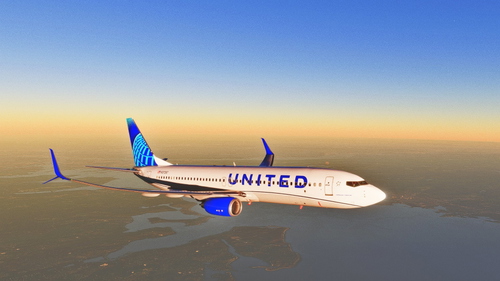
Zgamer328's Cinematic Reshade Preset
Transform your flight simulator visuals with Zgamer328s Cinematic Reshade Preset. This preset is designed to enhance cinematic shots and videos, utilizing a variety of bloom shaders for a bright and dynamic aircraft appearance. Included are an INI configuration file and a helpful Read Me guide for easy setup and customization.
by Zgamer328
Log in to join the discussion
Log InComments(34)
10 days ago
This comment has been deleted
12 months ago
about 1 year ago
about 1 year ago
about 1 year ago
about 1 year ago
I have a 4090 and get around 100 fps without the reshade but after activating it the fps drops to around 75, is the fps drop supposed to be that much? I dont use the paid RTGI
about 1 year ago
over 1 year ago
I've managed to install the reshade and its beautiful but every 10 seconds i keep loosing focus on my screen and its really annoying and cant figure out what it may be
over 1 year ago
over 2 years ago
almost 2 years ago
over 2 years ago
over 2 years ago
almost 3 years ago
almost 3 years ago
about 3 years ago
about 3 years ago
about 3 years ago