
Description
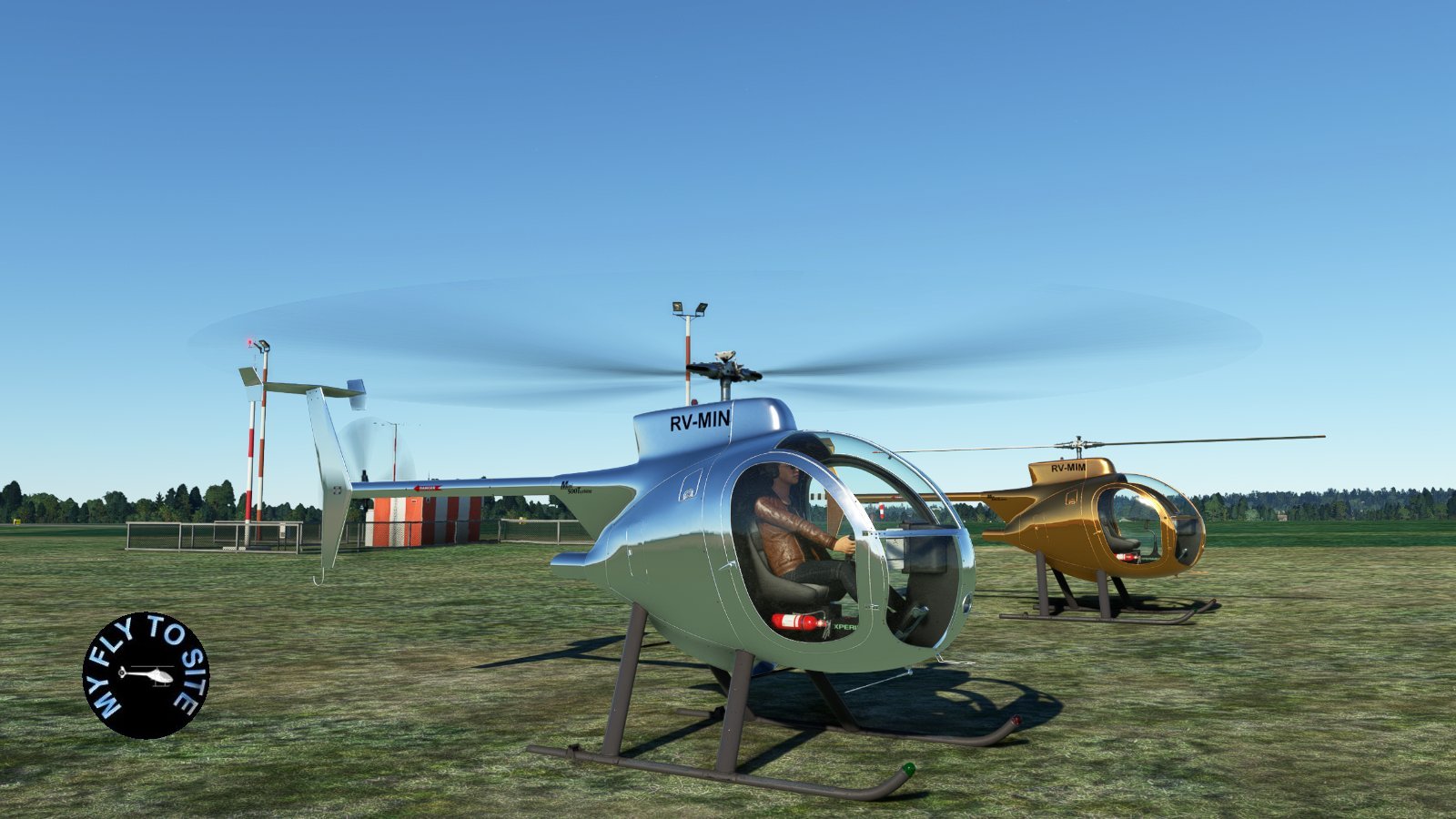
gotfriends-Mini-500 - 3 metallic liveries for MSFS2020. Just unzip the file and then add the inner folder "gotfriends-mini-500-metallic paints 3" to your default MSFS2020 Community folder. Once you have done that then you can start MSFS2020 as normal and select the different liveries after selecting the gotfriends-mini-500 helicopter.
Version 1.2.0
Cockpit windscreen and doors textures changed for cleaner views.
External textures added.
This will be the last update.
gotfriends-Mini-500 - 3 metallic liveries for MSFS2020
gotfriends-Mini-500 - 3 metallic liveries for MSFS2020. Just unzip the file and then add the inner folder "gotfriends-mini-500-metallic paints 3" to your default MSFS2020 Community folder. Once you have done that then you can start MSFS2020 as normal and select the different liveries after selecting the gotfriends-mini-500 helicopter. Version 1.2.0 Cockpit windscreen and doors textures changed for cleaner views. External textures added. This will be the last update.


More Information
Version History
Version 1.2.0 Cockpit windscreen and doors textures changed for cleaner views. External textures added. This will be the last update.
Related
AI Pilot for MSFS 2024
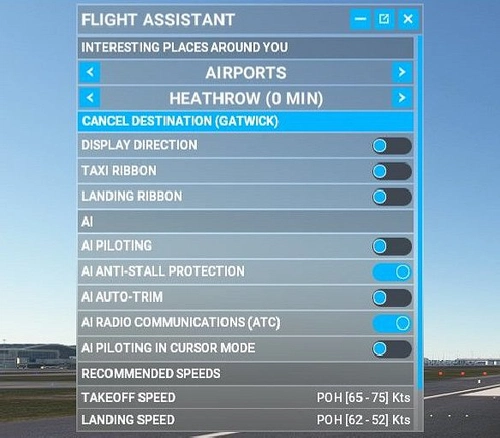
AI Pilot 2024 is an add-on designed for Microsoft Flight Simulator 2024, providing an artificial intelligence-driven pilot experience. This tool enhances the simulation by allowing users to delegate certain flying tasks to an AI pilot. It aims to improve realism and facilitate more immersive flight experiences within the simulator.
by myflytosite

Cabri G2 - 7 Livery Metalic Colours for MSFS2020
Cabri G2 - 7 different liveries for MSFS2020. Just unzip the file and then add the inner folder "Cabri-G2-livery-metalic" to your default MSFS2020 Community folder. Once you have done that then you can start MSFS2020 as normal and select the different liveries after selecting the Guimbal Cabri G2 helicopter.
by myflytosite
C152/Aerobat Wood Cockpit Panel for MSFS2020
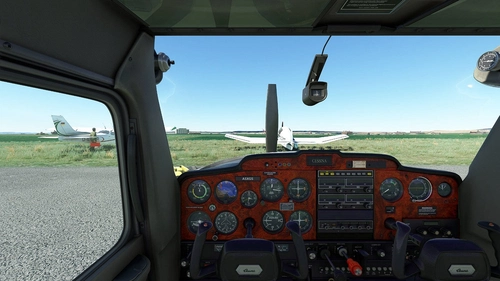
C152 / Aerobat Wood Cockpit Panel for MSFS2020. Just unzip the file and then add the folder "C152 Wood Cockpit Panel" to your default MSFS2020 Community folder. Once you have done that then you can start MSFS2020 as normal and select either the stock Cessna C152 or stock Cessna C152 Aerobat aircraft. Version 1.0.1
by myflytosite

Ultimate Minimum Trees MSFS 2020 - Approximately 60% smaller than default trees
The Ultimate Minimum Trees add-on for MSFS 2020 features an optimized set of tree models designed to enhance navigation by reducing visual obstructions from default trees. This add-on allows users to follow roads more easily, improving situational awareness during flights. New Version 0.1.3, released on December 1st, 2025, includes necessary installation files and a detailed readme for guidance.
by myflytosite

Comments(1)
Log in to join the discussion
Log In11 months ago
Thank you