
Description
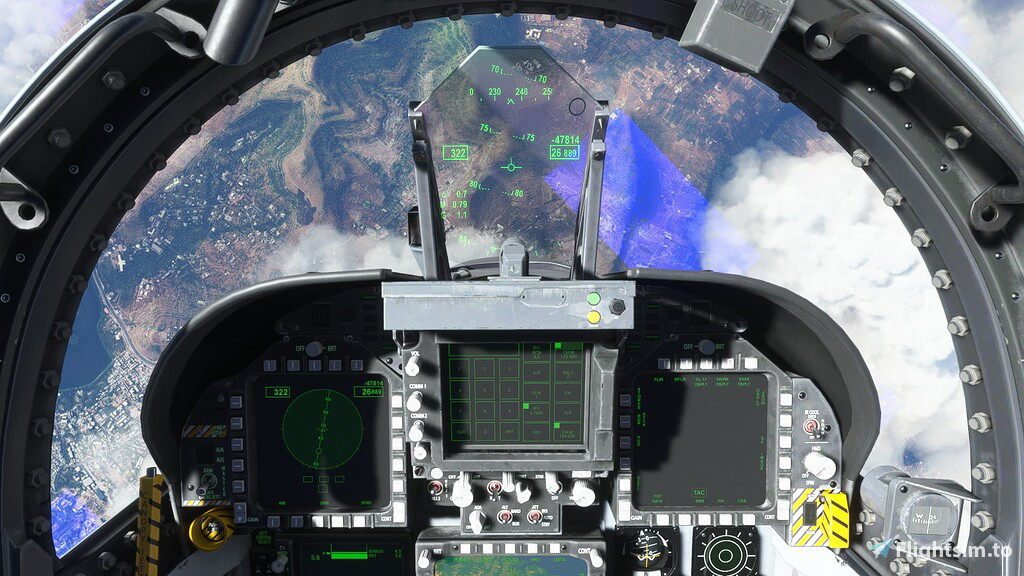
This is a bug fix for the Touchingcloud F/A-18E "Super Warrior" right screen.
To install this bug fix replace the file located at:
MS Store Install
%AppData%\Local\Packages\Microsoft.FlightSimulator_8wekyb3d8bbwe\LocalCache\Packages\Official\OneStore\asobo-vcockpits-instruments-fa18\html_ui\Pages\VCockpit\Instruments\FA18\Shared\DDI
Steam Install
Packages\Official\Steam\asobo-vcockpits-instruments-fa18\html_ui\Pages\VCockpit\Instruments\FA18\Shared\DDI
MSFS 2020MSFS 2024
Touchingcloud's F/A-18E "Super Warrior" Screen Bug Fix
A bug fix for the Touchingcloud F/A-18E "Super Warrior" add-on, specifically addressing issues with the right screen display. Instructions for installation included.
Downloads780
Version1.0
File Size0.49 KB
Published3 years ago
Updated3 years ago


Version History
No version history available.

Log in to join the discussion
Log InComments3
thanks for this - do you have a correct HUD display please?- mine has REJECT SETUP in the lower left part of the HUD and MID SETUP in the lower right part of the HUD
same how do i fix it
The "unwanted text" is mentioned in the release notes for the mod iirc?