
Description
NOW V2 COMPATIBLE
This Version works with the CFM and the IAE Version.
+++++++++++++++++++++++++++++++++++++++++++++++++
Hi everyone,
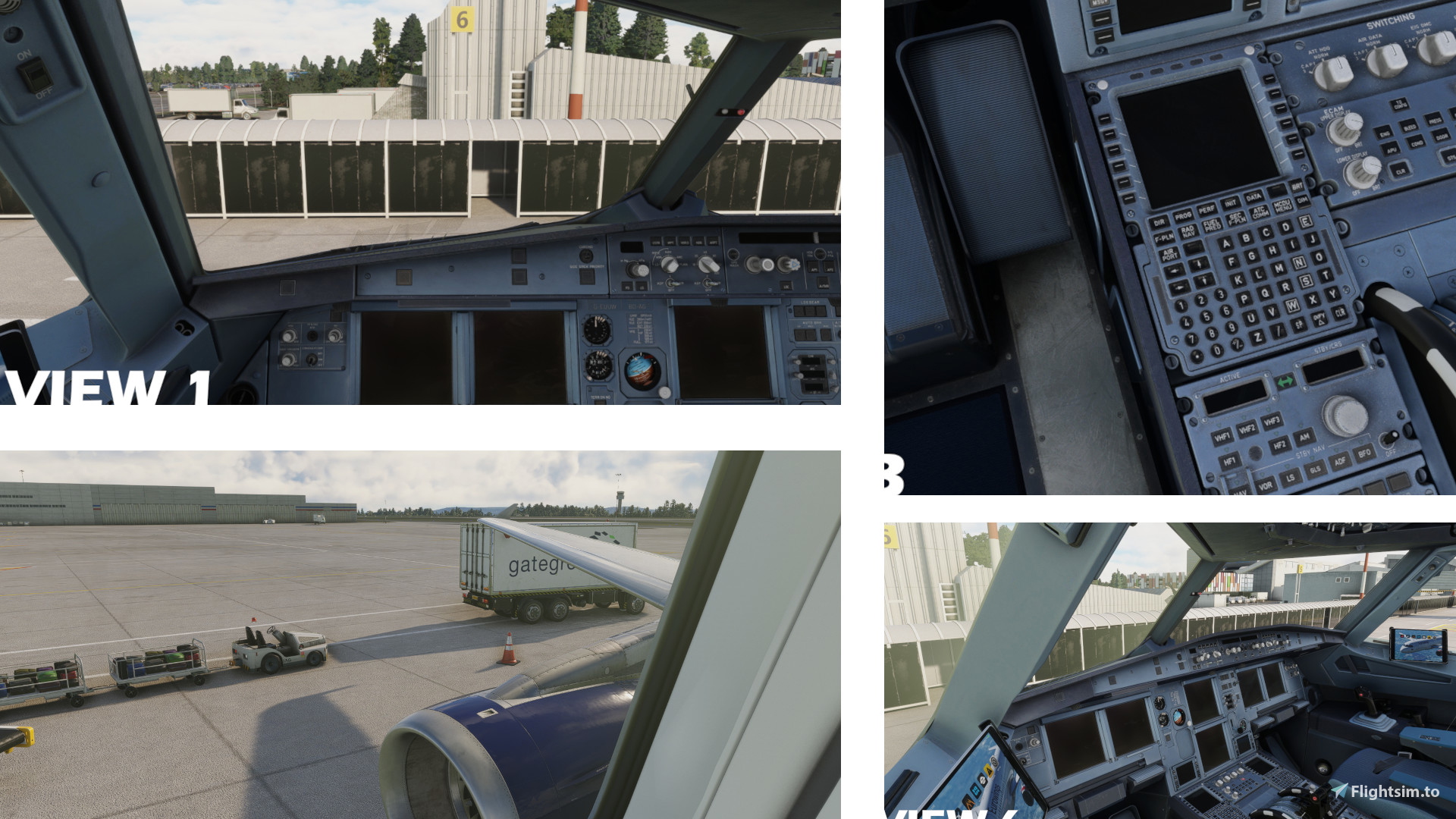
those are my custom views for the Fenix A320. Refer to the Fotos above for a preview of the views.
Once installed, you can toogle them by using your custom camera keybinds (e.g Custom Camera 3)
!!!IMPORTANT!!!
Unlike other addons, you can't just put the cameras.cfg into your Commutity Folder!
How to install:
Go to the following location:
Microsoft Store installation:
C:\Users\{UserName}\AppData\Local\Packages\Microsoft.FlightSimulator_8wekyb3d8bbwe\LocalCache\SimObjects\Airplanes
For Steam installation the path is:
C:\Users\{UserName}\AppData\Roaming\Microsoft Flight Simulator\SimObjects\Airplanes
Locate the "FNX_320_CFM" and "FNX_320_IAE" folder.
!!! MAKE A BACKUP OF THIS FOLDER, IF YOU WANT TO GO BACK TO YOUR OLD VIEWS !!!
Replace the cameras.cfg
If you are running into any problems, feel free to comment. :)
V2 COMPATIBLE | CUSTOM Fenix A320 V2 Views | Cabin & Cockpit
Hi everyone, those are my custom views for the Fenix A320. Refer to the Fotos above for a preview of the views. Once installed, you can toogle them by using your custom camera keybinds (e.g Custom Camera 3) FOR INSTALLATION INSTRUCTIONS PLEASE REFER TO THE DESCRIPTION OF THIS MOD

Version History
V2 Support
Related
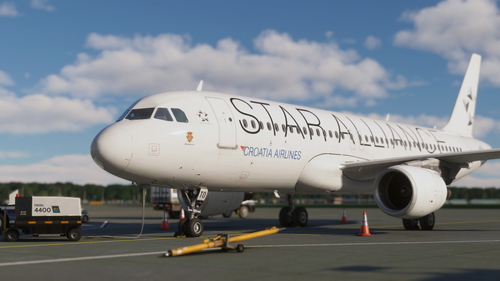
Croatia Airlines 9A-CTO 'Star Alliance | Fenix A320 8K | B2 Ready
Croatia Airlines 9A-CTO Star Alliance livery for the Fenix A320 in 8K resolution with B2 compatibility. Includes Sharklets and potential future cabin updates. Simple installation by dragging and dropping files into the community folder.
by Lennox_365
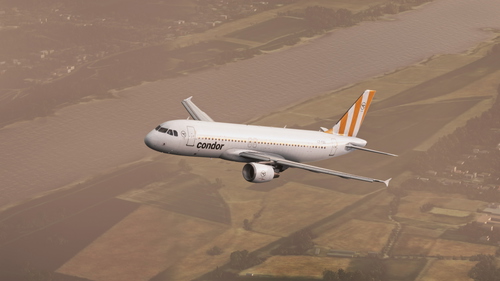
CONDOR LZ-FBK | Operated by Bulgaria Air | 8K
"CONDOR LZ-FBK operated by Bulgaria Air in 8K resolution. Custom livery available for download and installation in the community folder. Explore this detailed aircraft skin with high-quality textures."
by Lennox_365
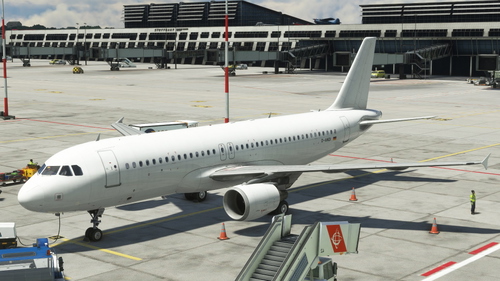
D-ANDI (operating for Transavia Holland) | Fenix A320 8K
Hey everyone, this is the simple D-ANDI livery for the Fenix A320. I wanted to make this for Dani, but i can't answer to Request, as this is my first livery. I hope this is what you wanted :) Any suggestions for improvement are welcome... Enjoy :)
by Lennox_365
Log in to join the discussion
Log InComments(8)
about 3 years ago
about 3 years ago
just tried it out myself, everythings fine on my side. Maybe update your Fenix A320?
over 3 years ago
I'm having trouble loading and seeing the Camra views for the wing how do you do it thankyou
over 3 years ago
Hi Nick,
when you've installed the preset like instructed in the description, you should be able to toggle them by using the custom camera 1-9 keybinds (default is alt + 1 for custom camera 1 and so on i think). Let me know if that helped!
over 3 years ago
can i select the camras by just using the camra button in the sim
almost 4 years ago
In the steam folder mentioned above, I see only 'state.cfg'. No 'cameras'. Where can I replace the file?
Thanks
almost 4 years ago
Hi, it should be because you never saved your own views for the Fenix. No worries, just put the cameras.cfg in the folder without replacement and it should work like a charm :)
almost 4 years ago
Thanks, I will try it out.