
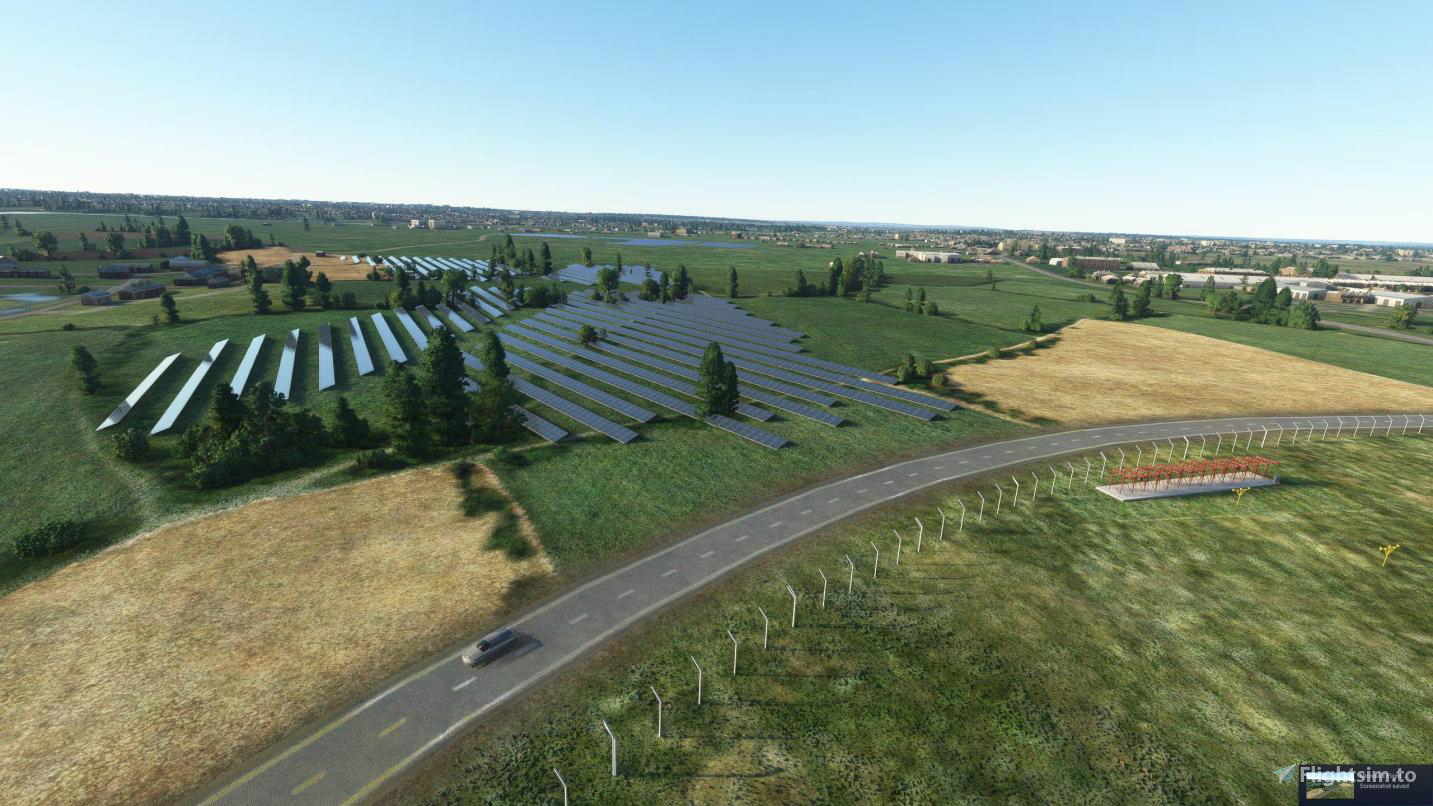
Description
This would not be possible if it was not for Kitson, RichieD to get the project going so in reconition of there efforts they are credited here.
Discord - https://discord.com/channels/749587073161232475/779398526747803718
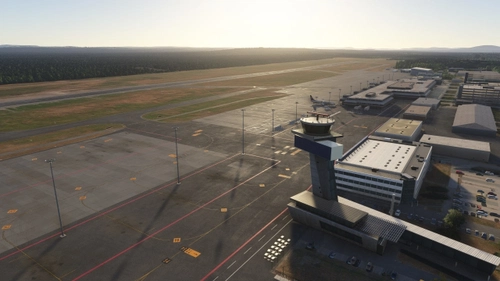
- New carparks
- New terminals (departure and arrivals)
- Glass walkway
- Fuel trucks and area
- Security area
- Fire station
- Control tower
- several buildings on the industial side (Draken etc)
- Perimeter fencing
- Ground modeling
- Radar and aerials
- taxiway improvments
- runway corrections
- various lighting improvments
- LODs for performace
- more parking areas
- Full ATC support
- GSX files for passenger pathing
- And many other improvments
Feedback welcome and encouraged! It will help make this even better!
Location
EGHH Bournemouth Airport
Enhance Bournemouth Airport with this add-on featuring new terminals, carparks, and various improvements including ground modeling, lighting upgrades, and full ATC support. Enjoy a realistic airport experience with added details like a glass walkway, fire station, control tower, and more. Join the Discord for feedback and updates!


User Reviews
41 reviews
Version History
Fire station glass texture corrected Draken buildings, glass texture corrected Control Tower Antenna Tower modelled A sprinkling of pretty obstruction lights added :-) GSX Profile updated to include new cargo ramps and pull-push-pull pushbacks for bravo apron Loewy House added AeroFlex Building added Bld106 spotlights corrected Custom trees and bushes added around Loewy House Compass Base (Amazon?) Building Added Car Hire Portacabin removed G-ECLF (ex-Ethiad) added Wig-wag LOD improvements (again)
Featured in Collections(1)

Related
TBM 930 BBN repaint
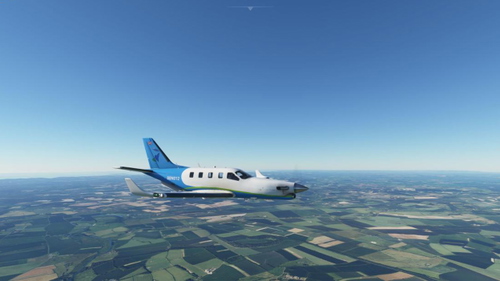
This Microsoft Flight Simulator add-on features a repaint of the TBM 930 aircraft in the livery of BBN Airways. For more information, visit their website at bbn-airways.co.uk or join their Discord server. Version 1.0.
by Tradari
C208 B in BBN-Airways Livery
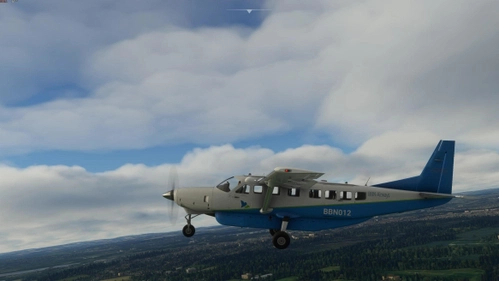
Introducing the C208 B in BBN-Airways Livery, the first repaint in FS2020. Simply drag and drop this basic package into your community folder and take to the skies with a new look. Feel free to visit bbn-airways.co.uk for more flying adventures. -Tradari
by Tradari
Log in to join the discussion
Log InComments(181)
about 3 hours ago
11 days ago
2 months ago
I know it's nothing to do with you but there's currently a bug involving large square of water a short distance west of the airport. Is there anything you can do to remove it and bundle that fix with the scenery until Asobo fixes the bug (which might be sometime in the next century)? I don't know how the SDK works so it may not be possible because the issue could be related to the base scenery but thought I'd ask.
about 2 months ago
2 months ago
2 months ago
I look forward to the possibility of updated terminals now that Bournemouth Airport redevelopment is complete.
https://www.bournemouthecho.co.uk/news/25964903.major-bournemouth-airport-construction-upgrades-completed/
2 months ago
3 months ago
4 months ago
5 months ago
5 months ago
6 months ago
6 months ago
a) you must run the EGHH_config from the folder that you installed the scenery, i.e. df-airport-eghh-bournemouth (dont move the executable).
b) The static A340 models are located in "df-airport-eghh-bournemouth\scenery\global\scenery", a model is disabled if the .bgl has the extension .bgl.disabled. The A340's are positioned: ramp 21R = EGHHStaticModels1.bgl, ramp 23L = EGHHStaticModels2.bgl and ramp 25 = EGHHStaticModels3.bgl. The quick and dirty way to disable the model, is to rename the .bgl extension to .bgl.disabled, to re-enable rename to .bgl
Let me know how you get on.. or need more help.
8 months ago
8 months ago
If you want to disable/enable any of the static models, run the EGHH_Config.exe in the "df-airport-eghh-bournemouth" folder.
If you have GSX installed, you can either use the Config tool to install the profile, or you can manually copy the eghh_v1_6_5.ini file into your GSX profile folder: %APPDATA%\virtuali\GSX\MSFS\
DM me if you need more help.
8 months ago
8 months ago
What issues are you having with the GSX profile?
8 months ago
9 months ago
9 months ago