
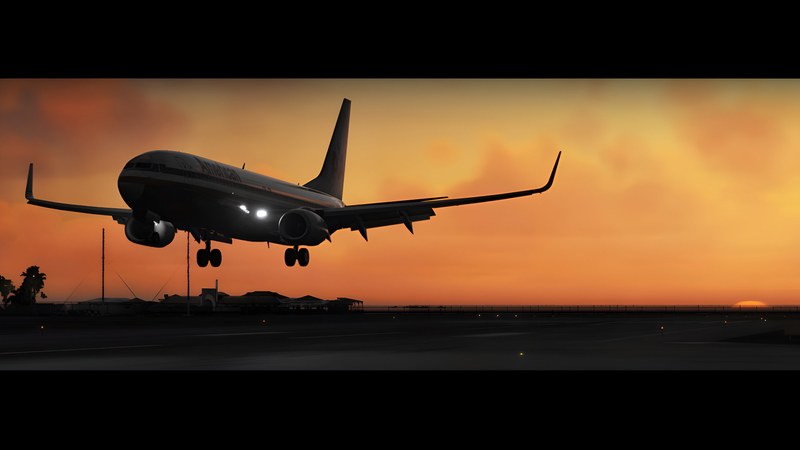
![[PMDG B737] True cold and dark panel state - Image 1](https://cdn.flightsim.to/images/24/true-cold-and-dark-panel-state-IUOWl.jpg)
Description
UPDATED FOR MSFS2024
Cold and dark panel state for the PMDG 737 series
Works for all PMDG 737 variants!
changes from the default cold and dark panel state:
- only GPU cart connected, all other equipment disconnected
- all integral lights are set to max brightness
- all screens are set to max brightness
- transponder is turned off and squawk code is set to 2000
- default baro is set to hPa (standby instrument as well)
- position lights are turned off
- engine bleeds switched off
- isolation valve set to auto
- fuel volume set to 3000 lbs (1360 kgs)
- payload set to 0%
Installation
1. search for this folder in your PC:
MS Store (MSFS2020):
C:\Users\Username\AppData\Local\Packages\Microsoft.FlightSimulator_8wekyb3d8bbwe\LocalState\packages\pmdg-aircraft-738\work\PanelState
MS Store (MSFS2024):
C:\Users\Username\AppData\Local\Packages\Microsoft.FlightSimulator_8wekyb3d8bbwe\LocalState\WASM\MSFS2024\pmdg-aircraft-738\work\PanelState
Steam (MSFS2020):
C:\Users\Username\AppData\Roaming\MicrosoftFlightSimulator\Packages\pmdg-aircraft-738\work\PanelState
Steam (MSFS2024):
Don't know exact path, sorry. (I use the MS Store version)
2. paste the downloaded file (replace if you got the old version)
3. load your aircraft in the sim
4. go to the FMC and press PMDG setup -> startup state -> find COLDDARKGPU -> EXEC
5. enjoy
[PMDG B737] True cold and dark panel state
Enhance your PMDG 737 experience with a true cold and dark panel state add-on, compatible with all variants. This modification includes specific adjustments such as lights, screens, transponder settings, and more for a realistic simulation. Simply follow the installation steps to activate the new panel state and immerse yourself in the authenticity of this aircraft.

User Reviews
4 reviews
Version History
fuel volume set to 3000 lbs / 1360 kgs payload set to 0%
Log in to join the discussion
Log InComments(13)
2 months ago
C:\Users\Username\AppData\Roaming\Microsoft Flight Simulator 2024\WASM\MSFS2024\pmdg-aircraft-738\work\PanelState
10 months ago
10 months ago
10 months ago
over 2 years ago
over 2 years ago
almost 3 years ago
almost 4 years ago
A real pilot from my country said that they almost never take the aircraft fully in C&D. They usually start the aircraft energized in the GPU. I will use yours
about 4 years ago
Works great, thanks
about 4 years ago
Hey, what about fuel in tanks? Just want to make sure before downloading
about 4 years ago
Hello, just changed the fuel to 3000 lbs (1360 kgs) and the payload to 0%
about 4 years ago
Great, gonna download it now