
Description
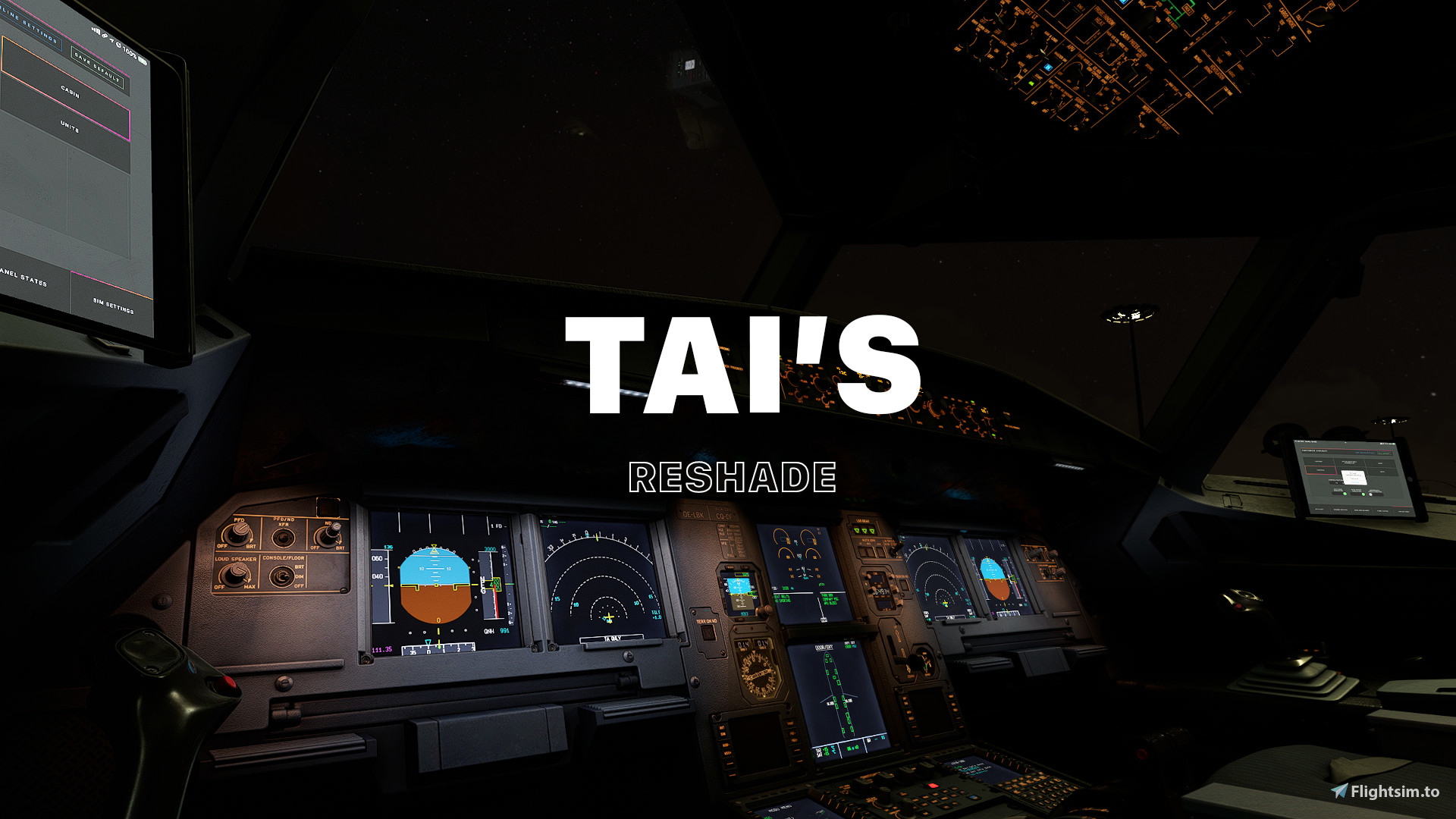
This preset aims to replicate how human eyes see the world. Cinematic is not prioritized!
V1.2
*Reduce darkness
*Enhanced over brighten instruments at night.
*Remove the yellow tone of the default sim.
*Improve overall atmosphere.
*No LUT or Nvidia Filters are Required
This version should work with latest Reshade (5.8.0), again all libraries are required
*SU12 Tested
MSFS 2020MSFS 2024
Tai's Reshade
Enhance your visual experience with Tais Reshade preset for Microsoft Flight Simulator. Version 1.2 features improvements such as reduced darkness, enhanced night instrument visibility, removal of yellow tones, and an overall atmospheric enhancement. Compatible with the latest Reshade version (5.8.0) and tested on SU12. No additional LUT or Nvidia Filters required.
Downloads2K
Version1.2
File Size1.07 KB
Published4 years ago
Updated3 years ago

User Reviews
4.8
2 reviews
5
50%
4
0%
3
0%
2
0%
1
0%
Log in to join the discussion
Log InComments(13)
over 2 years ago
Edit: Just found the explanation for my problem, about 30 seconds after posting this comment bruh
almost 3 years ago
over 3 years ago
how to remove that vertical lines coming up with mouse cursor ?? horizontal and vertical lines. i tried disabling all the effects still it was coming up with the cursor.
good mod though, but please tell me how to remove those lines with the mouse cursor.
over 3 years ago
Best preset available! I tried some and this one has by far most realistic and well balanced color grading and looks superb at day and night. Normally presets are too dark at daytime (especially in the cockpit) or too bright at night, this one is perfect. Thank you for your hard work and much success for the future!
-Sebastian
over 3 years ago
Glad you enjoy it!
Is there anything that you want to see improved/implement in the future?
Best regards
over 3 years ago
the download was an ini file. Where must I put it in ??
over 3 years ago
Hi ! You have to install Reshade first~I suppose you are using MSFS steam as I only can support this version.
1. Download Reshade from: https://reshade.me
2. Extract the INI file from my Zip file into MSFS ROOT folder
3. Run the ReshadeSetup.exe and Select MicrosoftFlightSimulator.exe. (IF you can't find it then click browse and select it manually) and click NEXT.
4. Make sure you select Microsoft DirectX 10/11/12 and click NEXT.
5. When it asks you to select a Preset To Install - click BROWSE and select the INI file you extracted earlier, click NEXT
6. Make to check ALL effects package, you can do this by clicking (UNCHECK ALL then CHECK ALL on the top right button), click NEXT
7. After waiting for it to finish downloading click FINISH.
8.Now Launch MSFS, after getting to the main screen. Press "HOME" button on your keyboard. If you done all the step correctly then you should see something "Tai V1.2" on the Reshade panel.
9.Press HOME again to close the panel. You should instantly see a different.
10.Load a flight and enjoy the preset :)
over 3 years ago
ok, thats is bad for me. I am using the Store Version. Thanks for answer and your work for the community.
Best Regards Reinhard
over 3 years ago
Okay! Have a good day Captain :)
almost 4 years ago
Very realistic. It doesn't change the instrument's color like other presets did!
Although I do find it a bit bright in some certain situation.
about 4 years ago
Be clearer in the installation process. We don't understand how to use it either. I tried but nothing works
about 4 years ago
Some before/after images would be great to see, what your addon is doing.
about 4 years ago
HOLA SALUDOS TE PUEDES EXPLICAR MEJOR SOBRE LA INSATALACION GRACIAS