

Description
V 1.11 Additional layer for AP and Internal Lights. Removed UP and DOWN keys to change layers. Layers are now changed by pressing Rotarys 1,2 or 3.
Changed the long click to change the ranges on the G530 / G430. This is now a simple click and the layer change is no longer used on these buttons.
Please Change/Edit the X-Touch Auto Script in the RPN Editor for the Asabo172 in AAO to allow the extra layer to work eg:
//·Define·starting·layer·and·total·number·of·layers
0·(>L:XTouch_Layer_Active)\n
4·(>L:XTouch_Layer_Total)\n
V1.01 Fixes missing CDI button function. To update just copy the two files into C:\Users\(you username)\Documents\LorbyAxisAndOhs Files\Scripts\XTouchGauge\ and replace the old files. Then start up AAO and it should be working fine.
Some basicC172 Layers for use with the X Touch Gauges from Funatic https://flightsim.to/file/38162/x-touch-mini-gauge-for-use-with-aao-axis-and-ohs
They are also used as part of my guide video at youtube.com/flightsimandotherstuff
You will need a copy of Axis and Ooohs and the xtouch mini gauges as above to use these 2 files.
Comments(1)
Log in to join the discussion
Log InC172 Gauges for X-Touch Mini
Some basicC172 Layers for use with the X Touch Gauges from Funatic , the 1st layer has the Analgue Gauges on and the GN530 and the 2nd Layer has the GN430. Additional layers with Xponder, ADF, Autopilot etc will be added as I build up the profile. The I will be adding more Plane, the next on the list will be the Fennix A320

More Information
Version History
More layers. Changed Navigation between layers using the 1st 4 rotary push bottons. Added more LED's and testing Dynamic Text Labels
Related
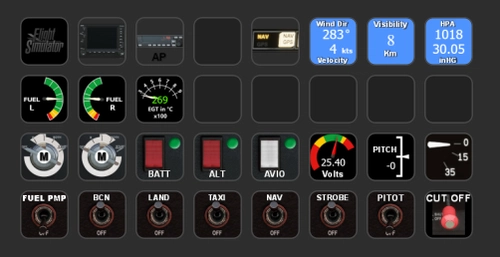
C172 Stream Deck XL
Enhance your Cessna 172 experience with the C172 Stream Deck XL profile, designed for LORBYs AxisAndOHs and its StreamDeck Plugin. This add-on includes corrected errors on landing lights and the addition of an autopilot panel. Custom icons and a G530 panel are provided, along with the option for further customization with Guenselis ICON pack. Please note that some functionalities may require additional hardware mapping.
by SilverSurfer58 - Based on the work of Guenseli
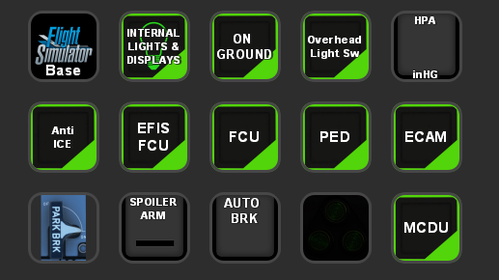
STREAMDECK 15 KEY VERSION OF A320
Transform your A320 experience with the StreamDeck 15 Key Version mod, a rework of the full StreamDeck XL version. Link profiles seamlessly and enhance your cockpit interactions with just 15 keys. Thanks to Guenselis original work, dive into a more streamlined A320 simulation setup.
by SilverSurfer58
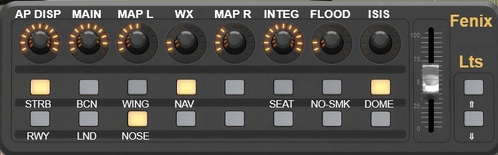
Fenix A320 Panels for X-Touch Mini
X-Touch Mini Gauges for the Fenix A320. Requires the Axis and Oh's, also Guenseli's Stream Deck Scripts (even for those without a steramdeck you will need the AAO Scripts) and the X-Touch Gauges Framework from Funatic for AAO. The xTouch LED's are used throughout to provide feedback on the status of the Controlls
by SilverSurfer58
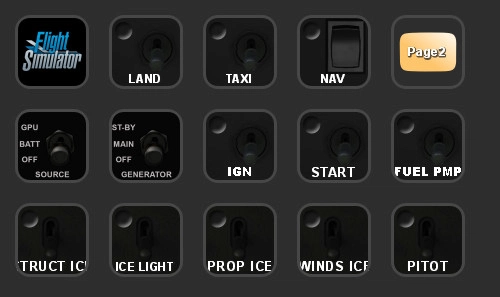
TBM 930 15Key StreamDeckVersion
A customized 15-key StreamDeck version for the TBM 930 aircraft by Guenseli, requiring scripts from the StreamDeck XL version as well as AAO scripts from Lorby. Rearranged streamdeck layout without original content. Find out more at the provided link.
by SilverSurfer58
about 2 years ago