
Description
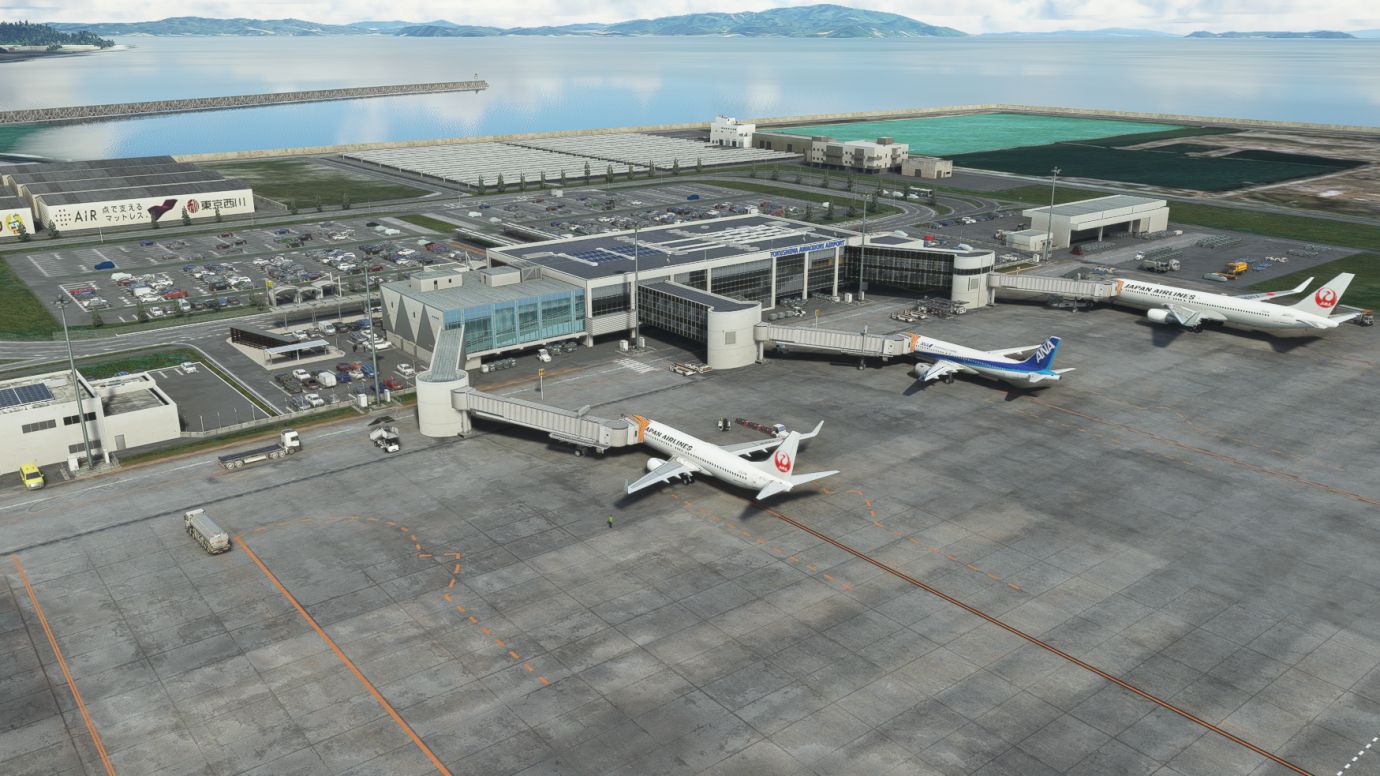
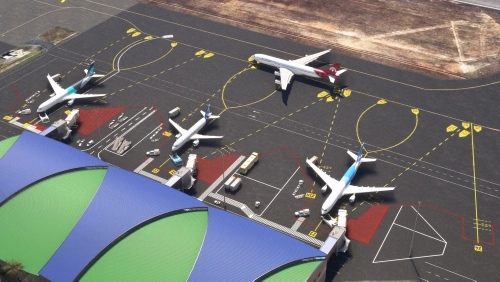
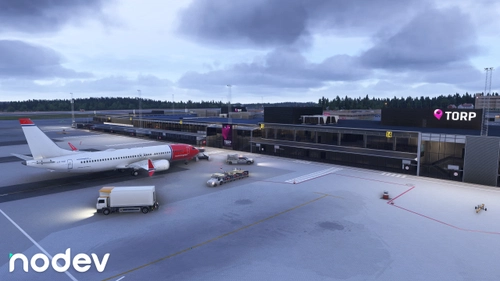
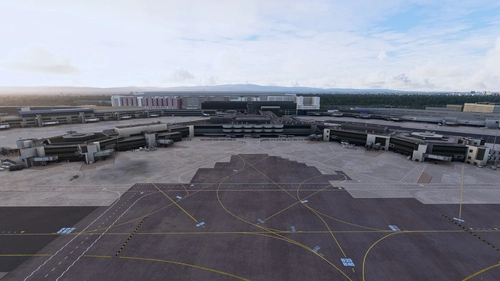
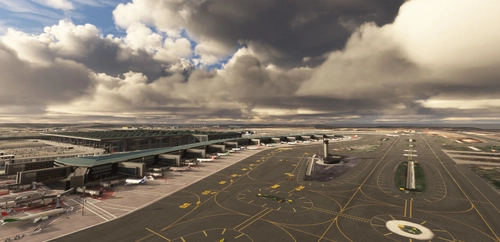
I created my local Tokushima Airport.
Ladies and gentlemen. Thank you for the many likes and ⭐️⭐️⭐️⭐️⭐️.
Ver0.9.7
I fixed a lot. I put a picture at the end, so please take a look.
V0.9.6
1. After the V0.9.5 VerUP, I received comments, messages, and photos from users saying that JETWAY was not displaying properly.
The cause occurs when used simultaneously with Mr. YAG's Kuwait. I was able to reproduce it on my PC.
Mr. YAG's JETWAT in Kuwait was provided to him by me and his ID is my JETWAY in Tokushima.
Therefore, if you use them at the same time, the ID will be duplicated and the problem will be reproduced.
Therefore, I changed my Tokushima JETWAY ID so that it does not overlap with his Kuwait.
(Please see the last photo.)*Because the jetway file name has been changed, be sure to delete the old scenery from \community and copy the new v0.9.6.
Location
RJOS-TOKUSHIMA◆徳島空港・徳島飛行場
Explore the local charm of Tokushima Airport with this community-created scenery add-on, featuring detailed improvements and fixes. Dont miss out on the latest version (Ver0.9.7) with enhanced visuals and corrected elements. Update includes a unique solution to avoid ID conflicts when used alongside other add-ons.

User Reviews
64 reviews
Version History
1 I planted grass on the green at Tokushima Airport 2. The embankment on the Tokushima RWY29 side actually did not have a handrail, so I removed it. 3 I added a 2km south fence. 4 I added a 1km long breakwater and a lighthouse on the north side. 5 I added 3 breakwaters on the south side. 6 I made the taxi sign a little bigger. 7 I corrected the uncolored tetra pods. 8 I also made several other corrections.
Featured in Collections(2)



Related
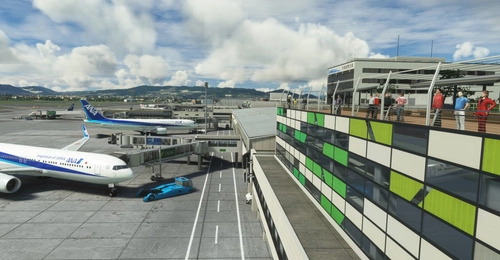
RJOO-Osaka Intl Airport Japan◆伊丹空港
Explore an intricately crafted rendition of Osaka International Airport (RJOO) in Microsoft Flight Simulator. Created from scratch over 260 hours, with ongoing enhancements, this scenery boasts details true to life. Immerse yourself in this stunning recreation of Osaka, Japan, with a surprisingly compact download size of 21MB. Witness the realism with added features like RLLS and VDGS for an authentic aviation experience.
by KADO
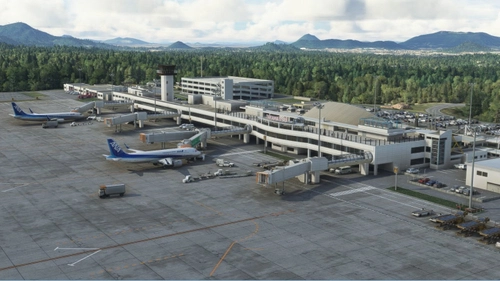
RJOT - TAKAMATSU ◆ 高松空港
Experience the detailed recreation of Takamatsu Airport in this add-on, meticulously crafted to closely resemble the real-life counterpart. Explore the airport and surroundings with enhanced realism and accuracy, offering a true-to-life flying experience.
by KADO
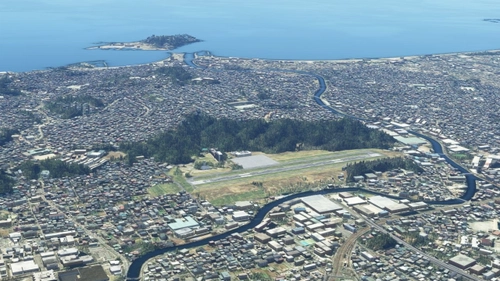
Fictional Airport (ENOSHIMA)
Explore a fictitious airport with ENOSHIMA, located near Enoshima with a 900m runway. Using internal objects, this unique airport is situated approximately 50km southwest of Tokyo.
by KADO
Log in to join the discussion
Log InComments(178)
5 months ago
11 months ago
5 months ago
over 1 year ago
almost 2 years ago
about 2 years ago
Happy to see it in MSFS!
over 2 years ago
over 2 years ago
over 3 years ago
High Quality GSX Pro Profile out now!!!
RJOS GSX Profile: https://flightsim.to/file/56797/gsx-pro-profile-rjos-tokushima-kado-t-w-passengers-pushbacks
over 3 years ago
☆☆☆☆☆ Thank you. I don't understand GSX at all.
over 3 years ago
4月からMSFS始めたばかりのspeedair oneと申します
徳島空港もの凄い完成度の感涙シーナリに感動がとまりません
ここを拠点に日本各地へ楽しませていただいてます
素晴らしいご創作に感謝の気持ちを込めて、、、
over 3 years ago
うれしいですー。ありがとうございます。
over 3 years ago
HI KADO_t: Your works is really something, good jobs!! PLZ keep going~
best regards
over 3 years ago
I am happy to receive a good evaluation. Thank you very much.
over 3 years ago
Great airport as always! Thanks for your hard work!
over 3 years ago
Thank you very much. I'm glad.
over 3 years ago
完全引退はどうかお待ちください。
いずれの大作もv1.0をまだ見ておりませんし、MSFS2020は進化し続ける存在です。
大型更新によっては、1年ほど修正の入ってない他社作品で滑走路の水面化が起きたり、空港敷地のあらぬところに木が生えたりするのです。
好評価打ち続けますので、どうかアフターサポートは続けていただきたいです。
over 3 years ago
ありがとうございます ☆5は1人 1回だけ・・・なので もうこれ以上増やすことはできません(笑) 今後はペースダウンしますが、伊丹はまだまだ更新します。伊丹はできる限り頑張ります。
over 3 years ago
over 3 years ago
☆☆☆☆☆ありがとうございます