
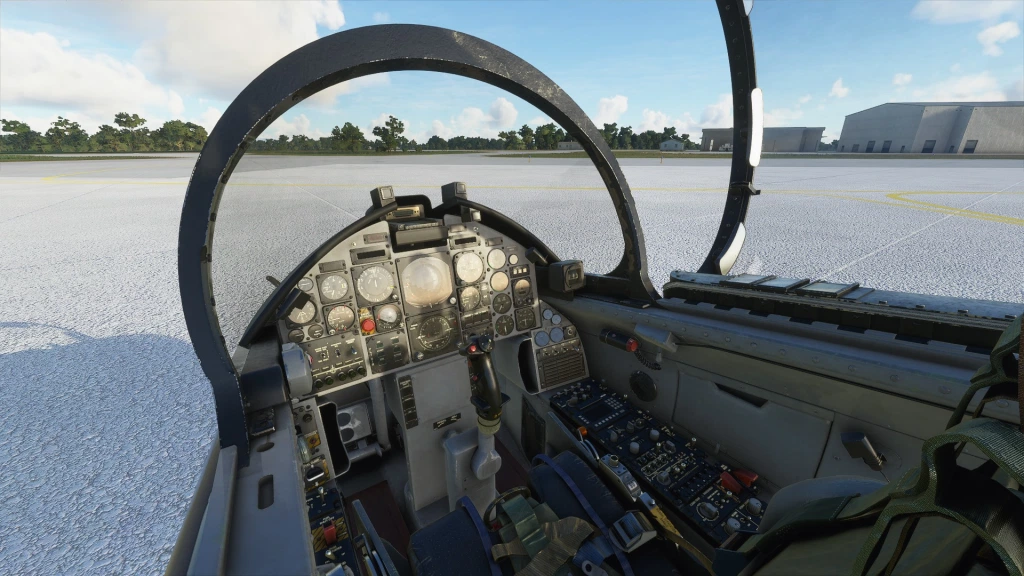
Description
Better Cameras modifications for the MB-339 by IndiaFoxtEcho
https://orbxdirect.com/product/indiafoxtecho-mb339-msfs
https://secure.simmarket.com/indiafoxtecho-mb-339-msfs.phtml
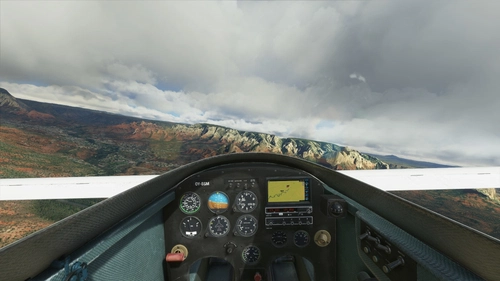
These modifications change the IndiaFoxtEcho MB-339's camera positions and field of view to allow for better visibility of the outside environment and flight instruments.
Change log:
v2.1
- Fused the two addon folders into one
- Wider FoV for the default and landing views, now better shows the instrument panel
- Instrument view 1 better shows the annunciator panel
v1.1
- Switch to drag and drop installation method
v1.0
- Wider field of view for the default, close and landing camera positions
- Default camera now better shows the main instruments
- Close camera now actually gives a closer look at the instruments
- Better outside visibility for landing camera
- Minor camera position oddities
Installation:
1) Drag and drop the MB339A_BetterCameras and MB339PAN_BetterCameras folders into your community folder
If there is any changes or improvements you think might be needed, don't hesitate to tell me in the comments
MB-339 Better Cameras
Enhance your visibility with Better Cameras modifications for the IndiaFoxtEcho MB-339 in Microsoft Flight Simulator. These changes improve camera positions and field of view, providing a clearer outside environment and better visibility of flight instruments. Update v2.1 includes a wider field of view for default and landing views, enhancing instrument visibility. Simply drag and drop the folders for easy installation.


User Reviews
4 reviews
Version History
Fused the two addon folders into one Wider FoV for the default and landing views, now better shows the instrument panel Instrument view 1 better shows the annunciator panel
Related
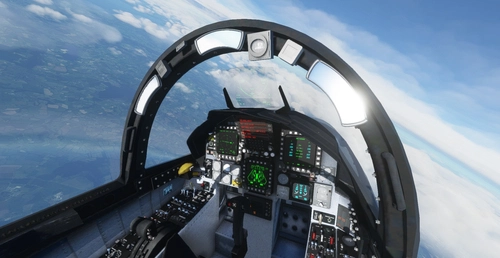
F-15C/D/E/I Better Cameras
Enhance your F-15C/D/E/I Eagle experience with Better Cameras modifications, improving visibility of the outside environment and flight instruments. This mod by DC Designs includes updated camera positions and field of views for a more immersive flying experience. Version 1.1 now supports the latest v0.2.0 update, with minor adjustments and new camera features imported from the plane update. Install easily by dropping the DC_F-15_BetterCameras folder into your community folder.
by Laulenture
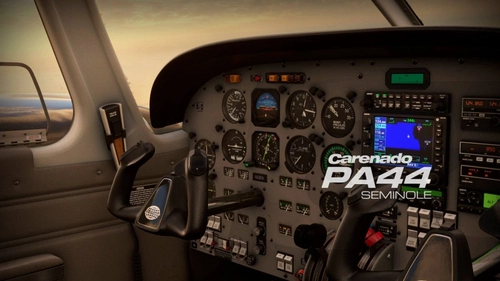
Piper PA44 Better Cameras
Enhance your Piper PA44 Seminole experience with Better Cameras modifications, optimizing camera positions and field of views for improved visibility of the outside environment and flight instruments. Update includes a new "Options" view for enhanced tablet interface usage and various adjustments for a more immersive flying experience. Please note that the add-on may require reinstallation after any plane updates.
by Laulenture
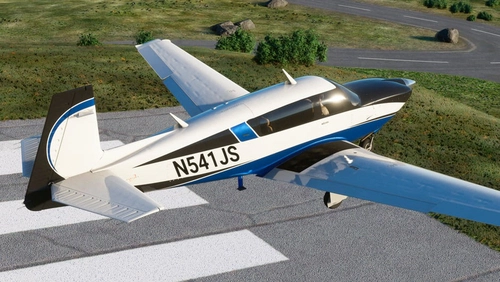
M20R Ovation Better Cameras
Enhance your Mooney M20R Ovation experience with this mod offering better camera positions and wider field of views for improved visibility of the outside environment and flight instruments. This modification adjusts default, close, and landing camera positions, panel views, and left and right side quick views for a more immersive flying experience. Feel free to provide feedback for future updates and improvements.
by Laulenture
Long EZ Better Cameras
Enhance your flight experience with the Long EZ Better Cameras modification for IndiaFoxtEchos Long EZ aircraft in Microsoft Flight Simulator. This add-on adjusts camera positions and field of view to provide improved visibility of the outside environment and flight instruments. Easily install this modification by dragging and dropping the LongEZ_BetterCameras folder into your community folder. Share your feedback and suggestions for further enhancements in the comments section.
by Laulenture
Log in to join the discussion
Log InComments(12)
almost 2 years ago
about 4 years ago
Fantastic, can you do cameras for the Indiafoxtecho T45, always feel like my nose is right on the heads up... thanks...
over 5 years ago
over 5 years ago
Other than that, huge improvement over the default views, using it on a 21:9 Ultrawide monitor with no issues.
over 5 years ago
over 5 years ago
almost 6 years ago
almost 6 years ago
almost 6 years ago
almost 6 years ago
almost 6 years ago
Cheers.
almost 6 years ago