

Description
Follow the instructions that are in the README file!
Simple as dragging and dropping the folder and file into there locations specified.
This gives a new life to the PMDG 737 for people who want to practice there skills landing this aircraft into Innsbruck Airport RWY 26. Retry it as many times as you want!
I hope as many of you enjoy it and I'm going to be releasing many many more landing challenges! Let me know where you would like to see a landing challenge next in the comments.
This is provided free to the community of MSFS.
PMDG names, logos and properties are all copyrighted by PMDG.
Boeing names, logos and properties are all copyrighted to Boeing.
SoFly 2022 for the LANDINGCHALLENGE.sav file
RustyAnkle 2022 Copyright
Location
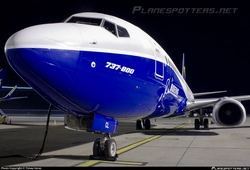
PMDG 737 Landing Challenge - Innsbruck Airport
A landing challenge specifically made for the PMDG 737 into Innsbruck Airport. Retry it as many times as you want to make sure you nail it just the way you want it! This adds more fun to the aircraft as you can practice it over and over until you perfect that one landing you have always wanted.

Version History
ADDED 737-800 VARIANT
Related
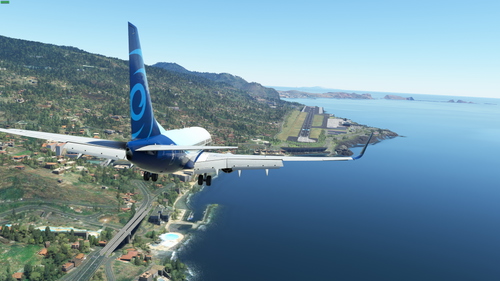
PMDG 737 Landing Challenge - Madeira Airport
A landing challenge specifically made for the PMDG 737 into Madeira Airport. Retry it as many times as you want to make sure you nail it just the way you want it! This adds more fun to the aircraft as you can practice it over and over until you perfect that one landing you have always wanted.
by RustyAnkle
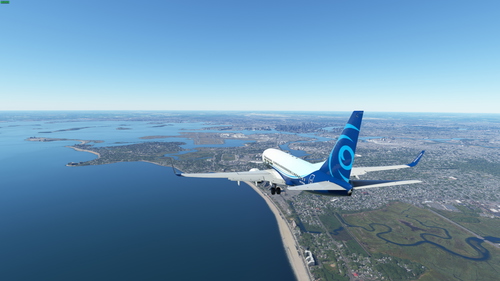
PMDG 737 Landing Challenge - Boston Logan Airport
A landing challenge specifically made for the PMDG 737 into Boston Airport. Retry it as many times as you want to make sure you nail it just the way you want it! This adds more fun to the aircraft as you can practice it over and over until you perfect that one landing you have always wanted.
by RustyAnkle
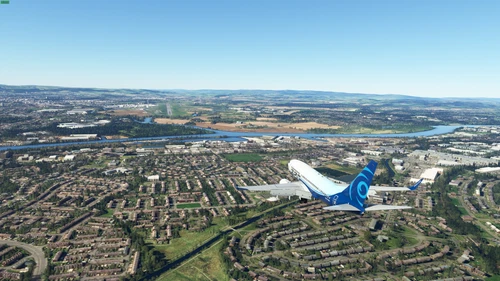
PMDG 737 Landing Challenge - Glasgow Airport
A landing challenge specifically made for the PMDG 737 into Glasgow Airport. Retry it as many times as you want to make sure you nail it just the way you want it! This adds more fun to the aircraft as you can practice it over and over until you perfect that one landing you have always wanted.
by RustyAnkle
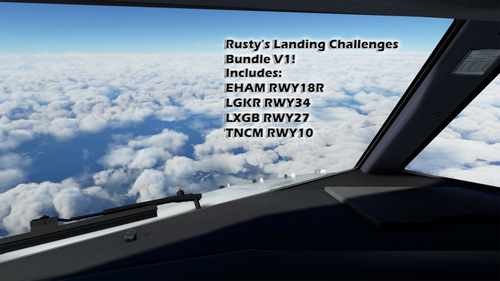
Rusty's Landing Challenges Bundle V1 PMDG 737-800
Enjoy the multiple Landing challenges available now for the PMDG 737-800! Retry it as many times as you want to make sure you nail it just the way you want it! This adds more fun to the aircraft as you can practice it over and over until you perfect that one landing you have always wanted.
by RustyAnkle
Log in to join the discussion
Log InComments(2)
about 4 years ago
Thank you for creating these!
Another one you might consider doing would be the Circle to Land to RWY 08 at LOWI. Lots of fun and excitement in the PMDG -700😊
Thanks again!
over 4 years ago
This and your other challenges look like great fun. Is it possible to create versions for the A32NX ?