
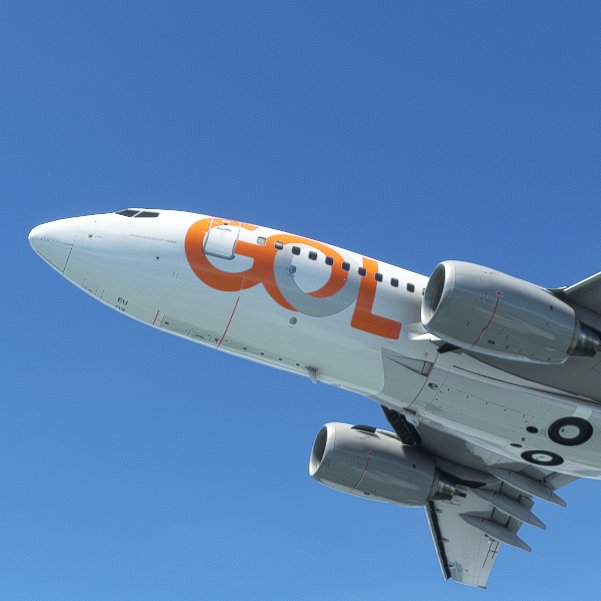
Description
This is my version of PR-GEU B737-700 high definition textures (4k).
PMDG 737-700 is required.
Version 2.0: Color updated. Small details added. Uninstall previous version first in order to install this one.
Use PMDG Operations Center to install this livery.
1. Extract the PTP file from the downloaded zip file.
2. Place it anywhere your PC (typically the downloads folder).
DO NOT place it in the MSFS folder structure, including the Community folder (The OC2 will properly extract it there and update the Layout.json file automatically)
3. Open PMDG Operations Center
4. Follow these steps when Ops Center is open.
4.1 Click the Aircraft and Liveries menu
4.2 Choose Livery Utilities
4.2 Select the Simulator, Product and Variant
4.3 Click Install from PTP file
5. After the Open window opens, navigate to the folder you saved/extracted the PTP file to
6. Click Open.
7. Done
PMDG 737-700 Gol Linhas Aéreas 4K (PR-GEU)
Enhance your flight simulation experience with this high-definition 4K texture pack for the PMDG 737-700 in the livery of Gol Linhas Aéreas (PR-GEU). Version 2.0 features updated colors and added details, providing a realistic and immersive visual representation. Follow the simple installation instructions using PMDG Operations Center to enjoy this meticulously crafted livery.


User Reviews
1 reviews
Version History
Color updated. Small details added. Uninstall previous version first in order to install this one.
Related
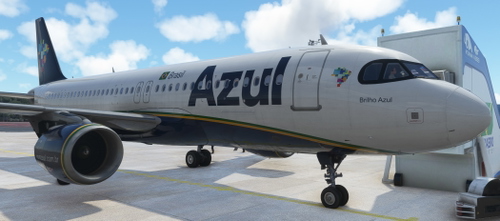
AZUL A320 8K PR-YRK | FENIX A320
Experience a detailed recreation of the Azul A320 PR-YRK livery in stunning 8K resolution for the Fenix A320 aircraft in Microsoft Flight Simulator. Install the add-on by extracting the zip file into your community folder and immerse yourself in this authentic aircraft replica.
by wardoged
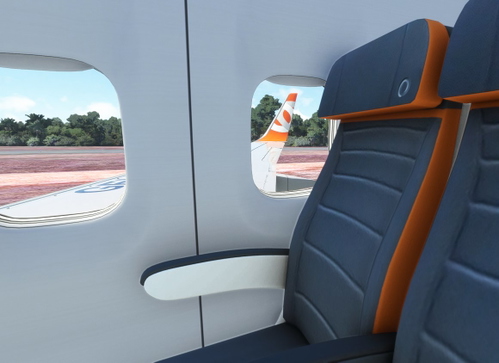
Cabin Seats Gol Linhas Aéreas PMDG 737-700
Enhance your PMDG 737-700 with realistic Gol Linhas Aéreas cabin seats. This add-on provides a virtual cabin experience for MSFS, requiring layout.json file regeneration for installation. Simply extract and copy files to your custom liverys texture folder, then regenerate the layout.json with the MSFS Layout Generator.
by wardoged
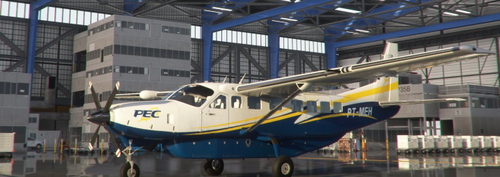
PEC Táxi Aéreo Cessna 208B PT-MEH
Explore a detailed recreation of the Brazilian "PEC Táxi Aéreo" C208B PT-MEH, known for its vital role in medical evacuation operations during the COVID-19 pandemic in the North Region of Brazil. A heartfelt tribute to a real-life pilot and the dedicated workers of the company.
by Vinicius Rozario
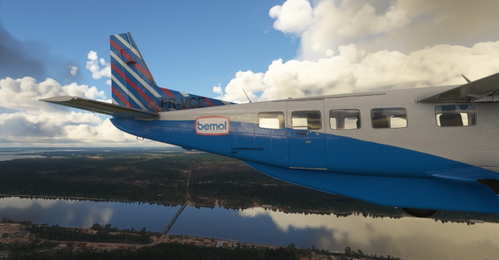
BEMOL Cessna C208B PR-VCE
Experience the thrill of flying in the Brazilian Amazon with the BEMOL Cessna C208B PR-VCE. Transport cargo goods across the dense Amazon Jungle, relying on your skills to navigate safely through the towering trees. Can you complete the 3 to 4-hour flights without getting lost in this challenging environment?
by Vinicius Rozario
Log in to join the discussion
Log InComments(3)
about 3 years ago
over 4 years ago
How can I donate?
over 4 years ago
I have enabled PayPal donations in this page now. Thank you!