
Description
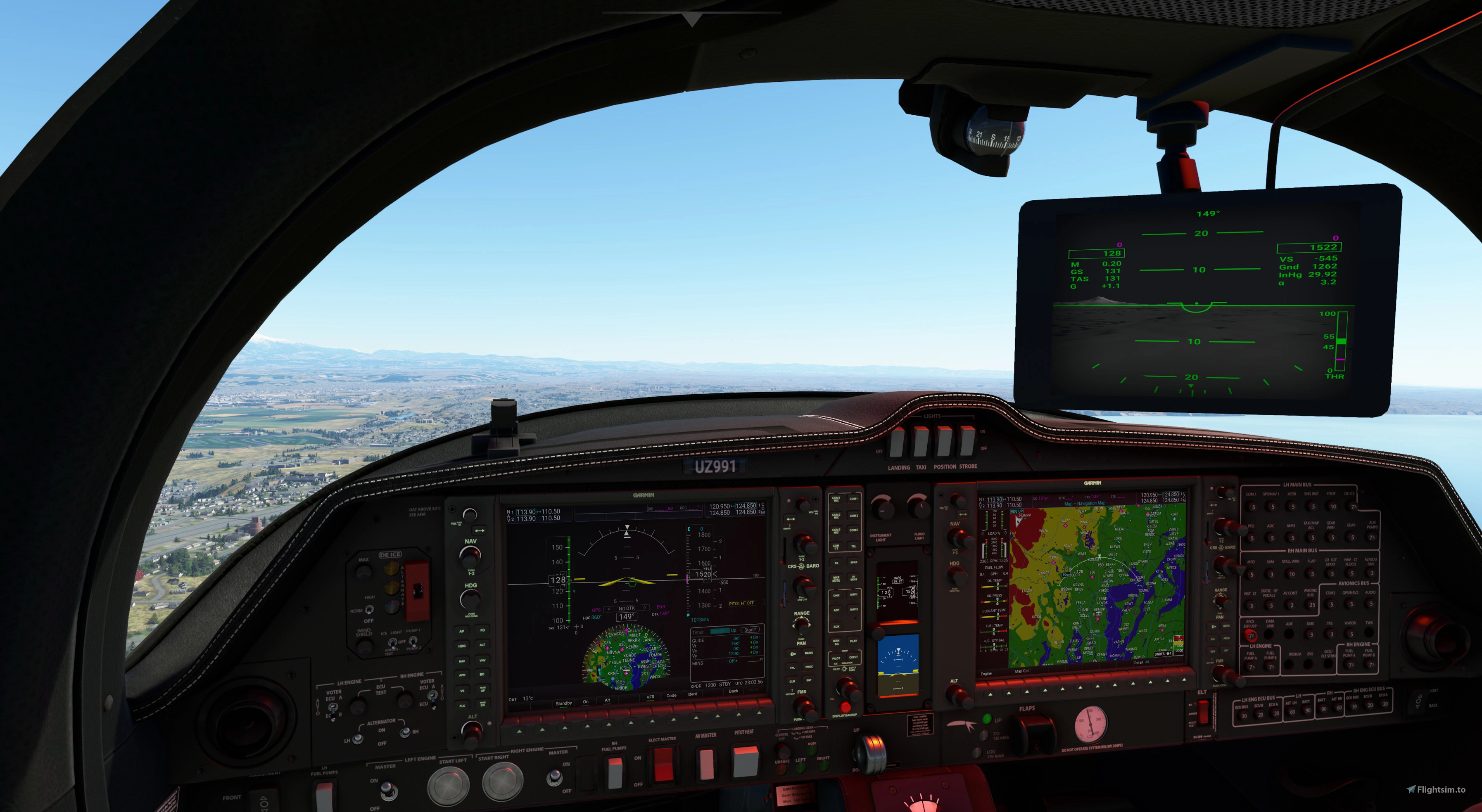
DA62 MPP Version used for surveillance. Original aircraft is the Da62 SDK given after downloading it from MSFS. I modified it and made this version more upgrades are coming interior changes and what not so give me time but until then enjoy. Like all aircraft installation is unzip the file and drag into you community folder. Gimbal camera coming soon...sorry coding takes time :)
If you have question just ask. :)
Make sure you have these Items downloaded
F-18 Top Gun
Pelican Halo
PMS5 - GTN-750 panel
Check out the video coming soon still have some bugs to work out and tweaks :)
If you having problems cold start or new screens click here to see the solution.
www.youtube.com/watch?v=_PfTRxx3xh8
New people downloading the aircraft set a second avionics to get screen to work see link above. If there are any issues make me aware of it and I will probably do a video how to fix it. I am a flm simmer like you giving my time to giving great content remember that.
Respectfully, sorry your not allow to revise these files of this aircraft meaning this model, LODs. Please do not or Microsoft might be the one you answer to next. It fall under SDKs rights!
Upload Permission
You are not allowed to upload this file to other sites under any circumstances.
Modification Permission
You are not allowed to modify or improve my file under any circumstances.
Conversion Permission
You are not allowed to convert this file under any circumstances.
Asset Use Permission
You are not allowed to use assets of my file under any circumstances.
If your having problmes with black screens
Set your avionics master 1 to a key and try the screens will boot up, make sure you have your electric master switch on first.
Sorry MSFS updated to wasam so I will update the panel thats why they are black. Give me time.
Diamond DA62 MPP "DEA"
DA62 MPP Version used for surveillance. Original aircraft is the Da62 SDK given after downloading it from MSFS. I modified it and made this version more upgrades are coming interior changes and what not so give me time but until then enjoy. Feature new glow lights that come on at night however always stay on due to still learning coding. Like all aircraft installation is unzip the file and drag into you community folder.


User Reviews
15 reviews
Version History
Remove black version of aircraft, name no longer works, still slight bug with not showing 3d image MFD. however still functional. There is no list on changes MSFS, so its all a guessing game to get it to work. Let me know any problems! Hopefully this gets you up flying again Required to work 750 panel mod on MSFS F18 top gun Pelican Halo
Related
DA62 Diamond Utility
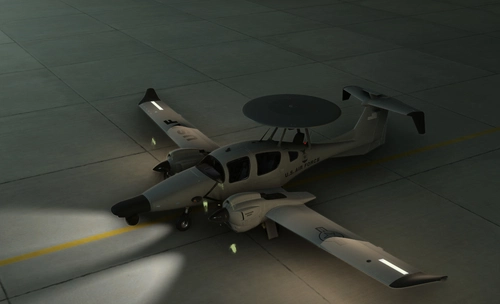
The DA62 Diamond Utility add-on features a utility version of the DA62 aircraft, complete with multiple liveries including designs for Coast Guard, Air Force, Navy, and Army operations. While this version may contain some bugs, it remains functional for flight simulation purposes. The creator notes past challenges including data loss but aims to improve the add-on with future updates. Users are encouraged to report any issues they encounter.
by Microsoft SDK/3DFLIGHT_Dreams - GamesNDev
Meair
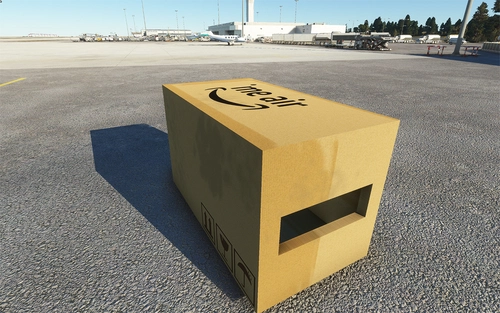
Meair is a fun box aircraft that has rotor capbility like the new helicopters enjoy and learn from it :) Mid air box for some awesome mid air fun. Learn file these files and you to can make a new helicopter model. Happy modding! You can fly it anywhere, so it can be delivered anywhere the box you will always need and never let you down. To take flight into the future. To not be taken seriously
by 3DFLIGHT_Dreams
Log in to join the discussion
Log InComments(93)
about 1 year ago
over 1 year ago
over 1 year ago
over 1 year ago
over 1 year ago
about 1 year ago
almost 3 years ago
almost 3 years ago
about 3 years ago
about 3 years ago
about 3 years ago
about 3 years ago
almost 4 years ago
the plane looks really great, congratulations for that.
Unfortunately, the avionics cannot be used at the moment because of problems with the WTT mod and the PMS50 mod.
If there is a solution for this in the future, I will be happy to use the mod again.
over 3 years ago
the what mod! I believe they update the panels overall
almost 4 years ago
I followed the tutorial on youtube about the G1000 cold & dark startup and added the keybind for the avionics but my screens are still staying black. Is there a solution for this?
almost 4 years ago
I need a step by step what your doing, Ie launching off a runway, starting from cold boot on a parking spot. More details the better. Try installing the garmin100 mod for free on the msfs store. I always willing to help just need more info that's all.
almost 4 years ago
Found it go into your controls and set avionic master 1 on and avionic master 2
almost 4 years ago
That worked. For some reason the first time it wasn't working. Thanks.
almost 4 years ago
Glad it worked enjoy :)