
Description
WANT MORE TEXTURE MODS LIKE THIS?
💚 Fund FlightFlow & get additional benefits! 💚
Projects of this scale cost money and take time. More support will result in more work done.
Support FlightFlow by becoming a Patreon and receive additional benefits for yourself!
www.flightflow.org
FlightFlow | B787 Dreamliner
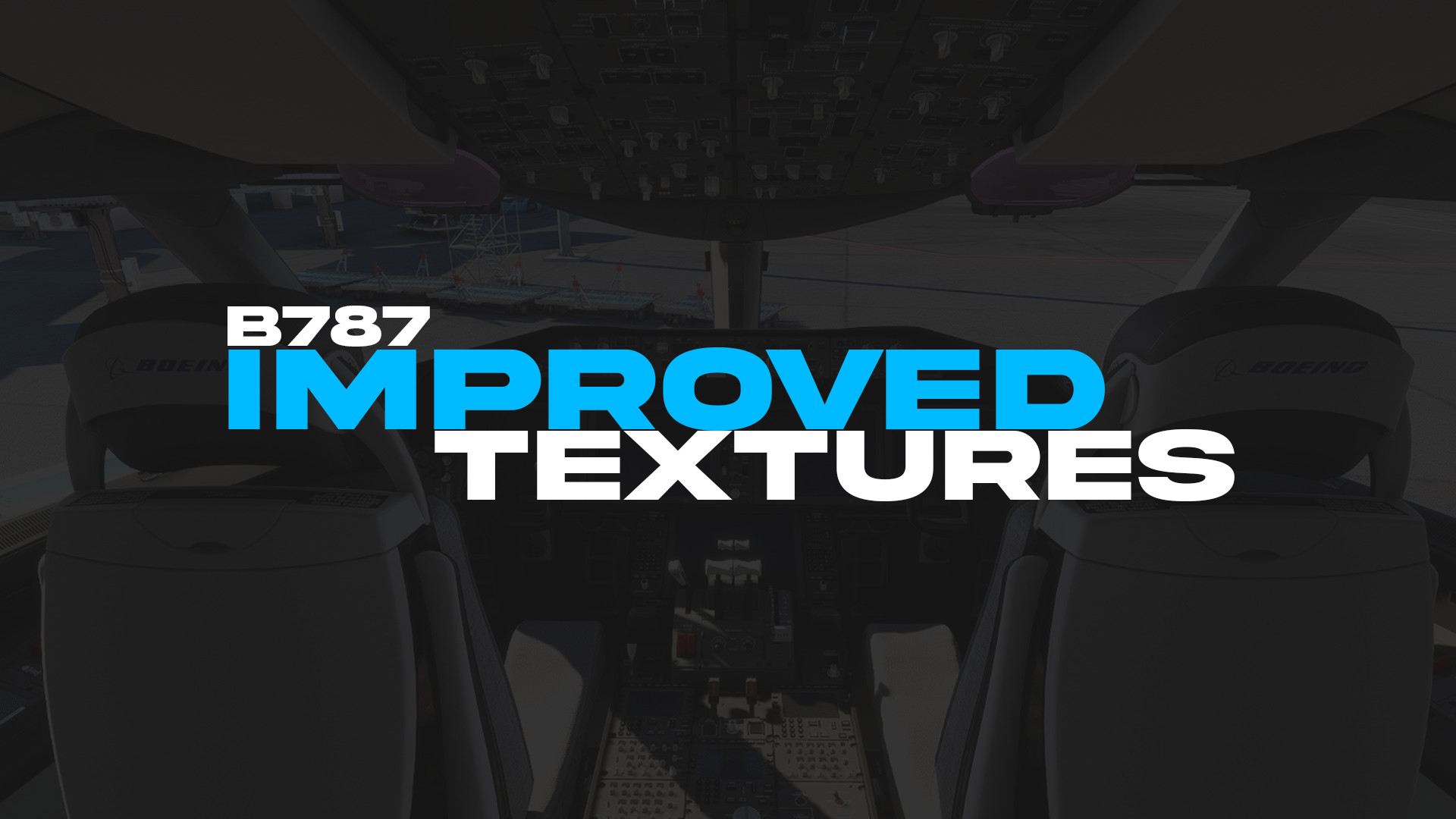
IMPROVED TEXTURES MOD
[ Textures must be manually replaced ]
🅵🅸🆅🅴🆁🆁
WANT A CUSTOM LIVERY?
CLICK HERE TO ORDER YOUR OWN!
New updates will include more textures for the rest of the cockpit.
Make sure to follow us on Flightsim.to for more information on future updates.
Donations:
🤝Join FlightFlow Patreon
☕Buy FlightFlow a coffee
Donations on Buy Me a Coffee help us continue to make new high quality content for you.
Donations on Patreon give you access to special discounts on Fiverr, Discord role benefits, and more.
Simply drag the file and drop it into your Community folder.
Implemented:
• Improved Cockpit Front Seats • Improved Cockpit Back Seats
• Improved Cockpit Back • Improved Cockpit Pedestal
• Improved Cockpit Throttle • Improved Cockpit Inputs
• Improved Cockpit Floor • Improved Cockpit Overhead Panel
• Improved Cockpit Sides • Improved Cockpit Main Panel
Discord
Our Discord server is where we provide most of our support, and where we announce new projects.
Join us to chat with other members of the community, or to simply ask us a question.
Join the community 🡢
Third Party Mod Compatibility
If you are using third party improvement mods that change the texture of the cockpit, which may interfere with our improvement mod, please make sure to replace the textures as instructed here, as well as to replace the ones in that improvement mod which you are using in case you want to continue using our improvement textures, instead of the ones provided in the other improvement mod.
Improved Textures Mod - B787 Dreamliner | by FlightFlow
Improvement Textures Mod for the Asobo's Boeing 787 Dreamliner. This textures mod changes the overall appearance of the B787 cockpit. Simply drag and drop the file into your community folder to start using the textures. Our Discord Server link is in the description.


User Reviews
11 reviews
Version History
Community Folder Compatible. Simply drag and drop the file into your Community folder.
Related
Improved Textures Mod - A32NX & A320neo Realistic Cockpit | by FlightFlow
With this Improvement Textures Mod, you can make your true-to-life flying experience even better! Our Discord server is where we provide most of our support, it is also a place where we announce new projects. Join us to chat with other members of the community, or to simply ask us a question.FlightFlow is a team devoted to developing the best content for modern day flight simulation.
by FlightFlow
Belgrade, Serbia - SCENERY | by FlightFlow
Request a custom livery here: https://www.fiverr.com/flightflow/make-custom-liveries-and-textures We will be updating this project with more buildings, monuments and features in the future. You can find more sceneries and airports for Serbia on Flightsim.to.
by FlightFlow
![AIRSERBIA - Airbus A320neo | Air Serbia Cockpit & Fuselage Textures [A32NX] ━ (8K)](https://cdn.flightsim.to/images/22/airserbia-airbus-a320neo-cockpit-exterior-8k-textures-a32nx-supported-UMH0T.jpg?width=500)
AIRSERBIA - Airbus A320neo | Air Serbia Cockpit & Fuselage Textures [A32NX] ━ (8K)
This is a fictional A320neo livery of the actual A320 & A319 liveries made by Air Serbia. This livery includes cockpit interior and fuselage exterior texture improvements, as well as PACX sound files. To replace the cockpit textures, follow the instructions bellow.
by FlightFlow
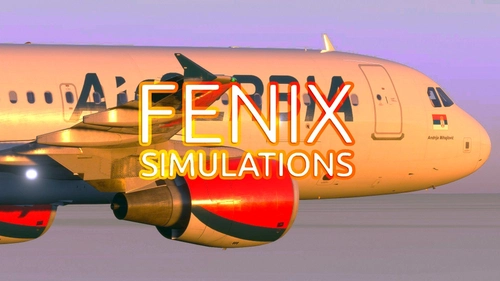
AIRSERBIA - Fenix Simulations A320 | AIRFRAME + CABIN INTERIOR | By FlightFlow
Designed for the Fenix Simulations Airbus A320. This livery looks identical to the real YU-APH operated by Air Serbia. The name under the Serbian flag had to be different for copyright reasons. Simply drag and drop the file into your community folder to install it.
by FlightFlow
Log in to join the discussion
Log InComments(72)
over 3 years ago
for anyone who has the game on steam this is the installation path for the textures but please consider yours maybe different to mine i do not know the microsoft store path as i do not own the game from the store.
installation path for steam owners: C:\Users\brian\AppData\Roaming\Microsoft Flight Simulator\SimObjects\Airplanes\Asobo_B787_10.
hope this helps :) happy flying peeps and safe landings
about 1 month ago
3 months ago
3 months ago
7 months ago
7 months ago
over 1 year ago
over 2 years ago
over 2 years ago
over 2 years ago
Please investigate this issue further, your simulator most likely switched your settings back to 'default' due to other issues, all you need to do is click the arrow button in the settings to bring them back to your original settings, that could have been caused by anything else, but most certainly not texture files. This is not a mod, these are textures, you are simply changing pixels on a screen.
over 2 years ago
over 2 years ago
over 2 years ago
almost 3 years ago
almost 3 years ago
over 3 years ago
Could you make this work with the kuro 787 too? would be eternally grateful!
over 3 years ago
Fire extinguisher aft left texture missing.
https://cdn.discordapp.com/attachments/216673611753193473/1123180312847990864/1250410_20230627121530_1.png
over 3 years ago
Disregard, problem is livery related.