
Description
Description:
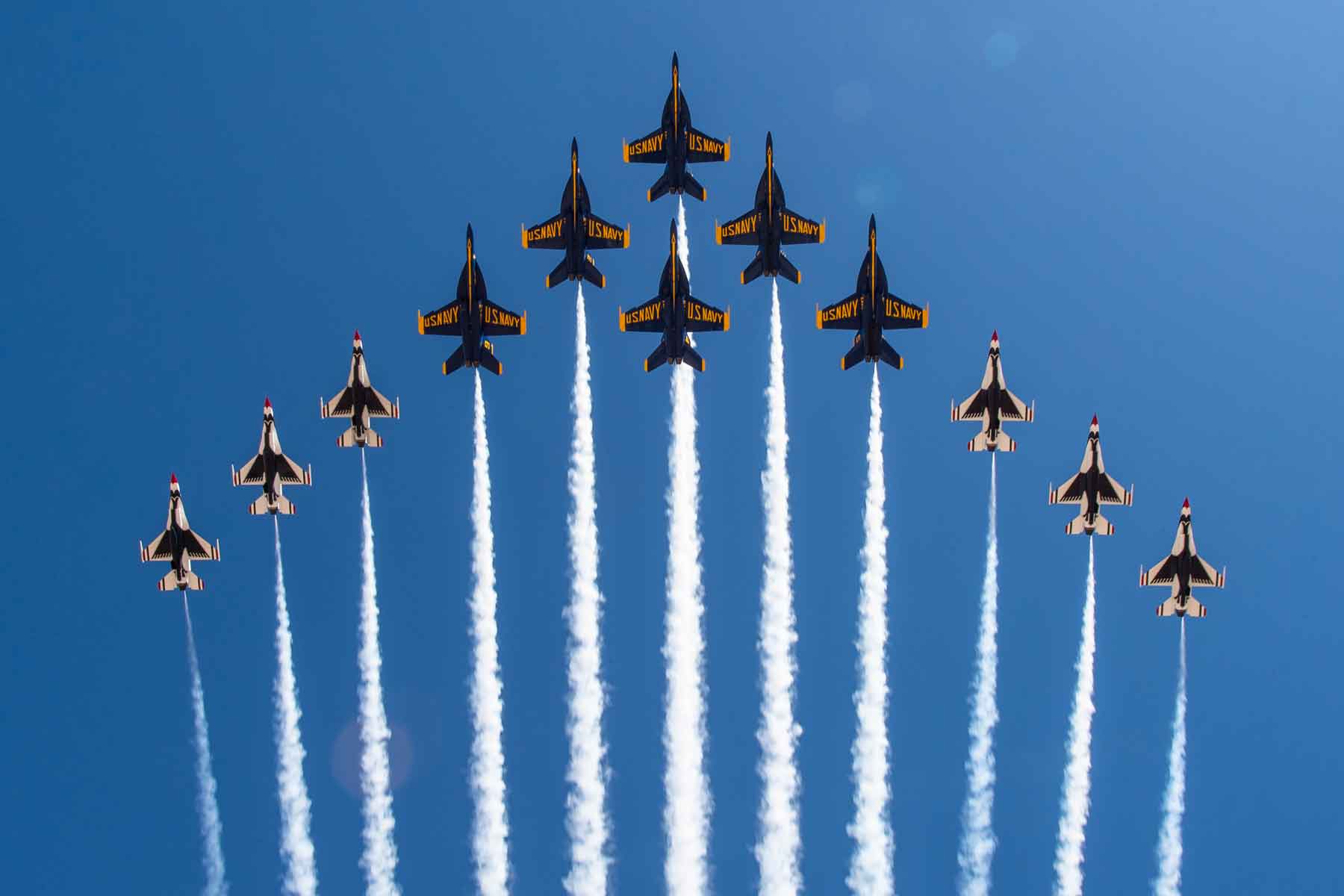
Have you ever experienced aircraft fading during close formation flight?
It is really easy to fix! Please follow the step carefully.
How to Fix:
Steam version: copy and replace the downloaded file into "Microsoft Flight Simulator\Packages\Official\Steam\asobo-aircraft-fa18e\SimObjects\Airplanes\Asobo_FA18E\model" folder
MS version: copy and replace the downloaded file into "Microsoft Flight Simulator\Packages\Official\OneStore\asobo-aircraft-fa18e\SimObjects\Airplanes\Asobo_FA18E\model" folder
For Other Aircrafts' SimCaptains:
Leave me a message with a specific type of airplane that you want to fix the fading issue.
Finally:
Enjoy your flights with friends!
Comments(32)
Log in to join the discussion
Log In3 months ago
almost 2 years ago
almost 4 years ago
this is a nice mod but can you please make it for the mb339 since most people use it in formation ?
over 4 years ago
How would you go about uninstalling? I think I may have done something wrong bc I’m getting duplicate AI traffic and CTD decently often after install
over 4 years ago
Thank you for your work on the F18.
We are flying on mb 339 in tight formation, can you do the same program?
over 4 years ago
At least give credit dude....
over 4 years ago
Good job! I've long wondered why Asobo felt the need to do this 'fading' nonsense. Personally, I like to fly in formation with all kinds of aircraft. Keep up the good work.
over 4 years ago
very good.. can we have this type of mode for mb339?
over 4 years ago
thank you for that fix with f18
Asobo should open the way to choose to eliminate globaly that effect throught general settings, in order to get that fix for any plane
Regards
over 4 years ago
Yep!
over 4 years ago
Totally agree!
over 4 years ago
Very interesting! Any hint to make it for any/all the sim aircraft?
over 4 years ago
good question
over 4 years ago
Well WE and our partners on the MS Thunderbirds were the ones that figured it out. He joined our discord, asked how we did it, and then used our code to post here and take the credit... typical jerk move. His fix isn't completely right though, so enjoy. we can do it for any aircraft, and are running polls on our discord to see which ones we'll do first/next. Obviously other planes used in formation teams like MB-339 and Hawk, but it can be done for any as long as our devs have the plane...
over 4 years ago
now waiting for mb339 =)
over 4 years ago
What is this mod?
I replaced the XML file, but nothing happens.😣
over 4 years ago
when you do formation flight, other aircraft wont disappear anymore
over 4 years ago
So does this mod mean that if I share a time and place with someone, and yet we fly in formation with the same aircraft, the other aircraft will not disappear?
F/A-18 Close Formation Fading Fix
Fix aircraft fading during close formation flight with the F/A-18 Close Formation Fading Fix. Simply follow the provided steps to enhance your experience in Microsoft Flight Simulator.

User Reviews
1 reviews

over 4 years ago
some people seem confused with what this mod does.
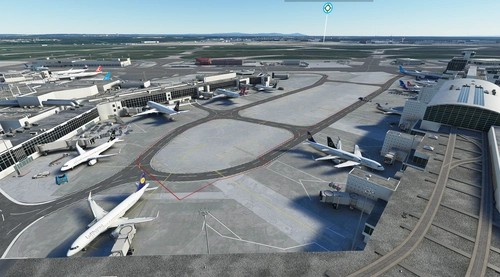
This mod eliminates the issue that when you are very close to other planes they dissapear. but now f18s wont dissapear so you can fly within a few feet of another f18 without them vanishing.