
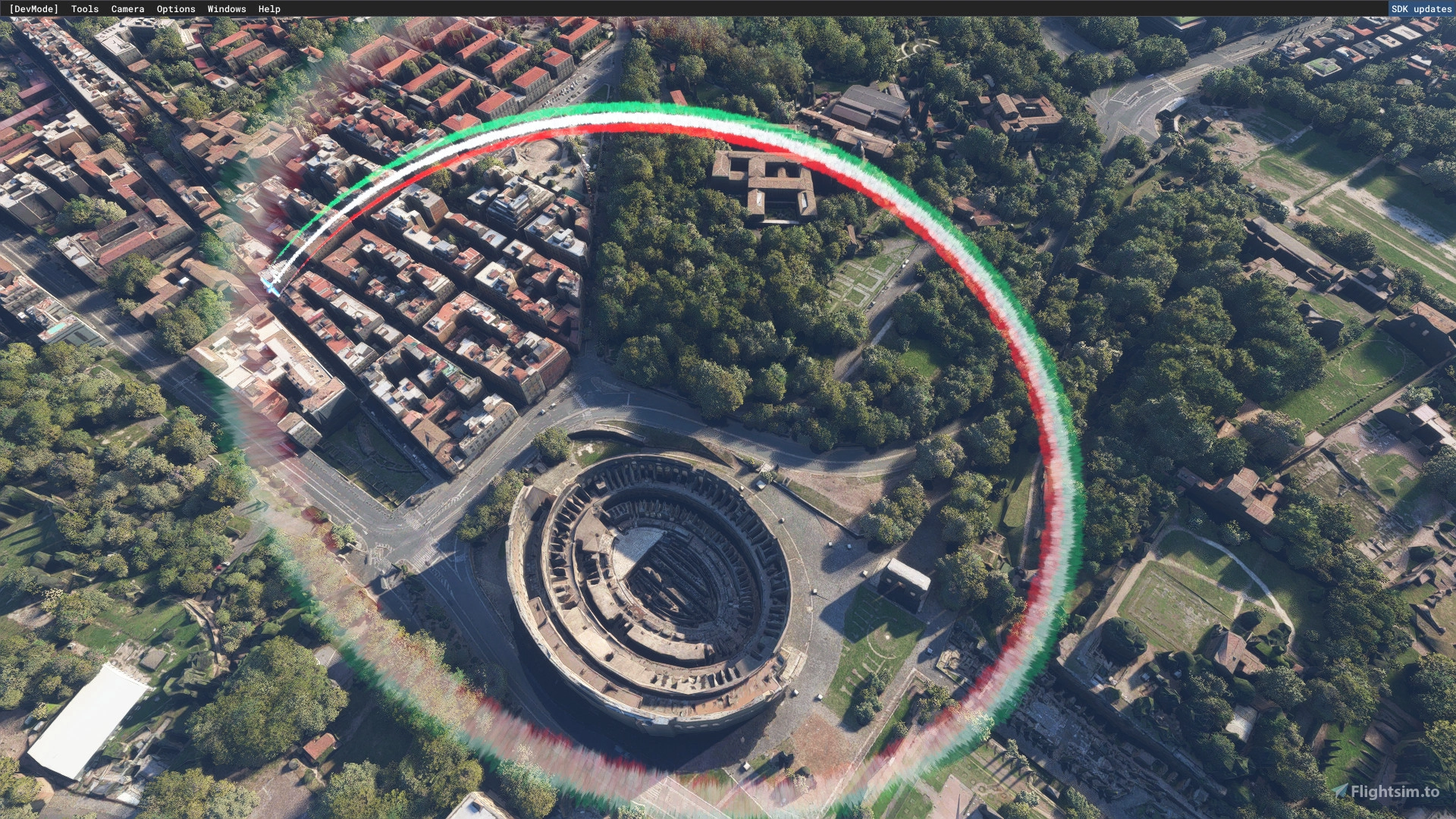
Description
SMOKE-A-PLANE
Have you ever wanted to leave your signature in the sky?
With the the effects editor released in Sim Update 5, now you can!
But you need still need make the effect with the not-so-friendly effect editor, then you need to find a way to attach the effect to the airplane
Sounds complicated? Really, no, it isn’t, but I was really surprised no one has not released a mod to easilly add smokes to airplanes, yet
So, I bit the bullet and write a few lines of code, and here you have it
Smoke-a-plane is a simple application written in VB.NET (you will need latest .net framework libraries to run it, but you should already have them).
The app will give you the ability to add acrobatic smokes to any of the 20 standard planes (at the moment, only the default livery is affected)
Usage is pretty straightforward and explained in the app itself (if you need a tutorial just tell me and I will record one).
Once you have created a new smoking plane, the relevant files and folder will be copied into Community (the app will try to detect default MSFS folders, if it fails you have to provide them manually)
To see the effect, jump into the smoked airplane (DEFAULT livery) and toggle the effect with the condition set in the app (could be NAV or LANDING LIGHTS, PITOT HEAT, YOKE VISIBILITY, anything “toggable” in the cockpit!)
Everything is still in beta, and need your advide to fix any bugs!
INSTALLATION
The package contains several folders, all of them but the “smoke-a-plane-app” can be placed in Community,
The folder “smoke-a-plane-app” contains the configuration app and config files, you can put it everywhere you want (and, if the include airplane are enough for you, you can trash it!)
The two folders:
“mamudesign-vfx-smokeitaly” and “touchingcloud-effects-aerobatics-smoke” contains the effects library. (I’m including in this package the effect by Alex Marko, they are great btw, https://msfs.touching.cloud/, without his tutorials effect creations would it be a nightmare)
The other folders are preconfigured aircrafts, you can use them or create new one with the included app
- “pitts-smoke-airshow”: The Pitts Special with white smoke in the middle and red smokes on sides, I have linked smokes toggle with Yoke Visibility
- “e330-smoke-italy”: E330 Windows11 Livery, configured with the Italy Flag colors, central smoke toggles with landing light and side smokes toggles with Nav lights
- “e330-smoke-deutschland”: E330 Default Livery, configured with the Deutschland Flag colors, central smoke toggles with landing light and side smokes toggles with Nav lights
- “cap10-smoke-france”: Cap10 Default Livery, configured with the France Flag colors, central smoke toggles with landing light and side smokes toggles with Nav lights
- “savage-dusting” , Savage Cub, default livery, configured with a simple “water/cropdusting” effect, toggles the landing light to activate
Smoke a Plane - Aerobatic smokes effects configurator App
Customize your aircraft with aerobatic smoke effects using Smoke-a-Plane, a user-friendly VB.NET application. Easily add smokes to any of the 20 standard planes and toggle effects with cockpit actions. Explore preconfigured aircrafts or create your own signature smokes in the sky. Join the beta to provide feedback and help refine this innovative tool.


Supporters

User Reviews
16 reviews
Version History
- fixed a bug for Steam installation - added support for new default planes - add a new smoked plane: F/A 18 (central white smoke, toggle with landing lights)
Related
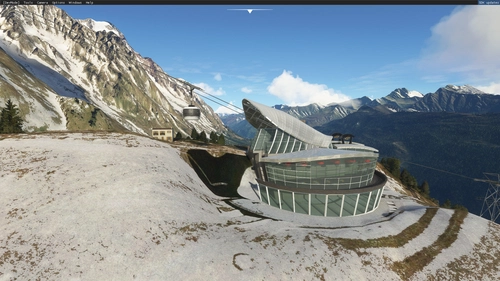
Skyway Mont Blanc - The full experience
Experience the Skyway Mont Blanc like never before with this fully animated and detailed scenery add-on. Fly over the Mont Blanc Glacier and explore iconic landmarks such as Aiguille du Midi and Chamonix. Featuring custom handmade creations, PBR textures, and fully animated cable cars for a realistic experience. Installation is easy - just drag and drop the folder into your Community folder.
by mamu82
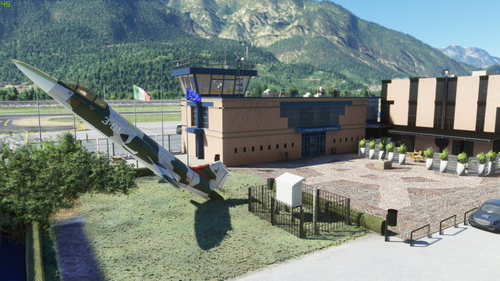
LIDT Trento Mattarello - Aeroporto G. Caproni
Explore the meticulously crafted LIDT Trento Mattarello - Aeroporto G. Caproni in northern Italy. This add-on features custom buildings, realistic textures, animated elements like drones and trains, and accurate night lighting. Immerse yourself in this detailed airport scenery with a mix of small aircraft and business jets ready to take off amidst stunning Italian landscapes.
by mamu82
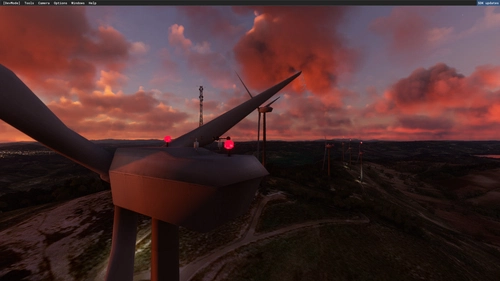
Default Wind Turbine replacement
A mod that replaces the default Microsoft Flight Simulator wind turbines with smaller versions (75m vs 90m), featuring added details and flashing lights for collision avoidance. The turbines now turn into the wind in a smooth, 360-degree motion over 20-30 seconds, with unsynchronized blades for a realistic touch. Experience these enhancements at locations like Palm Springs without any noticeable FPS loss.
by mamu82
LIDU Carpi Budrione Airport - Italy
Explore the charming LIDU Carpi Budrione Airport in Italy with this MSFS 2020 add-on. Enjoy a realistic recreation featuring handcrafted buildings, custom lighting, and animated beacon. Enhance your flying experience near Carpi with this detailed depiction of the tiny asphalt strip.
by mamu82
Log in to join the discussion
Log InComments(90)
2 months ago
over 1 year ago
about 2 years ago
almost 3 years ago
almost 3 years ago
almost 3 years ago
about 2 years ago
almost 3 years ago
about 3 years ago
To solve this problem, can you create an entry for the paths to Community and Official?
thank you for reading this message
about 3 years ago
https://drive.google.com/file/d/1Ray8OqqFsLsIQxvGDc94ZNpDmA-OuINK/view?usp=drivesdk
over 3 years ago
How do I change the default directory for the official and community folder? In the app it shows a different directory compared to the actual directory of MSFS official and Community folder. When I follow the supposed directory shown in the app the official and community folders don't have anything inside them which i may think that this is causing the error that I can't create a smoking plane.
over 3 years ago
im so lost, ive done everything but it just wont work, could someone please help me
over 3 years ago
Tried, and not work for multiplayer, even when me and a buddy use this addon for just default f18, turn on smoke (using lights), we see only our actual lights go on instead of the smoke coming. We do see our own smoke though.
2 stars for the solo flying still though
over 3 years ago
It don´t working, i try in the F18 but the smoke don´t esc, can you do a tutorial?
over 3 years ago
Can others see the smoke your aircraft generates?
over 3 years ago
How do you add multiple smoke trails? I can only add one it seems, or I'm missing something.
almost 4 years ago
Index is outside the array ! I tried your Beta. The 1st time I indicated the paths (F:\MSFS 2020\Official\OneStore - F:\MSFS 2020\Official\Community) and I did "Load Community Airplanes", and it worked.
Unfortunately when I want to try again I end up with errors "Index is outside the array!" and "the conversion of the string "" to type "embed" is not valid".
Can you tell me how to put umigens in the Nord 3400?
Thanks a lot ! Marc
almost 4 years ago
Hello sir, i've tryd it but it does not working jet on my default C152. First i load the Plane onto the runway, than i take off in midflight i open smoke App and select everything like in the description. than i select my options and activate them but nothing happens . Maybe somebody had that issue as well and can tell me what im doing wrong. THX
almost 4 years ago
Dear Eric, you don't need the app running with the sim! The only purpose of the app is to provide a simple way to add smoke to airplanes. So ideally,with the sim closed, you open the app, configure smoke for desider planes, save the result (a new folder will the created in community), start the sim the enjoy the show!