
Description
Lights & Cameras Finally!
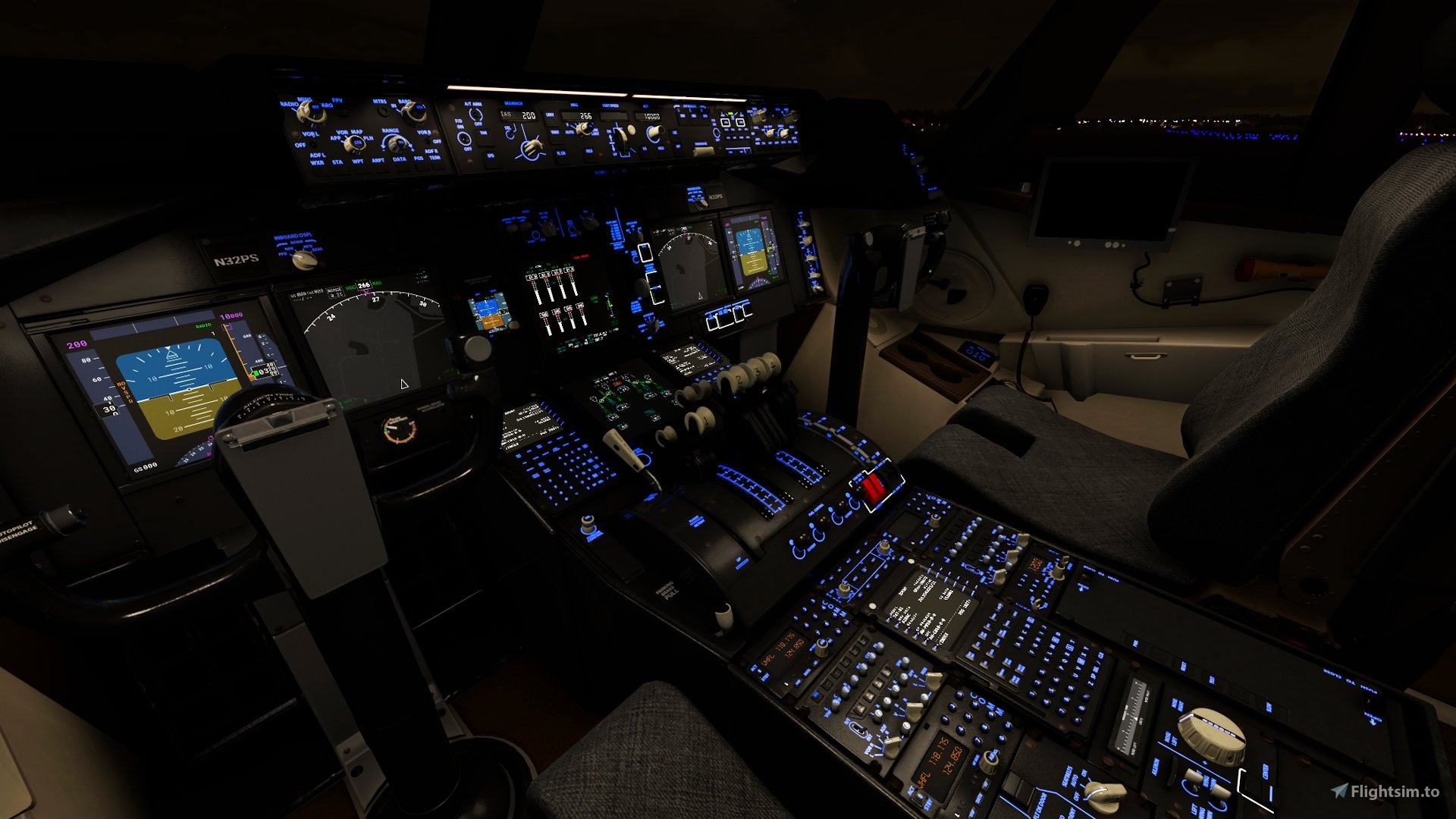
What is this?It bugged me for a while that the Lights and Cameras were either not lined up correctly or were not great in general so eventually, I got around to fixing them myself. I would love your feedback on these things as well for future updates on them. Currently, the external lights that are working are the Landing Lights, Taxi and Taxi Turnoff Lights, Beacon, Nav, and Strobe Lights. The Cockpit lights that now work are the Circuit Breaker Overhead Panel, Glareshield Panel/Flood, Dome, and Aisle Stand Panel/Flood. They are also now correctly assigned to their respective switches/dimmers in the cockpit.
Known Lights Issues
- Front taxi light not super visible/bright enough from cockpit view (3D Model related issue)
- Some lights don't have housings and won't ever. (3D Model Related)
- Light placement might not be accurate. (I don't know where all the lights on a C-17 are. Feedback is much appreciated.)
- The nav lights are not lined up correctly yet. (Working on it)
- The nav and strobe lights are not super bright. (Working on it)
Lights To Be Added
- Wing Lights
- Logo Lights
As far as cameras go I only changed the showcase fixed cameras. I tweaked most of them so they were where they should be and I changed a few to something more interesting in my opinion. If there are any views that need work or need to be added in your opinion definitely throw them in the comments and I will get to them when I have time. Here is the list of the Camera Views
Camera List
- Tail - External 1
- LeftWing - External 2
- Right Wing - External 3
- Rear Gear/Underbelly - External 4
- Left Wing/Ailerons - External 5
- Birds Eye - External 6
- Engines View 1 - External 7
- Engines View 2 - External 8
- Rudder View 1 - External 9
- Rudder View 2 - External 10
- Elevator View 1 - External 11
- Elevator view 2 - External 12
- Front Gear - External 13
- Engines View 3 - External 14
- Cockpit Dash - External 15
- Copilots Window - External 16
- Pilots Window - External 17
How to Install
- Download the file
- Unzip the File
- Copy both the systems.cfg and cameras.cfg files into this folder....\Community\C-17-GlobeMaster\SimObjects\Airplanes\C-17-G
- It will ask if you want to replace the file. (Hint: Yes you do)
- Load up the sim and Voila! Working lights and better cameras!
Updated Lights & Cameras for the C-17 Globemaster (Capt22 747 Cockpit Version)
Enhance your C-17 Globemaster experience with updated Lights & Cameras add-on. Improvements include functioning external and cockpit lights, with future updates planned. Tweaked showcase fixed cameras for more realistic views. Easy installation process for immediate use in-game.


User Reviews
2 reviews
Version History
No version history available.
Related
Candonian Heights - KXCH
The Candonian Heights airport is based in the Nevada Desert and is located just 65 miles northwest of Las Vegas making it only a short flight after spending some time at the casinos. Bring your bush machines to this Nevada desert getaway for STOL drag, landing challenges, paved and dirt strips.
by EightDragons
Icon A5 Black and Yellow w/ Gold Rims
Customize your Icon A5 with this eye-catching black and yellow livery featuring gold rims. Created as a practice project, this design is now available for you to enjoy. Support the creator by donating if you appreciate their work.
by EightDragons
Purple DA62 Livery
Add a touch of color to your sim with this Purple DA62 Livery add-on. Custom requested and created, this livery simply gives your aircraft a fresh new look with a vibrant shade of purple. Perfect for those looking to stand out in the skies.
by EightDragons
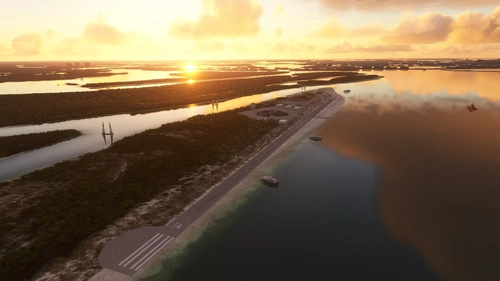
Keewaydin Island Airport (KWDN)
Welcome to the headquarters of DwarvenEgg. The Keewaydin Island airport is based in the stunning Florida Keys. Our main runway 32/14 sits at sea level and is 3,499' long. We have facilities to support all small and medium GA aircraft including parking for a helicopter to the north by the ranger station.
by EightDragons
Log in to join the discussion
Log InComments(7)
about 5 years ago
Might be an idea to link the original plane in the description seeing as there are 2 versions available?
almost 5 years ago
Good idea. Thanks for the suggestion.
about 5 years ago
The lights are not in the right place, landing lights are way in front of the plane
about 5 years ago
Well done. The lights gave new spirit to the aircraft.
about 5 years ago
Tried using this mod but the aircraft will no longer load. The sim becomes unresponsive. I followed the instructions above
about 5 years ago
That is strange. And you are sure it is the c-17 that is causing this?
about 5 years ago
Nice improvement, the lights on the standard model were annoying as hell.