
Description
Golden Age Simulations
Aeronca C3
for use with MSFS2020
VERSION 3.0
Conversion from FSX to MSFS2020 by "DonFanucci"
***************************************************************************************
Original Model Design, Animation, and Textures:
Golden Age Simulations
https://goldenagesimulations.com/
***************************************************************************************
"Special Thanks to Paul Corish @ GAS for permission to convert original FSX model".
Credits: MSFS Legacy Importer by Alex Marko. https://www.nexusmods.com/microsoftflightsimulator/mods/117
HOW TO INSTALL:
-Extract the package to your MSFS Community Folder.
Known Issues (V1.0)
Start from runway ONLY
=============================================
V2.0 Update
Corrected Airspeed and Engine RPM Gauges for the HUD
=============================================
V3.0 Update
Updated for SU9
Known Issues (V3.0)
Start from runway ONLY
Enjoy
Donfanucci
*Leave bug list in comments below.
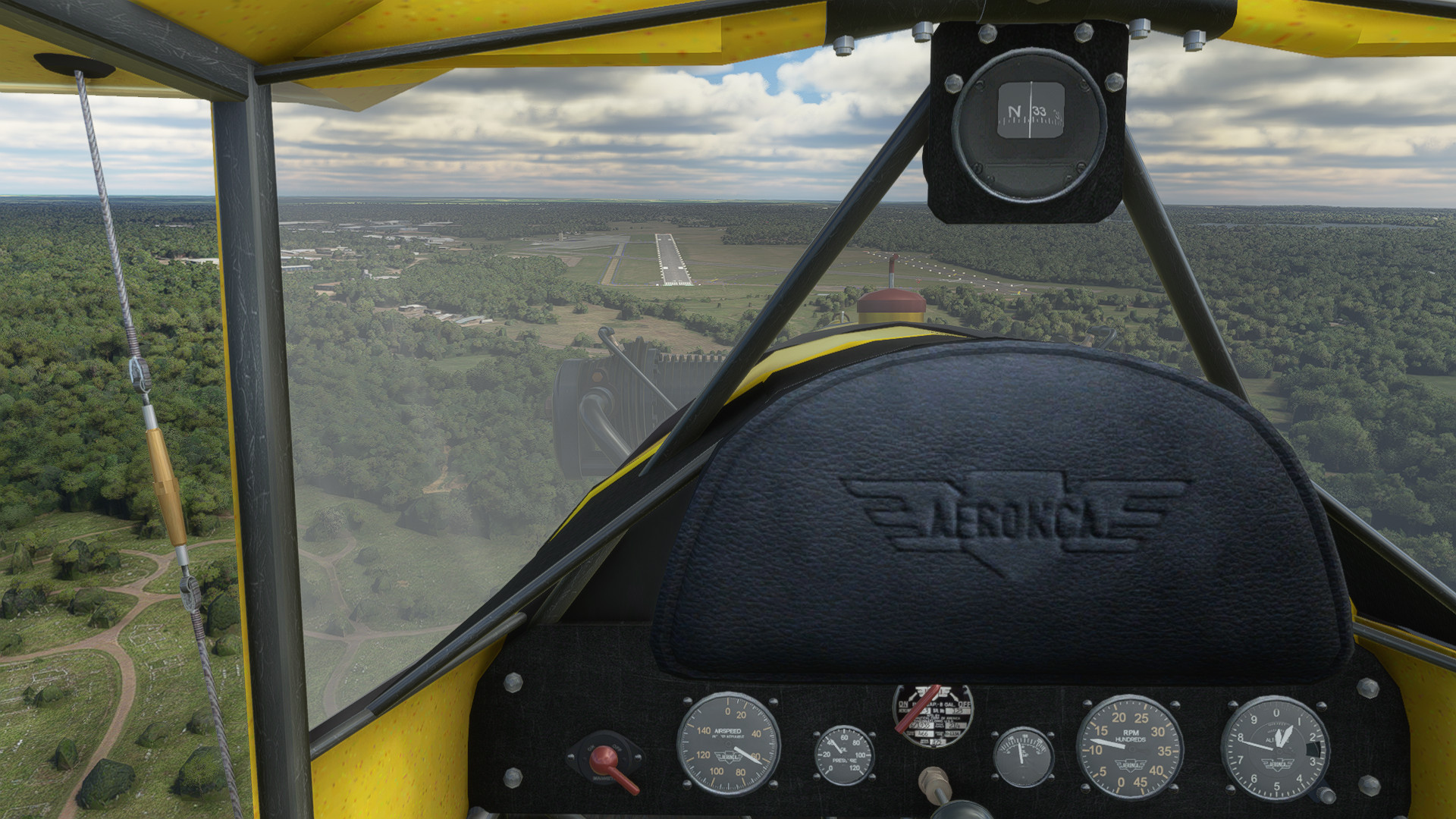
Golden Age Simulations Aeronca C3
Experience vintage aviation with the Golden Age Simulations Aeronca C3 for MSFS2020. Version 3.0 features a seamless conversion from FSX by DonFanucci, with original design and textures by Golden Age Simulations. Special thanks to Paul Corish for the model conversion permissions. Note: current version allows starting only from the runway.

User Reviews
7 reviews
Version History
Related
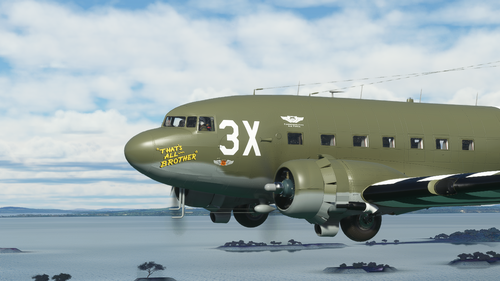
Douglas C-47 repaint of "That's All Brother" Classic/Retrofit
Repaint of the iconic Douglas C-47 "Thats All Brother" available in Classic and Retrofit versions. V3 update addresses multiplayer/AI texture issues and GPS functionality. Consider using JDs PMSGTN750 mod for better GPS performance.
by DonFanucci
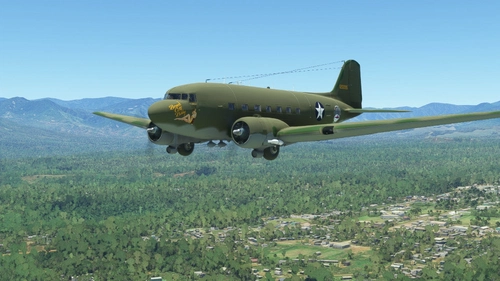
Douglas C-47 repaint of the C-53 Skytrooper “Beach City Baby"
Repaint of the Douglas C-53 Skytrooper (C-47) "Beach City Baby" featuring updated textures and corrections for a more realistic virtual aviation experience. Explore this nostalgic livery inspired by the vintage aircraft design at your leisure.
by DonFanucci
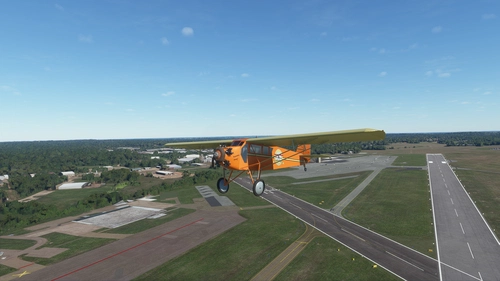
Golden Age Simulations Curtiss J1 Robin (Working Gauges)
Experience the Golden Age of aviation with the Curtiss J1 Robin add-on by Golden Age Simulations, now compatible with MSFS2020. Explore the meticulously recreated cockpit with working gauges and immerse yourself in this classic aircraft. Convert from FSX to MSFS2020 and take to the skies in style.
by Golden Age Simulations / Donfanucci
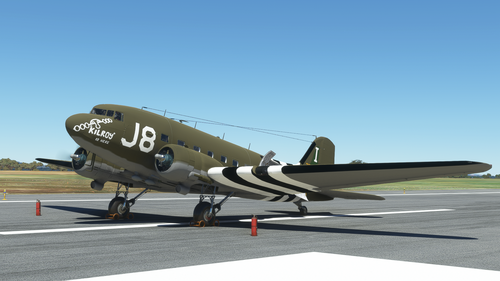
Douglas C-47 repaint of "Kilroy is Here" Classic/Retrofit
Explore this Douglas C-47 repaint featuring the iconic "Kilroy is Here" livery, available in both Classic and Retrofit versions. Update includes corrections to white seams for an improved visual experience.
by DonFanucci
Log in to join the discussion
Log InComments(30)
almost 4 years ago
The plane looks great
In the current version, however, it can only be started from the runway.
A cold and dark start is not possible.
I hope you continue.
Many Thanks
about 4 years ago
The Aeronca C3 Master flies very good. It's very easy to flight in comparison with other taildraggers. The only things I consider could be a very good improvement will be: correction of CTD when navigating with your mouse into virtual cockpit; throttle control by using your joystick and capability to start the engine and shut it down. PBR, and of course VR, would be amazing !
about 4 years ago
My friend....good news !....Finally, I could fly your Aeronca by following some tips
The only way for me to control engine power is by assigning 2 keyboard keys, one for increasing power and other one for reducing power. Joystick doesn't respond to throttle inputsIn virtual cockpit, the mouse pointer must remain in the top right corner on the screen (for example, if you need to enter into a menu option or, if you need to change angle of view in order to create a new quick view inside the cabin). Otherwise (if you use the mouse with its pointer in any other place on the screen), you'll have a disgusting crash to desktop (CTD).Beautiful your job and beautiful the airplane. It's helping me too much for my scale model project for this Aeronca C-3 Master in 1/72 scale full scratch-
I hope, a native MSFS2020 model of this Aeronca with PBR will be produced in the future. An that wonderful two colors scheme (turquoise and cream)
Greetings from Lima, Perú
about 4 years ago
Sorry my friend. There's no way. It crashes to desktop, even when I try to look to the left with quick views. I need to look left and right in order to fly your Aeronca VFR. I 88hope you can get an improved or even MSFS2020 native new version. I never use VR.
about 4 years ago
Hello my friend. I'm again. I'm testing your Aeronca in MSFS2020 .
I would wish to share with you some information I Hope will be useful for you.
I run MSFS2020 from Steam (Steam version), not from Windows desk icon. It's more stable. Also, I discovered that, when using the Aeronca, Crash to Desktop (CTD) happens when you try to navigate in the virtual cockpit by using either your mouse or the arrow keys of your keyboard. I suppose this is due to the fact that your Aeronca C-3 is a converted Fsx model, not a MSFS2020 native model. The solution for me, by now is only navigate in the virtual cockpit by using quick views (left, right, etc) but obvius to obtain them you will suffer several CTDs...Greetings from Lima, Perú. Note: I never use Virtual Reality (VR)
over 4 years ago
Did you use some kind of importer/converter to port this FSX model over to MSFS successfully, or did it involve a lot of labor/knowledge intensive manual work? The reason I ask is that I have several other FSX planes I'd like to port over. Unfortunately the MSFS Legacy Importer no longer works on SU9. Thanks.
over 4 years ago
I still use the legacy importer to some degree.
However, there are certain things you MUST do for things to work out.
Depending on the source model .........
over 4 years ago
Don, FYI what I've discovered after flying the C3 for a while. None of these are show-stoppers so I can still create my video.
Issues: (1) Brakes don't work, but parking brakes do.; (2) Can't restart engine once stopped; (3) using/clicking the mouse in Cockpit view results in a CTD.
For take-off: E-trim 25% up, A-trim 5 right, throttle max. Provides: speed 45, AOA 2-3, Vspeed +500.
For Descend/Final: E-trim 40% up, throttle min. Provides: Speed 45, AOA 4-5, Vspeed -500.
Cruise: E-trim 17 % up, Throttle 2000 rpm. Provides: Speed 62, Vspeed +/- 0-100
Thanks again for your efforts in making this plane available!
over 4 years ago
Caused a CTD on first attempt to fly, but worked fine on second attempt. Graphics are FSX quality as this is a "port over" from FSX. Somewhat hard to land due to throttle can't be reduced far enough for proper descent -- must do a slip to lose altitude. I may adjust the throttle low end in the config files. None the less I am grateful for this plane, as it will allow me to make a video of it representing the two that the Western Antique Aeroplane & Automobile Museum have here in Hood River, Oregon. Thanks for making a working version for MSFS available! :-)
over 4 years ago
It's really hard to for me to comment about the throttle issue.
So many different throttles and individual setups,.
For example, I have mine set to a detent and pullback for reverse throttles that a use on some aircraft. My zero point is at detent instead of all the way back.
Best of luck with your historical project! I think that's really cool!
over 4 years ago
I see that legally I can't modify this model. On the runway with brakes locked I am getting ~500 rpm low and ~2000 rpm high. When I throttle back to land I get 500-800 rpm. Would it be possible for you to lower the low rpm by about 200? Alternately if you can tell me how to do this in the config files I can do it myself.
P.S. Here is a video I've done with a WAAAM plane.
https://youtu.be/0xBLIHTVW2o
A livery person created this and two more WAAAM planes for me that will be featured in upcoming videos. I won't change the livery on the C3, but present as "one like the ones of WAAAM" (one if which is on floats). If you would like me to send you a link to the C3 video when completed let me know. Thanks very much for your efforts on this aircraft. I tried to convert it with Legacy Importer but didn't have any luck (you have the magic touch). Another GAS plane which I purchased for FSX and would like to have converted is the Aeronca Champ, which I solo'd in 6.5 hours in 1961 and took my wife on dates in! (WAAAM has one) :o)
over 4 years ago
Don, FYI -- I've checked three controllers (including a Thrustmaster T16000M) and all of them give a minimum RPM of 490 at zero airspeed on the runway. In the "sensitivity" view they go full bottom left to top right.
over 4 years ago
It shuts down MSFS 2020 continuously. I think a native MSFS 2020 should be produced with PBR textures. It's a very beautiful and weird vintage aircraft.
over 4 years ago
Are you using VR?
Only CTD reports are from VR users, until now.
over 4 years ago
No, my friend. I don't use VR. It crashes MSFS 2020 especially when you are in virtual cockpit and you try to use the mouse in order to navigate inside the cabin. Even, the last time I've tried to test the Aeronca, after I copied the airplane folder inside the Community Folder, MSFS2020 crashes to desktop before finishing load process. I'm using MSFS2020 with Sim Update 9.
I wonder if you could fix those issues. I love that plane and I'm building a scale model in 1/72 of that plane totally in scratch because there is not any scale kit of the Aeronca C-3 Master. I'm using only plans and styrene sheets. It's my first scratch project and it would be very useful for me to be able to navigate into the cabin of the Aeronca by using MSFS 2020 in order to obtain as much information as possible. Greetings from Lima, Perú
over 4 years ago
awesome plane, just sucks i cant use head tracking with it
over 4 years ago
I use track IR without issue
over 4 years ago
ill try again but mine crashes the game when i switch tracking on, what program do you use? i use open track
over 4 years ago
TrackIR V5
over 4 years ago
Many thanks!