
Description
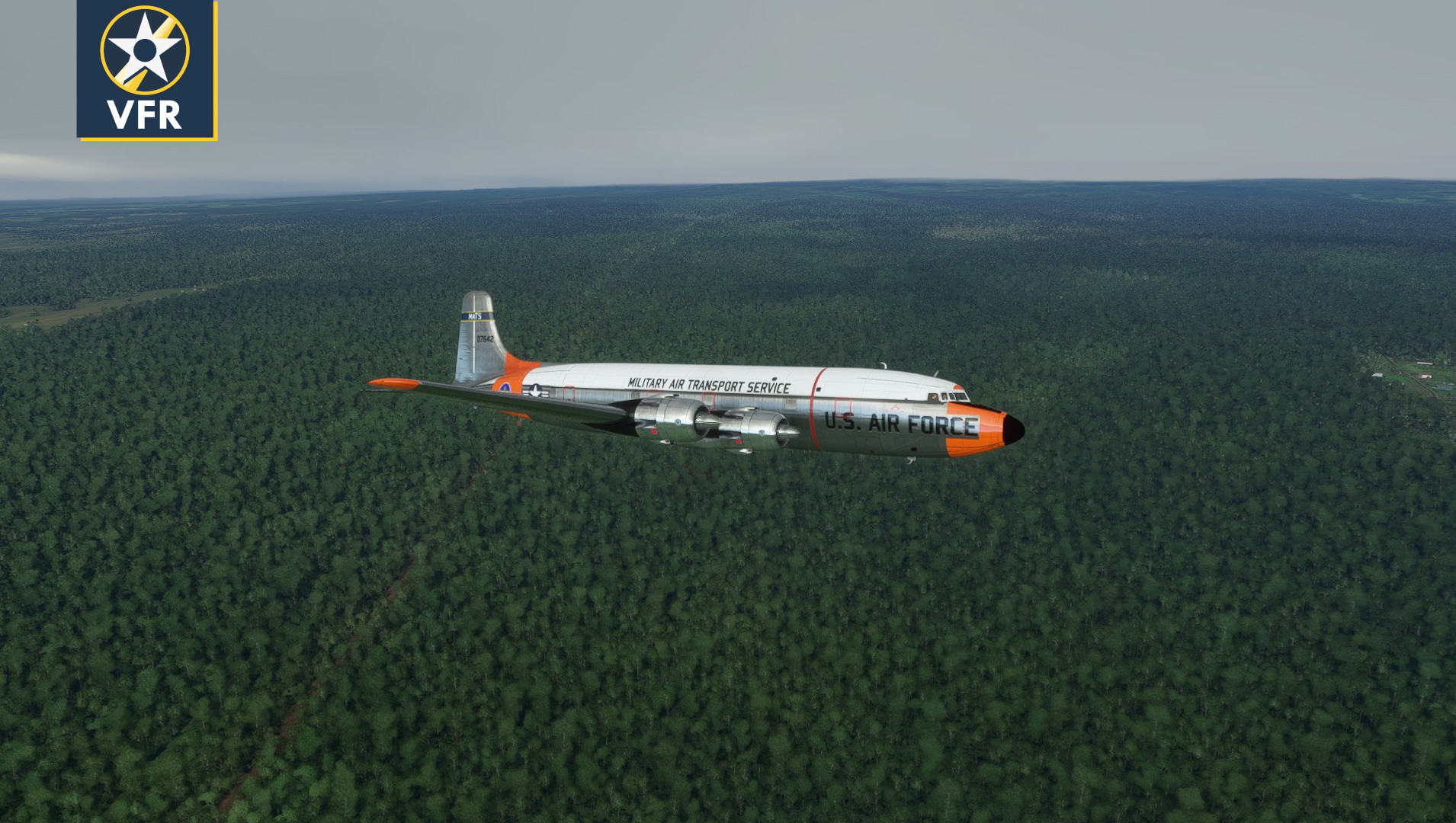
This livery is a USAF Military Air Transport Service scheme for the PMDG DC-6A. Perfect for excursions to the poles, or Thule, or Berlin.
The Military Air Transport Service operated from 1948 - 1966. MATS aircraft participated in the Berlin Airlift, the Korean War, the Taiwan Strait Crisis, and into the beginning of the Vietnam War. Douglas DC-6s flew for the command under the military designation C-118 Liftmaster.
This addon should be installed using the PMDG Operations Center. In the Ops Center go to Aircraft and Liveries > Livery utilities, and in the bottom left press Import Livery from PTP. Extract this file somewhere, and navigate to the .ptp file to install it.
This is a Beta version of the livery. Check back for more updates and possibly aircraft.
PMDG DC-6A USAF Military Air Transport Service 51-17642 (sn 07642)
Fly in style with the PMDG DC-6A in this USAF Military Air Transport Service livery, a tribute to the historic MATS operations from 1948 to 1966. Perfect for your excursions to various destinations, including the poles, Thule, or Berlin. Simply install this livery via the PMDG Operations Center and enjoy this beta version with potential updates in the future.


User Reviews
6 reviews
Version History
- Fixed bleeding issue with mismatch between albedo and comp textures, USAF and paintwork should be crisper. + Added BURNO plate with MATS logo to cokpit, replaces template registration number
Related
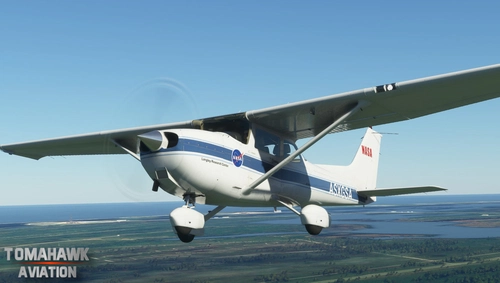
NASA Cessna 172 - Both Versions
Explore the NASA Cessna 172 add-on, featuring a NASA-inspired livery based on a research aircraft from Langley Research Center. With both G1000 and Classic versions included, customize your flight experience accordingly. Download the main file containing both versions or choose to install them separately now.
by Tomahawk
![NASA Cessna Citation CJ4 [1.10.7.0]](https://cdn.flightsim.to/images/02/qyMBTwmk.jpg?width=500)
NASA Cessna Citation CJ4 [1.10.7.0]
Experience the NASA Cessna Citation CJ4 with this authentic NASA paint scheme based on the Gulfstream jets operated by NASA for research and personnel transport. This livery replicates the design of Gulfstream V N95NA, known for flying astronauts Behnken and Hurley to the SpaceX Crew Dragon Demo-2 flight in May 2020. Update includes compatibility with version 1.10.7.0 of Microsoft Flight Simulator. Simply extract the .ZIP folder to your Community folder to enjoy this unique livery.
by Tomahawk
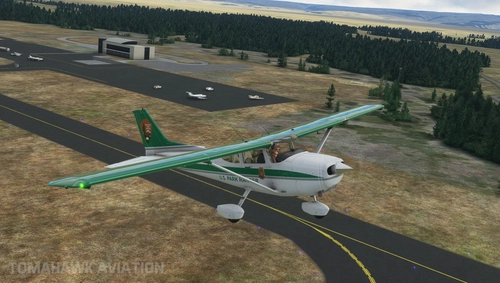
U.S. National Park Service Cessna 172 (Both Versions) - Park Ranger
Fly over the stunning U.S. National Parks with this Cessna 172 livery pack, inspired by the Park Rangers. This add-on includes both G1000 and Classic versions, reflecting the diverse fleet of the National Parks Service. Enjoy exploring the beautiful landscapes of Alaska and the Western U.S. as you take on various missions like resource management and backcountry patrol in this unique livery. Simply extract the files to your MSFS Community Folder to get started.
by Tomahawk
![NASA-Artemis Mission Cessna Citation CJ4 [1.10.7.0]](https://cdn.flightsim.to/images/02/TG9ou7aI.jpg?width=500)
NASA-Artemis Mission Cessna Citation CJ4 [1.10.7.0]
Discover a special NASA-inspired paint scheme for the Cessna Citation CJ4, featuring the Artemis moon mission logo. This livery is modeled after NASAs Gulfstream jets, utilized for VIP transport and research purposes. Installation is simple - just extract the folder to your MSFS Community directory.
by Tomahawk
Log in to join the discussion
Log InComments(19)
4 months ago
over 1 year ago
about 5 years ago
Works under Update 5. Love this Livery !!!!!!!!!!!!!!!!!
about 5 years ago
Great looking livery...only thing wrong is national insignia should be on left wing, not right. If you can fix this, it's a 5 star for sure! Thanks.
about 5 years ago
He's right, I hate to pile on, but, it kind of hurts to see the insignia on the right side. It should be on the left wing on top and right wing on the bottom.
Super nice paint otherwise!
about 5 years ago
Keep up the good work. Would like to see Delta & Eastern airlines.
about 5 years ago
Anyway to upload or send as a regular zip for the community folder? Ops center doesnt work for some who have MSFS installed to the D drive. PMDG is looking into this, hopefully it gets resolved. Thank you!
about 5 years ago
Nice work! I like it. Thank You ;D
about 5 years ago
Installed the ptp file but not showing in the liveries.
about 5 years ago
Could you provide a version for a bought MSFS from the Microsoft store? The PDMG Operatitions Cenle recognised only the Steam version and not the Microsoft store. Thank you. I can not leave a rating since I could not import the file
about 5 years ago
this is a PTP file ? how do we open please?
about 5 years ago
Open PMDG Ops Center, then go to Aircraft and Liveries -> Livery Utilities -> Select MSFS, DC-6A and then on the bottom left "Install from PTP-File"
about 5 years ago
Amazing military scheme!
Could you please make an Air Viet Nam DC-6?
https://www.flickr.com/photos/13476480@N07/14414362081
Would love to have all schemes DC-6 in Vietnam War Era
about 5 years ago
Looks Great!!
about 5 years ago
Lovely, thank you for sharing
about 5 years ago
Great Livery. Thank you!
about 5 years ago
Where can I download the PMDG Operations Center?
about 5 years ago
It comes with the Plane when you buy it
about 5 years ago
Yeah, you know. When you actually buy it and install it. Forward complaints to SimPlaza.