
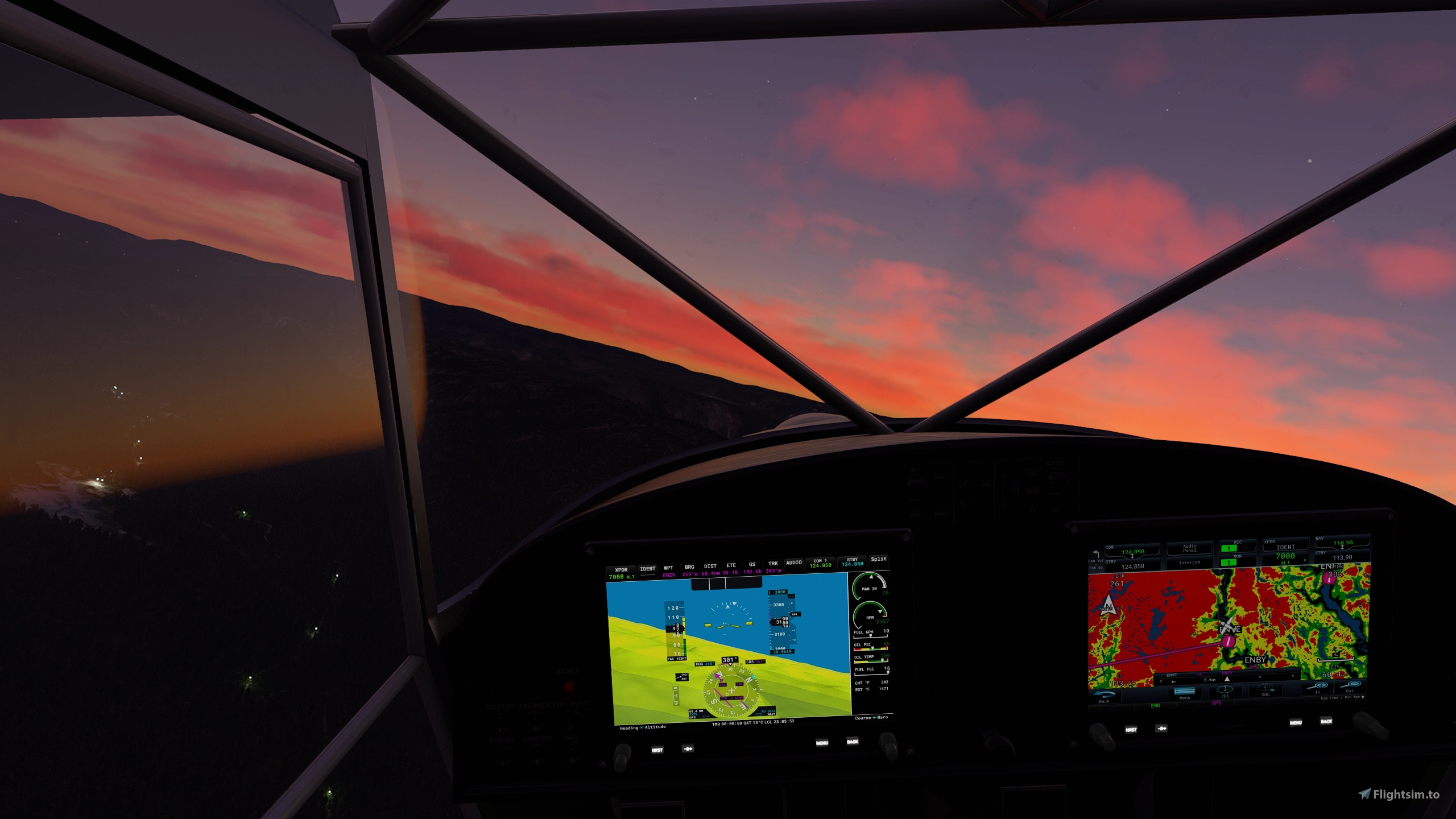
Description
Kitfox GTN750 Navigation System
- GTN 750 made by PMS50: https://pms50.com/msfs/
- Main mod made by JayDee: https://flightsim.to/file/13415/jds-gtn750-on-gns530-mod
- Kitfox implementation made by Captain Butters: https://flightsim.to/profile/CaptainButters
Installation instructions:
Extract the two folders to your community folder:
- ZZZ JD GTN750 00 MAIN MOD
- ZZZ Butters GTN750 Kitfox
IMPORTANT:
To make the default Kitfox an awesome aircraft to fly in MSFS, download the improvement mod by Bagolu: https://flightsim.to/file/8994/kitfox-improvement
Kitfox PMS50 GTN750
Enhance your Kitfox flying experience in Microsoft Flight Simulator with the Kitfox PMS50 GTN750 mod. This addon includes the GTN 750 navigation system by PMS50, main modification by JayDee, and Kitfox implementation by Captain Butters. Simply extract the provided folders into your community folder to enjoy the enhanced features. Dont forget to download the improvement mod by Bagolu to elevate your default Kitfox aircraft even further.
Downloads Stopped
The creator has temporarily stopped downloads for this addon. Please check back later.


Version History
- Better resolution - Added engine gauges to the right screen Working on adding fuel quantity gauges and some liveries for the Kitfox, stay tuned :)
Related
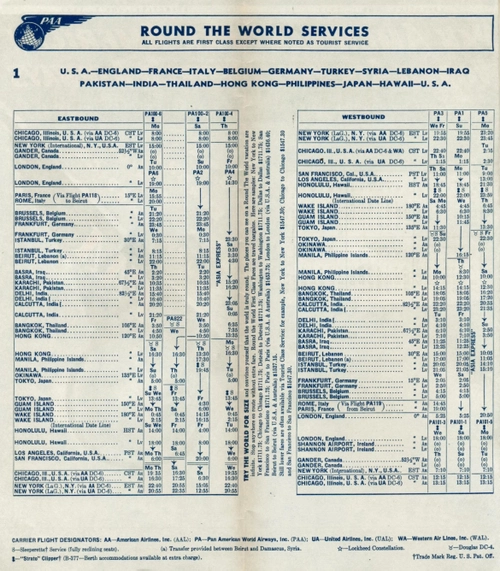
Vintage Flight Plans (DC-6) - PanAM: "Round the World - Westbound" (LittleNavMap)
Explore a set of vintage flight plans for the PMDG DC-6 aircraft, inspired by old PanAm "Round the World Services." These meticulously crafted routes are designed for easier navigation, including VORs, based on historical timetables. Compatible with LittleNavMap for a unique flying experience.
by CaptainButters
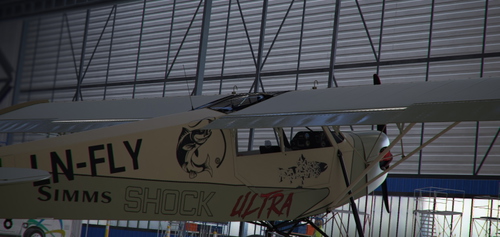
Zlin Savage Shock Ultra - BushFlyFishing
Explore the great outdoors with this Zlin Savage Shock Ultra livery designed specifically for bush fly fishing adventures.
by CaptainButters
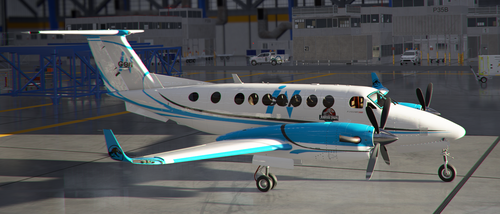
Jurassic Park - InGEN King Air
Explore the iconic world of Jurassic Park with this fictional InGEN King Air livery inspired by the beloved movie franchise. Immerse yourself in the films atmosphere by taking off from Lihue Airport (PHLI) in Kauai, where many of the movie scenes were shot.
by CaptainButters
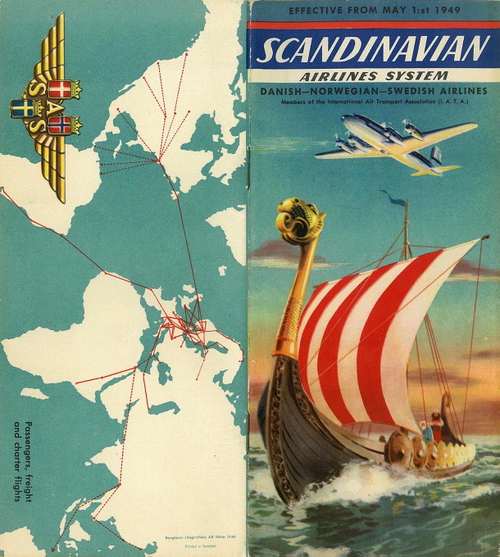
Vintage Flight Plans (DC-6) - SAS (LittleNavMap)
Explore vintage aviation with these meticulously crafted flight plans for the PMDG DC-6 in Microsoft Flight Simulator. This pack, designed for use with LittleNavMap, features 4 nostalgic routes inspired by old timetables. Enjoy the challenge of semi-accurate navigation with included VORs along journeys from Stockholm to Buenos Aires, New York, Oslo to Cape Town, and Oslo to Bangkok.
by CaptainButters
Log in to join the discussion
Log InComments(10)
about 4 years ago
This DONT work
about 4 years ago
I got both fodders in the community folder and it don't work, Kitfox has the same default display
almost 5 years ago
plis ``
almost 5 years ago
It it is not working and you have the WT G1000 installed, the g1000 must be deleted, dont have a work around for that atm, but working on a solution, sorry
over 5 years ago
Hi, can't get this to work either, just blank screens :(
Have checked store version, checked files in community folder, but it doesn't like it.
What am I doing wrong?
over 5 years ago
I just downloaded it from here and tried to see if something have changed somehow, but it works well when I tested today. Be 100% sure that you have both these folders in your community folder: ZZZ JD GTN750 00 MAIN MOD and ZZZ Butters GTN750 Kitfox and not that they are located in a shared folder within the community folder.
JayDee have also included this mod in his pack now, so you can always try to download that one too and see if that works.
over 5 years ago
there is no default Kitfox, it is a Payware add on.
over 5 years ago
Default = the one from the marketplace. Non default = with improvement mod by Bagolu
over 5 years ago
over 5 years ago
Hi, sorry to hear that, I'll upload an update (2.0) to the mod now, which makes the screen resolution better, adds the engine gauges on the right screen, and includes JayDee's newest main folder, it should work for you then. Let me know if you still having issues and remember to put both folders in your community folder