
Description
This is my first upload on this site so i hope everything works as it should.
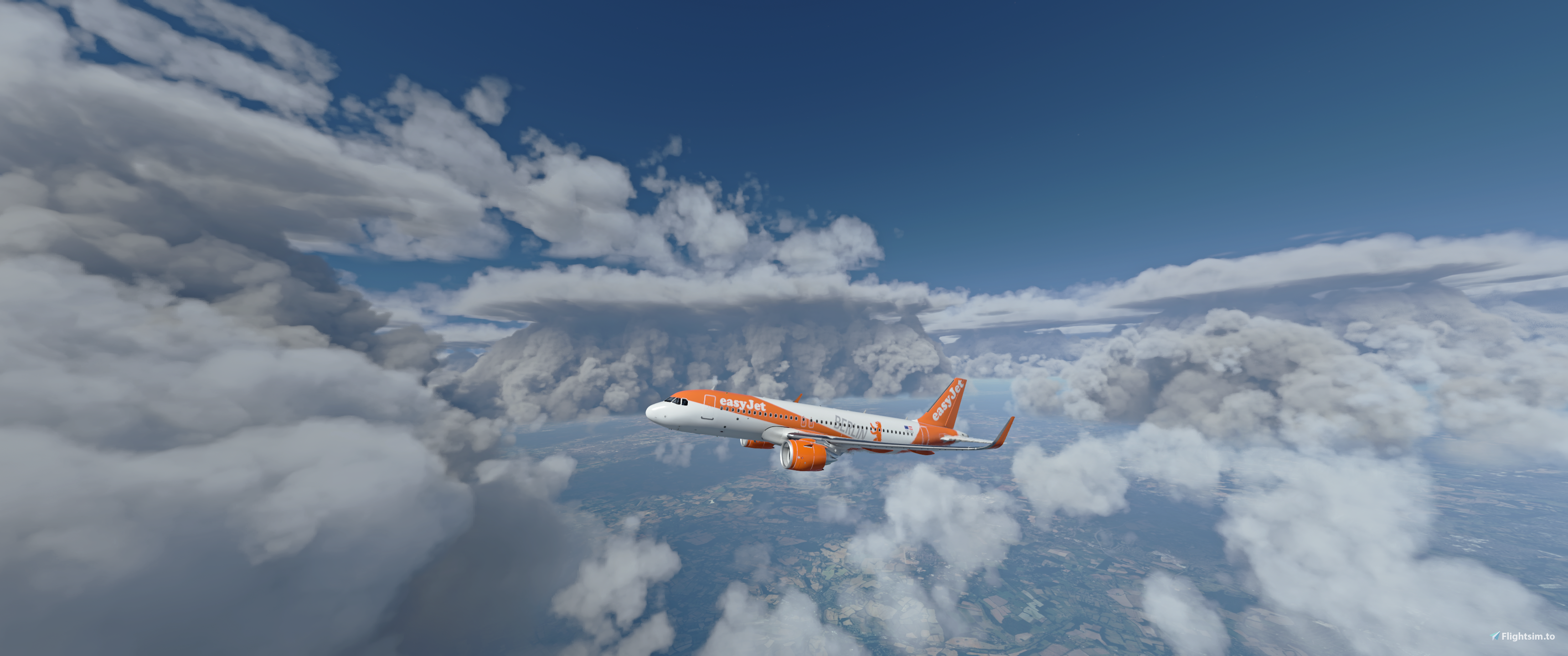
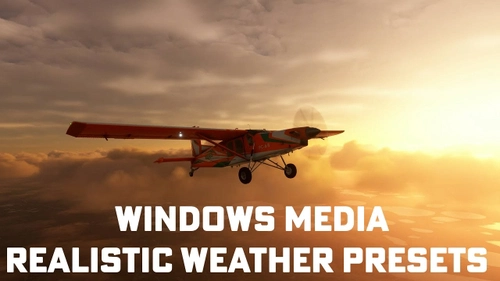
I have created a weather preset representing some storm clouds that i think look rather nice.
To install open the rar file and place the content in the Local State - Weather - Presets folder and enjoy
MSFS 2020MSFS 2024
Stormy clouds
Experience the immersive realism of storm clouds with this weather preset for Microsoft Flight Simulator. Easily install and enjoy these visually striking stormy skies in your simulator. A great addition for those seeking a new level of atmospheric detail in their flights.
Downloads944
Version1.0
File Size0.76 KB
Published5 years ago
Updated5 years ago


User Reviews
3.3
3 reviews
5
33%
4
0%
3
0%
2
0%
1
0%
Version History
No version history available.

Log in to join the discussion
Log InComments(12)
about 3 years ago
over 5 years ago
over 5 years ago
Just for being too lazy to search for a minute or two, it´s no need to rate this one that bad.
over 5 years ago
how do i have to install this? It looks very fine in your description, but it doesn't work for me yet.
over 5 years ago
over 5 years ago
unzipping your *.rar-file results in a folder named "Weather-Preset - StormClouds". In it there is one file named "StormClouds.WPR".
According to your instruction I copied your "Weather-Preset - StormClouds"-folder into the folder "...\Official\OneStore\fs-base-ui-pages\html_ui\Pages\Options\Weather".
This didn't work. This ...\Weather-folder contains a subfolder called "WeatherPresets". So next I copied your folder into this one. It didn't work neither.
Next I copied only the "StormClouds.WPR"-file in both of these Weather and WeatherPresets-folders. It didn't work.
Next I tried to handle your mod as any other mod and copied your folder into MSFSs community-folder. It didn't work.
In none of these attempts your StormClouds preset showed among the other weather presets.
Maybe there are missing *.bgl and *.json files as all the other mods have?
over 5 years ago
over 5 years ago
over 5 years ago
over 5 years ago
Thanks for it! We never can have enough of those available.
over 5 years ago
over 5 years ago