
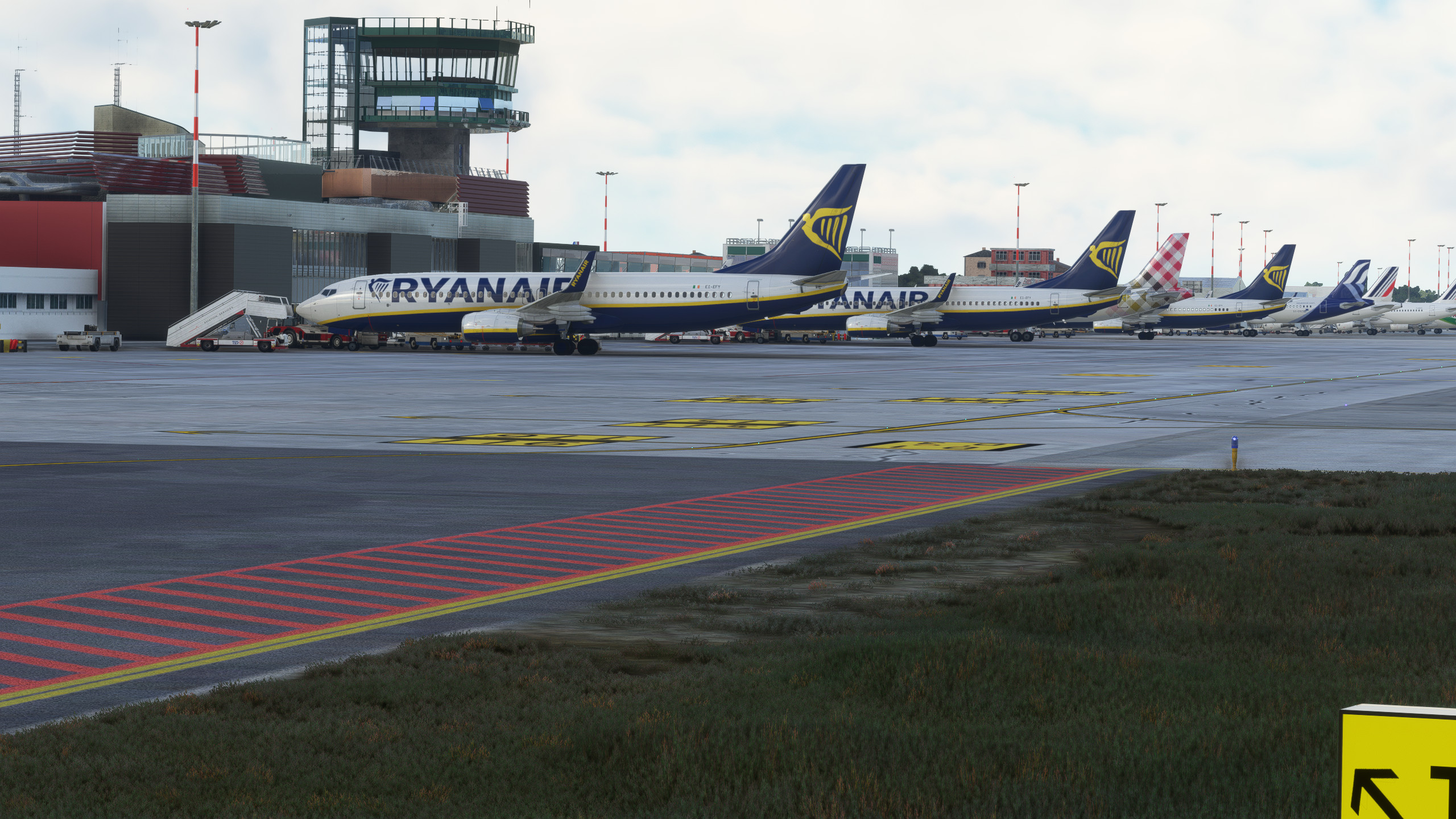
Description
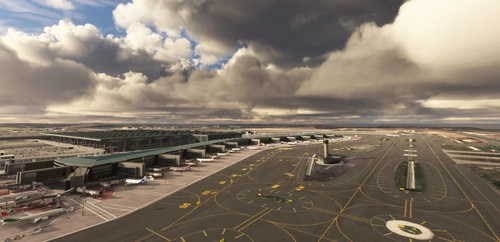
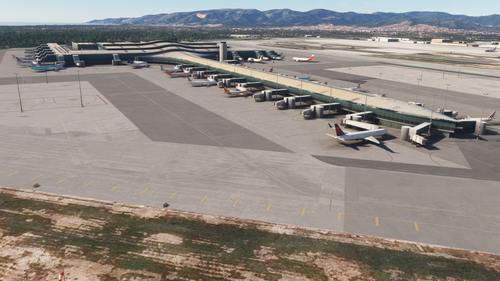
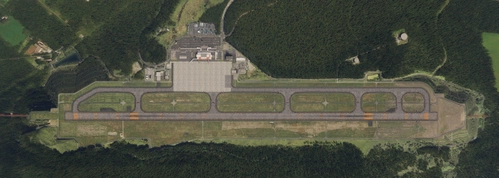
L' Aeroporto di Bologna (IATA: BLQ, ICAO: LIPE), o Aeroporto Guglielmo Marconi, intitolato al fisico e inventore Guglielmo Marconi, dista circa 10 km dal centro di Bologna. È il principale scalo dell' Emilia-Romagna e uno dei principali aeroporti in Italia, in costante crescita grazie alla sua posizione geografica strategica rafforzata dalle linee di alta velocità ferroviaria. (Fonte Wikipedia)
ATTENZIONE: ORA L'AEROPORTO E' UNA SOLA CARTELLA, RIMUOVERE LE PRECEDENTI VERSIONI PRIMA DI COPIARE IL FILE NELLA CARTELLA COMMUNITY
L'aeroporto è stato testato con i file di traffico FSLTL , FS TRAFFIC e PSXT.
Se questo aeroporto vi è piaciuto potete fare un piccola donazione tramite paypal nel banner a fianco .
Manuele
Location
(LIPE) Bologna Guglielmo Marconi Airport
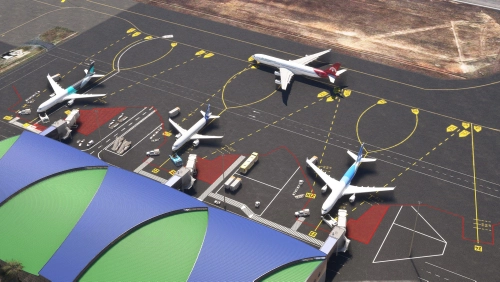
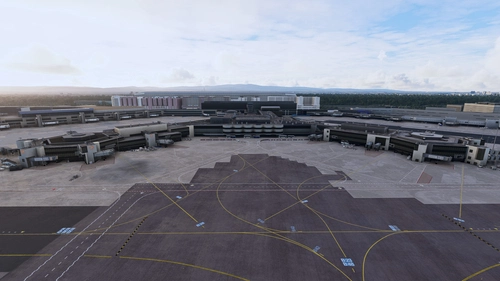
Discover Bologna Guglielmo Marconi Airport (LIPE) in this detailed add-on for Microsoft Flight Simulator, featuring the main hub of Emilia-Romagna, Italy. Immerse yourself in this growing airports strategic location and high-speed rail connections. Compatible with FSLTL, FS TRAFFIC, and PSXT for a realistic experience.

Supporters




User Reviews
88 reviews
Version History
Rinominata la directory mymateriallib in lipe-materials per non rischiare il conflitto con altri scenari Risolti alcuni bug sugli edifici in relazione alle condizione meteo Risolti piccoli bug Renamed the mymateriallib directory to lipe-materials to avoid conflict with other scenarios Fixed some bugs on buildings in relation to weather conditions Fixed small bugs

Comment Summary
Community feedback for the Bologna Guglielmo Marconi Airport add-on is overwhelmingly positive, with many users praising its high level of detail, realism, and overall quality, often comparing it favorably to payware alternatives. The scenery works well in MSFS 2020 and is reported to be compatible with MSFS 2024, though a few users asked questions about future updates and compatibility. The most common technical issues mentioned relate to misaligned or incorrect PAPI and ILS indications, absence or misplacement of AI traffic, some runway bumps or surface glitches, and in certain cases performance drops, particularly around the cargo apron. Some users also noted minor visual or lighting issues, such as night apron lighting appearing green or excessive control tower lighting. Installation difficulties were occasionally reported, with other community members or the developer providing guidance, and there are requests that the developer rename certain internal folders to avoid potential conflicts. A notable tip is to disable photogrammetry in MSFS settings to resolve some terrain or runway surface issues until the simulator is updated. Overall, users appreciate the continued development of the scenery and look forward to further bug fixes and optimizations.
Summarized on Nov 13, 2026
Log in to join the discussion
Log InComments206
1. The PAPI lights were all red throughout the entire ILS approach to RW12. The ILS itself works correctly, but the PAPI don't seem to be functioning as expected.
2. GSX didn't work for me. I received the error: "Could not find valid AFCAD data at this position, services are not available." This is odd, considering there's a GSX profile available here: https://flightsim.to/file/55737/gsx-pro-profile-lipe-by-manuele, so it should work. Maybe something on my side, idk.
Even with these issues, the scenery is still very well done and enjoyable overall.
UPD. Disregard the second issue - it's a typical GSX... I've encountered the same error at a few other airports as well. Restarting Couatl resolves it.
Thanks :)