
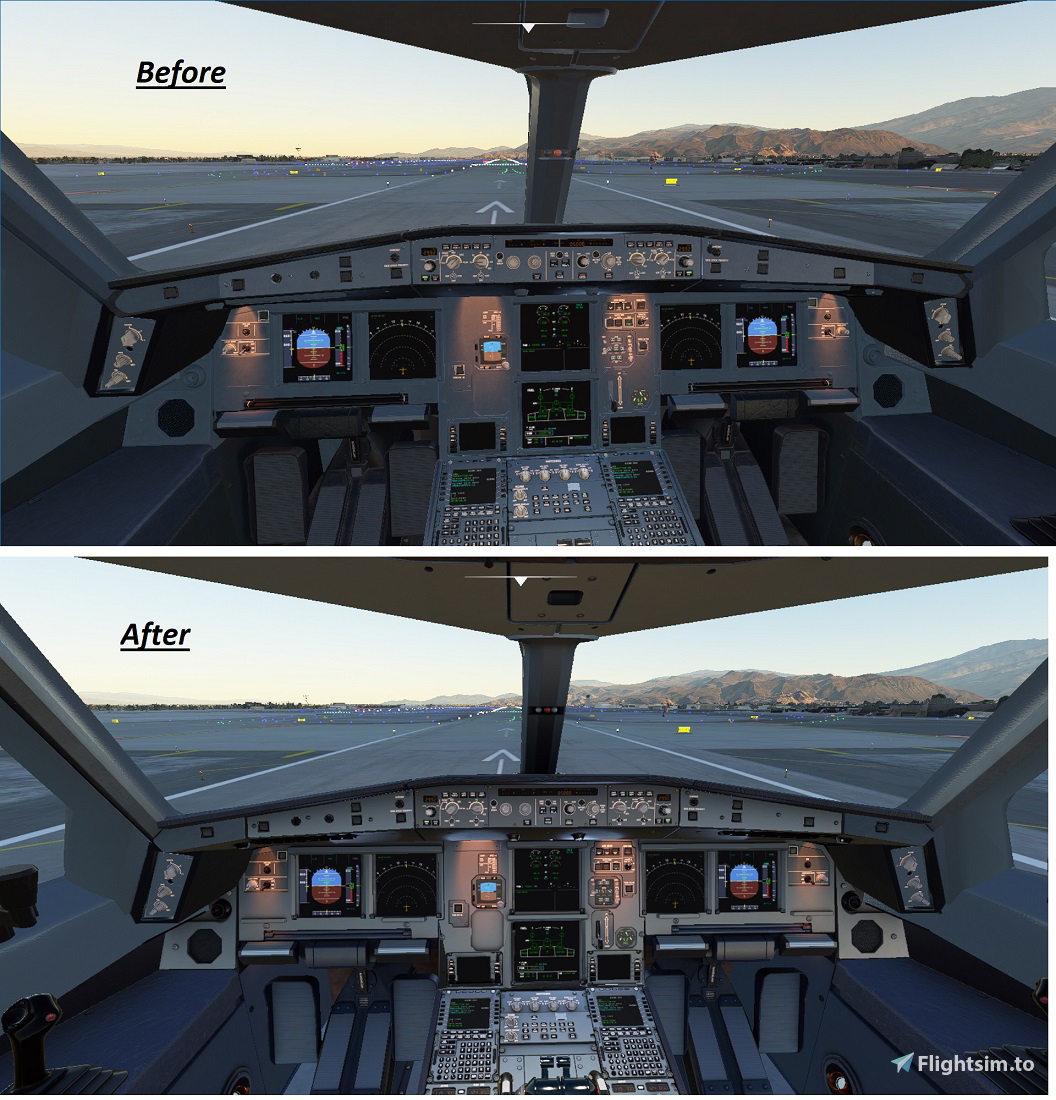
Description
These textures do NOT independently function as a standalone in the community file. They must be copied to your existing MegaPack Airbus A330-300 file within the Community file.
Using default Asobo Airbus A-320 cockpit textures, copied and renamed to MegaPack Airbus A330-300 filenames to create replacement cockpit textures for the aircraft. NOTE: REMOVE A330/A32nx "compatibiliy file". In test, the compatibility file caused gauges to NOT FUNCTION OR DISPLAY. Removing this compatibility file corrected gauges function.
The A330-300 aircraft gauges will NOT function with the new Airbus A-318 in the community file.
Backup the current TEXTURE.DEFAULT before copy/install.
jam_waters@hotmail.com.
MegaPack A330 revised cockpit textures.
Revamp your A330 cockpit textures with this MegaPack add-on. Update your Airbus A330-300 files for a refreshed cockpit experience. Ensure proper installation for gauges to function correctly. Contact jam_waters@hotmail.com for more information.


Version History
No version history available.
Related
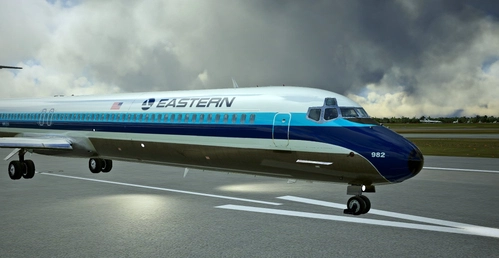
FlytheMaddog X MD-82 Eastern Air Lines WhisperJet (*non-chrome version) final.
Please delete all previous versions of the repaint. This version has resolved texture errors and made the windows transparent from the exterior view. Thanks to WCS33 for his input and I did use part of the image provided to fix some of the errors. Credit also to Steve Drabek who did the chrome version of the repaint for the P3d version of the MD-80 for P3d.
by Simswim
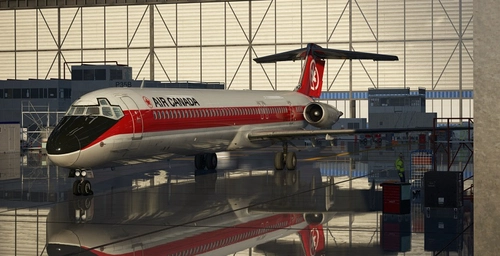
FlytheMaddog X - AIR CANADA MD-80 old colors livery (*fictional)
This is a fictional repaint/skin in Air Canada's livery with blue flight deck for the FlytheMaddog X in old colors (*fictional). At the height of their deployment, Air Canada had a fleet of fifty DC-9s serving most of its destinations in North America.
by Simswim
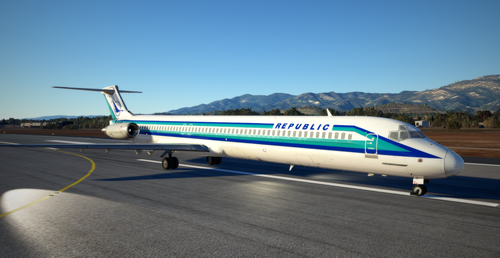
FlytheMaddog X MD-80 - Livery repaint for Republic Airlines.
FlytheMaddog X - MD-80 livery repaint for Republic Airlines. Republic was formed with the merger of North Central Airlines and Southern Airways. It later acquired Hughes AirWest. The company was later purchased by Northwest Airlines which was acquired by Delta.
by Simswim
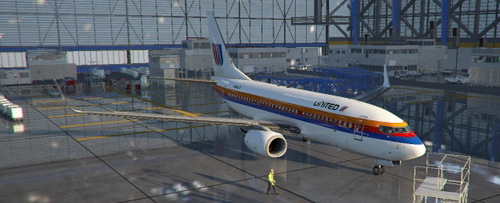
PMDG United Airlines 1980's Saul Bass original livery
PMDG 737-700 - United Airlines old livery from the late 1970's. This is the original of the two 737 Saul Bass liveries designed and used for United. The fuselage stripes were in a different position and the tail logo was smaller than on the later version.
by Simswim
Log in to join the discussion
Log InComments(14)
about 5 years ago
Hey I can't get this to work with the latest version
about 5 years ago
From what I gather, it is now included with the new release. I had tested earlier and did not notice any conflict with the A32NX Flybywire, but I have with the new release. I got it working by deleting the A32NX from the community file. jw.
over 5 years ago
over 5 years ago
over 5 years ago
over 5 years ago
over 5 years ago
over 5 years ago
over 5 years ago
over 5 years ago
over 5 years ago
C:\Users\computer_name\AppData\Roaming\Microsoft Flight Simulator\Packages\Community\PMP_A330_300\SimObjects\Airplanes\amp-airbus-a330-300\TEXTURE.DEFAULT. You are advised to backup the "TEXTURE.DEFAULT" file and replace the provided textures via move or copy/paste functions.
over 5 years ago
over 5 years ago
over 5 years ago