
Description
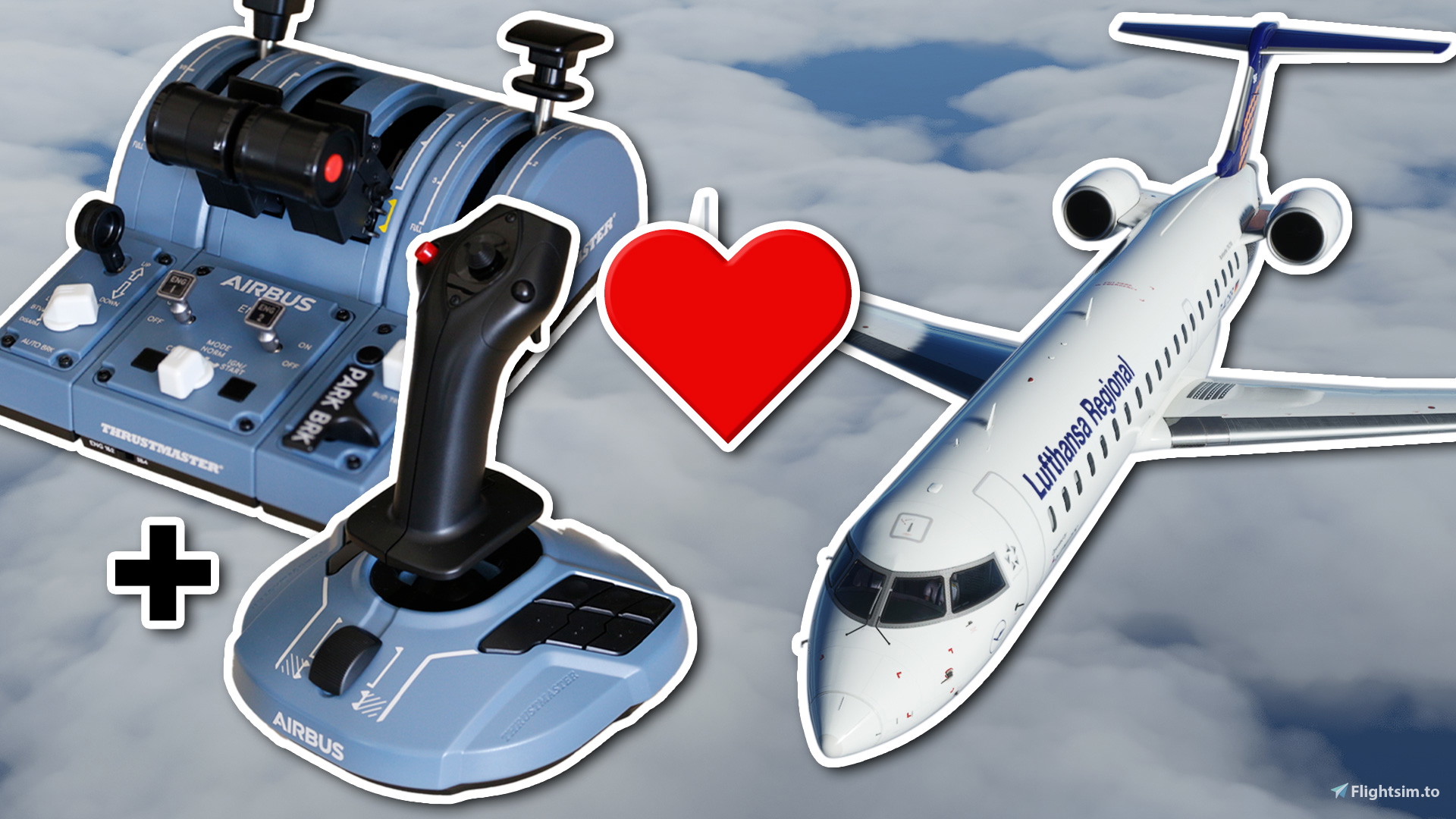
Get the most out of your Thrustmaster TCA Quadrant, Add-On & Sidestick in the CRJ 550/700 with these scripts and template for AxisAndOhs!
Video showcase of controls (timestamped link of full setup video below)
Full setup video
(v1.1 update) Additional instructions not included in the video: you may need to confirm each key assignment in AxisAndOhs upon import of the template. See readme.txt for a list of each of the buttons and axis you will need to use for each event/script.
Requires AxisAndOhs
Requires Aerosoft CRJ 550/700
AxisAndOhs Demo Version
Where to buy AxisAndOhs
Using AxisAndOhs I have managed to replicate a realistic emulation of the CRJ throttle quadrant. This includes:
- Fully working parking brake and gear lever (with animation)
- Use of the throttle levers to start/stop the engines (shut off to idle range simulated) whilst keeping reverse functionality as normal - just like the real aircraft!
- Fully working and useful flaps axis
- Thrust reverser arm/disarm switches
As an addition I also set up some of the buttons on the base of the sidestick to control:
- SPEED, HDG & NAV mode on the FCP
- Landing, taxi and strobe lights
- Flight director 1
I have done a full setup video from start to finish for these bindings, including setup in MSFS and the import into AxisAndOhs. I highly recommend you watch that through to make sure you don't have any conflicts and have an optimal setup. You can watch that by clicking here.
You must have virtual buttons enabled on the TCA Quadrant for all binds to work properly. You can make sure you do by opening your start menu and typing in 'joy', clicking 'Set up USB game controllers, double click on 'TCA Q-Eng 1&2' and ensuring the box is checked next to 'Enable virtual buttons'.
I have set up these controls in AxisAndOhs to fill in the missing gaps that cannot be bound in Microsoft Flight Simulator natively. Therefore this setup is used to compliment what you can do in MSFS so does not cover every axis and button on the controllers.
Note that the sidestick controls are setup for use with the joystick in 'Copilot' (right-handed) mode. If you use the sidestick in 'Pilot' (left-handed) mode you may need to rebind the sidestick controls to your taste.
Obviously, you are free to add/remove/change any of the assignments as you wish once you have imported the scripts and template.
Full list of bindings added by this template:Anything not listed is not changed by this template. As noted above these controls are meant to compliment what can be bound natively in MSFS and thus does not cover every button or axis. I highly recommend you watch the video linked at the top to get an optimal setup in MSFS and AxisAndOhs.
TCA Quadrant:
- Engine mode selector (CRANK) - Left engine idle/shutoff release latch
- Engine mode selector (IGN/START) - Right engine idle/shutoff release latch
- Virtual button 12 - Left throttle lever to cutoff position (only enabled when corresponding release latch opened)
- Virtual button 16 - Right throttle lever to cutoff position (only enabled when corresponding release latch opened)
- Button 5 (L eng fire warning light button) - APU Power on/off
- Button 6 (R eng fire warning light button) - APU Start on/off
- Eng 1 start switch - Left Thrust Reverser Arm/Disarm
- Eng 2 start switch - Right Thrust Reverser Arm/Disarm
TCA Add-On:
- Flap axis - Flaps 0-45
- Parking brake - Parking brake on/off
- Gear lever - Gear up/down
TCA Sidestick:
Sidestick in 'Copilot' (right-handed) mode.
- Button 4 - Toggle SPEED mode (FCP)
- Button 5 - Toggle HDG mode (FCP)
- Button 6 - Toggle NAV mode (FCP)
- Button 7 - Toggle taxi light
- Button 8 - Toggle landing lights (L, R & nose all on one button)
- Button 9 - Toggle strobe lights
- Button 13 - Toggle flight director 1
These scripts use LVAR's which are subject to change by Aerosoft. I do use these bindings every time I fly the CRJ however, so I will update them if anything changes in the future.
Once again I highly recommend watching the setup video here in order to ensure you get the best setup possible working with this template.
If you have any questions or feedback please feel free to leave them in the comments below or on YouTube.
If these bindings have helped you and you are interested in Microsoft Flight Simulator/CRJ content, please feel free to visit my YouTube channel where I upload and stream every week!
I also stream on Twitch and Facebook simultaneously, if you prefer these platforms!
Thank you for stopping by, have a great day! ☺
Quick links:
Setup video - link
AxisAndOhs Demo - link
Where to buy AxisAndOhs - link
BobbyFuzzy YouTube - link
Facebook - link
Twitch - link
CRJ 550/700 TCA Quadrant, Add-On & Sidestick Template & Scripts for AxisAndOhs
Enhance your Thrustmaster TCA Quadrant and Sidestick experience with scripts and templates tailored for the CRJ 550/700 in Microsoft Flight Simulator. Optimize your controls with realistic features like engine start/stop, parking brake, gear lever, and more using AxisAndOhs. Enjoy a comprehensive setup, including throttle levers, flaps axis, and various button controls for a more immersive flying experience. Please note that these bindings are designed to complement the native MSFS controls, providing additional functionalities for a more realistic simulation.


User Reviews
4 reviews
Version History
Added readme.txt with list of bindings and their associated scripts/event.
Related
PMDG DC-6 VATSIM Model Matching
Customize your VATSIM experience with the PMDG DC-6 Model Matching add-on, featuring realistic airline liveries for the DC-6A & B models. Easily install the VMR file for vPilot and enhance your virtual aviation immersion. Join the community in testing and providing feedback for a seamless integration. Stay connected with the creator through weekly streams on various platforms.
by BobbyFuzzy
A32NX Autobrake Template & Scripts for AxisAndOhs
A32NX Autobrake Template & Scripts for AxisAndOhs, setup to work with TCA Add-On and most devices. Enables autobrake functionality via keybind in flybywire A32NX. Recommended to watch the setup video for installation instructions and customization options. Requires AxisAndOhs and flybywire A32NX for use.
by BobbyFuzzy
Camera Tweaks for PMDG 737
Enhance your PMDG 737 experience with Camera Tweaks, improving default pilot, landing, and instrument views, as well as offering quick access to various camera angles. Perfect for those who rely on view sets for better visibility during maneuvers. Install by copying the provided file into the specified directory. For questions or feedback, feel free to reach out in the comments section.
by BobbyFuzzy
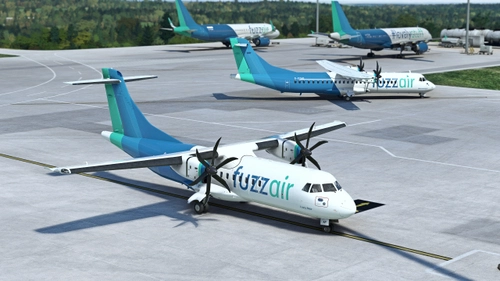
fuzzair - Microsoft ATR Pack
Explore the world of fuzzair with the Microsoft ATR Pack, featuring the Fuzzy Bear ATR 42-600 and #whatanugget ATR 72-600 liveries. Get ready to enhance your flight simulation experience with these liveries designed for the Microsoft ATR 42/72 aircraft. Simply install by copying the files to your community folder. Join the fuzzair community and discover more on Discord, Facebook, Instagram, and YouTube.
by BobbyFuzzy
Log in to join the discussion
Log InComments(18)
over 5 years ago
almost 2 years ago
over 4 years ago
Any chance of creating a TCA template for the Fenix A320?
over 4 years ago
The default binds should work fine with the TCA with the Fenix. I've made a few improvements in spad.next - I'm not really using AxisAndOhs anymore.
over 4 years ago
Love this!! But after SU8 I'm having issues with the parking brake. Have you noticed this? I can engage the parking brake but not disengage it.
over 4 years ago
I had to rebind the RPN scripts and it started working again.
over 4 years ago
Great stuff, glad you got it working in the end!
about 5 years ago
A bit complicated as I think there has been a change of button-numbers. On my (new) Thrustmaster Quadant'addon parking brakes is no. 20 and gear is no. 21. Also the script for flaps dont work as the first step brings me to flap 20 (not 8).
about 5 years ago
Yes, there is a discrepancy between AxisAndOhs and other apps, not sure why. It shouldn't affect this template nevertheless. You can easily go through and reconfirm the buttons or cross-check with joy.cpl if you're not sure.
There is no script for the flaps - this is assigned as a normal axis. However what you describe sounds correct, there are 5 flaps stages in the CRJ and only 4 on the Airbus therefore you can expect flaps 8 to sit in between 0 and 1. I removed my detents from the add-on which makes it much easier.
about 5 years ago
good one, but seems to be broken after SU5
about 5 years ago
In what way? All working OK for me.
over 5 years ago
But in msfs parking break it's set as 19 and 20. And gear up or down is set a 21. I'm trying to look if there is something to do for that
over 5 years ago
That shouldn't make a difference, MSFS is reading the inputs correctly when used with other aircraft.
over 5 years ago
over 5 years ago
over 5 years ago
First thing, please check if your quadrant is set to ENG 3&4 as opposed to 1&2 (switch on the front). It needs to be set to 1&2. Should have put that on the description!
If it is set to 1&2...
Can you send me a screenshot of what you’re getting before and after going through the change button assignment?
Is it every binding that doesn’t work or just some?
I assume the scripts imported OK?
First time uploading scripts etc for AAO too!
Thanks!
over 5 years ago
over 5 years ago
over 5 years ago
I am totally new to axis and oh's so I have no idea what is going on haha.