
Flightsim.to
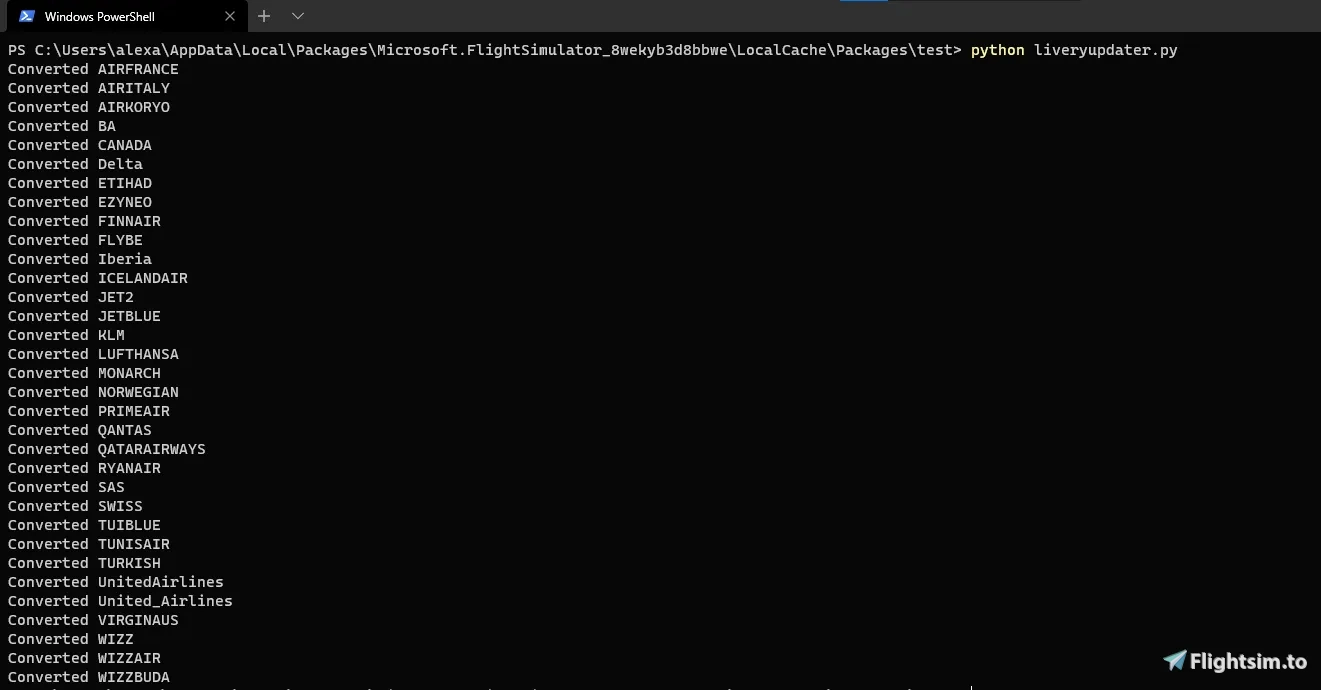
    FlyByWire Livery Updater - Image 1

    Description

    A simple .exe file designed by CoffeePanda in Python and changed to a .exe by Leviticus for easy use to convert existing A320neo liveries for use with the FlyByWire A32NX.
    Simply place the FBWLiveryUpdater.exe in your Community folder and run it and it will automatically update your installed liveries. After completion you can remove the .exe file or leave it there it doesn't really matter.

    Check out CoffeePanda and the original code on his GitHub https://github.com/CoffeePanda0/FBW-livery-converter

    Original Post: https://flightsim.to/file/11773/fbw-livery-converter

    Comments(25)

    Log in to join the discussion

    Log In
    d

    about 5 years ago

    bonjour même problème ,le programme ne s'ouvre pas
    y

    about 5 years ago

    Hello
    First of all I have to say great work, but I have a problem, the program does not open (when I open it, it closes again in seconds, even with admin) can someone help me?
    C

    about 5 years ago

    Same problem
    H

    about 5 years ago

    thaks you!
    D

    about 5 years ago

    is there a way to revert this?
    L
    LeviticusAuthor

    about 5 years ago

    Just delete the livery and reinstall it
    b

    about 5 years ago

    hmm doesn't seem to work for me. Both the .py and .exe opens for a split second and then closes. No changes to the liveries. Is there anything I'm supposed to be doing?
    L
    LeviticusAuthor

    about 5 years ago

    Just open the .exe and make sure its in the Community folder or where ever you have the liveries installed
    4

    about 5 years ago

    All my liveries are installed in the community folder, I dragged and dropped the exe file in there and ran it. It opened for a split second and closed by itself.
    L
    LeviticusAuthor

    about 5 years ago

    For anyone new to this updater this is just a workaround for now until the official FBW team release their own updater included with the installer. There are already some A32NX liveries surfacing so by no means do you need this tool but it's here in case u want to keep using the liveries people have designed for the default A320neo
    j

    about 5 years ago

    question, for those of us that have files set up to use A320 for live traffic and a320 liveries for live traffic, do we convert the model.AI cfg file to link to the flybywire base container, or can we leave it linked to the path of default vanilla a320?
    O

    about 5 years ago

    C

    about 5 years ago

    I think the tool is a good idea.
    But when changeing only the files given in the FBW Site discription we might end up in an great mess-up.
    I think in the aircraft.cfg it is also important to add a pre- or suffix "FBW" to the each "title" section and a suffix "FBW" to each "ui_type" section to make a) the aircraft unique and b) to make the different aircrafts visible in the airplane selection (if someone wants to keep the livereies for standard A320neo too.
    In this case it would be also good if the programm could copy and rename the folders to something like "FBW_A320_neo_"Airlinename
    L
    LeviticusAuthor

    about 5 years ago

    Hi Chris, thanks for commenting. I myself am not an actual part of the FBW team. This was just a project by CoffeePanda for a workaround until FBW brings out their own livery updater included in their installer in approximately a week. Until then this is all we have for the moment but we will look into file renaming ;)
    O

    about 5 years ago

    alternatively, when you are sure you're not going to use the stock a20n at all you can uninstall it.
    e

    about 5 years ago

    Will the liveries work with both versions of the A320n after using the tool?
    If not, is it possible to make it like that?
    L
    LeviticusAuthor

    about 5 years ago

    Hey mate, from what i know im not too sure. We didn’t design it to work with both aircraft only the FBW, plus if you’ve got the FBW why would you need the default ;)
    MSFS 2020MSFS 2024

    FlyByWire Livery Updater

    Easily convert existing A320neo liveries for use with the FlyByWire A32NX with this simple .exe file. Save time and effort by updating your installed liveries automatically with just a few clicks. Check out the original code by CoffeePanda on GitHub for more information.


    Downloads2K
    Version1.0
    File Size6.38 MB
    Published5 years ago
    Updated5 years ago

    User Reviews

    4.5

    2 reviews

    5
    50%
    4
    50%
    3
    0%
    2
    0%
    1
    0%

    More Information

    Simulator
    MSFS2020
    CategoryUtilities
    Sub-CategoryMiscellaneous

    Version History

    No version history available.