
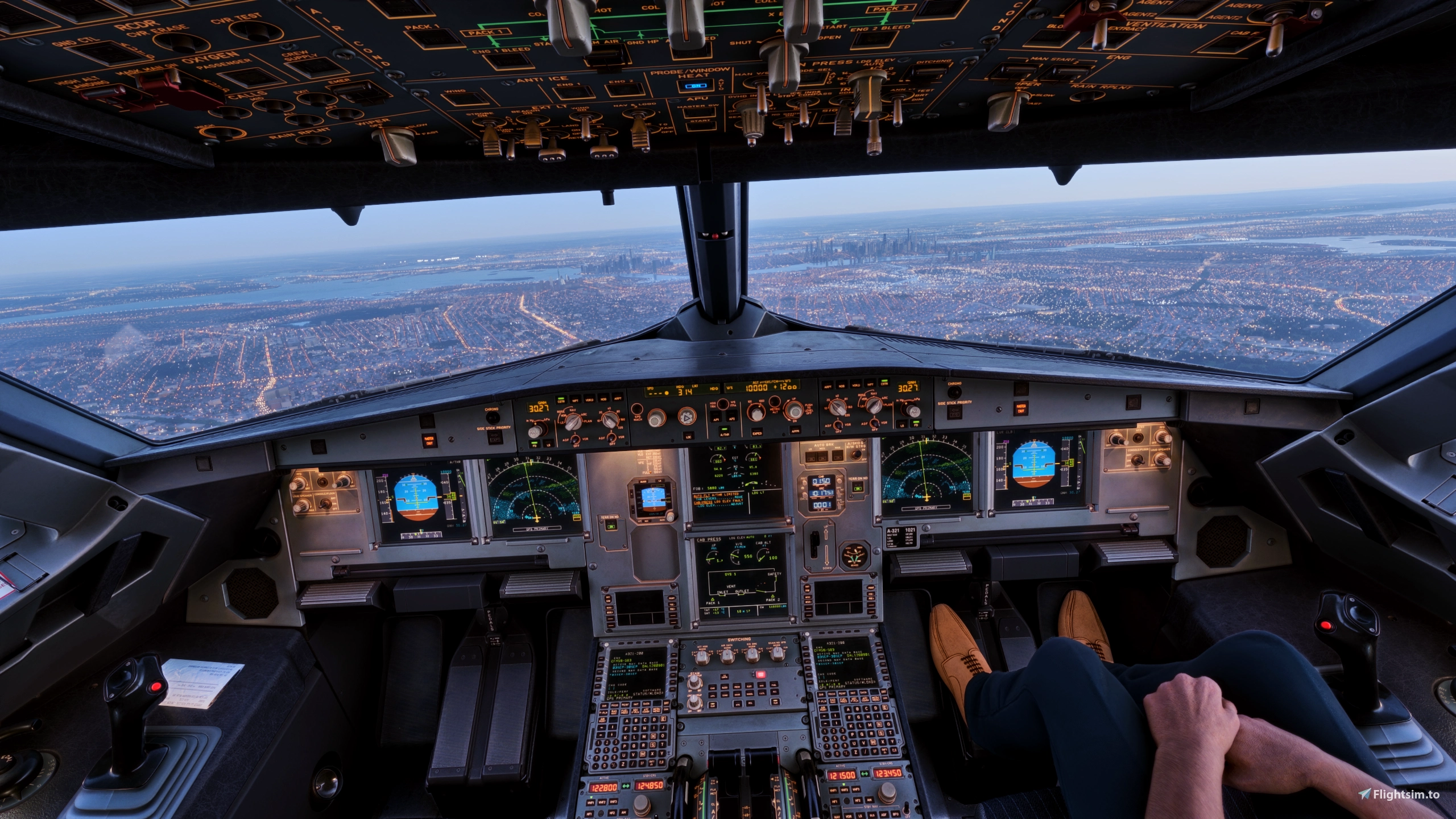
Description
I have made this ReShade preset in order to subjectively correct the lighting and color filtering in default MSFS2024. While it is not perfect, I believe it is ready for public release. Feedback is greatly appreciated; I hope you enjoy!
- REX Atmos Core NOT required.
- Recommended to set in-sim Exposure Compensation EV to -0.65
- DLSS 5 not required but recommended!
FEATURES:
- Utilized reshade presets to improve the default lighting and color correction in the sim.
- Adjusted fog depth and coloring to make a more realistic surface depth.
- Color rendering has been tuned to be more vibrant to match DLSS 5 rendering style(s).
INSTALLATION (Follow Steps 2-6 if the First Step Does Not Work):
- Download and extract the .ZIP file and save to any location.
- Launch MSFS2024 and open the ReShade menu using the "HOME" key.
- Under the "Home" tab, press on the small file icon next to the preset name bar.
- From there, you can drop the downloaded "DLSS 5 Ultimate.ini" folder into that MSFS2024 directory.
- Enjoy!
DISCLAIMERS & LIMITATIONS:
- ReShade (with full addon support) already installed and REQUIRED!
- NOTE: The effect "CobraMask.fx" may cause flickering when spawning into a flight. To resolve this, restart the sim one or two times after loading into a flight. The flickering should then be resolved for a good while.
- This preset has been configured to use with DLSS 5. Using it is recommended to get the full experience.
- This addon is still being worked on and the current version may not represent the final rendition.
- These modifications are my work. Please do not utilize them in other addons or publish them separately from this addon without my explicit permission!
ReShade Preset: DLSS 5 Ultimate
This ReShade preset aims to enhance MSFS2024 by adjusting lighting, color correction, and fog effects for a more vibrant and realistic appearance, optimized for DLSS 5. It does not require REX Atmos Core and is intended for users with ReShade installed. Color rendering is tuned to match the DLSS 5 style, offering improved surface depth and atmosphere. The preset is still in development and may be updated further.
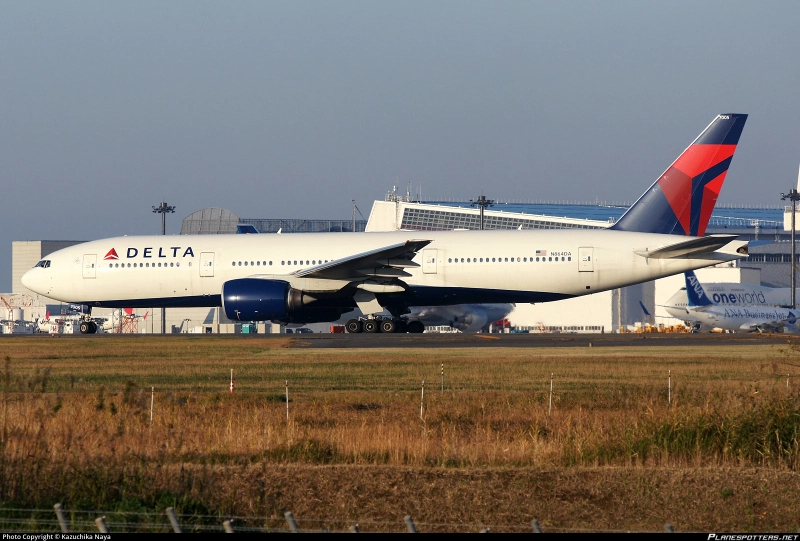
User Reviews
1 reviews
Version History
No version history available.
Related
![iniBuilds A330 Purple Mood Lighting [-200 & -300]](https://cdn.flightsim.to/images/28/inibuilds-a330-purple-mood-lighting-200-300-472044-1767670285-1qhyg.jpg?width=500)
iniBuilds A330 Purple Mood Lighting [-200 & -300]
This add-on introduces purple mood lighting for the cabin of the iniBuilds/Asobo A330-200 and A330-300 aircraft models. It aims to reduce the intensity of the default blue lighting, creating a warmer and more modern atmosphere. The modifications also include adjustments to the galley and reading lights, offering a more pleasant lighting experience for users. Compatibility is limited to specified A330 variants, and installation is straightforward by placing the files in the community folder.
by Zoke_Aye
![iniBuilds/Microsoft A330 Cabin Light Mod [-200 & -300] - PACK 2](https://cdn.flightsim.to/images/28/inibuildsmicrosoft-a330-cabin-light-mod--200---300---pack-2-472044-1768259340-87YgB.jpg?width=500)
iniBuilds/Microsoft A330 Cabin Light Mod [-200 & -300] - PACK 2
The iniBuilds/Microsoft A330 Cabin Light Mod provides enhanced cabin lighting options for the A330-200 and A330-300 aircraft models, addressing user concerns regarding the default intense blue illumination. This add-on features multiple color options for a more calming atmosphere, along with adjustments to galley and reading light colors for improved ambiance. The mod aims to create a more immersive flying experience by moderating the cabin lighting intensity and aesthetics.
by Zoke_Aye
![iniBuilds/Microsoft A330 Cabin Light Mod [-200 & -300] - PACK 1](https://cdn.flightsim.to/images/28/inibuildsmicrosoft-a330-cabin-light-mod---pack-1--200---300-472044-1768258661-nDv6i.jpg?width=500)
iniBuilds/Microsoft A330 Cabin Light Mod [-200 & -300] - PACK 1
The iniBuilds/Microsoft A330 Cabin Light Mod introduces enhanced mood lighting options for the A330-200 and A330-300 models. This add-on replaces the default intense blue cabin lighting with more subdued colors and warmer tones, aiming to improve immersion and comfort. It includes multiple lighting options and works with both GE and RR variants. Users should ensure to remove previous versions before installation to avoid conflicts.
by Zoke_Aye
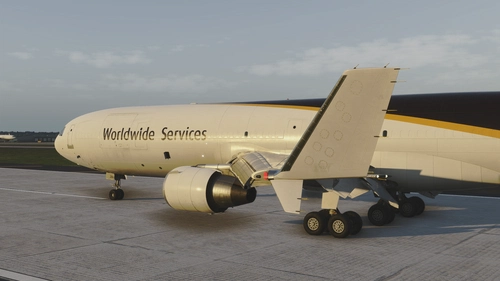
Free Flow ReShade V 1.0
Free Flow ReShade is a preset designed to adjust lighting and color filtering in Microsoft Flight Simulator 2024. It introduces a realistic blue tint, reducing the default yellow hue, and enhances distant horizon haze for improved visual realism. The preset is optimized for use with ReShade and is best experienced alongside REX Atmos Core AB V3 weather presets. Compatibility with MSFS2020 is untested and continued development is ongoing.
by Zoke_Aye
Log in to join the discussion
Log InComments(22)
5 days ago
4 days ago
7 days ago
6 days ago
7 days ago
7 days ago
7 days ago
7 days ago
8 days ago
8 days ago
8 days ago
8 days ago
8 days ago
8 days ago
8 days ago
8 days ago
9 days ago
8 days ago
Framerates: Cap True FPS at 30 w/ 2x FG (60 FPS total)
Graphic Settings: Varies. Most things on High/Ultra, but some things Medium, Low and/or Off. Just depends.
10 days ago
9 days ago