
Description
[EN]
Please review the official documentation: https://docs.synapticsim.com/pilots/map-server
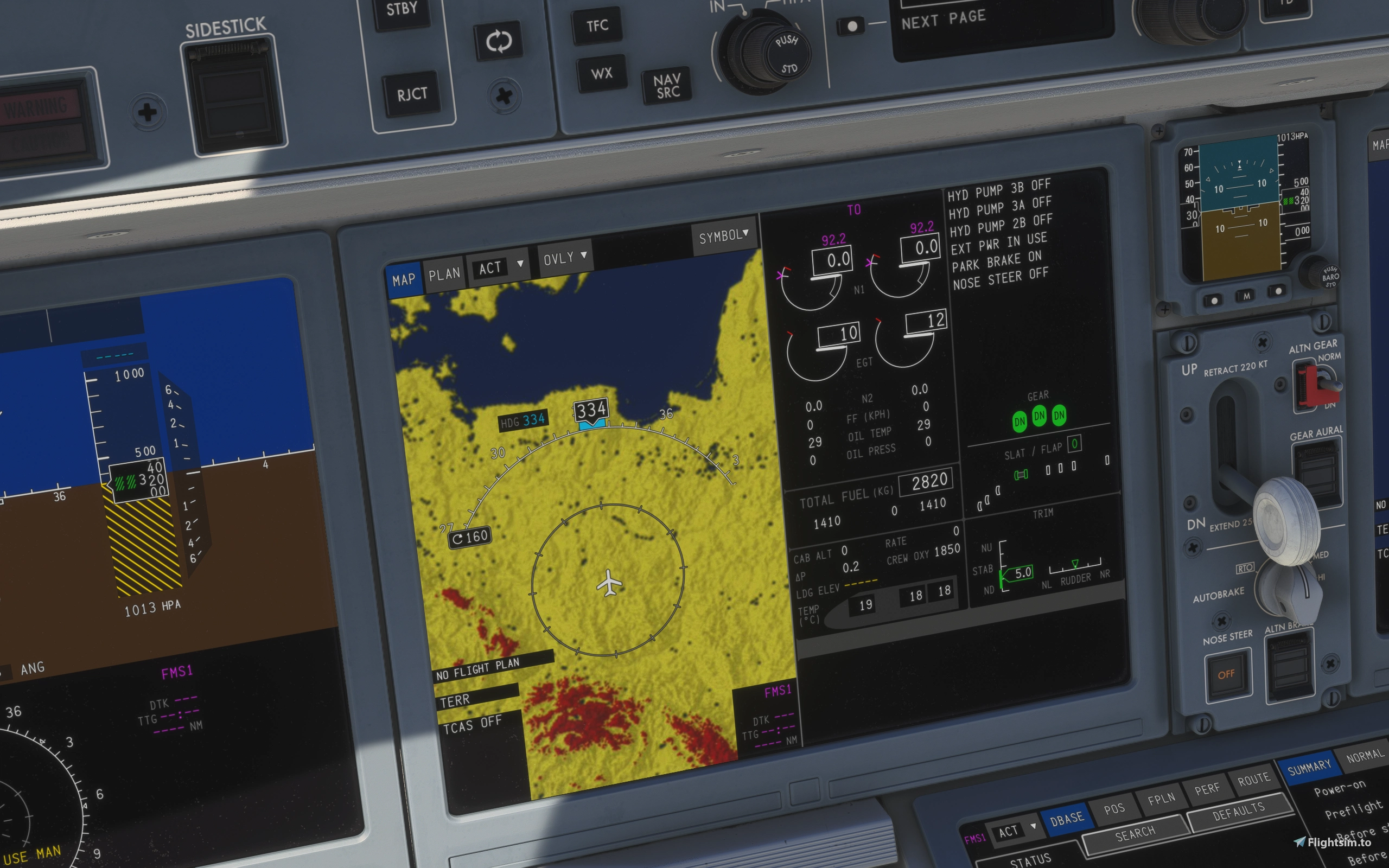
If the map server does not start automatically when the simulator launches, you can use this addon to start it manually. It provides a simple way to run the external terrain map server required by the Synaptic Simulations A220 navigation display.
Instructions
1. Place the file "START_by_ClouDAction.bat" inside the "map-server-400" or "map-server-1200" directory, next to "map-server.exe" and the "data" folder.
2. Start Microsoft Flight Simulator.
3. Run "START_by_ClouDAction.bat".
4. Minimize the window
5. To stop the server, press any key. The tool will automatically close the map server process.
Enjoy! (:
[PL]
Zapoznaj się z oficjalną dokumentacją: https://docs.synapticsim.com/pilots/map-server
Jeśli serwer map nie uruchamia się automatycznie podczas startu symulatora, możesz użyć tego dodatku, aby uruchomić go ręcznie. To proste narzędzie umożliwia uruchomienie zewnętrznego serwera terenu wymaganego przez wyświetlacz nawigacyjny w samolocie Synaptic Simulations A220.
Instrukcje
1. Umieść plik "START_by_ClouDAction.bat" w katalogu "map-server-400" lub "map-server-1200", obok pliku map-server.exe oraz folderu "data".
2. Uruchom symulator.
3. Uruchom plik "START_by_ClouDAction.bat".
4. Zminimalizuj okno.
5. Aby wyłączyć serwer, naciśnij dowolny klawisz. Narzędzie automatycznie zakończy działanie procesu map-server.exe.
Miłego korzystania! (:
--
ClouDAction
Synaptic Simulations A220 Terrain Server Manual Starter by ClouDAction
This add-on enables manual starting of the Synaptic Simulations A220 terrain map server if it does not launch automatically with Microsoft Flight Simulator and safely stop it when it is no longer needed. It includes a batch file that should be placed in the map-server directory alongside existing files. The tool is designed to support the navigation display by running the required terrain server externally. Instructions for setup and operation are provided.


User Reviews
3 reviews
Version History
v1.0.3 - Added automatic map-server.exe process termination after pressing a key. - Changed the shutdown method to prevent the map server process from remaining active after closing. - Updated the user instructions.

Log in to join the discussion
Log InComments(13)
about 12 hours ago
about 2 months ago
Pozdro.
about 2 months ago
about 2 months ago
about 2 months ago
about 2 months ago
about 2 months ago
about 2 months ago
about 2 months ago
about 2 months ago
about 2 months ago
about 2 months ago
about 2 months ago