

Description
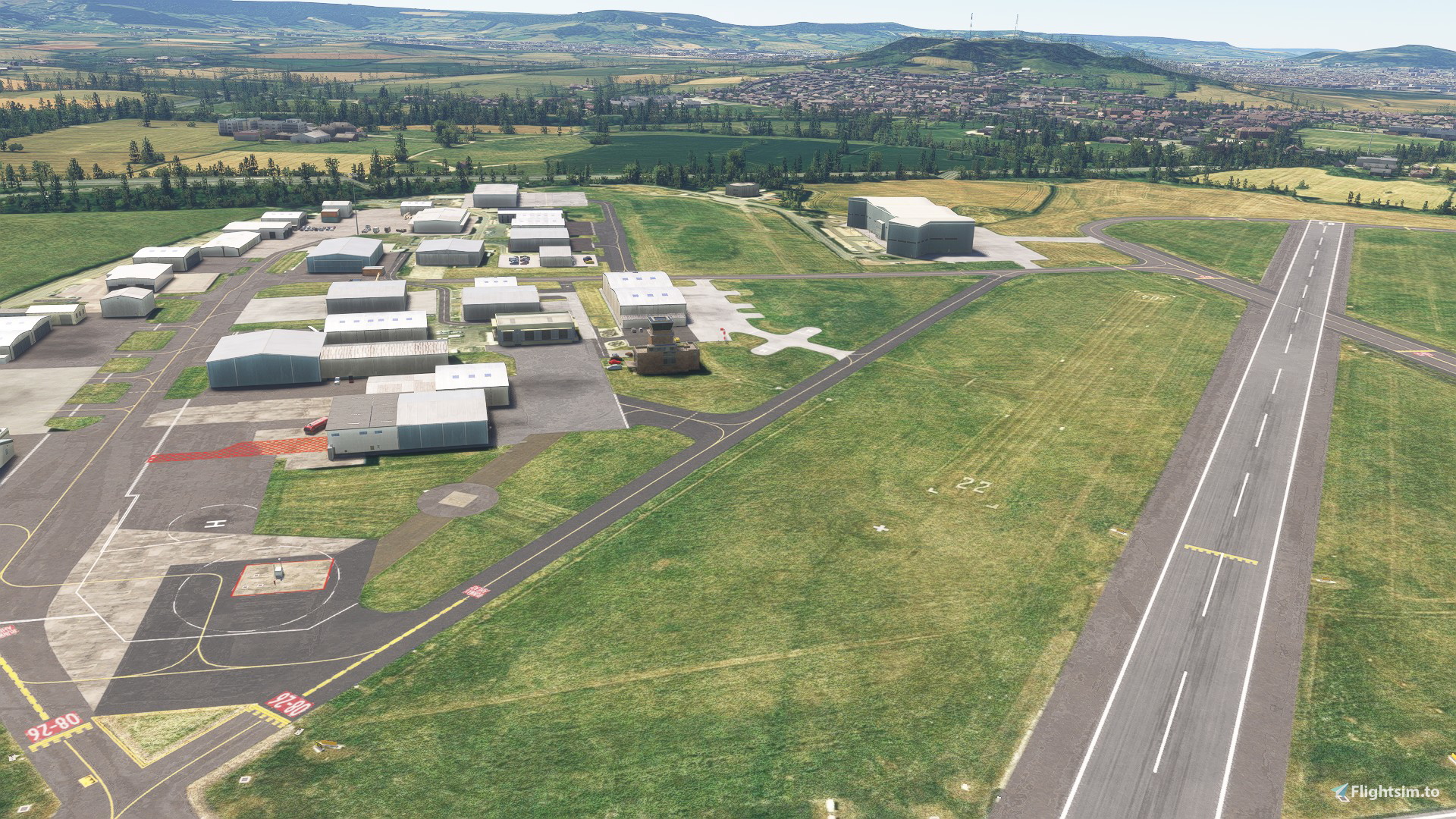
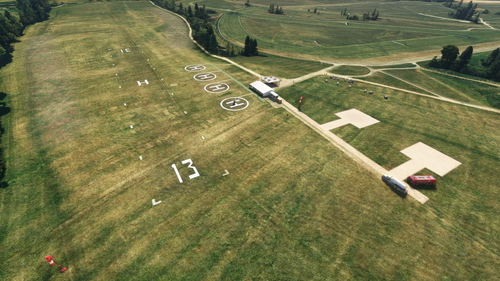
This is an update of EGBJ Gloucester for the runway designation changes taking place in the summer of 2026. It uses default objects plus some custom textures for the taxiway paintwork and therefore has little impact on sim performance. It is made using the FS2020 SDK but should work fine in FS2024.
My priority is to create an up-to-date version of EGBJ so I will monitor the charts after the designation changes and if any modifications to the holds are needed I will release an update.
Please let me know if you spot any errors.
v1.2:
Fixes an error where I had (whoops) deleted the instrument approaches from the airfield.
v1.1 features:
Runways redesignated to 08/26 & 03/21, with corresponding taxiway signs updated.
Some runway markings hand-drawn for better (not perfect) placement.
Holds & taxiway labelling checked correct using June 2026 charts.
Old 18/36 converted to taxiway D/G.
Old grass runway 04R/22L removed, though it remains visible.
Steep bank at the end of 26 is modelled.
Runway & taxiway lighting modelled as correctly as I can tell from the AIP, though I have used only default lighting which isn't quite correct, (for example the ILS critical sections use plain taxiway lights).
Some objects and clutter have been placed around the airfield to give it a bit life but I didn't go to much effort.
There are no static aircraft models which might cause confusion during multiplayer sessions.
Ground workers removed from the GA_small parking spots.
Location
EGBJ Gloucester 2026 version FS2020 & FS2024
This add-on provides an up-to-date rendition of EGBJ Gloucester Airport reflecting the summer 2026 runway designation changes. Runway and taxiway markings, signs, and lighting have been updated according to June 2026 charts, with hand-drawn details and correct taxiway names. The scenery includes some custom textures for improved taxiway paintwork and minimal impact on performance. Compatible with both Microsoft Flight Simulator 2020 and 2024.


User Reviews
2 reviews
Version History
Fixes an error where instrument approaches had been deleted.
Related
EG43 Garston Farm strip
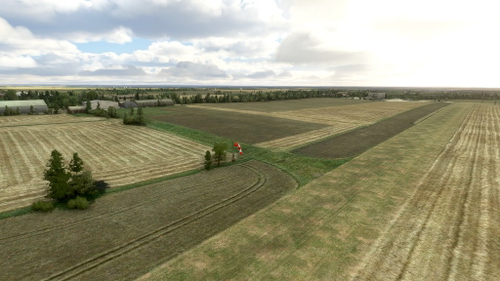
Explore the charm of a small grass airstrip in the UK with this add-on for Microsoft Flight Simulator. Unzip the file and add the "fsf-eg43-garstonfarm" folder to your community folder to start your scenic flying adventure.
by Flight Sim Flyer
EGMR Clench Common airfield
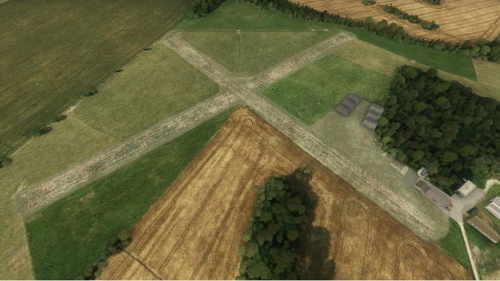
Enhance your default MSFS experience with EGMR Clench Common airfield mod. This add-on features textured runways and aprons, hangar replacements for office blocks, removal of ground workers, and the addition of a windsock for a more realistic simulation environment. Simple installation process with no additional downloads required.
by FlightSimFlyer
Chippenham River Avon fix
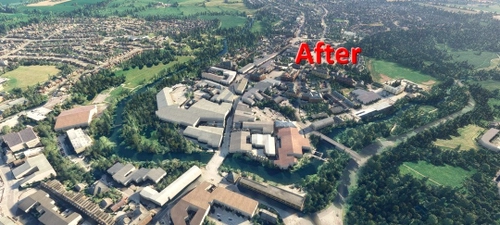
A correction for the River Avon elevation data at Chippenham, Wiltshire in MSFS, flattening the ground level for 200m around the river. The fix eliminates the deep trench running through the town, with only minor discrepancies in surrounding fields. Compatible with custom scenery within the specified range, this add-on covers from Lacock in the West to the Railway Path in the East.
by FlightSimFlyer
EGBC Cheltenham Heliport MSFS2020
This add-on provides a basic rendition of Cheltenham Heliport for Microsoft Flight Simulator 2020, based on recent aerial imagery and the 2026 NATS entry. Pad locations are aligned with those found in the upcoming MSFS2024 version, ensuring compatibility for online multiplayer. One hard pad is currently not operational and appears unlit in the scenery. No additional downloads are required for installation.
by FlightSimFlyer
Log in to join the discussion
Log InComments7