
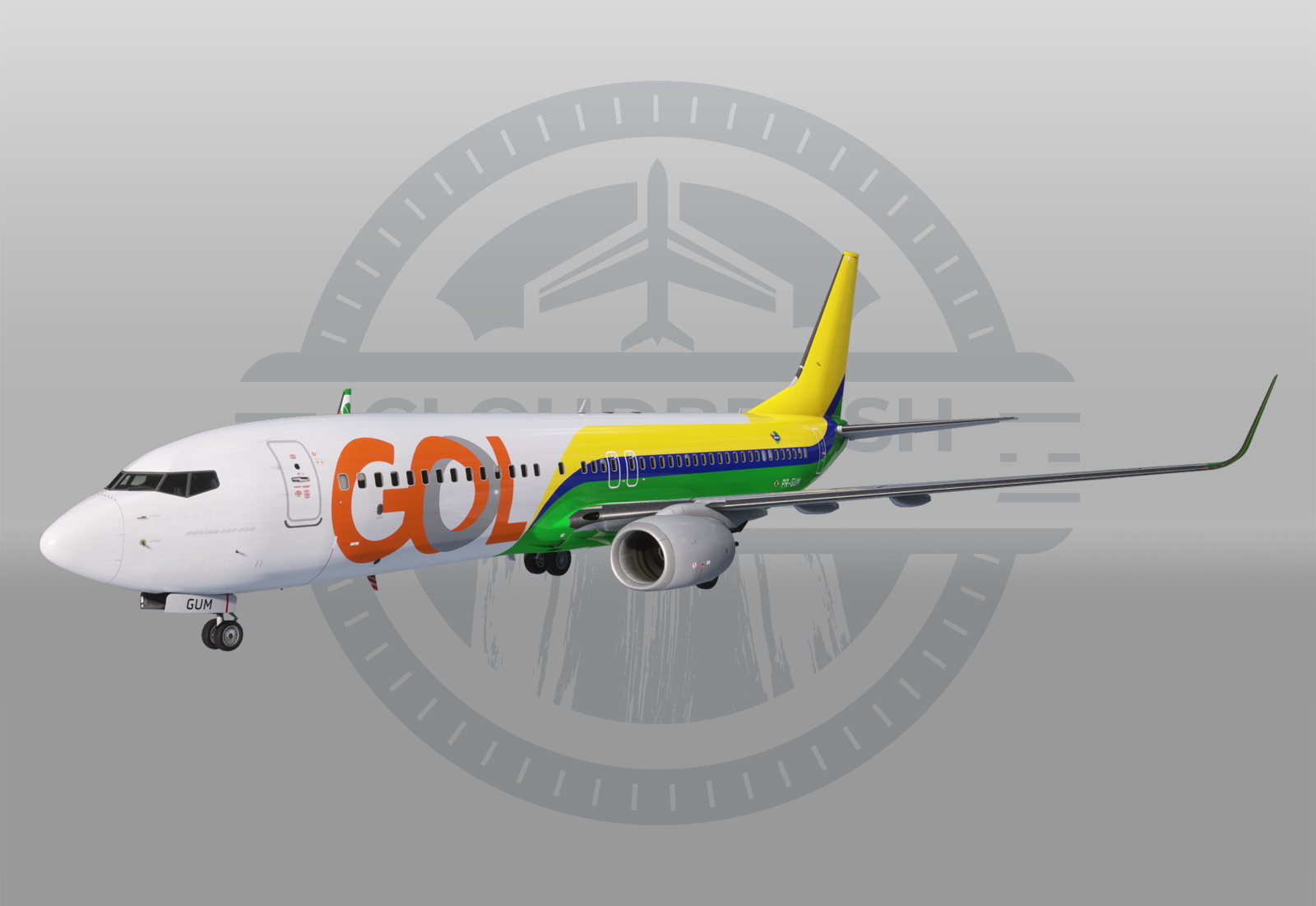
Description
GOL Linhas Aéreas - PR-GUM
🛠️ PMDG 737 Quick Install Guide [2020]:
1. Using WinRar or 7-ZIP, open the .rar you downloaded from Flightsim.to.
⚠️ DO NOT USE WINDOWS DEFAULT EXTRACTOR! IT'S BREAKING THE LIVERY .ZIP FILE!
2. Extract the ".zip" to your Desktop.
⚠️ DO NOT UNZIP IT. Leave the .zip file exactly as it is.
3. Open the PMDG Operations Center v3.
4. On the main screen, find the PMDG 737-800 (MSFS2024 or MSFS2020 version).
5. Click the Green "Import" Button directly below the big picture of the plane.
6. Select the .zip file from your desktop.
7. Success! You’re ready to fly.
🛠️ PMDG 737 Quick Install Guide [2024]:
1. Just drag and drop it into your Community folder
Livery painting takes time, hence why requests are paid :D
You can place your order via our Discord server! Join now: https://discord.gg/8teXcGhNYa
Shout out to Teuniotjee for trusting me with this project. Hope you enjoy the flights!
PMDG 737-800 - GOL Linhas Aereas PR-GUM
More Information
Version History
No version history available.

Comments
Log in to join the discussion
Log In