
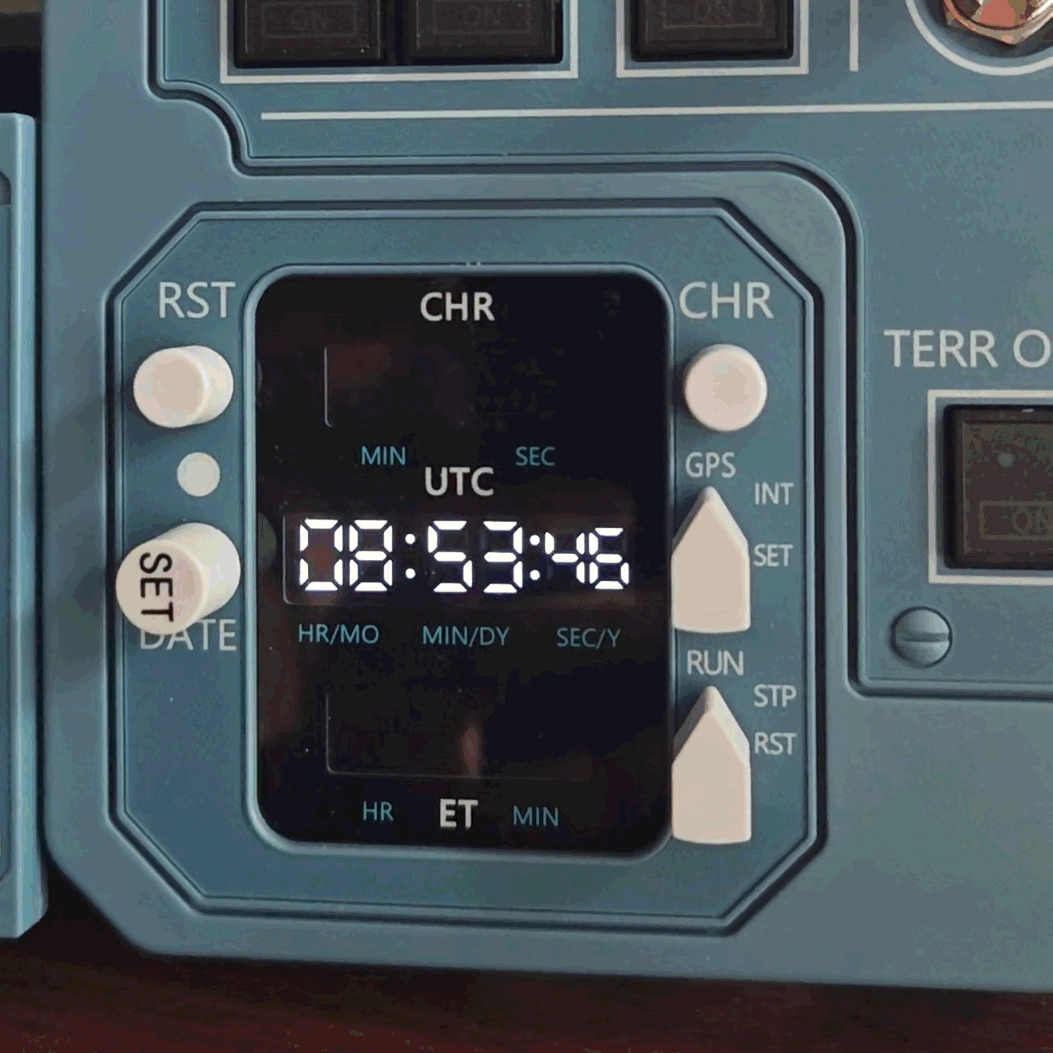
Description
When WinWing/WinCTRL AGP is not in use. make it as a desktop clock
InstallThe attachment is a FlyLuaIoSc installer
Feature
FlyLuaIoSc not only supports the desktop clock, it also supports the Aerosoft A346 for WinWing AGP
Caveat
FlyluaIoSc can control all USB HID flight simulation hardware. it may have a conflict of SimAppPro, if you don't want FlyLuaIoSc to take the control, in settings, uncheck the unwanted device
Demo Video
https://youtube.com/shorts/H7IcWtBdLPE?si=iK9jgfp-tnIEfuSn
Contact
WinWing AGP Desktop Clock
This add-on allows the WinWing or WinCTRL AGP device to function as a desktop clock when not in use for flight simulation. It includes a FlyLuaIoSc installer to enable this feature. FlyLuaIoSc also extends support to the Aerosoft A346 aircraft when using WinWing AGP. The tool offers expanded utility for your hardware outside of simulation sessions.

User Reviews
1 reviews
More Information
Version History
Core Changes: fix first-time launch flight simulator, lua scripts run into errors Scripts Changes: add device WingFlex DAP 500 add WinWing AGP For PMDG737/777

Comments(1)
Log in to join the discussion
Log In