
Description
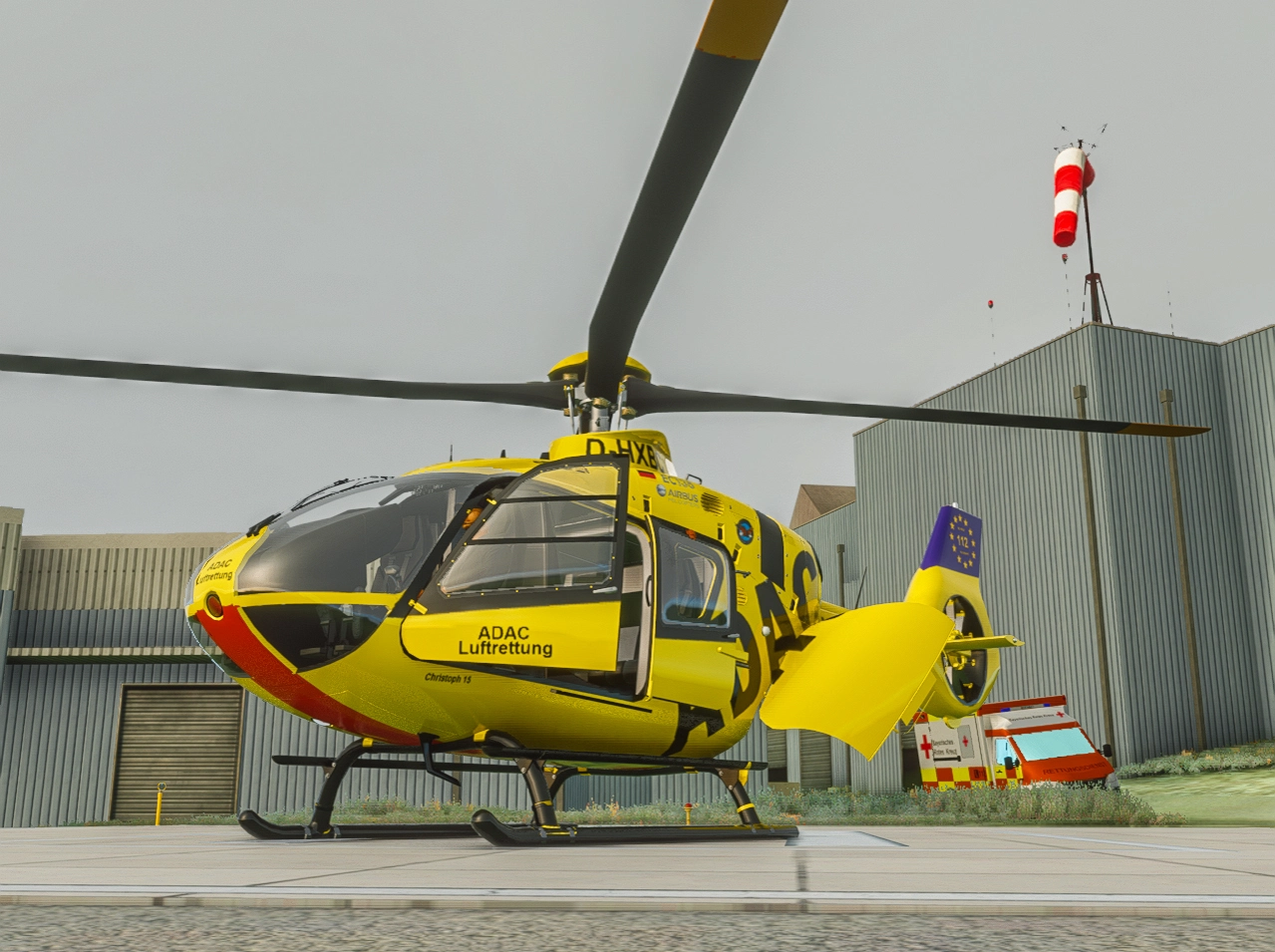
Another ADAC livery. This time it's the brother of my other livery which was the D-HXBA. This one here is the D-HXBC. It is currently (mid of march) based in Straubing as Christoph 15.
The helicopter therefore has the correct markings below the front doors. It also features dirty stabilizers/tailboom which you will commonly see after 2-3 flights without cleaning likely after coming home from the last mission during evening. Since the color scheme is obviously yellow you'll notice it qute good. I also refined the textures itself so you'll notice an improvement compared to the D-HXBA livery as well. Still not perfect but okay for what it needs to be.
If you are experiencing white cockpit textures with newer H135_build versions (and ONLY then), you need to use the updated texture file.
Installation:
Unzip the file and put the folder "chrispiaviation-H135-ADAC-DHXBC" inside your community folder.
ADAC Luftrettung / Christoph 15 / D-HXBC (dirty)
ADAC Luftrettung / Christoph 15 / D-HXBC (dirty) livery for the H135 helicopter in Microsoft Flight Simulator. This livery accurately represents the real-life aircraft based in Straubing, featuring dirty stabilizers/tailboom to reflect its usage. Improved textures compared to previous versions, with the correct yellow color scheme. Make sure to update the texture file if experiencing white cockpit textures with newer H135_build versions. Simply unzip and place the folder in your community folder to install.


User Reviews
3 reviews
Version History
If you are experiencing white cockpit textures with newer H135_build versions (and ONLY then), you need to use the updated texture file.
Related
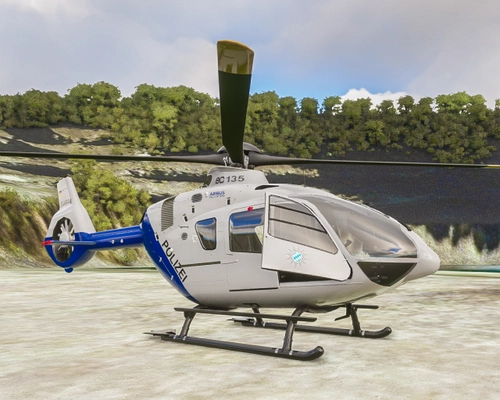
PHuSt Bayern - Edelweiss 1 (Bavarian police)
Repaint of a H135/EC135 aircraft used by the Bavarian Police, representing D-HBPA with callsign Edelweiss 1. This mod includes new features such as radar nose and skid pads to match the real-life aircraft. Easy installation by placing the folder in your community folder.
by ChrisPiAviation
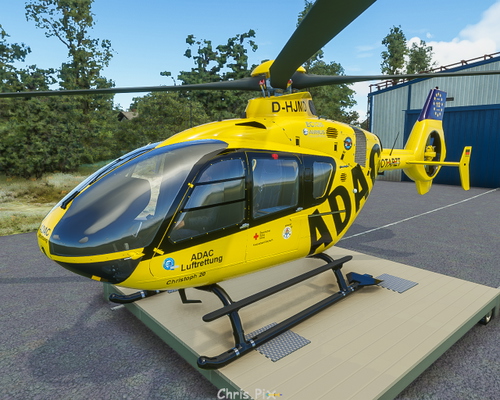
ADAC Luftrettung / Christoph 20 / D-HJMD
Fly in style with the ADAC Luftrettung / Christoph 20 / D-HJMD livery for the EC135 P2 helicopter. This livery replicates the real-life CHX20 aircraft based in Bayreuth, with attention to detail for a close resemblance. Stay tuned for potential livery updates with different registrations and explore other ADAC helos like CHX18. Simply unzip the file into your community folder and ensure you have the latest H135-Mod Update for optimal use.
by ChrisPiAviation
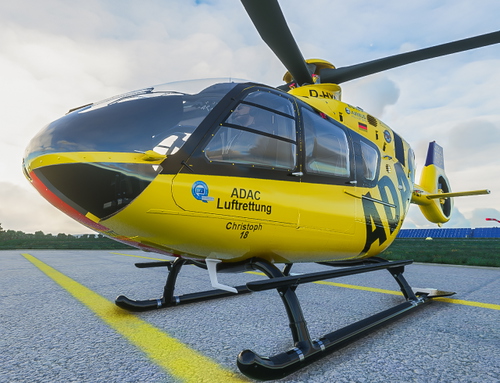
ADAC Luftrettung/ Christoph 18/ D-HXBB
Fly with the iconic Christoph 18 livery of the ADAC Luftrettung in Ochsenfurt, Germany. This early EC135 P3 livery is a must-have for aviation enthusiasts. Simply install the included folder into your community folder and ensure you have the latest H135-Mod Update for full compatibility.
by ChrisPiAviation
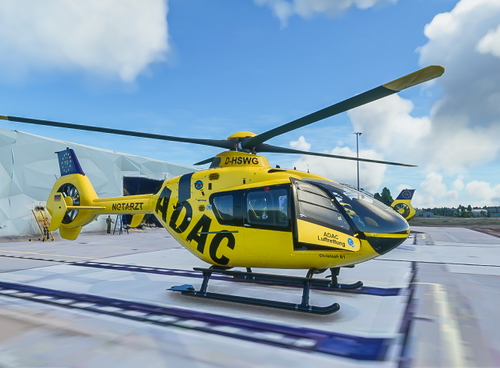
ADAC Luftrettung/ Christoph 61 (D-HSWG) + Christoph 63 (D-HOPI)
Liveries of the rescue helicopters Christoph 61 & 63 based near Leipzig Airport, featuring registrations D-HSWG and D-HOPI respectively. Easy installation by placing the folders in your community folder. Requires the latest H135-Mod Update for proper use.
by ChrisPiAviation
Log in to join the discussion
Log InComments(5)
over 1 year ago
danke für die Livery - er ist mittlerweile als Christoph 20 in Bayreuth stationiert; wäre klasse, wenn du auch diese Variante erstellen könntest. Dein Christoph 20 ist ja die D-HJMD, was grob Stand 2021 ist (der ist mittlerweile als Christoph 6 unterwegs).
Hier entsprechende Bilder:
http://www.helionline.net/photogallery/50/337/73156///D-HXBC.html
http://www.helionline.net/photogallery/50/337/73154///D-HXBC.html
Gruß
Micha
over 1 year ago
over 2 years ago
over 5 years ago
Fehlt rechts evtl. die gelbe Textur ?
Danke und viele Grüße
over 5 years ago