
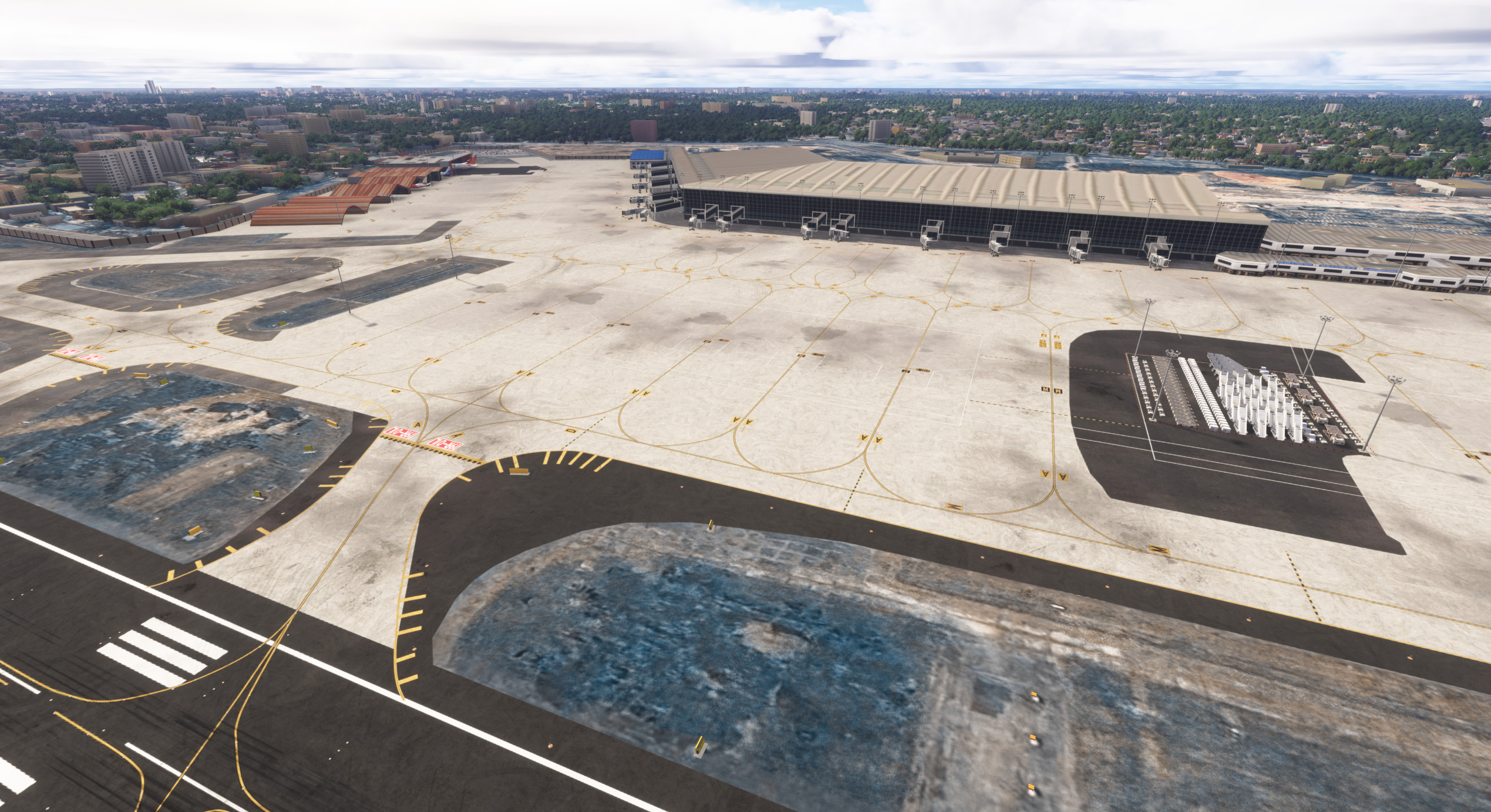
Description
Netaji Subhas Chandra Bose International Airport (IATA: CCU, ICAO: VECC) is an international airport serving the city of Kolkata, West Bengal, India. It is one of the major aviation gateways of eastern India, handling a high mix of domestic, international, and cargo operations.
VECC has always been an underrepresented airport in MSFS, despite how iconic it is in real life. A lot of Indian flightsimmers asked for a proper Kolkata airport, so I decided to build one that finally does the place justice. Screenshots taken in medium-high settings on MSFS 2024.
Installation
- After clicking download, extract the archive and place the folder into your Community folder.
This scenery is compatible with MSFS 2024 ONLY.
FAQ
1. When will MSFS 2020 version release ?
The 2020 version will NOT release because this project is made using MSFS 2024 SDK from ground up and it is not backward compatible.
2. Jetways are misaligned
The terminal height is a bit different, this is something which is in the pipeline to get fixed.
Dependencies
These are required for correct visuals:
Turtletank’s Scenery Developer Objects and Material Library
FSLTL Base Package
AIG (Models only)
Note:
FSLTL and AIG are used only for static hangar aircraft.
Turtletank is used for VOR model, not the main scenery.
Features
- Converted from X-Plane 3D terminal buildings
- Old ATC tower, fire station, and hangars
- Correct real-life gate layout
- Realistic taxiways and taxiway markings
- Accurate runway layout and lighting
- Custom-made boundary wall around the airfield
- Realistic ground textures
- Improved apron night lighting
- Static aircraft placed realistically in hangars
- Equipments in apron
- Cleaned up default MSFS issues around the airport
Credits
3D Models
Terminal, ATC, Fire Station & Hangars
FlySidhiqe
India Virtual Aviation / Alpha Sky One
Mayuk
Development
Conversion of models from X-Plane to MSFS done by me
Boundary wall custom made
Feedback, Testing & Guidance
nickelwarrior
stormz
minhaz_
p919h_lm
Location
VECC - Netaji Subhash Chandra Bose International Airport
Experience the realism of Netaji Subhash Chandra Bose International Airport (VECC), a vital hub serving Kolkata, India. This add-on enhances MSFS 2024 with meticulously recreated terminal buildings, accurate gate layouts, and realistic ground textures. Featuring essential airport infrastructure like the ATC tower and fire station, the scenery provides an immersive flying environment with improved lighting and static aircraft.


User Reviews
5 reviews
Version History
Fix Installation Issues
Related
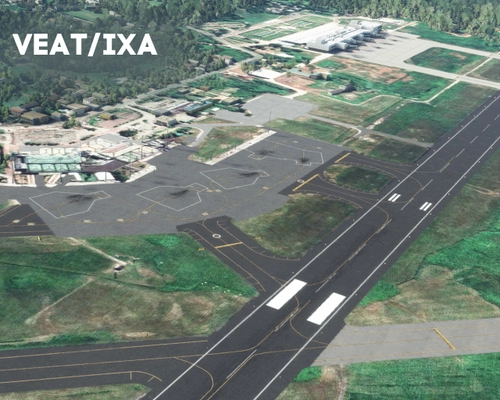
Maharaja Bir Bikram Kishore Manikya Airport (VEAT) - Agartala
Experience the Maharaja Bir Bikram Kishore Manikya Airport (VEAT) in Agartala with this detailed add-on, featuring enhanced apron, taxiways, and new isolation bay. Discover the history of this international airport built in 1942 and enjoy custom taxiway markings and signs. Compatible with default MSFS Navdata and offers additional features for a realistic flight experience.
by rahulC
![[FIX] VECC - Buildings on Taxiway F fixed](https://cdn.flightsim.to/images/27/fix-vecc---buildings-on-taxiway-f-fixed-280660-1754064965-pXaZ1.jpg?width=500)
[FIX] VECC - Buildings on Taxiway F fixed
This add-on provides a fix for the issue of buildings located between Taxiway F and A at VECC, which can cause aircraft collisions and unintended lift-offs. It is designed for compatibility with both MSFS 2020 and MSFS 2024, as well as default and Flightsim.to scenery. Users of the VECC airport add-on by abhishek_dey will also benefit from this adjustment.
by rahulC
VEAT - Agartala Airport | Maharaja Bir Bikram Airport
This add-on provides a detailed recreation of Maharaja Bir Bikram Airport in Agartala, featuring custom airport buildings, runway and taxiway markings, and local ground clutter. It includes accurate 3D models for terminals, hangars, ATC buildings, and other airport infrastructure. The scenery also offers animated and static vehicles, custom lighting, and enhanced surroundings. A dedicated GSX profile with tailored pushback, vehicle paths, and VDGS is included for realistic ground operations.
by rahulC
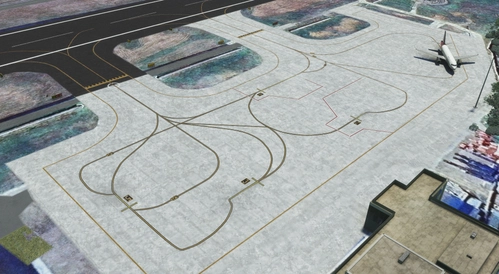
Kumbhirgram - Silchar Airport (VEKU)
Explore the domestic airport of Silchar, India with this add-on for Microsoft Flight Simulator featuring Kumbhirgram - Silchar Airport (VEKU). Experience new apron and taxiways, custom taxiway and stand markings, as well as custom LOC & GS for default MSFS Navdata. Enhance your simulation with detailed airport features and dont forget to check out the GSX profile for an optimized ground handling experience.
by rahulC
Log in to join the discussion
Log InComments(37)
about 1 month ago
about 1 month ago
No GSX
I have notice that, AI atc not instructing Taxiway level (A, J,N etc) for takeoff or after landing.
about 1 month ago
about 1 month ago
about 1 month ago
4 months ago
5 months ago
5 months ago
5 months ago
7 months ago
7 months ago
7 months ago
7 months ago
7 months ago
7 months ago
2. Put the scenery files in the community folder
Make sure you extract the files before pasting it in community folder.
8 months ago
7 months ago
the textures look very good but at cost of no approach but at cost of arrival sid/star no ILS, I had to manually do approach
7 months ago
7 months ago