
Description
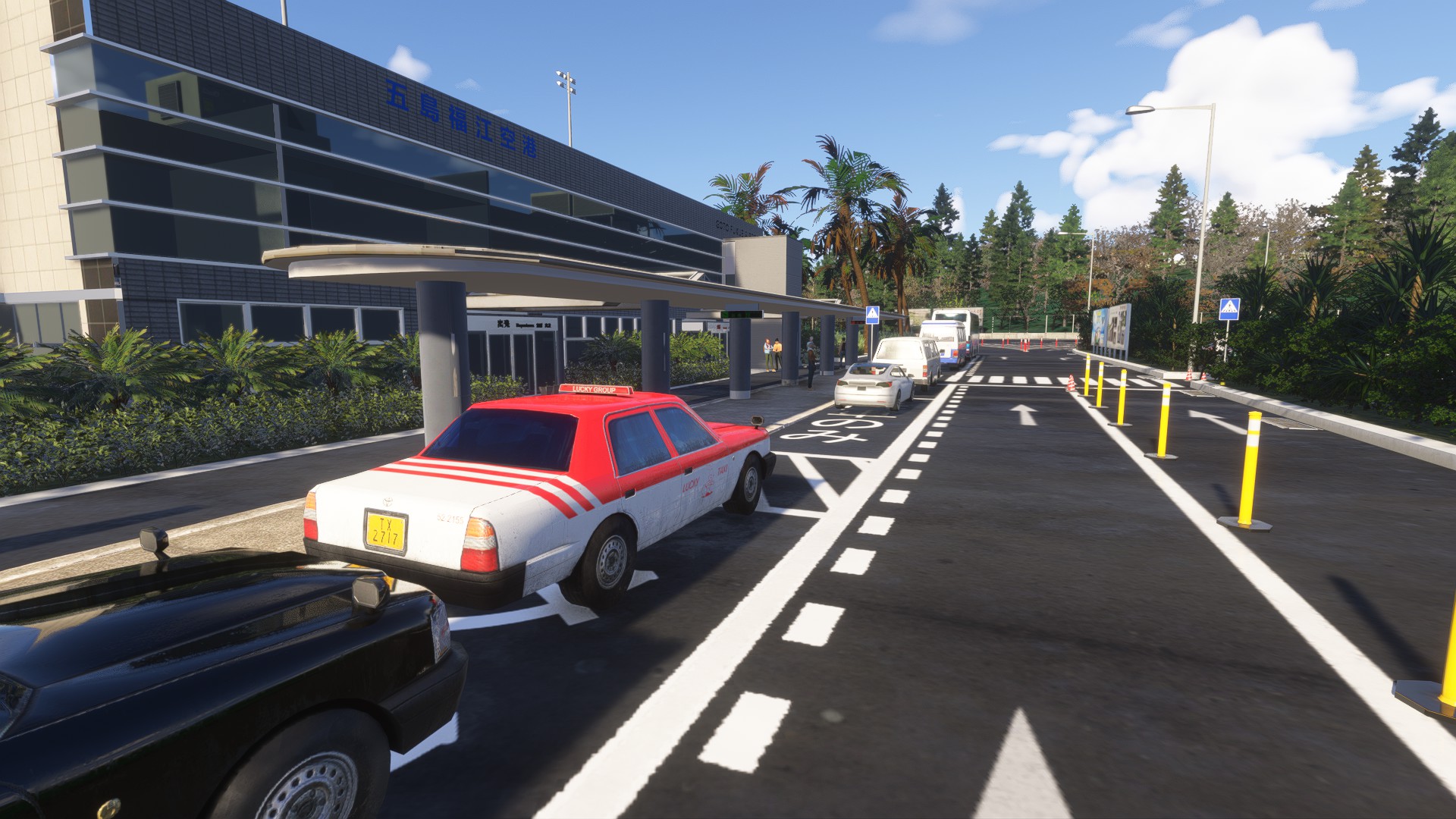
Detailed scenery for the Goto-Airport:
Fukue Airport (福江空港, Fukue Kūkō) (IATA: FUJ, ICAO: RJFE), is a third class airport located 1.7 NM (3.1 km; 2.0 mi) southwest of Gotō, Nagasaki Prefecture, off the western coast of Kyūshū, Japan. The airport also serves the city of Fukue. It is also known as Gotō-Fukue Airport (五島福江空港, Gotō Fukue Kūkō) and, since 2014, also styled Gotō Tsubaki Airport (五島つばき空港). Currently the terminal building's exterior displays both names.Tsubaki means camellia, and is a notable reference on Fukue Island which is famed for producing camellia oil and is home to two ancient camellia trees each over 300 years old that have been declared 'national monuments'.
Features:
- Detailed Airport layout, ground, parkings, runway, etc
- Custom 3D Objects (Tower, Terminal, Hangars, etc) and 4k PBR textures.
If you don't have enough VRAM you can always downsize the textures to 2k.
For MSFS 2024: Animated Characters
Made by Devinci Aerospace: https://www.devinci-design.com/
Location
RJFE - Gotō-Fukue Airport
RJFE - Gotō-Fukue Airport is a meticulously crafted add-on for Microsoft Flight Simulator, featuring an accurate representation of Fukue Airport in Nagasaki Prefecture, Japan. This detailed scenery includes custom 3D objects, such as the terminal, control tower, and hangars, enhanced with 4K PBR textures. The airport serves as a gateway to the scenic Gotō Islands, known for their rich culture and natural beauty.


User Reviews
7 reviews
Version History
No version history available.
Featured in Collections(1)

Related
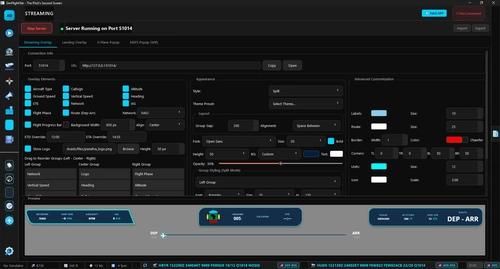
SimFlightTab - The Pilot's Second Screen
SimFlightTab is a desktop companion application for Microsoft Flight Simulator and X-Plane, designed to enhance the pilot experience. It features tools for flight planning, real-time tracking, interactive checklists, and AI-driven cabin announcements. Key integrations include SimBrief and Navigraph, along with streaming overlays for an immersive experience. The app is lightweight, fast, and available for free, supporting multiple platforms and offering a dark theme UI for user comfort.
by Devinci
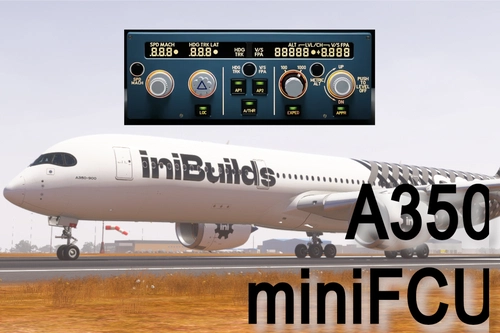
iniBuilds A350 MiniFCU - Mobiflight
This add-on features a mini Flight Control Unit (MiniFCU) designed for the iniBuilds A350, created using the template of the A320s control interface. It aims to provide an efficient and functional control experience for users of the A350, offering a practical solution for those seeking enhanced cockpit management.
by Devinci
Log in to join the discussion
Log InComments(20)
about 1 month ago
Would be great if you could optimize the textures.
11 months ago
11 months ago
11 months ago
11 months ago
11 months ago
11 months ago
11 months ago
11 months ago
11 months ago
@raymar that's fair enough, you can always reduce your texture quality in the sim too, if you prefer lower resolution.
11 months ago
i wish you a good continuation..
11 months ago
11 months ago
What GPU do you use? I have a 6 year old RTX2080 and I have no performance issue.
11 months ago
The plane i used was Fenix 320 which runs great by itself.
11 months ago
11 months ago
11 months ago
Ive tried the airport again after the update for 24.
Before i was getting 50-56 ish fps when close to the terminal building and game was still stuttering somehow.
Now after the update id say fps is improved by 10-20% based on where im looking and how close to the terminal i am.
At the end of the runway when looking away from the terminal fps was sometimes up at 80. This is with everything on ultra and 4k resolution.
Thank you! :D
11 months ago
11 months ago
11 months ago
驚くほど高品質です!ありがとうございます!