Flightsim.to

    UtilitiesTweaks

    Browse Tweaks utilities and tools for Microsoft Flight Simulator 2024 and 2020. Browse 211 addons uploaded by our community.

    Last updated
    View all utilities
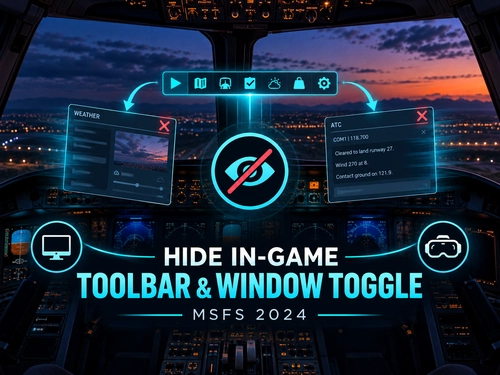
    Hide In-Game Menu / Toolbar

    Hide In-Game Menu / Toolbar

    This utility enables users to quickly hide or restore the Microsoft Flight Simulator 2024 in-game toolbar and menu using a configurable hotkey. It offers options for an instant toggle, customizable shortcuts, and an optional start hidden mode. The tool is lightweight, focusing only on the visibility of the toolbar without affecting aircraft, scenery, or core gameplay files. Specifically designed for the MSFS 2024 toolbar system, it aims to provide distraction-free views and screenshots.

    craigybabyj
    MSFS2024
    5.0(3)
    407
    45.3 KB
    3 months ago
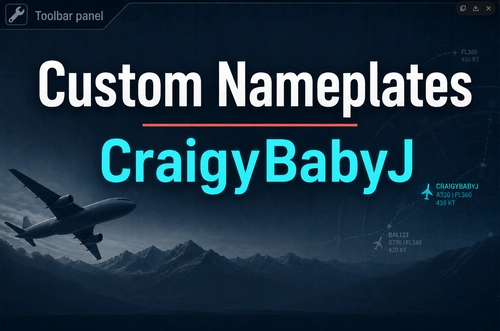
    Custom Nameplates

    Custom Nameplates

    This add-on allows you to fully customize multiplayer nameplates within Microsoft Flight Simulator 2024 through an integrated in-sim toolbar panel. Features include adjustable colors, outlines, backgrounds, sizes, transparency, and separate profiles for day and night flying. Nameplates can be styled differently for friends, AI, live traffic, and other players. All options are available in-game without requiring external software or overlays.

    craigybabyj
    MSFS2024
    5.0(4)
    456
    60.5 KB
    3 weeks ago
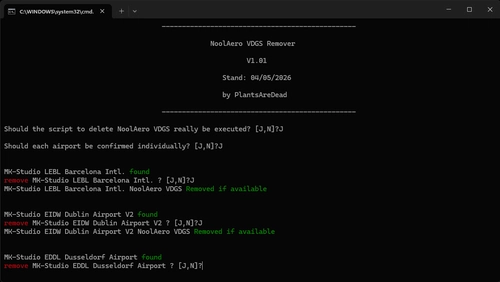
    NoolAero VDGS Remover

    NoolAero VDGS Remover

    This tool removes NoolAero VDGS units from supported airport scenery to prevent display conflicts when using GSX VDGS systems. Compatible with a range of airports from developers such as MK-Studio, Jetstream, OrbX, and Flightbeam. Installation involves placing and running a batch file in the Community folder, with administrator rights required in some cases. The add-on currently supports major airports including Barcelona, Dublin, San Francisco, and others.

    PlantsAreDead
    MSFS2020/24
    5.0(2)
    1.3K
    5.9 KB
    2 weeks ago
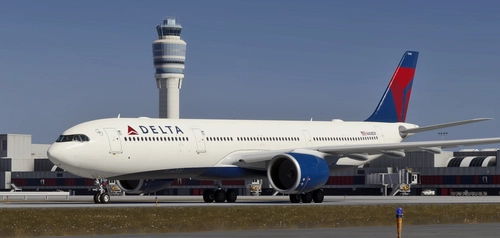
    Headwind A339X Physics Mod

    Headwind A339X Physics Mod

    This mod adjusts the control sensitivity and moment of inertia for the Headwind A330-900neo in Microsoft Flight Simulator. It provides a more realistic fly-by-wire experience with a heavier aircraft feel. Installation is done by placing the files in the community folder. Suitable for users seeking a more authentic handling model.

    piplot
    MSFS2020/24
    4.5(2)
    673
    324.2 KB
    5 months ago
    Turkish Airlines Loading Screen

    Turkish Airlines Loading Screen

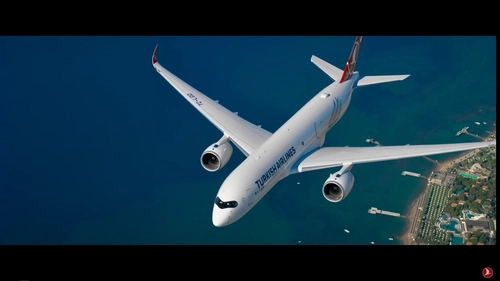
    This add-on replaces the default Microsoft Flight Simulator loading screen with a custom video inspired by Turkish Airlines' The Epic Journey. The mod uses an edited video file that users manually install by replacing the original loading screen file. Installation steps and backup recommendations are provided. No changes are made to gameplay or simulator features.

    5.0(4)
    125
    298.9 MB
    6 months ago
    Better Cold & Dark Panel States - PMDG 737-800

    Better Cold & Dark Panel States - PMDG 737-800

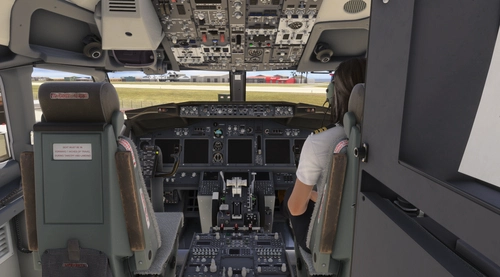
    This add-on provides two improved cold and dark panel states for the PMDG 737-800, with versions for either GPU connected or disconnected scenarios. The states feature custom fuel and payload settings, specific radio and panel configurations, and realistic cockpit conditions. The profiles aim to offer a more thorough and authentic cold and dark starting point than the default options. Compatibility for the 737-900 is possible but not extensively tested.

    aaronperkel
    MSFS2024
    0.0(0)
    187
    23.6 KB
    6 months ago
    SPAD.next Honeycomb Bravo and Foxtrot  Profile for the Fenix A320

    SPAD.next Honeycomb Bravo and Foxtrot Profile for the Fenix A320

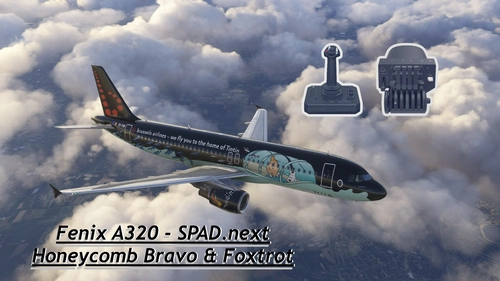
    This add-on provides a custom profile for the Honeycomb Bravo Throttle Quadrant and Foxtrot Aviation Stick tailored specifically for the Fenix A320 in Microsoft Flight Simulator 2024. It includes detailed button and switch mappings, as well as LED indications for various functions within the aircraft. The profile is designed to enhance the control and operational experience of the Fenix A320 by mapping critical features such as throttle management, autopilot settings, and lighting controls. Compatibility with recent versions of Fenix and MSFS ensures seamless integration for users.

    5.0(1)
    106
    12.74 KB
    6 months ago
    MSFS 2024 Jet2 Holidays Static Loading Screen

    MSFS 2024 Jet2 Holidays Static Loading Screen

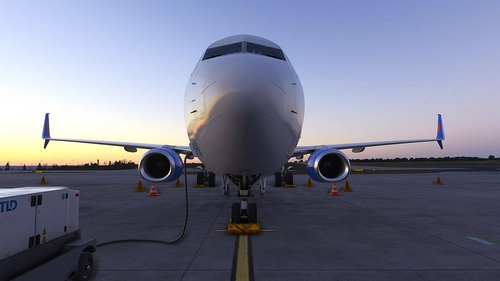
    This add-on features a static loading screen for MSFS 2024, showcasing the Jet2 Holidays B737-800 with registration G-JZDA. It aims to improve the loading speed of the game while providing a customized visual experience during startup. Installation instructions are provided for both MS Store and Steam users. Users are encouraged to report any bugs encountered for assistance.

    Me :)
    MSFS2020/24
    0.0(0)
    37
    9.26 MB
    6 months ago
    Inibuilds A340 Logitech panels Spad.Next profile

    Inibuilds A340 Logitech panels Spad.Next profile

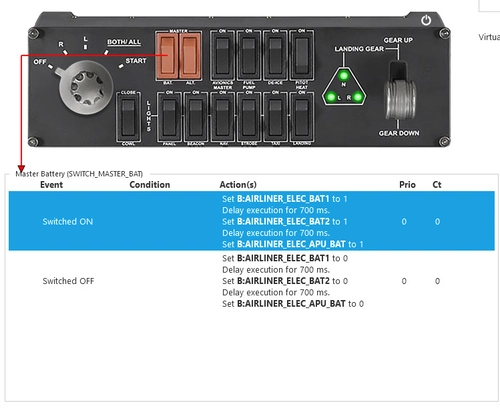
    This add-on provides a Spad.Next profile tailored for the Inibuilds A340 aircraft, specifically designed for use with the PRO SWITCH PANEL and RADIO PANEL. The profile allows for comprehensive control of various aircraft functions, including battery management, avionics, fuel pumps, lighting, and radio communications. Installation is straightforward, requiring the user to copy an XML file to the designated SPAD.neXt profiles directory. Note that this profile does not include functionality for the FLIGHT MULTIPANEL.

    piciek
    MSFS2024
    0.0(0)
    33
    8.15 KB
    6 months ago
    "High Priority"  Batch file start command.

    "High Priority" Batch file start command.

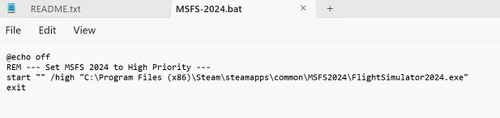
    This add-on provides a batch file that allows users to launch Microsoft Flight Simulator 2024 with "High Priority," aiming to enhance performance compared to the default "normal" setting. It is primarily designed for Steam users, but can be modified for those with the Microsoft Store version. The batch file does not impact installed add-ons, and while it is intended for MSFS 2024, it can be adjusted to work with MSFS 2020. Users will need to edit the batch file to specify the location of the simulators .exe file.

    Simswim
    MSFS2024
    5.0(1)
    162
    395.75 KB
    7 months ago
    PMDG 737-800 for MSFS 2024 Better Cold&Dark State

    PMDG 737-800 for MSFS 2024 Better Cold&Dark State

    This add-on provides a custom cold and dark profile for the PMDG 737-800 in Microsoft Flight Simulator 2024. It sets specific cockpit parameters including nav lights off, altitude squawk set to 2000, and no payload or attached stairs. The installation involves placing a configuration file in the designated panel state folder and selecting the new startup state from the FMC.

    Mefjoza
    MSFS2024
    0.0(0)
    595
    8.45 KB
    8 months ago
    Showing 13 - 24 of 211 results
    1345...20