Flightsim.to
    Fenix Simulations A320 Block 2 Update now released

    Fenix Simulations A320 Block 2 Update now released

    F

    Flightsim.to

    Author

    February 29, 2024
    Releases

    Fenix Simulations has recently released the highly anticipated V2 Block 2 update for their Airbus A320-200 rendition in Microsoft Flight Simulator. This update brings a host of new improvements and features that have been eagerly awaited. The entire changelog can be viewed in this blog post.

    The A320 V2 B2 update introduces several significant enhancements to the aircraft. One of the most anticipated additions is the inclusion of the IAE V2500 engines. From oil flow and temperatures to response in adverse weather conditions, every aspect of the engine's operation has been deeply simulated. The update also extends to the current CFM56 engines. Another notable improvement is the complete revamp of the Electronic Flight Bag (EFB). One of the standout features of the updated EFB is the new "Failures" application, which allows pilots to customize and set failures for various aircraft systems. Additionally, the EFB supports external keyboard input and enables the easy transfer of calculated takeoff data to the CDU. Fenix Simulations has also made significant enhancements to the flight model and aircraft handling. The introduction of Side-Stick-Dampening (SDS) aims to accurately emulate the reactivity and damping dynamics of the real-world A320. SDS is turned off by default due to its potential impact on certain joysticks.
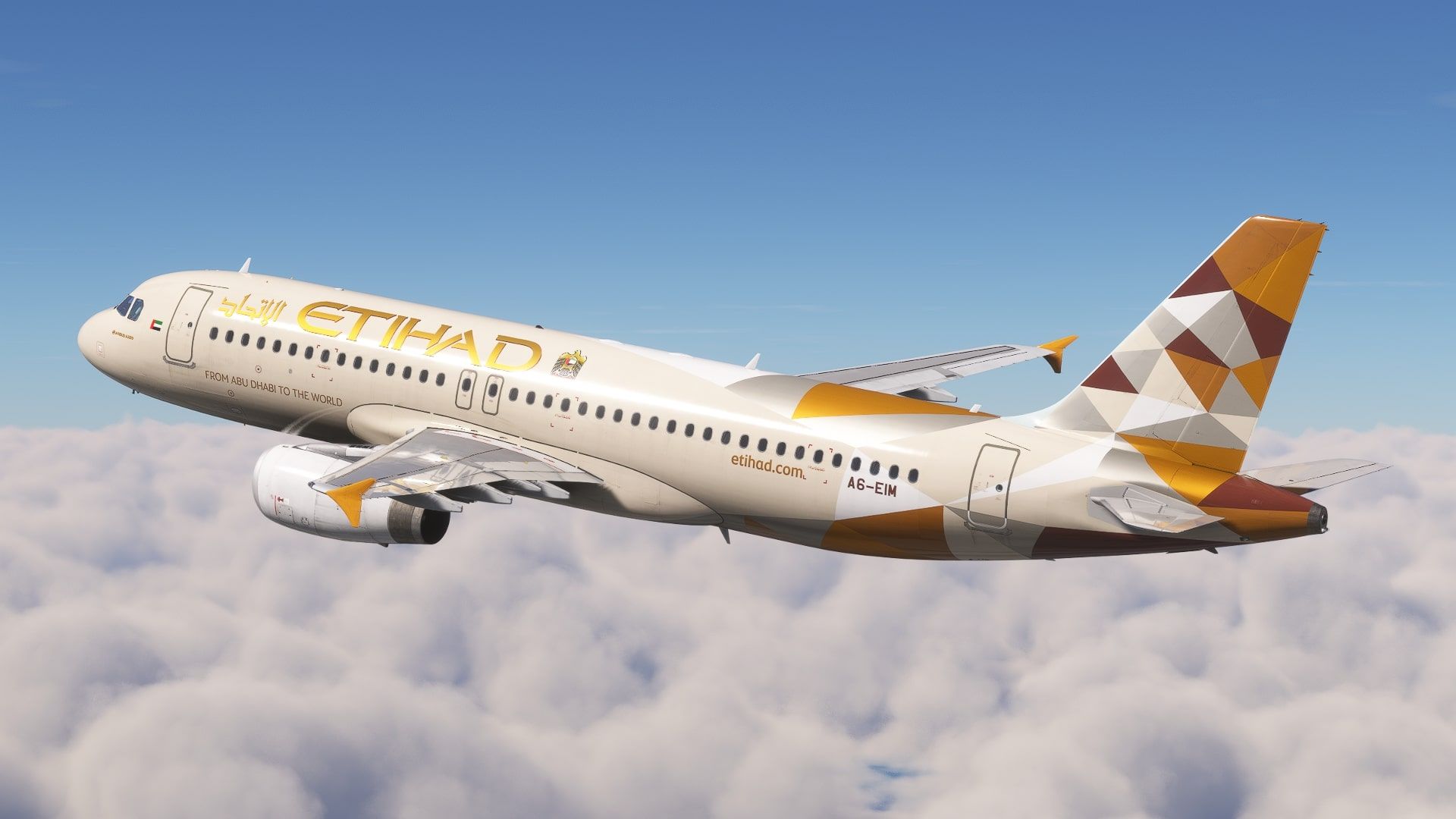
    Compatibility of Liveries

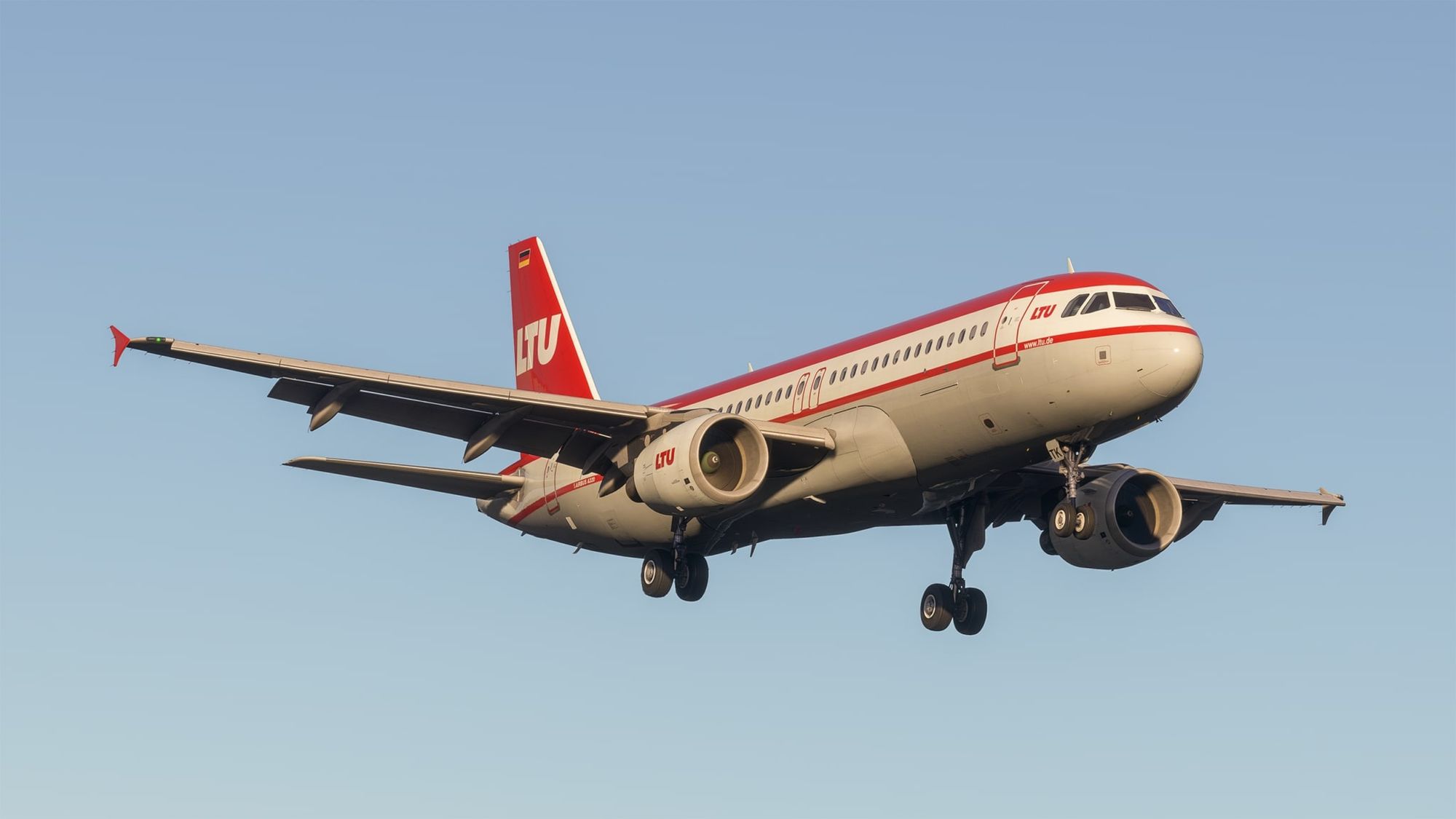
    The Block 2 update features a completely overhauled 3D model of the aircraft, which unfortunately means that existing liveries from Flightsim.to will not be compatible with the new version. Users will need to remove the old liveries and install the new ones using the Livery Manager provided. Flightsim.to urges creators to adapt their liveries to align with the updated Block 2 3D model specifications and submit the updates timely. In this matter, please refrain from creating new uploads for your updated liveries. Instead, we encourage you to utilize the File Update feature to submit the update to your existing files. This helps your followers to keep track of the updates and keep all your file statistics. To help with this transition, Flightsim.to has implemented a prominent notification on affected uploads, alerting users to the incompatibility with the latest Fenix Simulations A320 update. This warning will automatically be removed and replaced with a "Compatibility" indicator when you update your livery after today's date. Liveries that have not been updated to the new standard will be automatically archived as of 31 March.

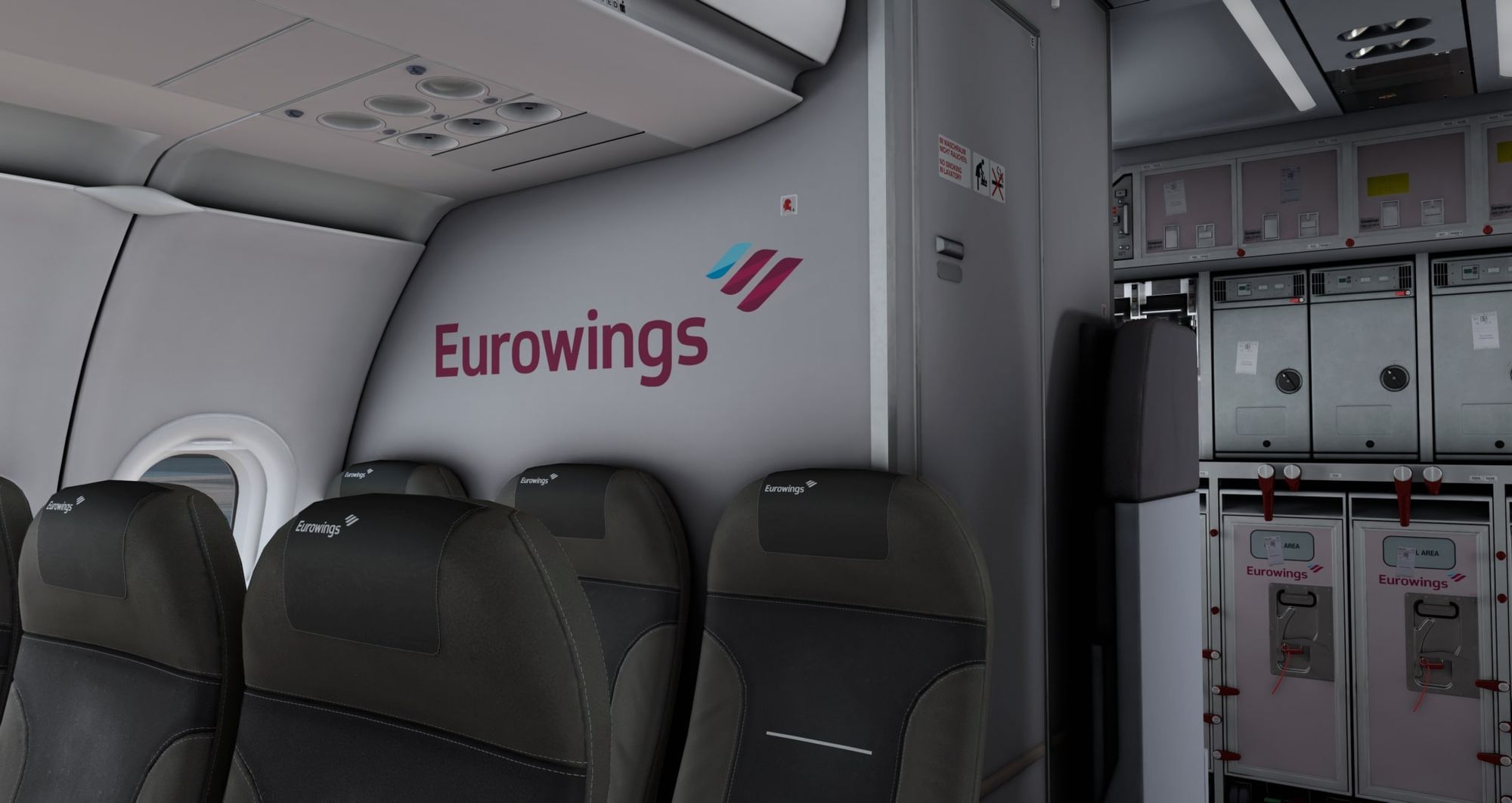
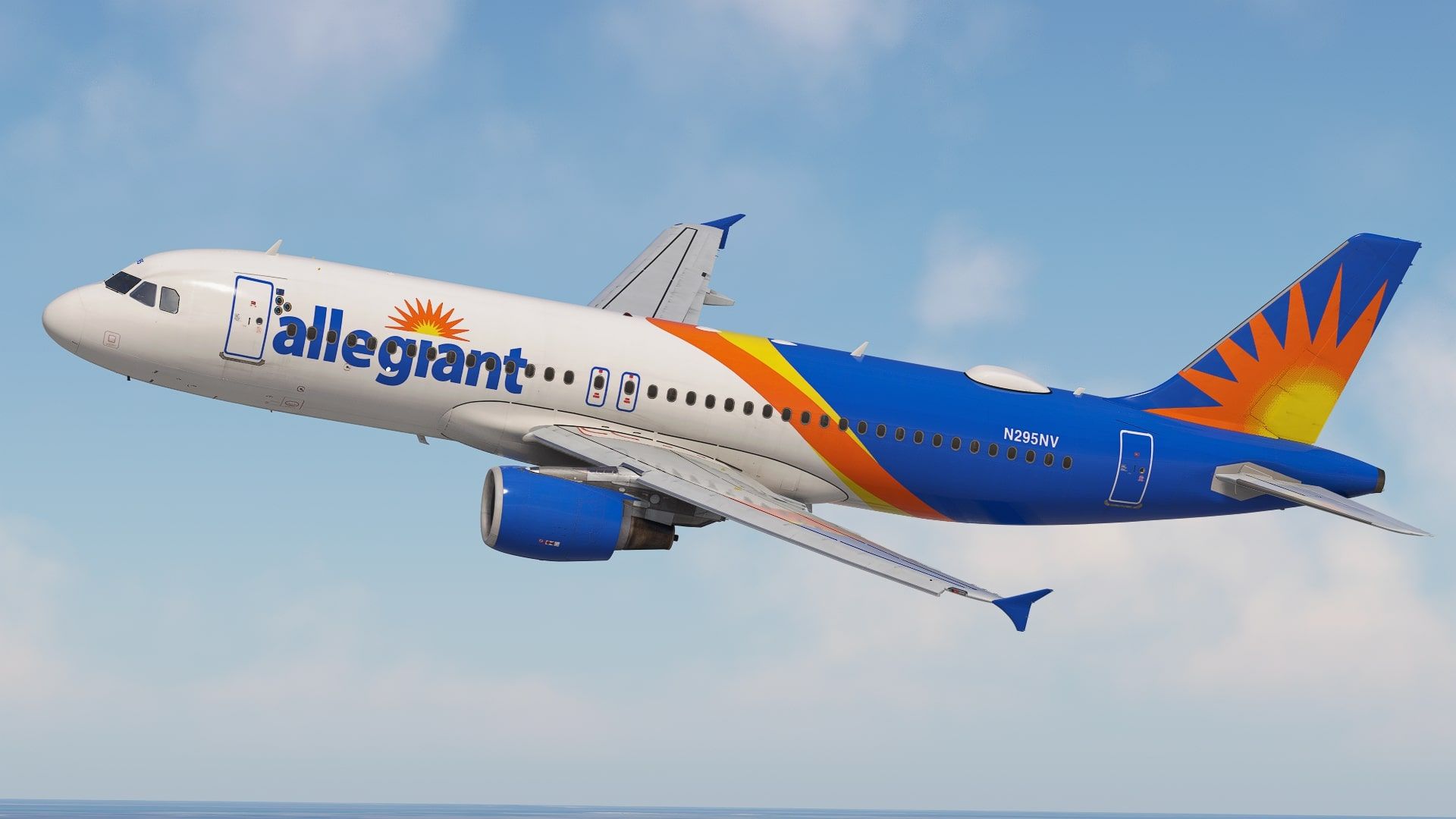
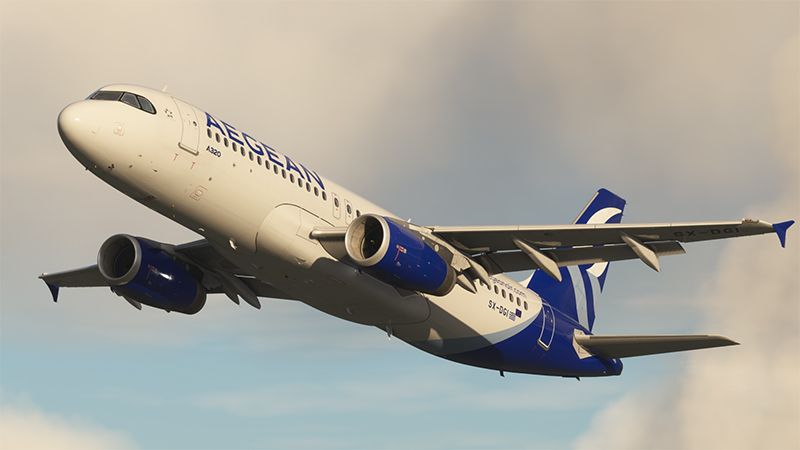
    Fenix Simulations has also assembled a team of talented painters known as "The Crayon Club". This group of skilled individuals, including renowned painters like Atarium and Comet133, brings their unique talents to the table. The new engine variant, revamped EFB, improved flight model, and liveries created by The Crayon Club have been met with great enthusiasm.


    Comments

    C

    over 2 years ago

    does anyone know where to find airline announcements? I just got the default and it would be much better with some airline ones :)
    A

    over 2 years ago

    there are 3 PA in this discord https://discord.gg/PVsyj8MR
    C

    over 2 years ago

    thanks!
    D

    over 2 years ago

    Trying to launch the livery manager, all I get is an error 'Failed to obtain liveries response. This is a fatal error - Fenix Livery Manager will now close.'
    Looking at the log, I have the following eror - 'Caught an exception in GetA320LiveriesAsync, returning null. The exception is: System.Threading.Tasks.TaskCanceledException: The request was canceled due to the configured HttpClient.Timeout of 20 seconds elapsing.'
    Any ideas?

    over 2 years ago

    Fenix is aware of the issue. They are working on it.
    D

    over 2 years ago

    Super, cheers for the heads up! I'll keep an eye on their forums.

    over 2 years ago

    Could you guys make a new category for FEnix B2 liveries? That would be easier than searching if the liveries arent B1

    over 2 years ago

    I could not get the autopilot to engage in any mode.

    over 2 years ago

    I wanna an Air Astana and Fly Arystan livery for Fenix Block v2 A320 !!!

    over 2 years ago

    Same for me at one point. I took off from La guardia and did not use toga, I might have had a tailstrike since I was getting close to the end of the runway. A made a left hand turn and tried to engage autopilot at about 5000 feet, but it wouldn’t engage. Maybe I struck some sort of antenna or something on the ground as I tried to rotate or maybe it’s just a bug. They’ll probably release an update in the coming days or weeks with all kinds of bug fixes. They did it after block 1.

    over 2 years ago

    Anyone else having issues with the IAE A320? Applying FLX Power for takeoff and getting no movement out of the aircraft at all. Park brake released, Chocks/Cones removed, checked my bindings, gsx is restarted to make sure there's no bug, recalibrated the tca throttles. Nothing seems to help
    e

    over 2 years ago

    same, i want it so bad

    almost 2 years ago

    Hey Drawyah
    Do u still face the same issue ?

    almost 2 years ago

    What's the issue ?
    Logo

    Looks like your ad blocker is on.

    ×

    We rely on ads to keep creating quality content for you to enjoy for free.

    Please support our site by disabling your ad blocker.

    Continue without supporting us

    Choose your Ad Blocker

    • Adblock Plus
    • Adblock
    • Adguard
    • Ad Remover
    • Brave
    • Ghostery
    • uBlock Origin
    • uBlock
    • UltraBlock
    • Other
    1. In the extension bar, click the AdBlock Plus icon
    2. Click the large blue toggle for this website
    3. Click refresh
    1. In the extension bar, click the AdBlock icon
    2. Under "Pause on this site" click "Always"
    1. In the extension bar, click on the Adguard icon
    2. Click on the large green toggle for this website
    1. In the extension bar, click on the Ad Remover icon
    2. Click "Disable on This Website"
    1. In the extension bar, click on the orange lion icon
    2. Click the toggle on the top right, shifting from "Up" to "Down"
    1. In the extension bar, click on the Ghostery icon
    2. Click the "Anti-Tracking" shield so it says "Off"
    3. Click the "Ad-Blocking" stop sign so it says "Off"
    4. Refresh the page
    1. In the extension bar, click on the uBlock Origin icon
    2. Click on the big, blue power button
    3. Refresh the page
    1. In the extension bar, click on the uBlock icon
    2. Click on the big, blue power button
    3. Refresh the page
    1. In the extension bar, click on the UltraBlock icon
    2. Check the "Disable UltraBlock" checkbox
    1. Please disable your Ad Blocker
    2. Disable any DNS blocking tools such as AdGuardDNS or NextDNS
    3. Disable any privacy or tracking protection extensions such as Firefox Enhanced Tracking Protection or DuckDuckGo Privacy.

    If the prompt is still appearing, please disable any tools or services you are using that block internet ads (e.g. DNS Servers, tracking protection or privacy extensions).