
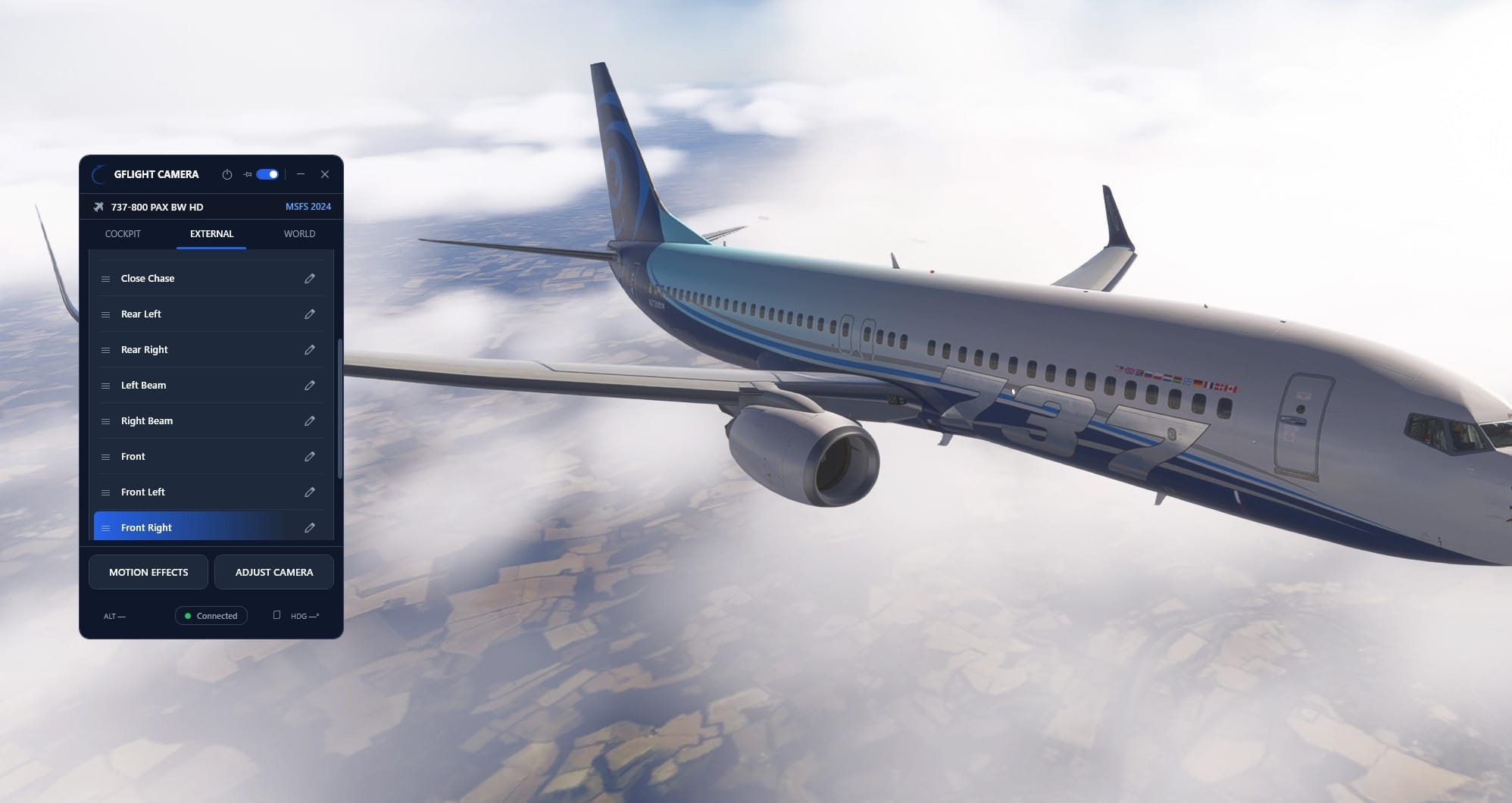
A new standalone utility for Microsoft Flight Simulator 2024 aims to take camera control out of the in-sim menus. 🔆 GFlight Camera, from GFlight Simulator Technologies, is now available on the Flightsim.to Store. The Windows application lets pilots build and organize their own cockpit and external views, then switch between them quickly. It supports an unlimited number of camera presets, and it sorts them automatically into aircraft-specific profiles. A precise instrument view in one aircraft and a wide cockpit perspective or wing view in another can each live in their own layout, with no manual switching.
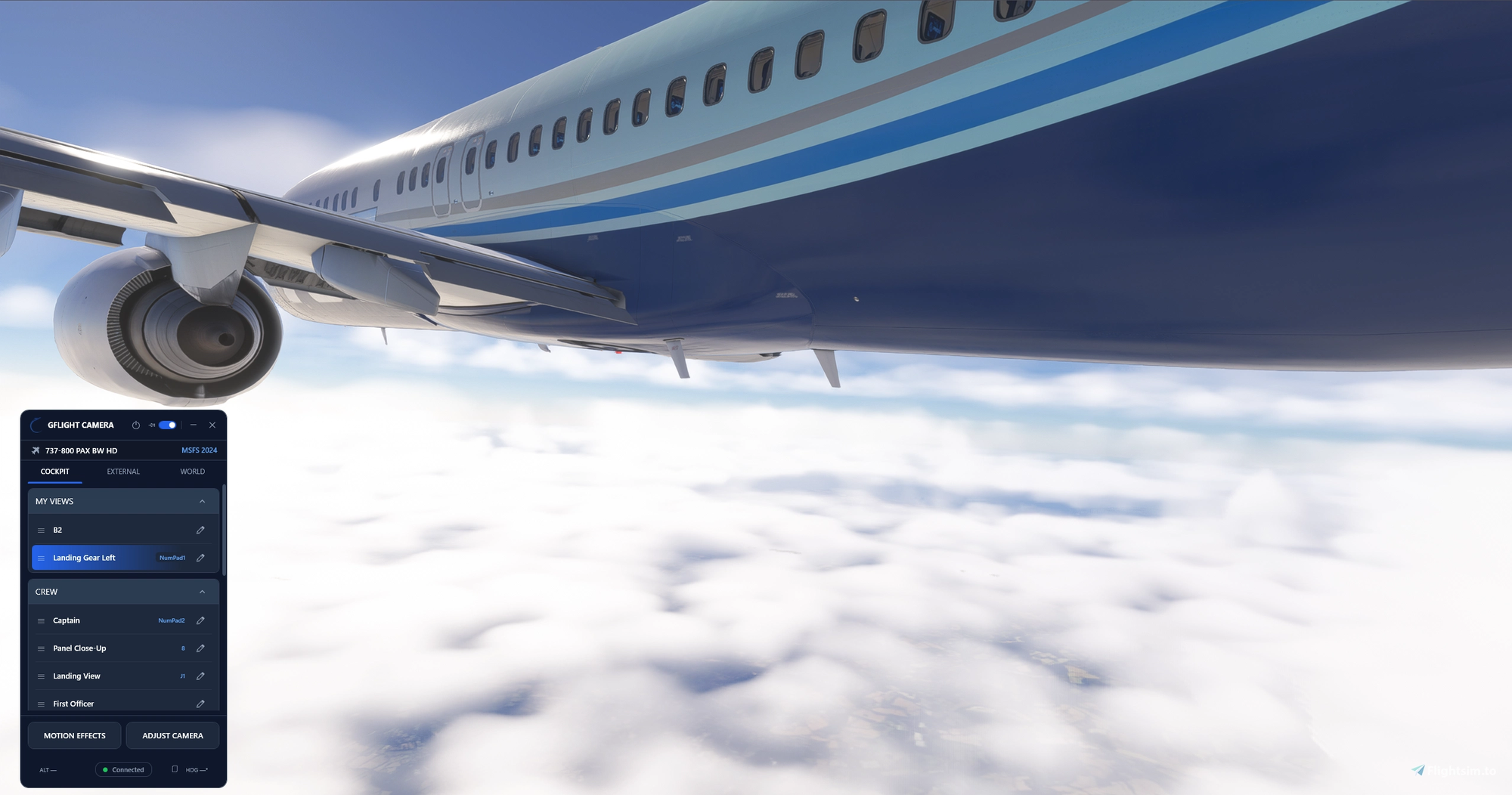
Camera movement is built around six degrees of freedom. You can nudge the camera forward, back, left, right, up and down from the keyboard, and adjust yaw, pitch and roll. The default controls use Shift combined with W/A/S/D, R/F, Q/E and the arrow keys, and every shortcut can be remapped. Other features include:
- Smooth transitions between saved camera positions
- Field of view and zoom adjustment
- Adjustable camera movement speed
- Presets and camera controls assignable to a keyboard, joystick or yoke
- Quick access to inside and outside presets from a single interface
- Automatic reconnection to the simulator
The current version, 0.2.1, adds a hotkey (keyboard key and/or joystick button) to switch instantly between GCAM and NATIVE FREE modes. It also introduces a Profile page with account, hotkey, keyboard nudge and app sections, plus a Contact button for support. Zoom-out now goes down to 0.25x, and sign-in progress indicators, tooltips and a lighter background network load round out the update.
Where to get it: ➡️ GFlight Camera - MSFS 2024 on Flightsim.to