
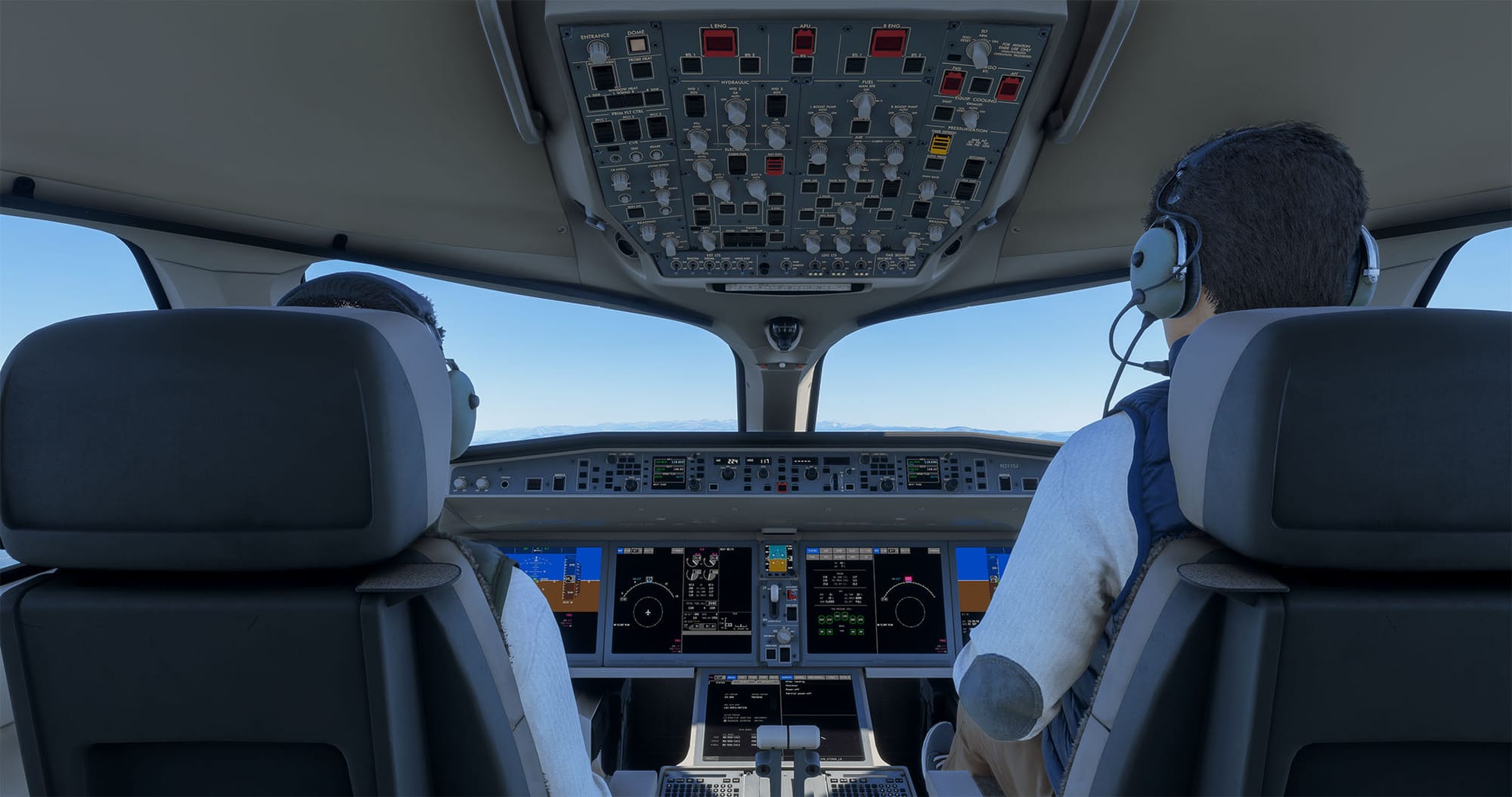
Synaptic's Airbus A220 has quickly become one of the more talked-about airliners in Microsoft Flight Simulator, and with it comes the usual question of how to get at its many systems without constantly reaching for the mouse. Flight Panels now has an answer in the form of three new Stream Deck products built around the aircraft: an 🔆 Aircraft Profile, an🔆 Autopilot Profile and the 🔆 A220 AeroLens Pro Enhanced edition. All three are available through the Flightsim.to store.
Aircraft Profile: full systems coverage
The Aircraft Profile is the broadest of the three. It offers more than 515 custom-designed buttons spread across 19 pages, covering the A220's flight management, avionics, communications, electrical, fuel and environmental systems. Each button has been styled to match the look and feel of the real cockpit, and everything comes pre-configured, so you can plug in and start flying without building your own layouts.
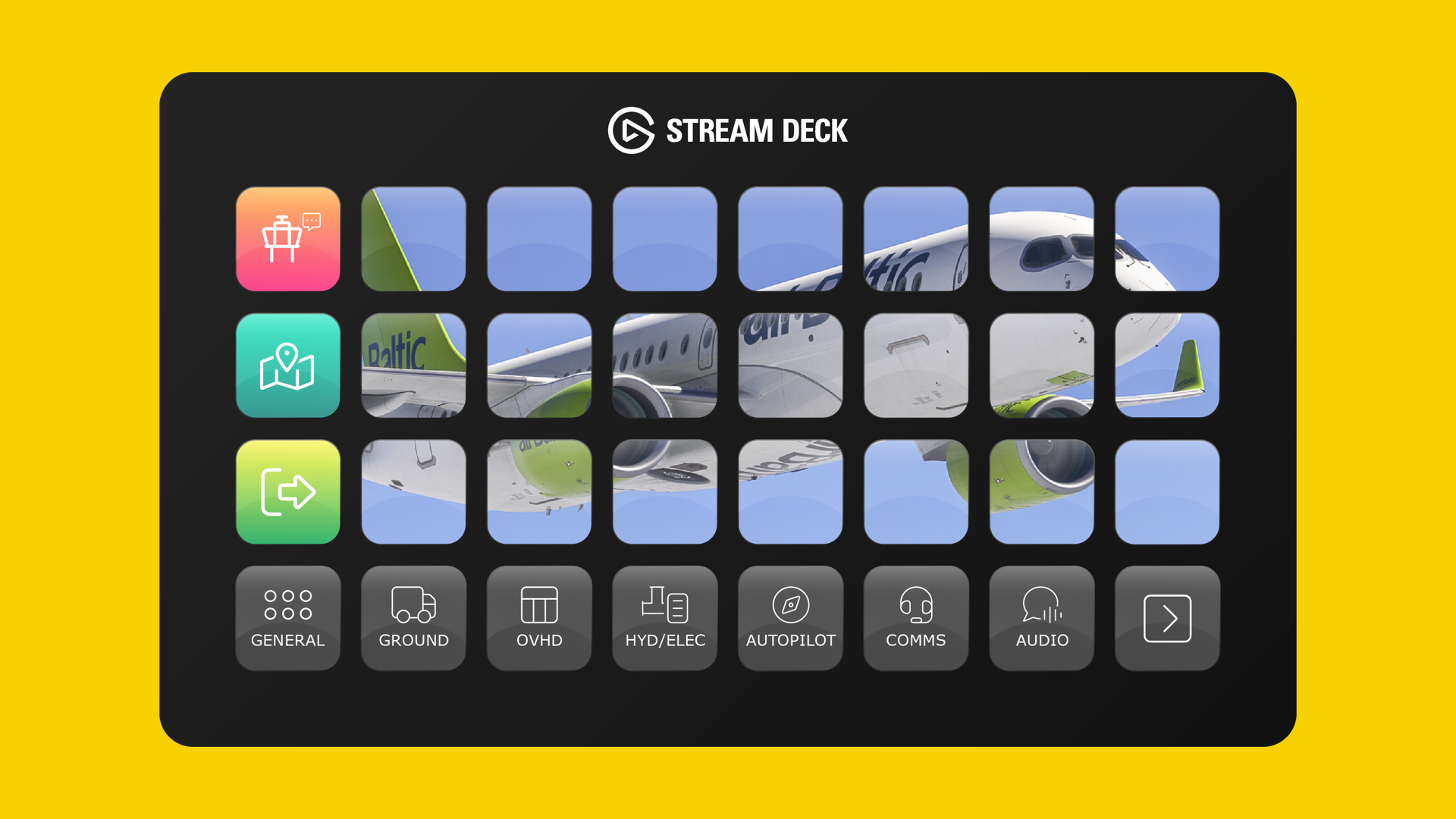
One detail worth highlighting is how Flight Panels handled the Control Tuning Panel (CTP). This is the primary interface pilots use to manage radio communications and navigation, but its data is not fully exposed in the current build of the aircraft. To reproduce it, Flight Panels developed a custom connector for Microsoft Flight Simulator, which fills the gap that would otherwise exist. Both 15-key and 32-key layouts are included, and the profile works with the Stream Deck XL, the Stream Deck MK.2, Stream Deck Mobile on iOS and Android, and the Corsair Xeneon Edge.
Autopilot Profile: made for the Stream Deck +
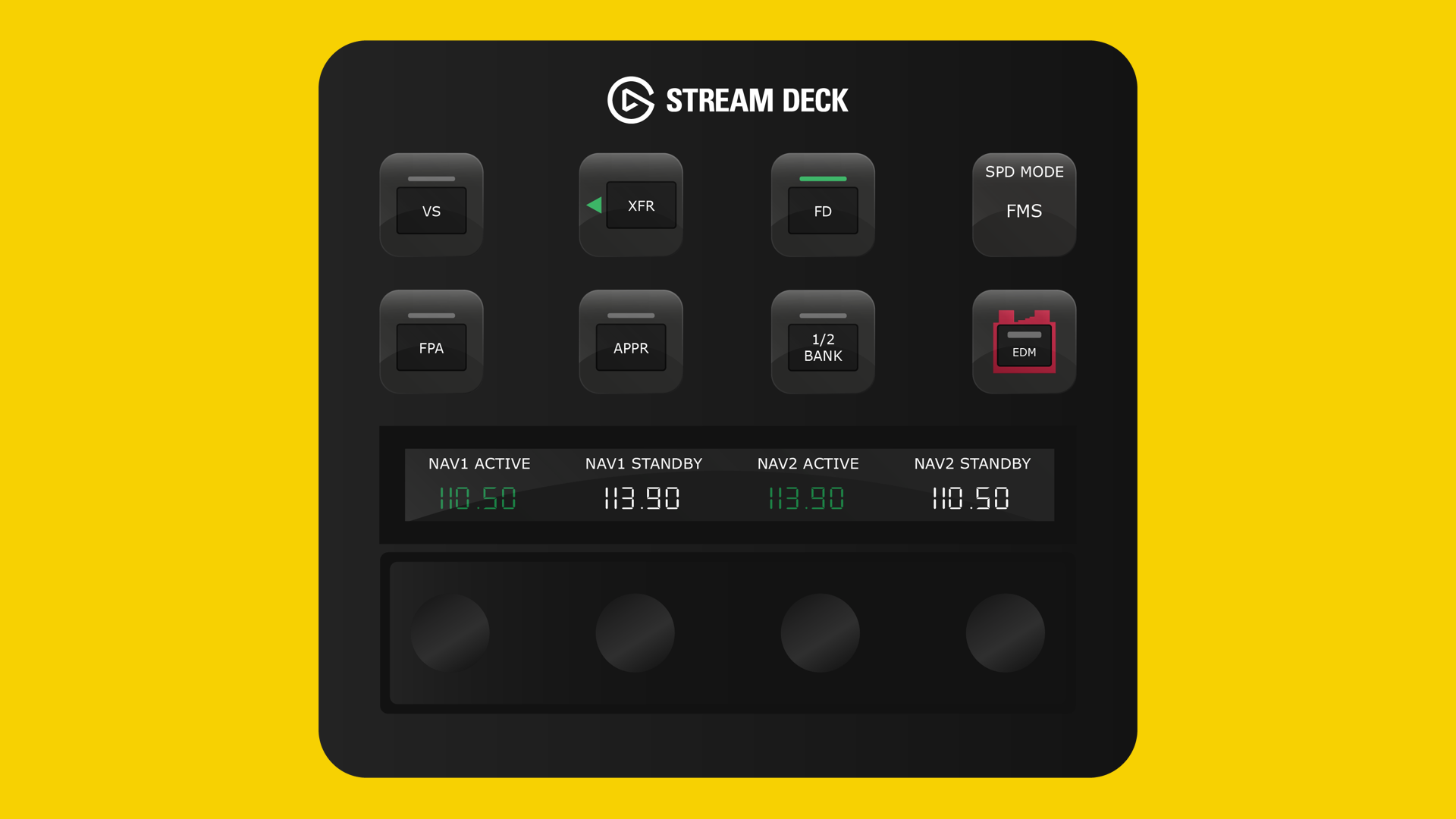
The Autopilot Profile takes a different approach and is built exclusively for the Stream Deck +. Instead of relying only on buttons, it makes use of the device's LCD touchscreen and rotary dials. You can handle the autopilot, communications, navigation, EFIS, transponder, internal lighting and more from one place, while speed, heading, vertical speed, altitude and frequencies update in real time as you turn the dials. For anyone who prefers a tactile feel over clicking virtual knobs, this brings the experience a step closer to a physical flight deck without requiring a full hardware cockpit.
AeroLens Pro Enhanced: more camera views
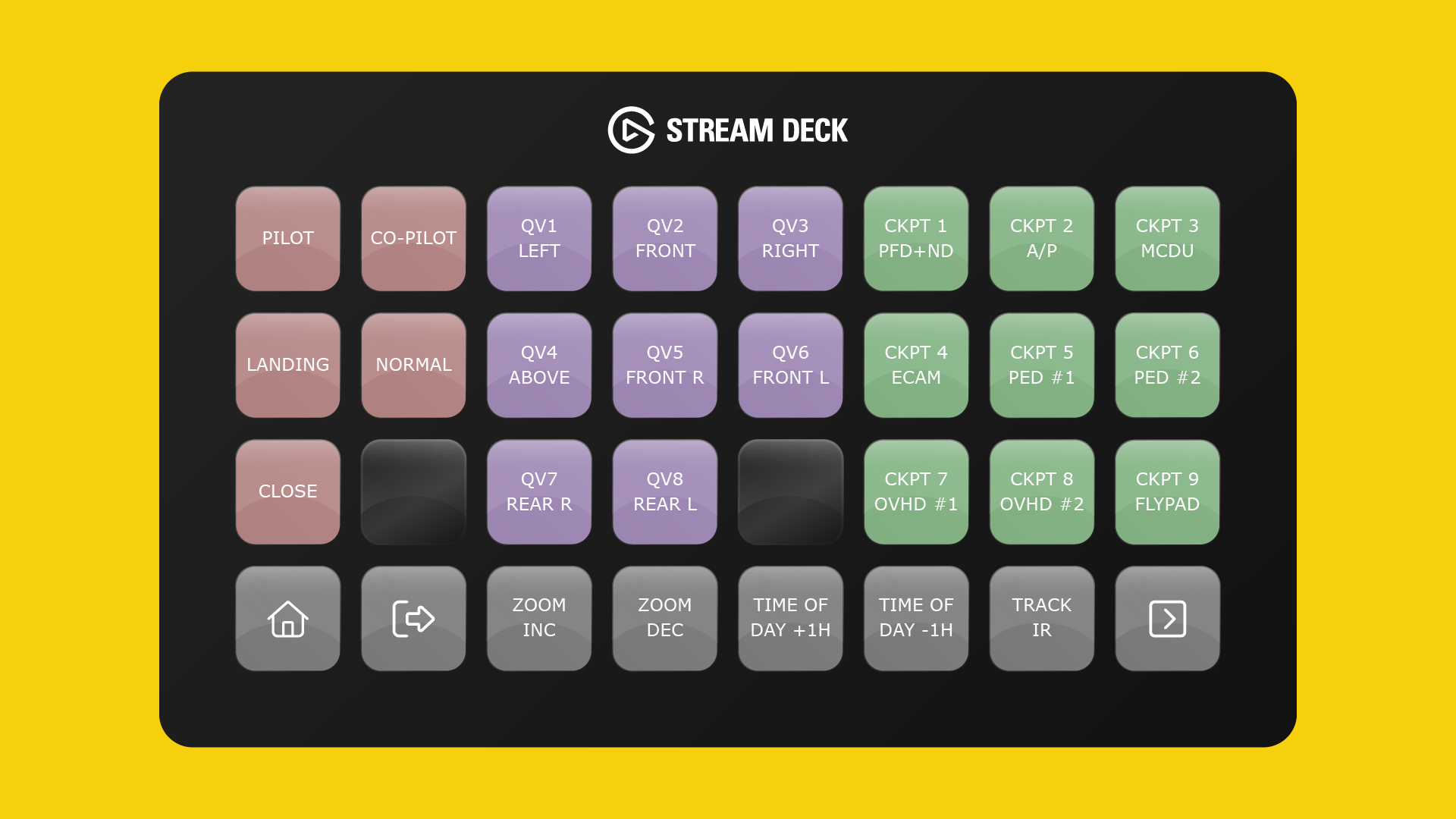
Rounding out the lineup is the A220 AeroLens Pro Enhanced edition, which tackles a different issue: the limited camera options in the aircraft itself. It adds 24 custom views, including tail, nose wheel, cabin, overwing and engine perspectives, all accessible at the press of a button. This one is designed for the Stream Deck XL, Stream Deck Mobile on iOS and Android, and the Corsair Xeneon Edge, so keep that in mind if your setup is based on a different device.
Availability
All three profiles are payware products from Flight Panels. If you fly the Synaptic A220 and already own a compatible Stream Deck, they are worth a look, and you can find them at the links on the Flightsim.to Store: 🔆 Aircraft Profile, 🔆 Autopilot Profile and the 🔆 A220 AeroLens Pro Enhanced.