
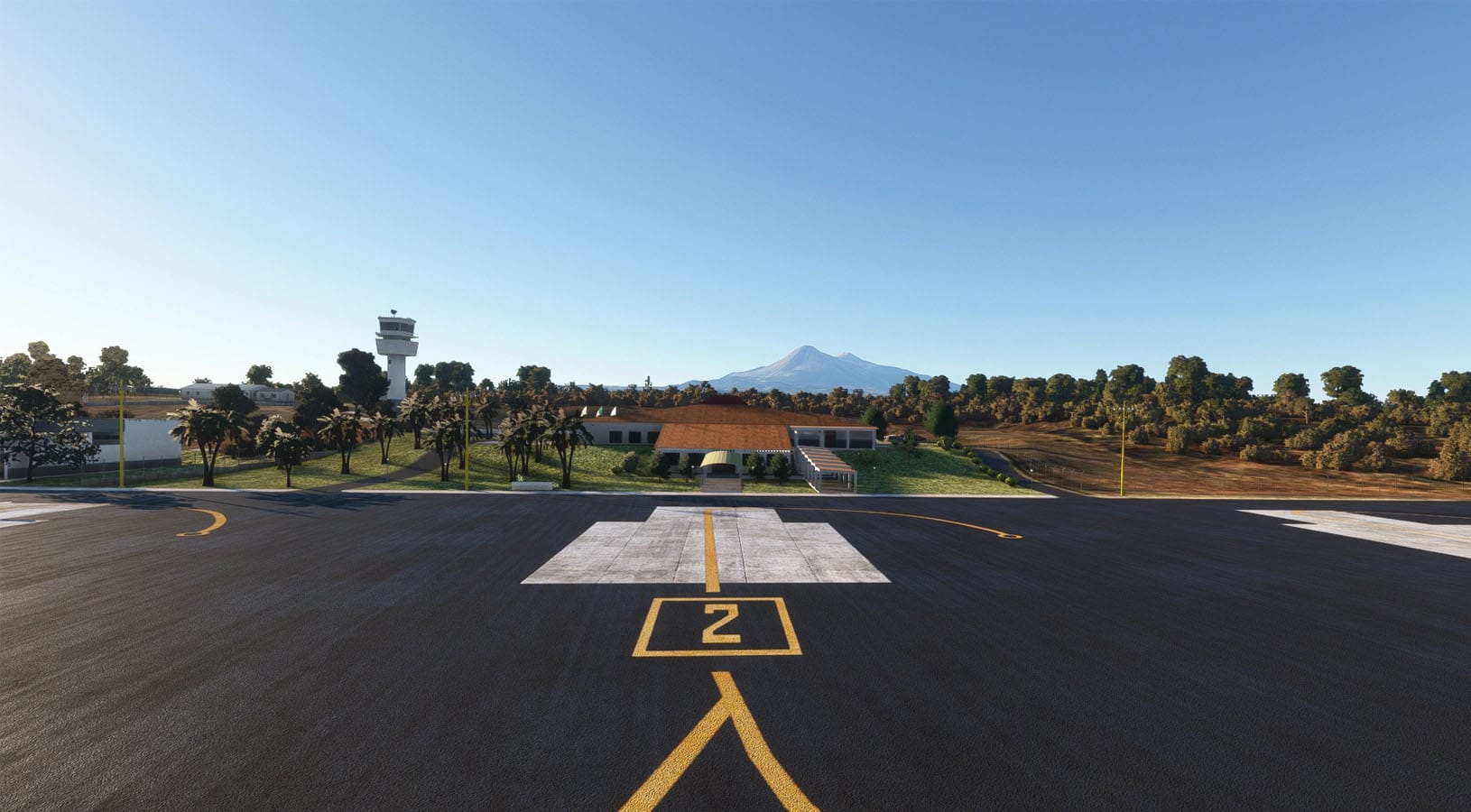
Tucked into the western Mexican state of Colima, Aeropuerto Internacional Licenciado Miguel de la Madrid — known by its IATA code CLQ and ICAO designator MMIA — is a small but operationally distinctive airport that serves both scheduled passenger traffic and general aviation. The airport connects Colima to Mexico City via Aeromexico Connect and to Tijuana via Volaris, making it a modest yet important regional hub for a state that is among the smallest in Mexico by area. What sets this airport apart from many others of its size, however, is its dramatic geographic setting: it sits in close proximity to the Volcán de Colima and the Nevado de Colima, two of the tallest peaks in the country, with surrounding terrain that creates genuinely demanding approach conditions.
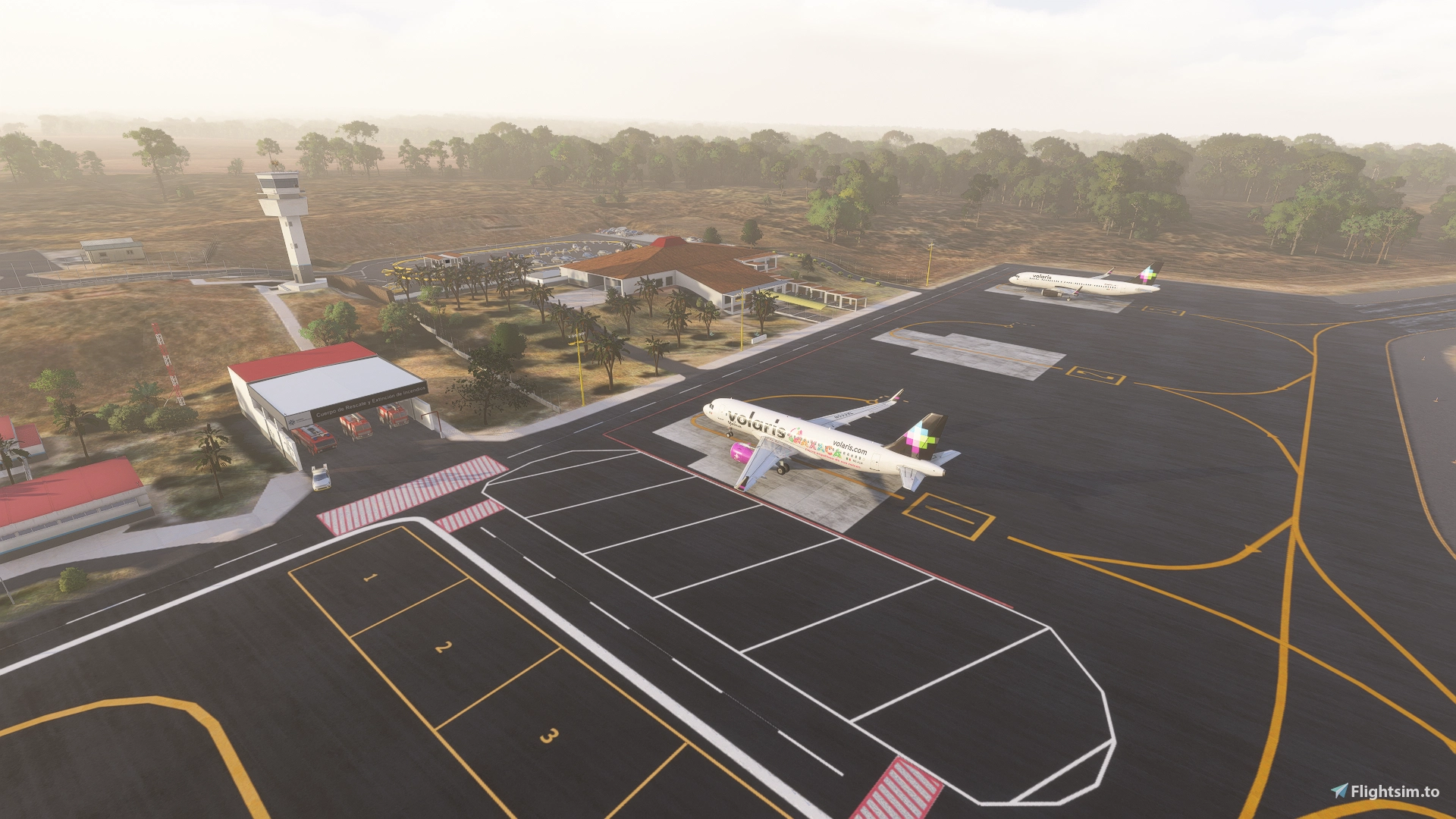
Creator Rigberto has now brought this underrepresented Mexican airport to Microsoft Flight Simulator 2020 and 2024 in the form of a freeware scenery add-on that aims to represent the airport and its challenging surroundings. The scenery package delivers a reworked representation of MMIA that addresses the default simulator data with custom-modeled infrastructure and corrected ground layout. The taxiways, aprons, and runway have all been reworked to better reflect the real-world airport, replacing the generic placeholder content that Microsoft Flight Simulator generates for smaller regional facilities.
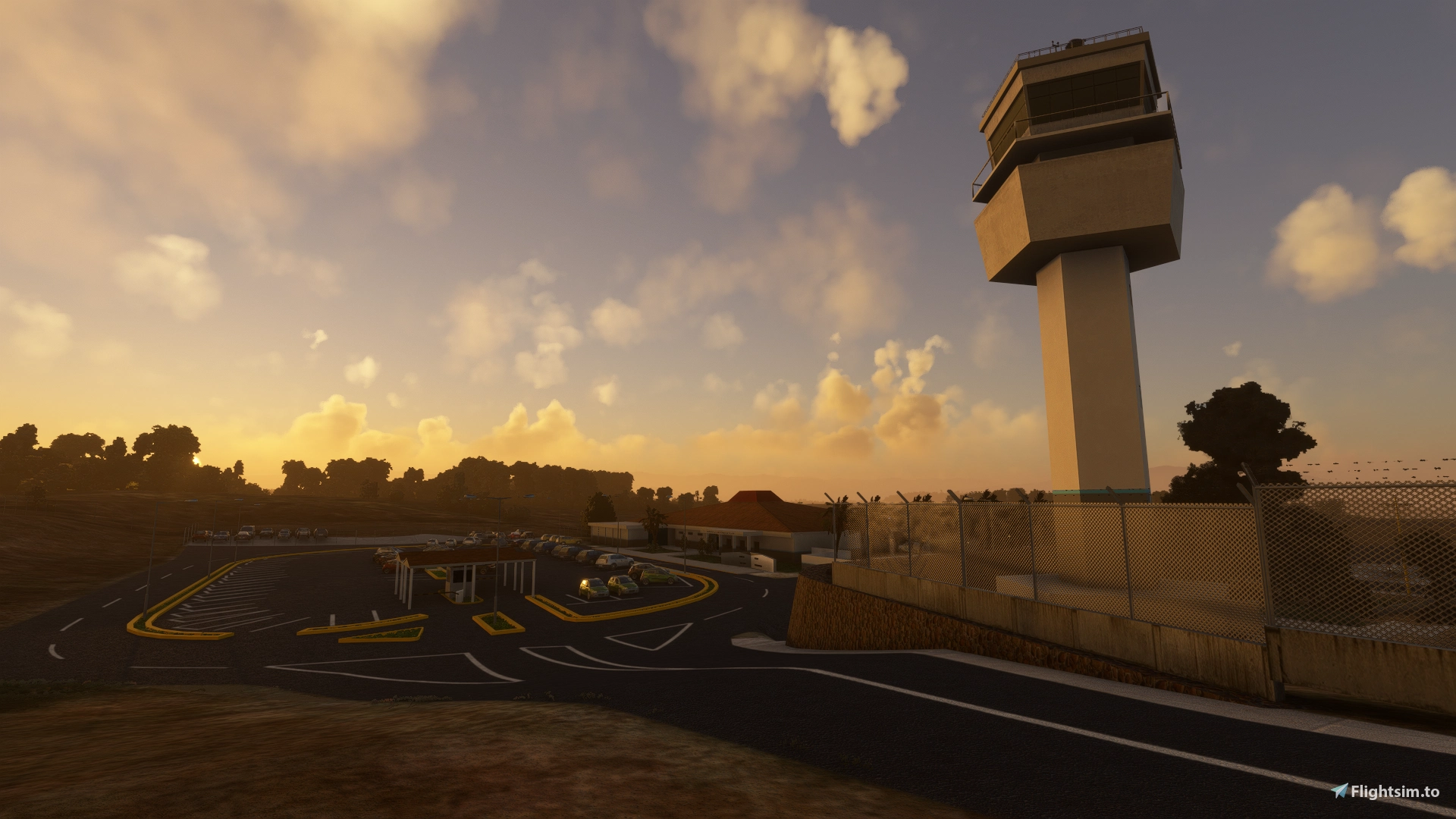
The terminal building, control tower, and separate general aviation terminal have each been modeled to provide a recognizable representation of the real facility. Night lighting has been included as well. One of the more technically considered elements of this release is the inclusion of custom terraforming and a correctly modeled runway slope. Getting the surrounding terrain to blend accurately with the airport environment is particularly important at a location like Colima, where the nearby volcanic peaks are a defining visual and navigational feature. The custom terrain work helps ensure that the transition between the airport footprint and the surrounding landscape reads correctly in the simulator rather than relying on the default elevation data, which can often produce jarring results at mountainous regional airports.
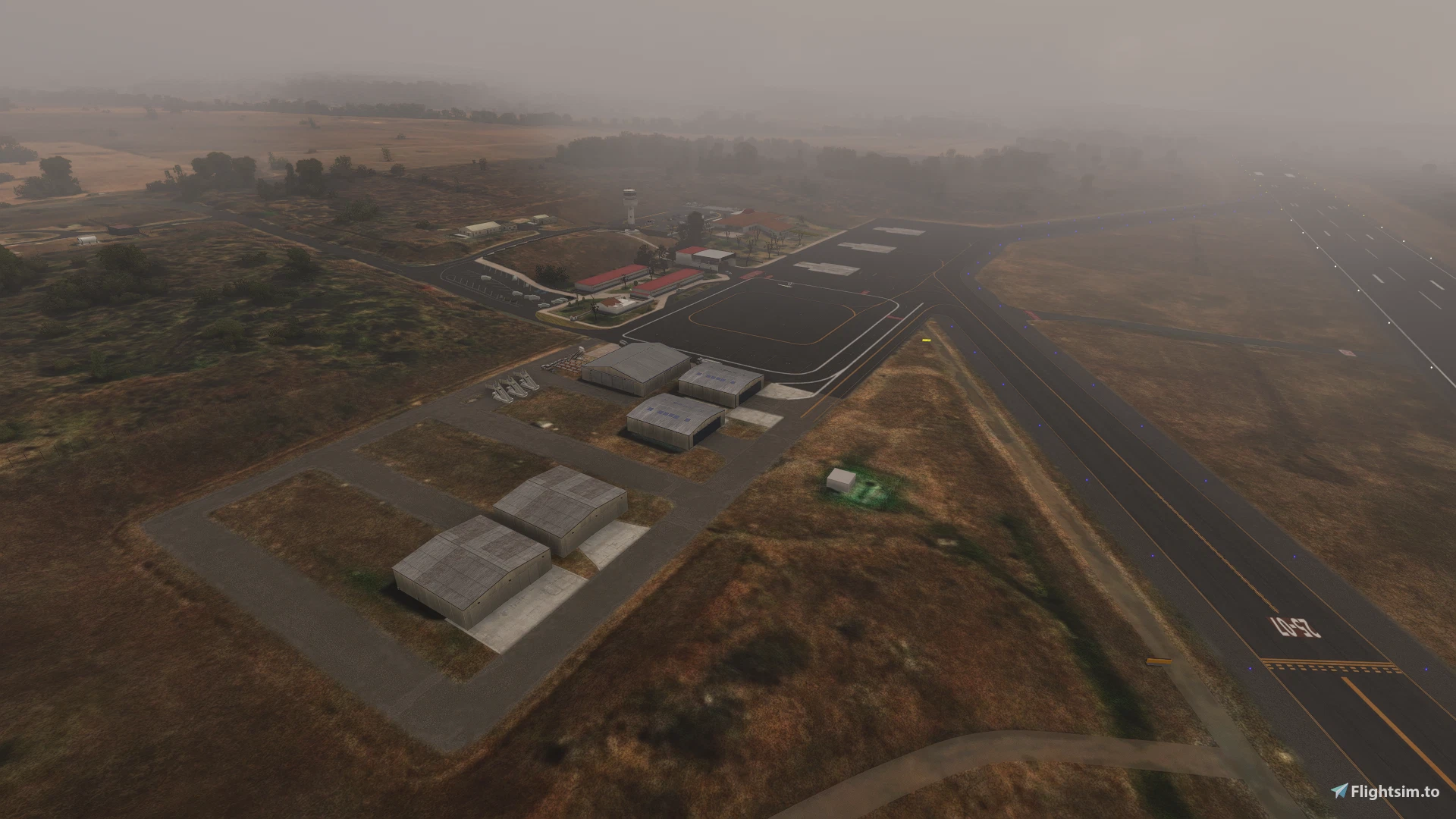
If you enjoy flying regional routes across Mexico or if you are looking for procedurally interesting destinations that go beyond the major hubs, Colima offers a compelling proposition. The combination of VOR-only approaches, significant surrounding terrain, and a compact airport layout makes for an engaging flying experience that rewards careful planning and precise airmanship. The add-on is available as freeware and can be downloaded now from Flightsim.to for both Microsoft Flight Simulator 2020 and 2024. If you enjoy flying into MMIA and find that Rigberto's work enhances your experience, consider supporting the creator through a donation — it goes a long way toward encouraging further scenery development for airports that might otherwise remain overlooked: Download ➡️ Colima International Airport (MMIA/CLQ).