
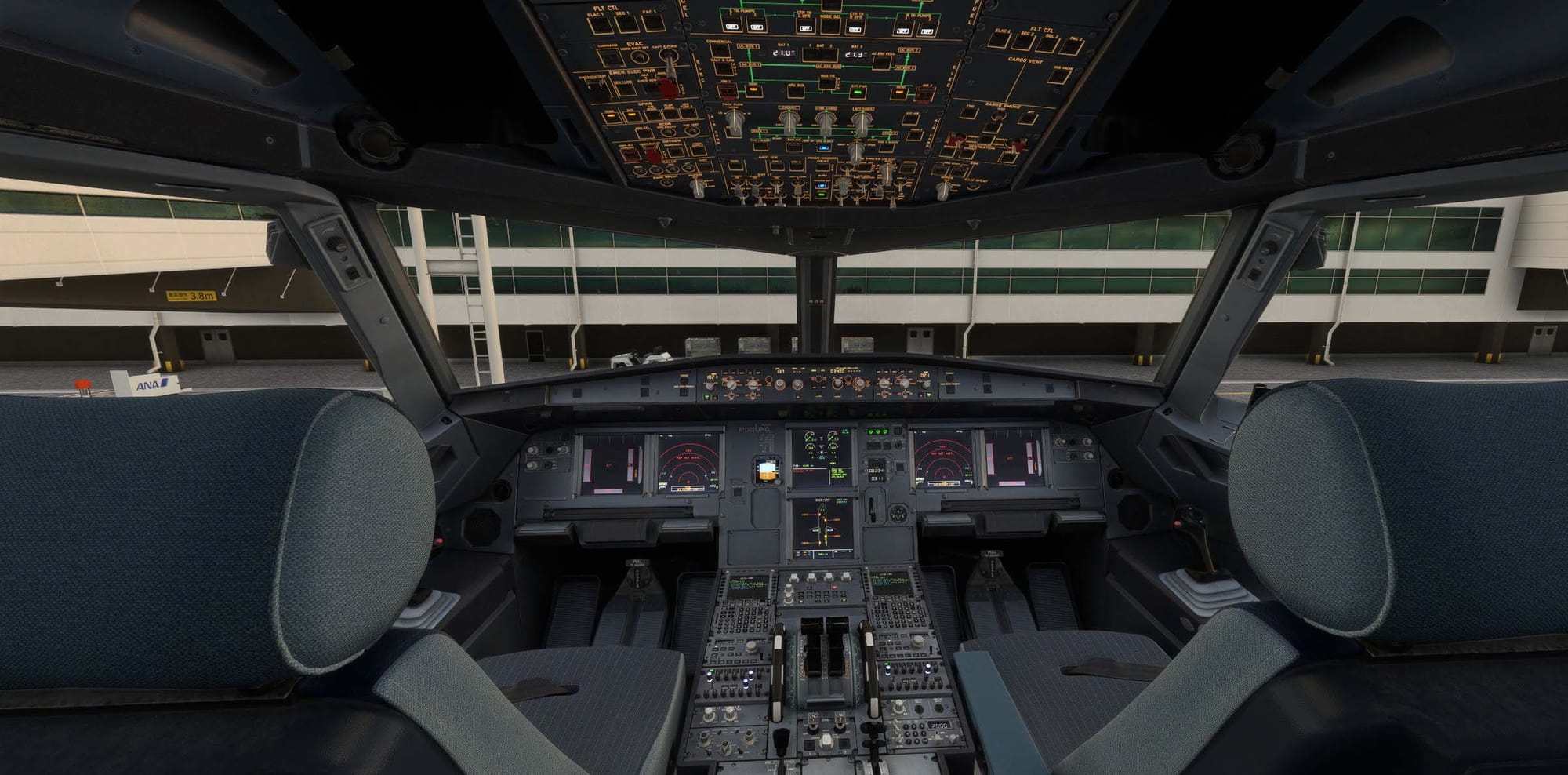
One of the enduring appeals of airline simulation is the sense of operating within a coordinated crew environment — the rhythm of callouts during takeoff, the cabin crew preparing passengers for descent, the procedural back-and-forth of a working flight deck. For most sim pilots, that atmosphere has historically required either expensive dedicated hardware, third-party voice packs scattered across multiple tools, or simply a healthy amount of imagination. CLB Studio's 🔗 LiveCrew sets out to address that gap directly, bringing together copilot callouts, spoken checklists, cabin announcements, and onboard audio into a single companion application for both Microsoft Flight Simulator 2020 and 2024.
The concept of virtual crew companions is not new to flight simulation, but LiveCrew's approach is notable for how it ties these elements together into a coherent, event-driven system. Rather than requiring constant manual input, the application monitors simulator data and responds automatically when appropriate flight conditions are met — whether that's a speed threshold during the takeoff roll or an altitude trigger on approach. The result, as CLB Studio intends it, is a cockpit and cabin environment that feels alive and procedurally grounded without demanding additional workload from the pilot flying.
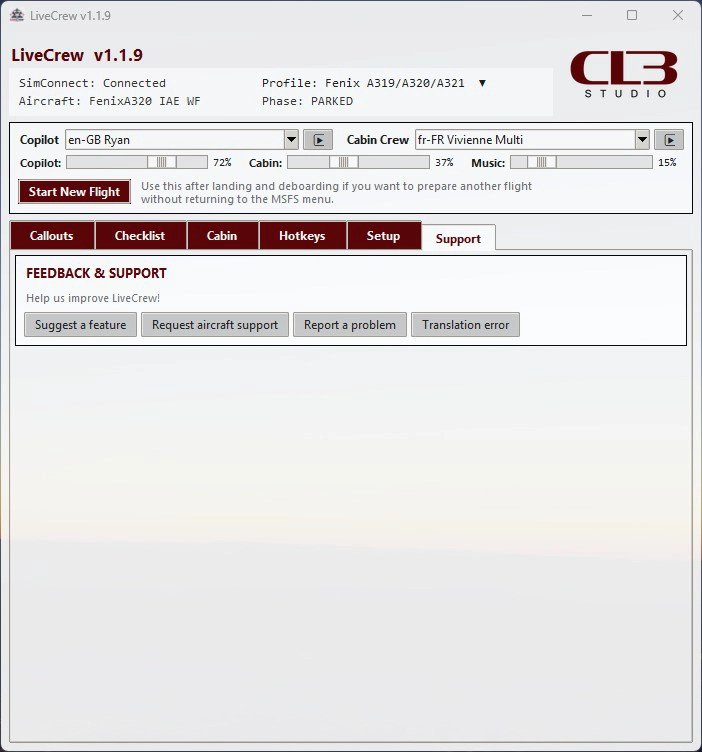
At the core of LiveCrew is its callout system. During the takeoff roll, the application reacts with high timing precision to changing airspeed values, delivering the kind of speed callouts that are standard procedure on commercial flight decks. On approach and landing, altitude-based logic drives the callout sequence, supporting a more structured and realistic arrival experience. Flap and landing gear callouts are also included, covering the kind of configuration checks that are easy to overlook when flying solo but make a meaningful difference to immersion and procedural awareness. Alongside the automated callouts, LiveCrew introduces an interactive spoken checklist system with voice recognition support. The application maintains an internal checklist library with aircraft-specific files, and users who want to tailor the experience further can create their own checklists or modify existing ones. This flexibility means LiveCrew can adapt to a wide range of aircraft types and personal workflows, rather than locking you into a fixed set of procedures.
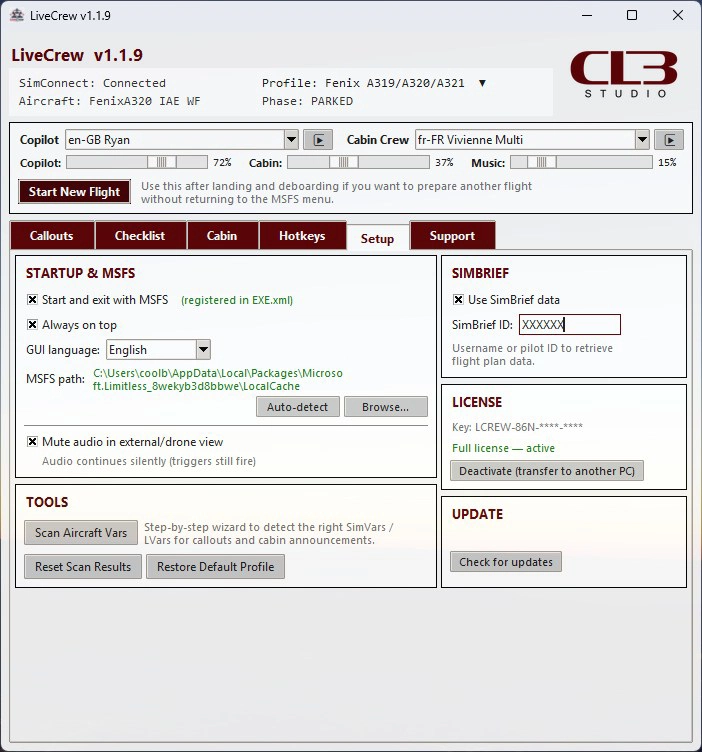
The cabin crew announcement system extends the immersion beyond the flight deck. Passenger-facing announcements are triggered by simulator events and aircraft state — seat belt signs, door states, altitude, and other variables all feed into when and how the cabin crew speaks. What makes this particularly interesting is the language support: LiveCrew includes multiple languages for cabin announcements, which can be selected manually or assigned automatically depending on the airline or destination, with GSX integration available for the latter.
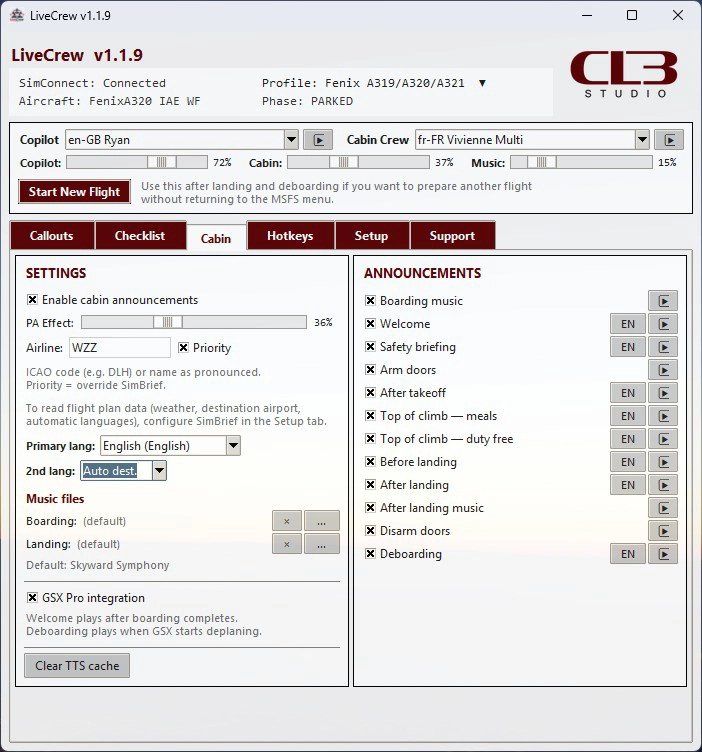
Voice selection is also customizable, allowing preferred voices to be assigned to the copilot and cabin crew roles independently. Custom music files can be loaded for onboard playback, giving you the option to replicate the boarding music or in-flight audio of your chosen airline.
LiveCrew is aimed squarely at sim pilots who want a richer airline-style experience without the complexity of managing multiple separate tools. Its event-driven, largely automated approach means the crew environment largely takes care of itself once configured, allowing you to focus on flying while the application handles procedural callouts, checklist interaction, and cabin atmosphere in the background. It is compatible with both Microsoft Flight Simulator 2020 and Microsoft Flight Simulator 2024. LiveCrew by CLB Studio is available now on the Flightsim.to Store. You can find the application and complete details at the link 👉 LiveCrew by CLB Studio — Flightsim.to.
3 months ago