
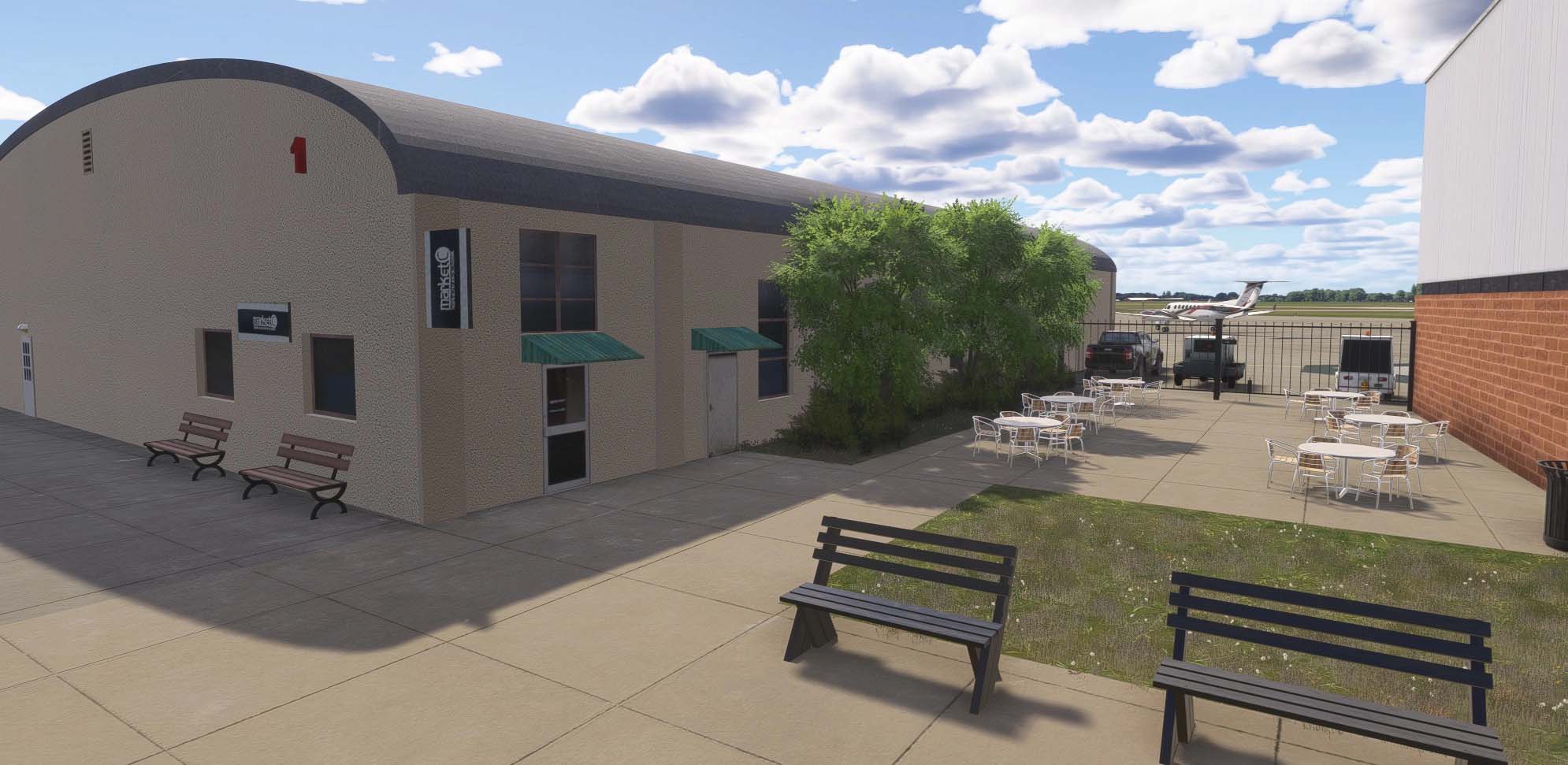
The Ohio State University Airport (KOSU) is a busy general aviation facility located on the northwest side of Columbus, Ohio. Operated by the university, it serves as a hub for flight training, corporate aviation, and research operations tied to one of the largest universities in the United States. The airport features two active runways — 9L/27R and 9R/27L — and is home to the Austin E. Knowlton Aviation Center, a modern facility that anchors the university's aviation program.
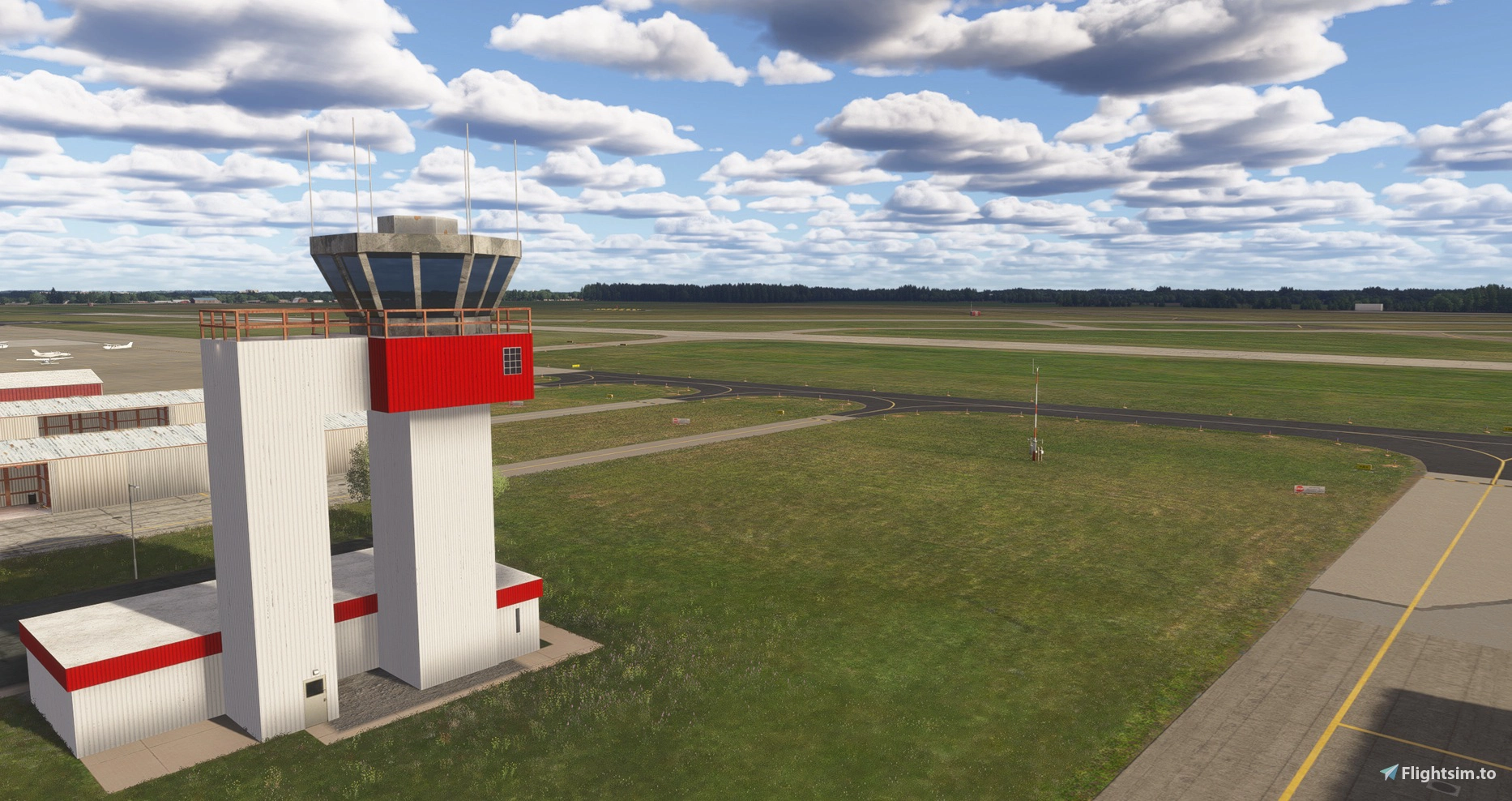
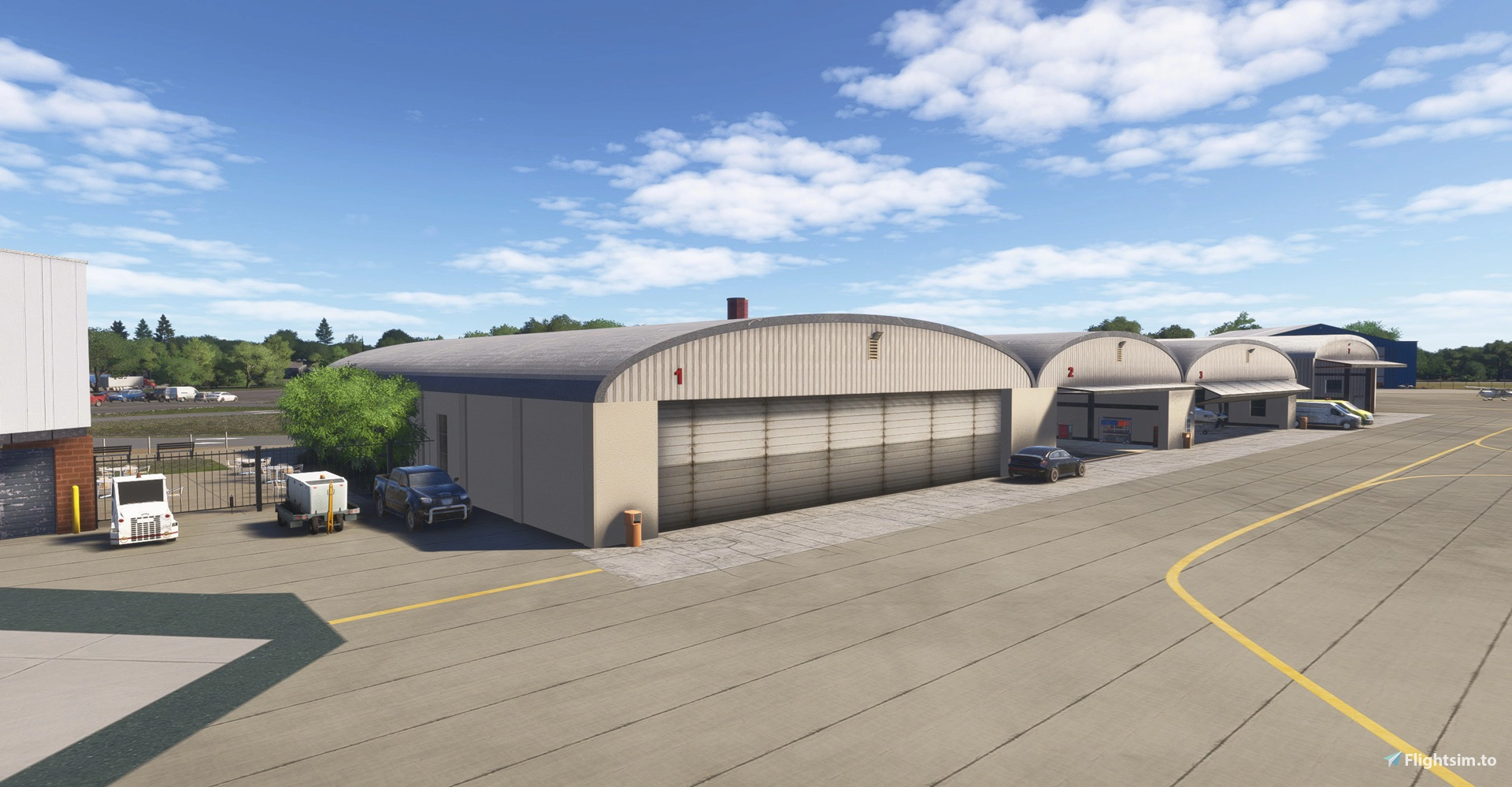
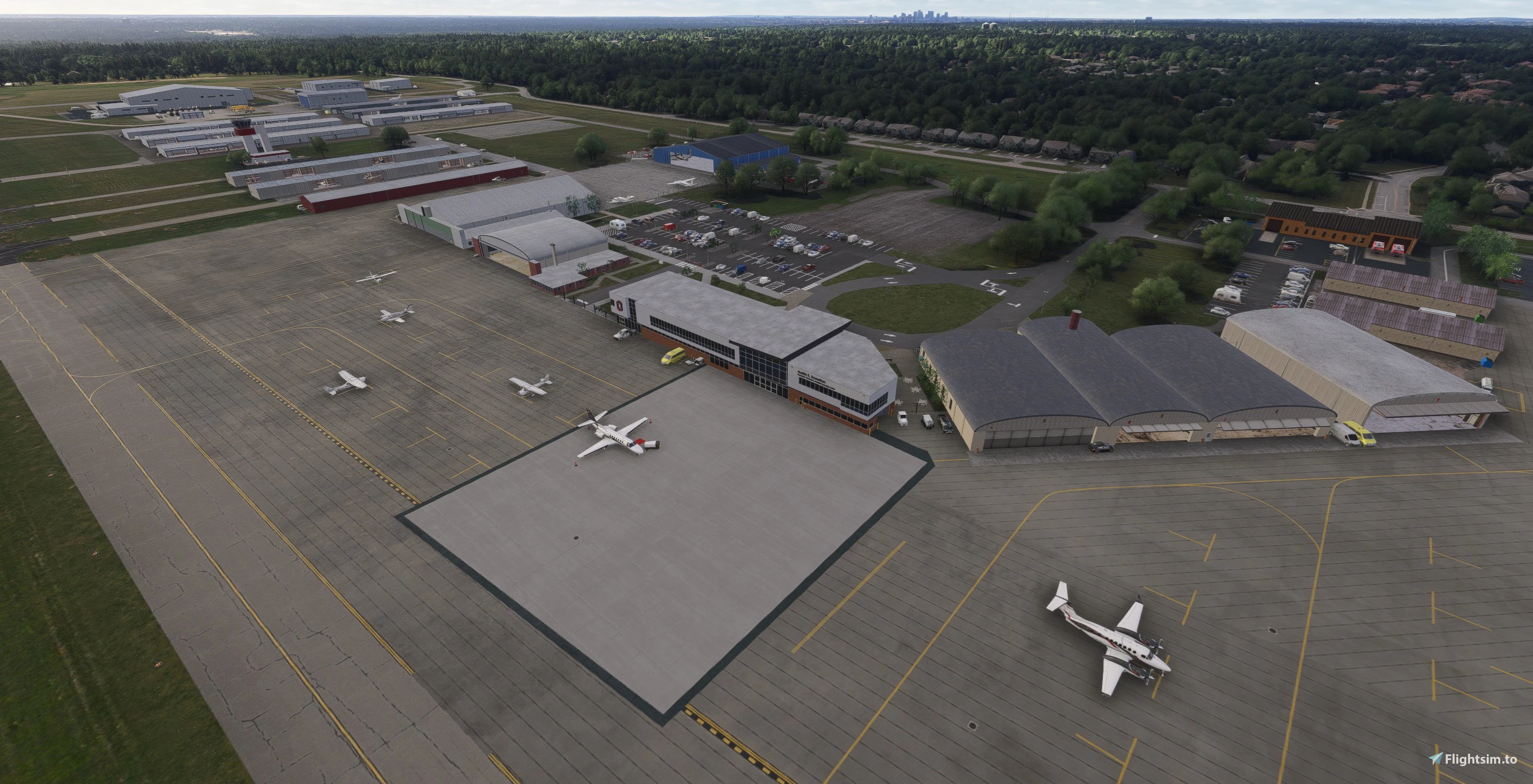
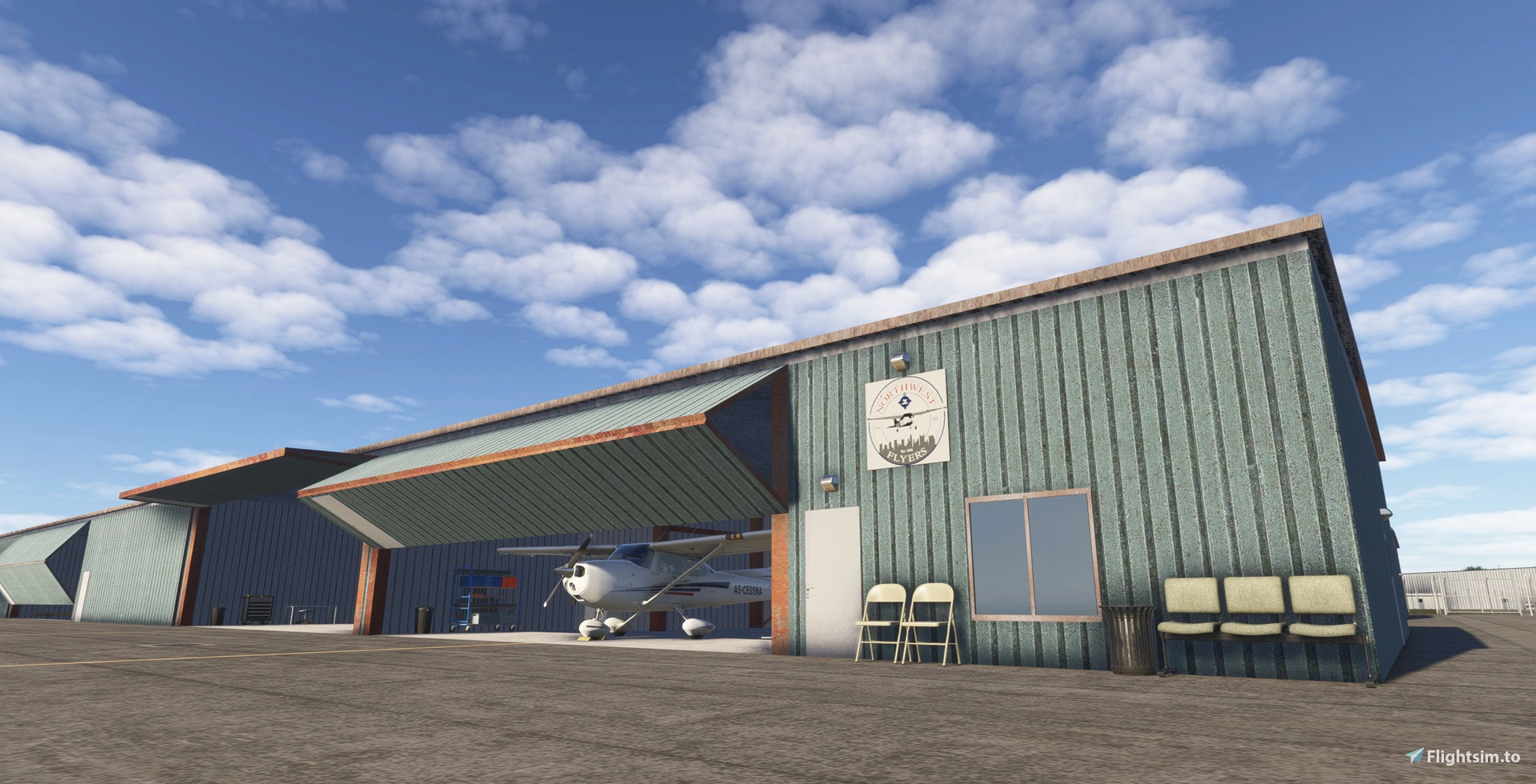
The newly released add-on by EMBcreations represents a ground-up recreation of the airport, built with over 35 custom buildings and objects modeled in Blender using reference photography. The centerpiece of the scenery is the Knowlton Aviation Center itself, which includes a faithfully reproduced Piper J-3 Cub suspended inside the building. Surrounding structures include the ATC tower with 3D glass modeling, the Spartan Hangar, ATP Hangar, LabCorp Hangar, OSU Fire Station, and a full complement of T-hangars and corporate hangar spaces. Several of these hangars include selectable interior parking spots, allowing you to spawn your aircraft inside.
Beyond the custom buildings, EMBcreations has undertaken a thorough overhaul of the airport's surface infrastructure. All runway, taxiway, and ramp textures, markings, designations, and signage have been rebuilt to match the real airport as closely as possible. Runway 9L/27R receives updated landing markings, while the decommissioned Runway 14/32 has been appropriately marked with Xs and adjusted textures to reflect its out-of-service status. Runway lighting has been calibrated against Jeppesen charts, and the Knowlton Center parking lot has been rebuilt from scratch to reflect its newer configuration.
Missing runway numbers on 9L/27R have been added, along with the A8 taxiway and associated ramp areas that were absent from the base sim. The LabCorp Hangar, several roads, and hangar parking lots that were previously missing have all been included.Photogrammetry tree spikes around the airport perimeter have been cleared, a large tree area to the left of the Runway 27L approach has been removed to match current real-world conditions, and various ground deformations around runways and taxiways — particularly near 27L — have been corrected. VASI and PAPI positions, windsock locations, and the placement of the rotating beacon structure have all been adjusted for accuracy.
The package is offered in three installation variants to accommodate different preferences. The main file includes all static aircraft present at the airport. A second option retains static planes inside hangars only, removing those parked on ramp areas. A third option eliminates all static aircraft entirely. All three variants are otherwise identical in terms of scenery content. The add-on is designed with photogrammetry enabled and is built specifically for MSFS 2024, with compatibility with MSFS 2020 not guaranteed.
For users of the SayIntentions AI ATC platform, EMBcreations has also published a custom AI traffic profile for the airport. It can be activated by opening TaxiTuner, entering KOSU as the ICAO code, and selecting the "KOSU-Custom Airport - by EMBCreations" profile. The profile is compatible with all three download variants. KOSU is 🔗 available as freeware on Flightsim.to, and if you find it enhances your time flying in and around central Ohio, consider leaving a rating or donating to EMBcreations to support continued development of US general aviation scenery.
12 days ago