
Flightsim.to
    FlyingArt Releases Soft Brake - Ground Handling Enhancement

    FlyingArt Releases Soft Brake - Ground Handling Enhancement

    F

    Flightsim.to

    Author

    June 24, 2025
    Store

    Smooth and precise ground control is an essential part of any realistic flight simulation experience. To address this, FlyingArt has introduced  ⭐Soft Brake, a utility add-on for Microsoft Flight Simulator 2020 and 2024 that simplifies braking by repurposing your aileron axis as a brake control.

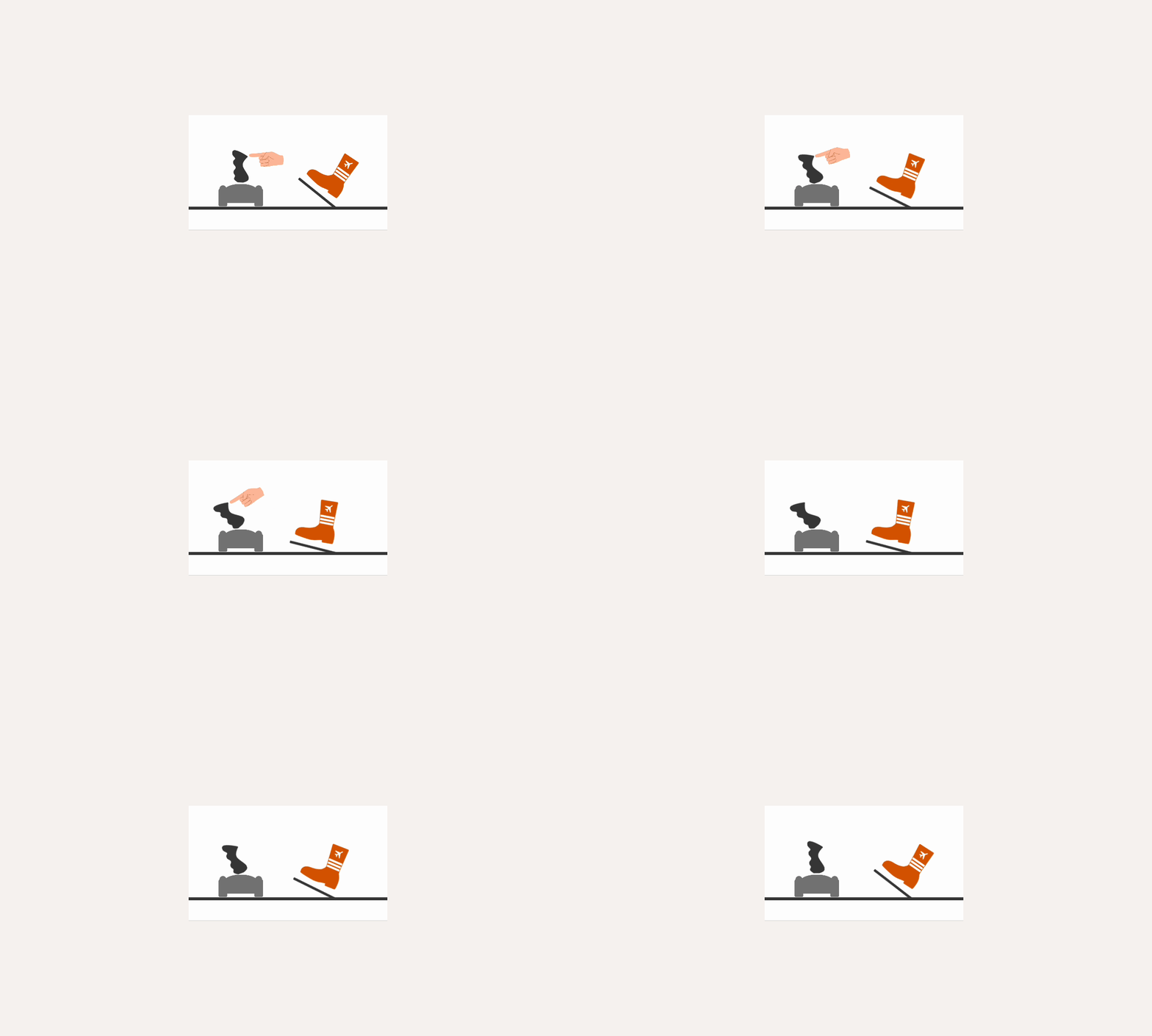
    Soft Brake allows you to apply gradual braking using your existing joystick or yoke, removing the need for keyboard inputs or additional hardware. By pushing your control forward, you apply braking force in a smooth and progressive manner, similar to how a brake pedal would function. A live feedback bar appears on screen during braking, offering clear visual indication of braking intensity.
    The tool is designed to be simple to install and use. Once placed in your MSFS Community folder and activated via the in-game toolbar, you can immediately start using your joystick for braking. Settings are configurable, allowing you to tailor the behavior to your needs — for example, disabling braking input while airborne to avoid unintended interference. Because Soft Brake integrates directly into the simulator, no external applications are required.

    Soft Brake is available as a payware add-on and can now be ⭐ purchased through Flightsim.to.

    Comments

    B

    12 months ago

    or buy rudder pedals and enjoy the immersion… Jesus :D
    R

    12 months ago

    Some of us don’t have 100 bucks to shell out.
    A

    12 months ago

    You can also just configure any axis (on joystick, throttle, or even something completely different) as brake axis for free…I don’t get a brake intensity overlay but i know how much I am moving the axis, so not sure what I would need that for.Also it is the elevator axis used - not the aileron axis as the article currently says.
    B

    12 months ago

    Then dont buy this app and set it yourself. All you need is one axis on any controller.
    B

    12 months ago

    Hello, can i use the App with rudder Pedals?Thank u for any Answer
    s

    12 months ago

    Some people who enjoy Flight Sim might not have any legs due to an accident… How ignorant of you.
    D

    12 months ago

    Recently broke my leg and am stuck in the house for probably close to 4 months, can’t use my rudder pedals since I’m in a full leg cast, I have no idea why there isn’t a “brake axis” in sim by default, only “left and right” brake. But this is a godsend for me right now. Been having to use a button to just “toggle” the brakes on/off/on/off until I can slow enough to make a turn, and its abysmal. Its 7 bucks, I can spare that for a better sim experience, even if I only need it temporarily.
    C

    12 months ago

    Thx for your empathy Sirjack201. I was amputated a leg due to cancer. I’am a flightsimmer since the mid 80s. So this Soft Brake is very welcome. What i have learned. “Don’t put your energy in hopeless persons”…

    12 months ago

    7$ to bind a key? What a joke
    w

    12 months ago

    $7??? Ya right

    12 months ago

    Perfect ! Im so glad !

    11 months ago

    Can Soft Brake somehow differentiate between left and right brake pedals? Or does it only apply braking force to both wheel brakes equally?

    11 months ago

    Very curious about how this is managed in A320 for example where you are supposed to have some forward stick input for effective nosewheel steering authority in the first part of the takeoff roll.
    In any case, for me it’s mostly not needed since I use the slider on the VKB Gladiator NXT EVO for breaking. It’s not perfect but better than a digital button.
    c

    11 months ago

    I did it with FSUIPC