
Flightsim.to
    TAIMODELS Releases Orlando Sanford International Airport

    TAIMODELS Releases Orlando Sanford International Airport

    F

    Flightsim.to

    Author

    January 4, 2025
    Store

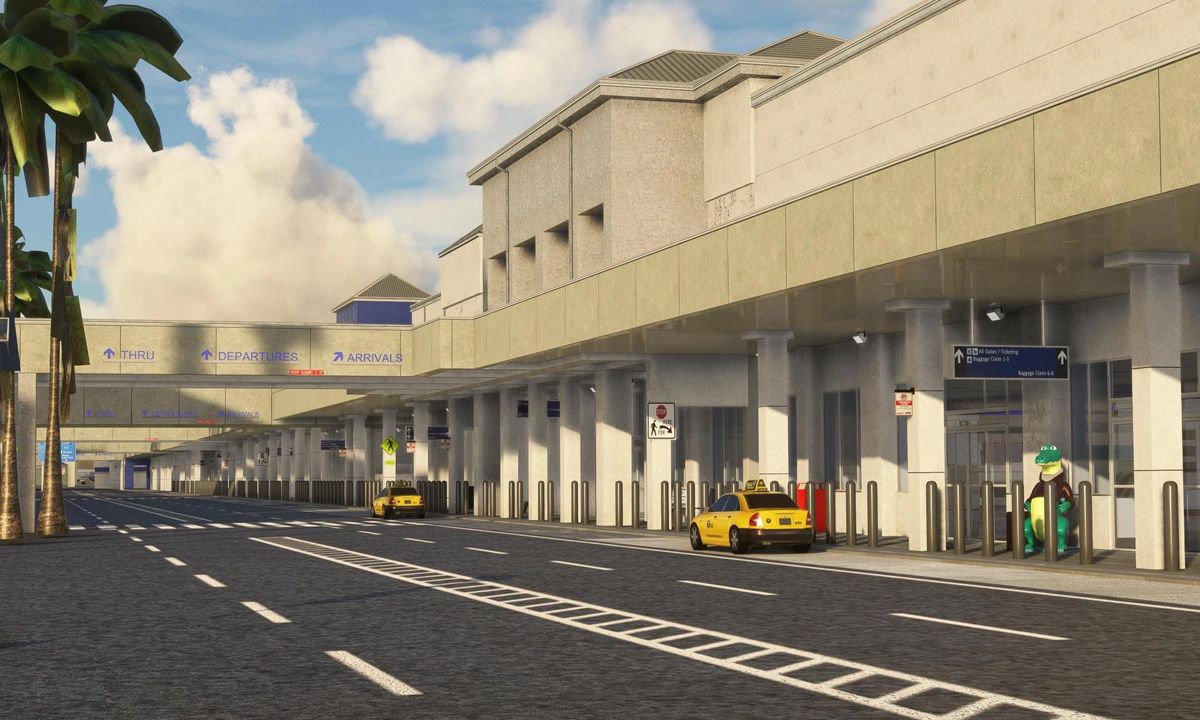
    TAIMODELS has introduced a new payware rendition of Orlando Sanford International Airport (KSFB) for Microsoft Flight Simulator 2020/24. Situated in Sanford, Florida, just north of Orlando, KSFB serves as a convenient secondary hub for the region, catering to both domestic and international travelers. With airlines such as Allegiant Air operating numerous routes from the airport, it plays a key role in providing easy access to Central Florida’s popular tourist destinations.

    The developers have crafted custom ground markings and textures with PBR materials. Additionally, the terminals, cargo buildings, and other airport structures have been designed to match their real-world counterparts using high-quality PBR textures. The inclusion of realistic lighting, taxiways, and aprons enhances the immersion.
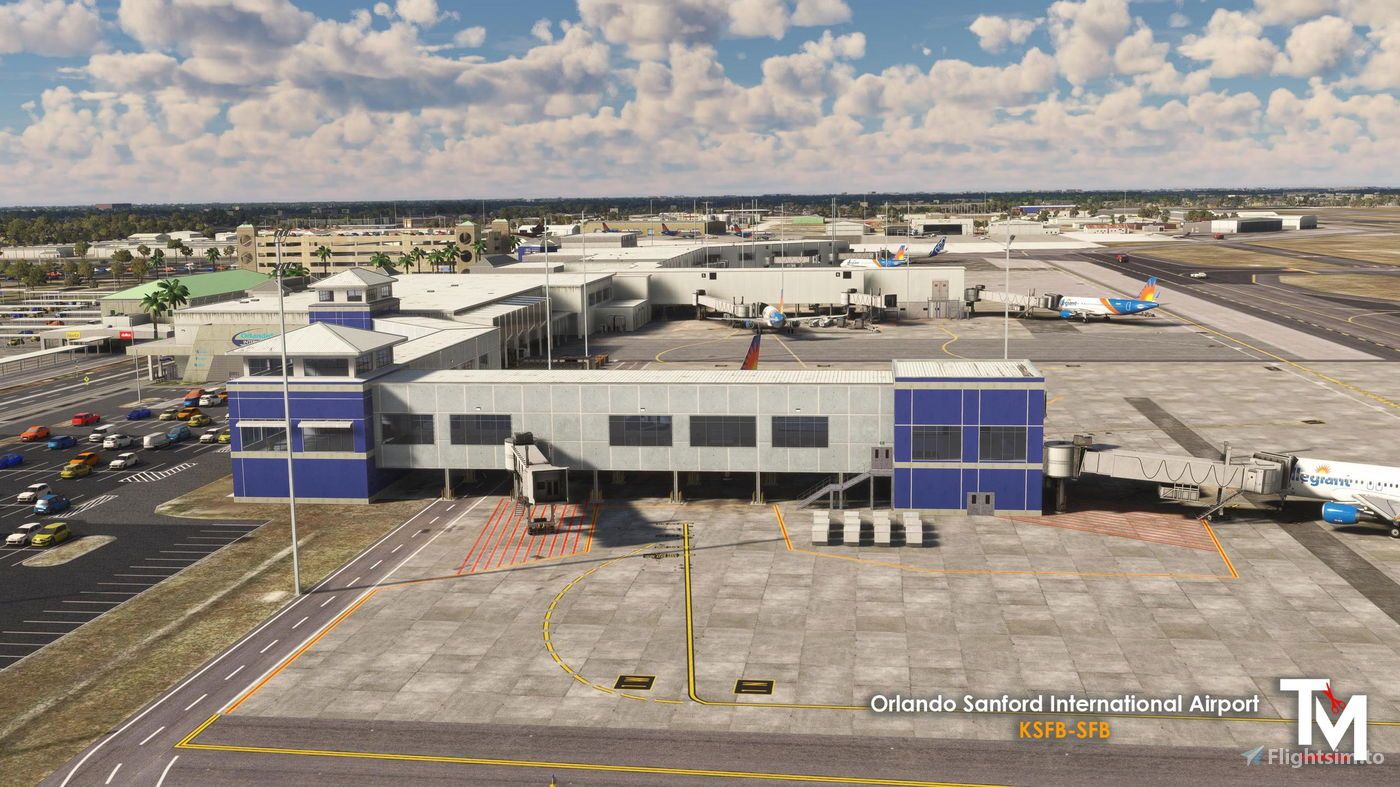

    Priced at $19.99 USD (excluding VAT), this add-on offers an immersive experience for those looking to explore a key airport in the Orlando area. You can purchase the Orlando Sanford International Airport scenery directly from Flightsim.to via this link.

    Comments

    e

    over 1 year ago

    good
    t

    over 1 year ago

    Very nice!
    l

    over 1 year ago

    1111111111111111111111111111111111111111111
    F

    over 1 year ago

    I really like all simulations with airplanes and flights. The fact is that I have dreamed of becoming a pilot since childhood. I play a lot of games with airplanes. I think I've already tried many of them. Now I also like 2048, but I try to fly every day on a regular basis.
    c

    over 1 year ago

    Taxiway lights missing on Charlie between terminal and end of RWY18
    Logo

    Looks like your ad blocker is on.

    ×

    We rely on ads to keep creating quality content for you to enjoy for free.

    Please support our site by disabling your ad blocker.

    Continue without supporting us

    Choose your Ad Blocker

    • Adblock Plus
    • Adblock
    • Adguard
    • Ad Remover
    • Brave
    • Ghostery
    • uBlock Origin
    • uBlock
    • UltraBlock
    • Other
    1. In the extension bar, click the AdBlock Plus icon
    2. Click the large blue toggle for this website
    3. Click refresh
    1. In the extension bar, click the AdBlock icon
    2. Under "Pause on this site" click "Always"
    1. In the extension bar, click on the Adguard icon
    2. Click on the large green toggle for this website
    1. In the extension bar, click on the Ad Remover icon
    2. Click "Disable on This Website"
    1. In the extension bar, click on the orange lion icon
    2. Click the toggle on the top right, shifting from "Up" to "Down"
    1. In the extension bar, click on the Ghostery icon
    2. Click the "Anti-Tracking" shield so it says "Off"
    3. Click the "Ad-Blocking" stop sign so it says "Off"
    4. Refresh the page
    1. In the extension bar, click on the uBlock Origin icon
    2. Click on the big, blue power button
    3. Refresh the page
    1. In the extension bar, click on the uBlock icon
    2. Click on the big, blue power button
    3. Refresh the page
    1. In the extension bar, click on the UltraBlock icon
    2. Check the "Disable UltraBlock" checkbox
    1. Please disable your Ad Blocker
    2. Disable any DNS blocking tools such as AdGuardDNS or NextDNS
    3. Disable any privacy or tracking protection extensions such as Firefox Enhanced Tracking Protection or DuckDuckGo Privacy.

    If the prompt is still appearing, please disable any tools or services you are using that block internet ads (e.g. DNS Servers, tracking protection or privacy extensions).